Website Handover Checklist: Everything to Transfer When a Site Changes Hands | How-to Guide
A handover checklist for agencies finishing a project, staff leaving a role, or clients changing provider: accounts and ownership, domain and DNS, code and content, forms and data, integrations, documentation, and a sign-off sheet. Includes the domain transfer timing traps.
A website changes hands more often than people expect: an agency finishes a build, a freelancer moves on, the one staff member who "did the website" leaves, a client switches provider. Each time, something gets lost. Usually it is not the site itself but the things around it: the domain registered on someone's personal card, the form that emails a former employee, the analytics account nobody can log into. A handover is complete only when the new owner could run the site, fix it and leave it, without calling the old one. This checklist is built around that test.
The rule that prevents most handover problems
Accounts belong to the organisation, not to people. Every service the site depends on should be registered to an organisational email address (web@, it@, admin@) that survives staff changes, with the organisation named as the account holder and billing on the organisation's payment method. If you only fix one thing during a handover, fix this.
For agencies, the corollary is: build in the client's accounts from day one wherever possible, or plan the transfer of each account explicitly in the contract. "We'll hand everything over at the end" is how domains end up in limbo for months.
1. The account inventory
List every account the website touches. Copy this table and fill in one row per service.
| Service | Provider | Account holder (organisation) | Login email | Who pays | Renewal date | Transferred? (date) |
|---|---|---|---|---|---|---|
| Domain registrar | ||||||
| DNS provider (if separate) | ||||||
| Website platform or hosting | ||||||
| Email for the domain | ||||||
| Analytics | ||||||
| Search Console / Bing Webmaster | ||||||
| Business profile on maps | ||||||
| Payments | ||||||
| Email marketing / newsletter | ||||||
| Booking, chat or other embeds | ||||||
| Code repository | ||||||
| Stock images or fonts licences |
For tools that support it (analytics, Search Console, business profiles), the cleanest transfer is: add the new owner as a full owner or administrator, confirm they can log in and see everything, then remove the old owner. Never remove first.
2. Domain and DNS
The domain is the one asset that can take the whole site and email with it. Treat it with extra care.
- Check the registrant. The registered holder (the registrant) should be the organisation. If an agency or former employee is the registrant, change it.
- Know the timing rules before you start. Under ICANN's Transfer Policy, a registrar may refuse a transfer to another registrar within 60 days of the domain's registration or of a previous transfer. The policy also requires a 60-day transfer lock after a change of registrant, which registrars may let the holder opt out of. In practice: if you are changing both the registrant and the registrar, ask the registrar about the opt-out before changing the registrant, or do the registrar move first.
- Moving the account may be simpler than moving the domain. Many registrars let you push a domain to another customer account at the same registrar, which is often quicker than a registrar transfer.
- Export the DNS zone (or screenshot every record) before changing anything. Email, verification and third-party services often depend on records nobody remembers adding.
- Turn on auto-renew with an organisational payment method, and note the expiry date in the inventory.
Our guides on MX records, SPF, DKIM and DMARC and what happens when a domain expires cover the records most often broken during a handover.
3. The site itself: code, content and media
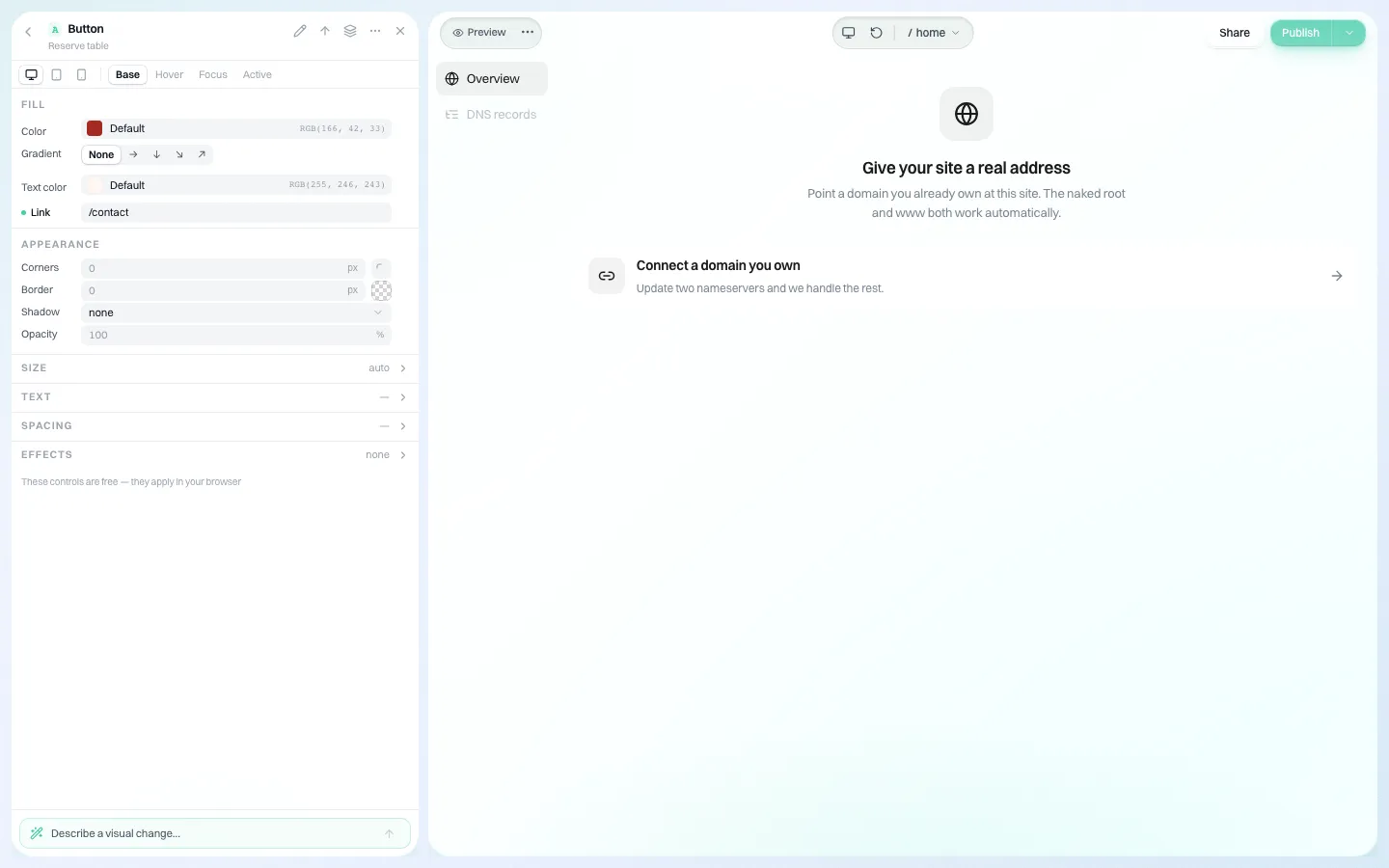
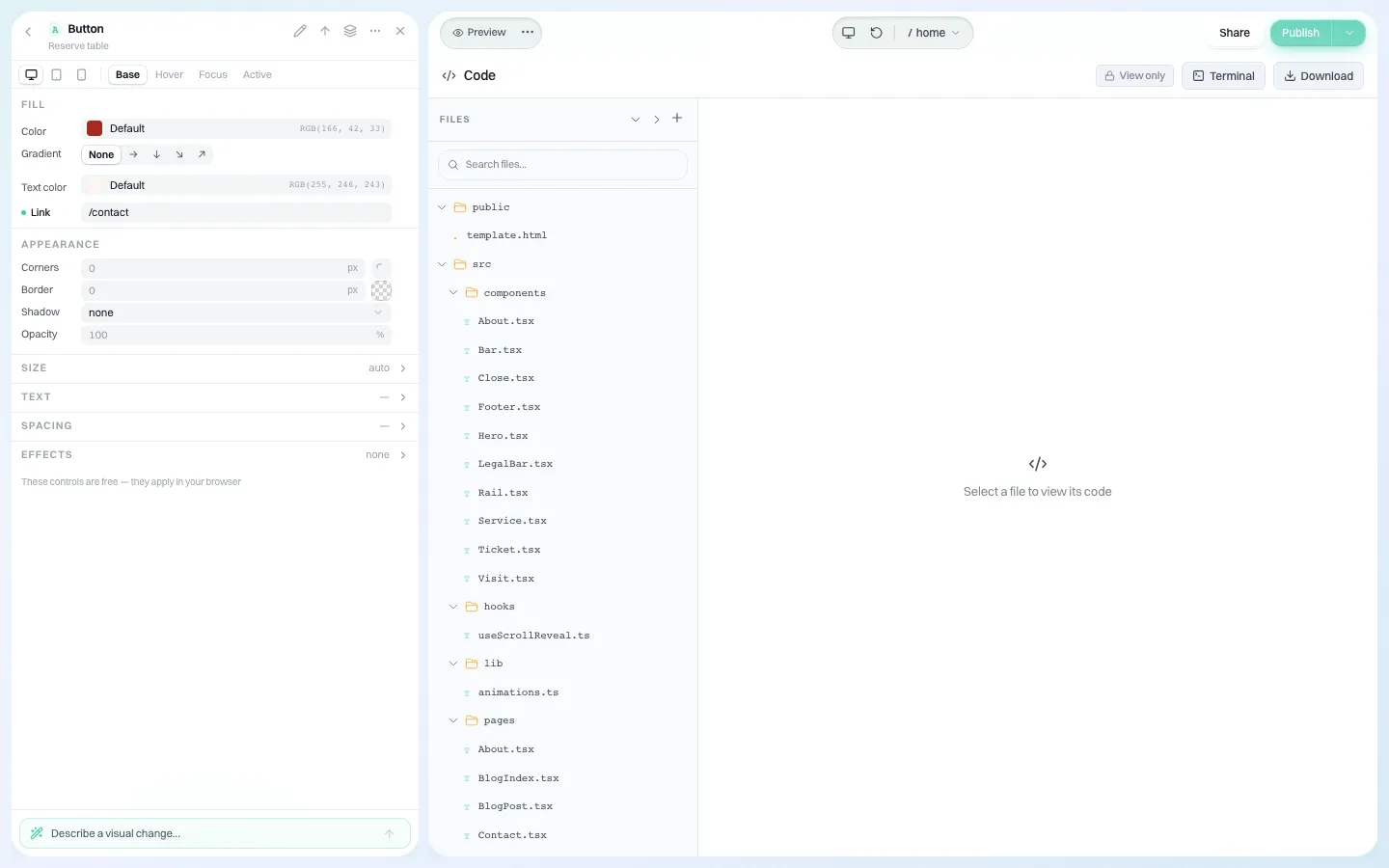
- A complete, current copy of the site the new owner can keep independently: a code download, a repository they own, or a full export, depending on the platform.
- Media originals (high-resolution images, logos in vector format, videos), not just the compressed versions on the site.
- Licences for paid themes, plugins, fonts and stock images, with proof that they are licensed to the client, not the agency.
- A list of pages, including hidden or unlinked landing pages still used by ads or print.
- Any redirects currently in place and why.
4. Forms, data and notifications
This is where handovers fail quietly. A form that emails a departed employee looks fine from the outside for months.
- List every form, where its submissions are emailed, and where they are stored.
- Change notification addresses to shared inboxes.
- Export stored submissions the organisation must keep, and agree who deletes the old copies.
- Note any personal data the site collects and where privacy policy text describes it, so the policy still matches reality after the handover.
- Submit a test entry on every form after the change and confirm it arrives.
5. Integrations and keys
- Payment, booking, newsletter and chat connections: who owns each account and whether the connection survives a change of site owner.
- API keys and webhooks: list them, then rotate any key the outgoing party knew. Rotating is cheap; a former contractor's working key is not.
- Tracking codes and pixels: confirm each one reports into an account the new owner controls; remove any that do not.
6. People and access
- List everyone with a login to any of the accounts above.
- Remove the outgoing party's access after the new owner has confirmed theirs, and record the date.
- Change any shared passwords. Move them into the organisation's password manager.
- Turn on two-factor authentication where offered, with recovery codes stored by the organisation.
7. Documentation the new owner actually needs
A handover document does not need to be long. It needs to answer the questions the new owner will have in the first bad week.
| Question | Answer in the document |
|---|---|
| How do I change the opening hours / prices / team page? | Step-by-step for the five most common edits |
| The site is down. What do I check? | Domain renewal, DNS, platform status page, support contact |
| Forms have stopped arriving. Why? | Where notifications are set, how to test, spam folder |
| What renews, when, and at what cost? | The renewal column from the inventory |
| What did we agree not to change? | Brand rules, legal text owned by someone else |
| Who do I call? | Platform support, any retained developer, internal owner |
8. Sign-off
End with a short sign-off sheet both sides keep. Each line is checked by the receiving party, not the outgoing one.
| Item | Confirmed by receiver | Date |
|---|---|---|
| I can log in to every account in the inventory as owner or administrator | ||
| The domain registrant is our organisation and auto-renew is on | ||
| I hold an independent, complete copy of the site | ||
| Test submissions from every form arrived in our inbox | ||
| All keys known to the outgoing party were rotated | ||
| The outgoing party's access was removed | ||
| I have the handover document and licences |
Handover on a white-label platform
When an agency builds sites on a white-label platform, the client often has an account under the agency's brand. That raises a fair question for both sides: what happens to the site if the relationship ends? Get the answer in writing before you start, and check it in a demo.
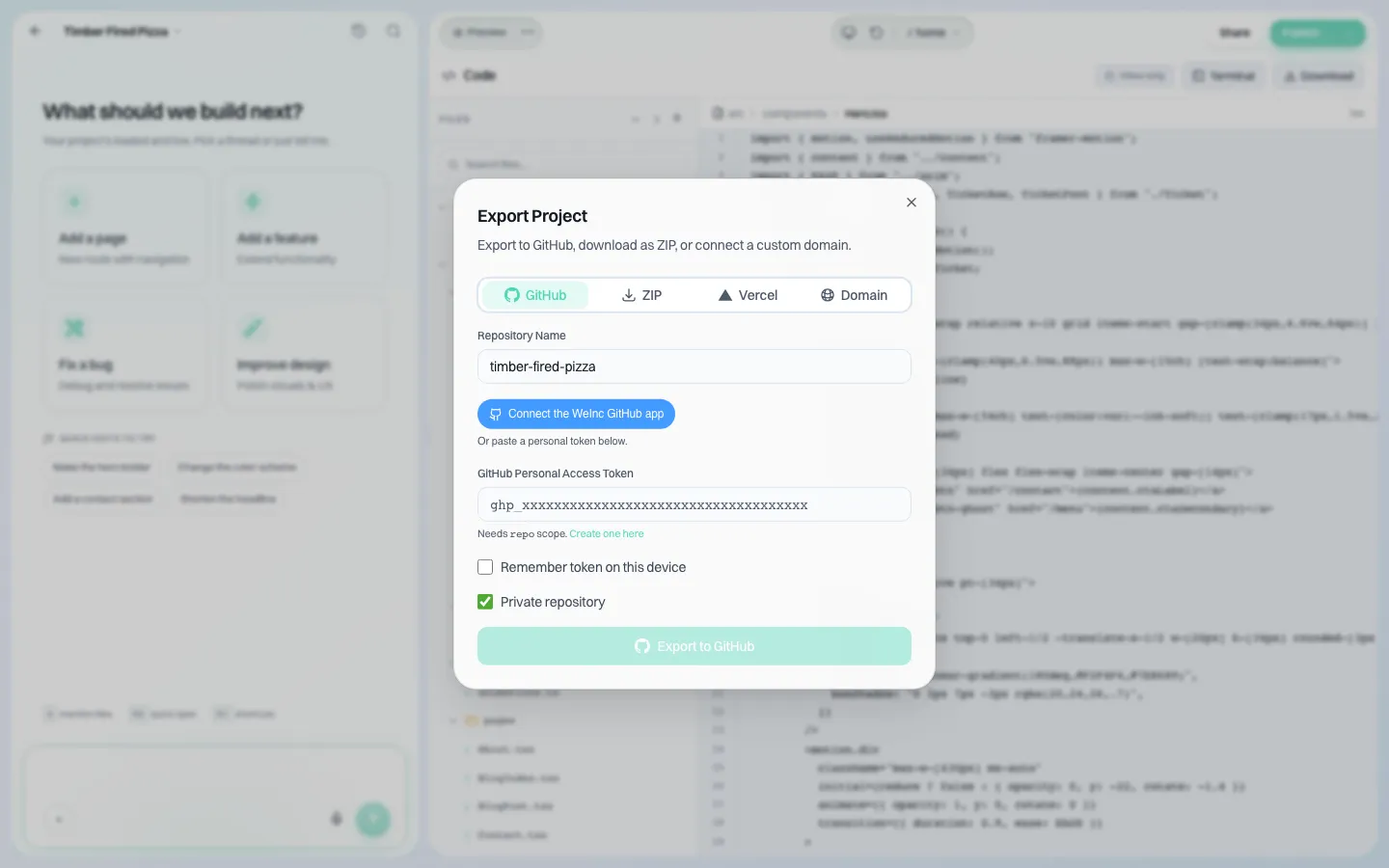
On We.Inc, the answer is concrete. Each client has their own account under the agency's brand, signs in on the agency's branded login, and owns their sites in that account. If the agency removes a client, the client's sites stay online and their account stays intact; the client simply stops receiving the agency's controls and branded emails, and the agency can restore them later. The site's code can be downloaded as a ZIP or exported to GitHub, and a domain the client connected stays registered to them.
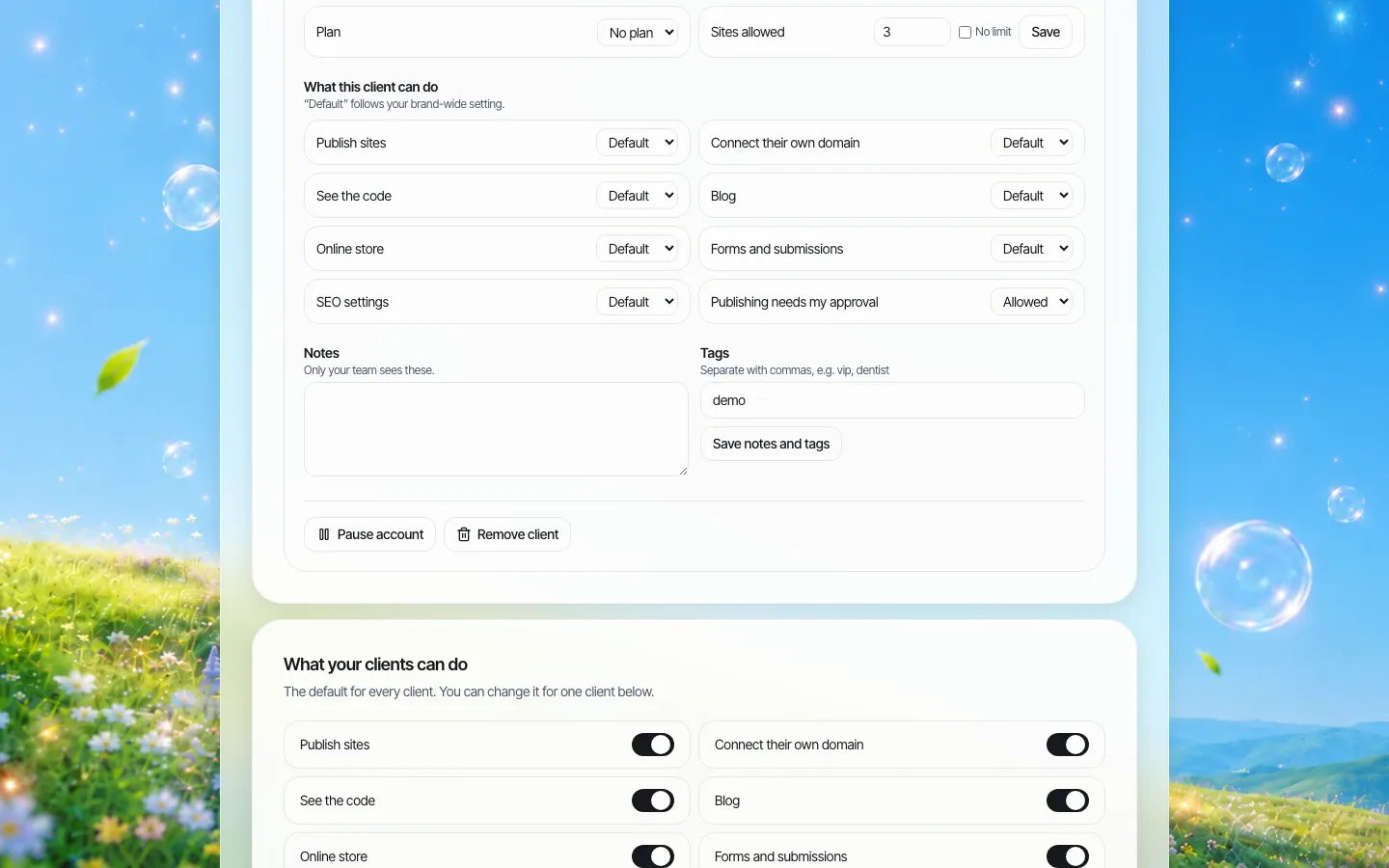
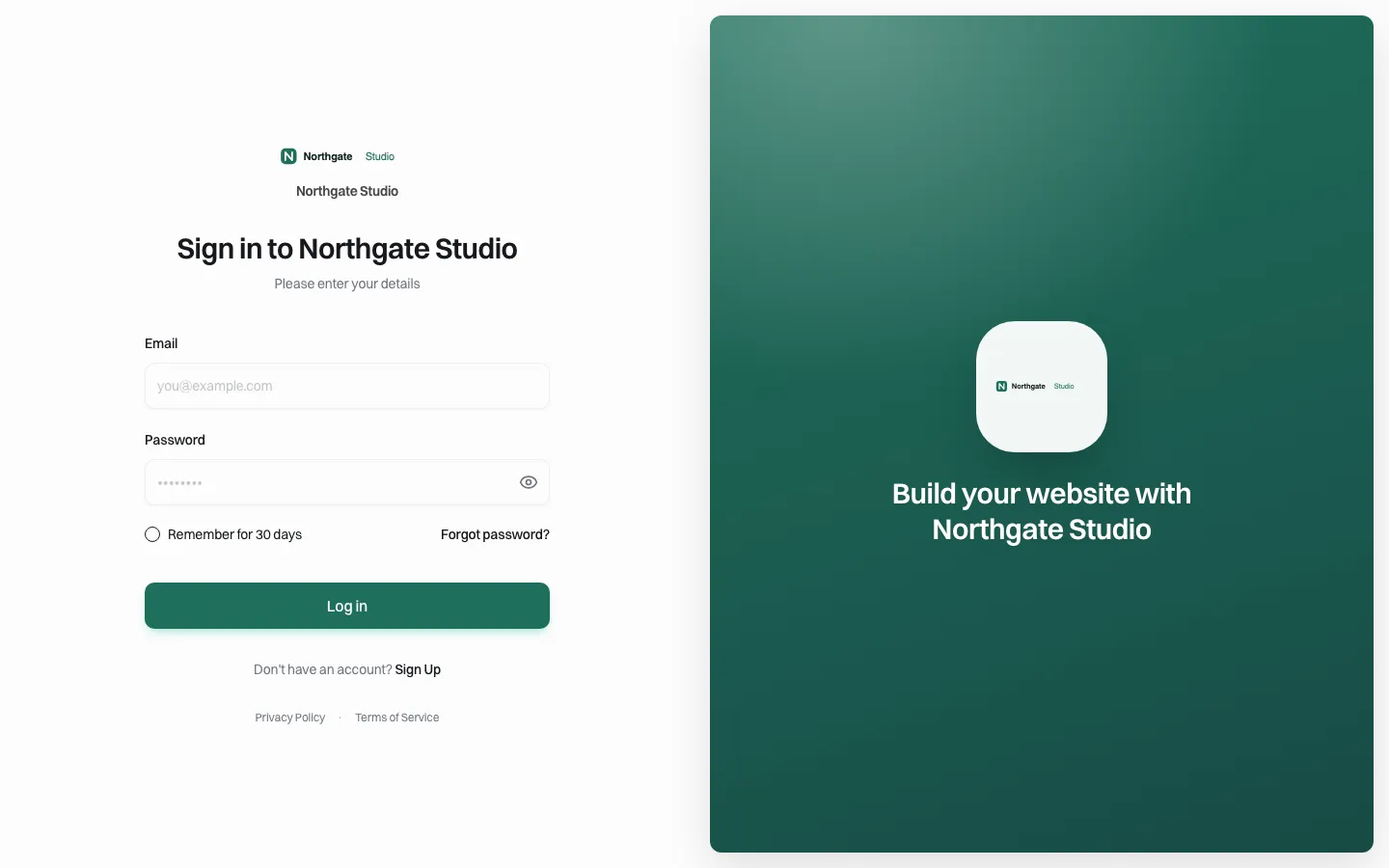
If you want to see that flow, including what a client sees and keeps, book a demo. For the contract side of leaving a provider, read our website vendor exit plan; for the checks before a new site goes live, our website launch checklist.
Sources
Last checked 2026-10-25.
- ICANN, Transfer Policy (60-day transfer denial and change-of-registrant lock). ICANN has been revising this policy; check your registrar's current rules before acting.
Frequently asked questions
What should a website handover include?
An inventory of every account the site depends on with organisational ownership, the domain and DNS records, an independent copy of the code, content and media, licences, form and data settings, rotated keys, removed access for the outgoing party, a short handover document and a sign-off sheet checked by the receiver.
Who should own the domain name?
The organisation the website belongs to, as registrant, on an organisational email address and payment method with auto-renew on. Not an agency, freelancer or individual employee.
Can I transfer a domain right after changing its owner?
Possibly not. ICANN's Transfer Policy requires registrars to apply a 60-day transfer lock after a change of registrant, though they may let the holder opt out, and a registrar may refuse transfers within 60 days of registration or a previous transfer. Check with your registrar first.
How do I know a handover is complete?
When the new owner can run, fix and leave the site without contacting the old one: they log in as owner everywhere, hold an independent copy, receive form submissions, and the outgoing party's access and keys are gone.
What happens to a client's site if an agency stops using We.Inc for them?
If the agency removes a client, the client's sites stay online and their account stays intact; they stop receiving the agency's controls and emails. The code can be downloaded or exported to GitHub.
More in Guides
- Website Header Examples You Can Edit and Copy
- Website Heatmaps: What They Are and How to Read Them
- Website Hero Section Examples for Small Businesses (Annotated) | How-to Guide
- Website Hosting Migration Without Downtime
- 120 Website Ideas, With the Pages Each One Needs
- Website Image Sizes: The Complete Table
- Website Launch Checklist: 31 Checks Before and After Go-Live | How-to Guide
- 25 Website Layout Examples (With Annotated Wireframes) | How-to Guide
Related guides and tools
Start building
- how to make a website
- AI website builder
- free website builder
- website templates
- website builders by industry
We.Inc is an AI-powered website builder you can resell under your own brand. Launch a branded client dashboard, bill on Stripe Connect, and deliver AI-generated websites in minutes. White-label pricing is tailored to your volume and setup: book a 30-minute demo for a quote.
Product
- AI Website Builder: Describe a site in plain English; it's live in minutes
- White Label Platform: Your brand, your domain, your margin
- Enterprise: SSO, custom SLAs, and dedicated support
- Developer API: Embed site generation into your SaaS
Who It's For
- For Agencies: Resell under your brand
- For Freelancers: Your own branded builder
- For Hosting Providers: Add a builder to your stack
- For SaaS Platforms: Embed site creation via API
- For Startups
- For Financial Services
- For Healthcare
Features
- Drag & Drop Editor
- Built-in SEO Tools
- Custom Branding
- Client Dashboard
- Reseller Billing (Stripe Connect)
Resources
- Blog
- Help Center
- Free Business Tools
- Free UI Components
- Website Templates
- Template Collections
- Website Examples
- Guides
- Comparisons
- Alternatives
- Best Lists
- Reviews
- Pricing Guides
- Use Cases
- Glossary & Guides
- Integrations
- Developers
- Benchmark
- Windows App