
How to Build a Web App Without Code in 2026 (Step by Step)
A clear, no-hype guide to building a real web app in 2026 without writing code: how AI builders and no-code tools differ, the exact steps to ship, and how to avoid getting locked in.
Start for free. No credit card required.
You no longer need to write code to ship a real web app. In 2026 the tools are good enough that a solo founder can go from an idea to a live, working product in an afternoon. This guide walks through exactly how, and how to avoid the traps that leave people stuck.
First, Pick Your Category of Tool
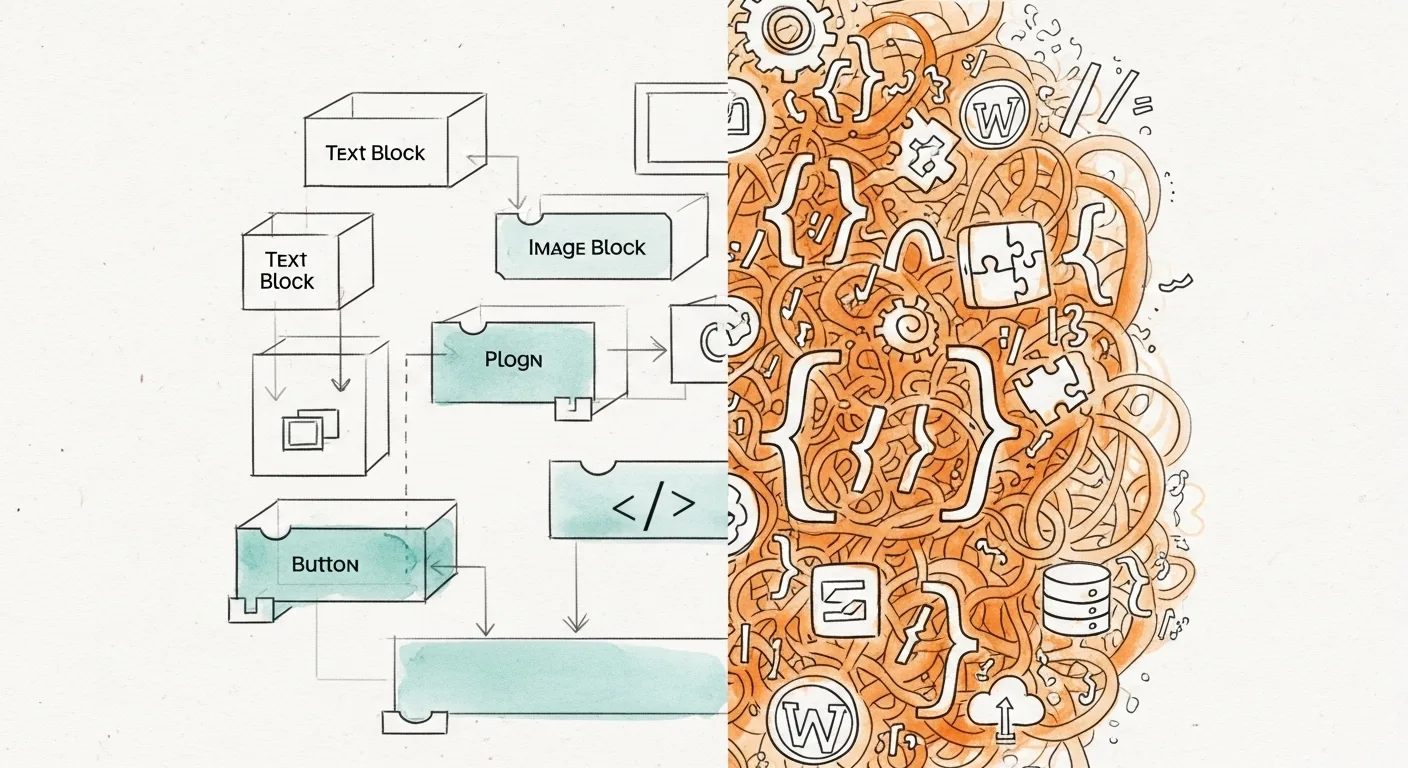
There are two families of "no-code" tools, and they work very differently.
AI App Builders
You describe the app in a chat and the AI generates a working, editable version. This is the fastest path from idea to something live. Examples include We.Inc, Lovable, and Base44. If you are comparing them, our best AI app builders guide breaks down who each one fits.
Classic No-Code Builders
You assemble the app visually with drag-and-drop and configure logic by hand. This gives you fine-grained control but takes longer to learn. Examples include Bubble, Softr, and Glide, covered in our best no-code app builders roundup.
For most people shipping a first version, an AI builder gets you there faster. For very specific, logic-heavy internal tools, a classic no-code tool can be worth the extra setup.
Step 1: Define the One Job Your App Does
Before touching any tool, write one sentence: "This app helps [who] do [what]." Resist adding features. A focused app that does one thing well is far easier to build, launch, and improve than a sprawling one. You can always add scope after real people use it.
Step 2: Describe It, Then Build
With an AI builder, the fastest start is to describe the app in plain language: who uses it, the main screens, and the core action. The AI generates a live version you can immediately click through.
Do not aim for perfect on the first prompt. Get a rough working version, then refine. The loop is: look at what it built, describe the next change, repeat.
Step 3: Refine Visually and in Code
The best tools let you edit two ways. Use click-to-edit for quick visual changes like copy, colors, and layout. Drop into a code editor when you need precise control. We.Inc includes both a visual editor and a real code editor, so you are never stuck waiting on a prompt for a small tweak.
This dual approach matters: pure-chat tools can be slow for tiny edits, and pure-visual tools can be limiting for anything custom.
Step 4: Connect Data and Payments
Most real apps need to store data and, often, take money. Check that your tool handles:
- A database for users, content, or records.
- Authentication so people can log in.
- Payments, ideally through your own Stripe account so you keep control of billing.
Some builders manage all of this for you; others expect you to connect services. Know which you are choosing before you build.
Step 5: Publish to Your Own Domain
A real app lives on a real domain. Make sure your tool can publish to a custom domain with SSL, not just a branded subdomain. We.Inc publishes to your own domain with free SSL in one click.
Step 6: Protect Your Ownership
This is the step people skip and regret. Before you invest weeks, confirm you can get your app out. The safest tools export real, standard code. We.Inc exports a full React, Vite, and TypeScript project to GitHub, so if you ever outgrow the builder, you take the whole codebase with you. Tools with limited or no export can trap your work on the platform.
Common Mistakes to Avoid
- Over-building before launch. Ship the one-job version and let real users guide the rest.
- Ignoring export. Pick a tool that lets you own your code from day one.
- Choosing on price alone. A cheap tool you cannot leave is more expensive than a fair one you can.
The Bottom Line
Building a web app without code is genuinely realistic in 2026. Start with an AI builder for speed, keep your app focused on one job, refine both visually and in code, and choose a tool that lets you own and export your work. If you want the fastest path with no lock-in, try We.Inc and describe your first app in a sentence. Start free with a template site; AI builds from one prompt on paid plans from $20/mo.
Frequently asked questions
Can you really build a web app without coding in 2026?
Yes. AI app builders let you describe the app in plain language and generate a working, editable version, while classic no-code tools use visual editors. Both can produce real, usable web apps without you writing code. The main limits show up in very complex logic or high-scale performance.
What is the difference between no-code and AI app builders?
Classic no-code tools like Bubble and Softr use drag-and-drop and visual logic. AI app builders like We.Inc, Lovable, and Base44 build the app from a text description. AI builders are faster to a first version; no-code tools can offer more granular manual control.
Will I get locked into the platform?
Sometimes. Some builders make it hard to export your app. To stay portable, prefer a tool that exports real, standard code. We.Inc, for example, exports a full React project to GitHub so you own it and can leave anytime.
How much does it cost to build a web app without code?
Most tools have a free tier and paid plans from roughly $20 to $40 per month. That is a fraction of custom development, which typically starts in the thousands. Budget for the plan tier that matches how much you will build each month.
More in Blog
- How to Build a Website for Your Business in 2026: A Step-by-Step Guide
- How to Choose a Web Design Agency: 12 Questions to Ask
- Best Fonts for Websites (2026): 15 Free Google Fonts, Ranked
- How to Get Web Design Clients in 2026: 9 Channels That Still Work
- How to Grow a Web Design Business: The Honest Math Behind 10x Revenue
- How to Make a Booking Website for Appointments
- How to Make a Website for Your Small Business (Step by Step)
- How to Make a Website to Sell Stuff (Without Coding)
Start building
- how to make a website
- AI website builder
- free website builder
- website templates
- website builders by industry
Related guides
How we research, test and update this page: our editorial policy. We.Inc is our own product.
Product
Who It's For
- For Agencies
- For Freelancers
- For Hosting Providers
- For SaaS Platforms
- For Startups
- For Financial Services
- For Healthcare
Features
Resources
- Blog
- Help Center
- Free Business Tools
- Free UI Components
- Website Templates
- Template Collections
- Website Examples
- Guides
- Comparisons
- Alternatives
- Best Lists
- Reviews
- Pricing Guides
- Use Cases
- Glossary & Guides
- Integrations
- Developers
- Benchmark
- Windows App