
Dawn Shopify Theme Review: Features, Limits, Tips
Dawn is Shopify's free Online Store 2.0 theme. See what it includes, who it suits, where it falls short, and how it compares with paid themes.
Short answer: Dawn is Shopify's free, source-available reference theme, built around Online Store 2.0 features such as sections on every page, blocks you can reorder, and app blocks. It suits new and small stores that want a fast, clean, image-led storefront without paying for a theme. It is a weaker fit for large catalogs, heavy merchandising, or brands that need a distinctive layout out of the box.
What Dawn is
Shopify introduced Dawn in June 2021 as the first theme to showcase Online Store 2.0, and its changelog calls it a free theme. The code is public in the Shopify/dawn repository on GitHub, and the theme is described as source-available. When I checked in November 2026, the latest GitHub release listed was v16.1.1 (dated November 2), which fixed cart interactions. The release before it, v16.0.0, moved the header over to Shopify's customer account experience. So it is still actively maintained.
Shopify's launch material says Dawn uses semantic HTML and CSS rather than external libraries, and claims it loads 35% faster than the older Debut theme. That figure is Shopify's own claim from launch, not something I measured, so test your own store with real products and apps before relying on it.
The Theme Store describes Dawn as a minimalist theme that lets product images take center stage. That is a fair summary of how it feels: plenty of white space, large images, restrained typography.
What you get out of the box
Sections and blocks on every page
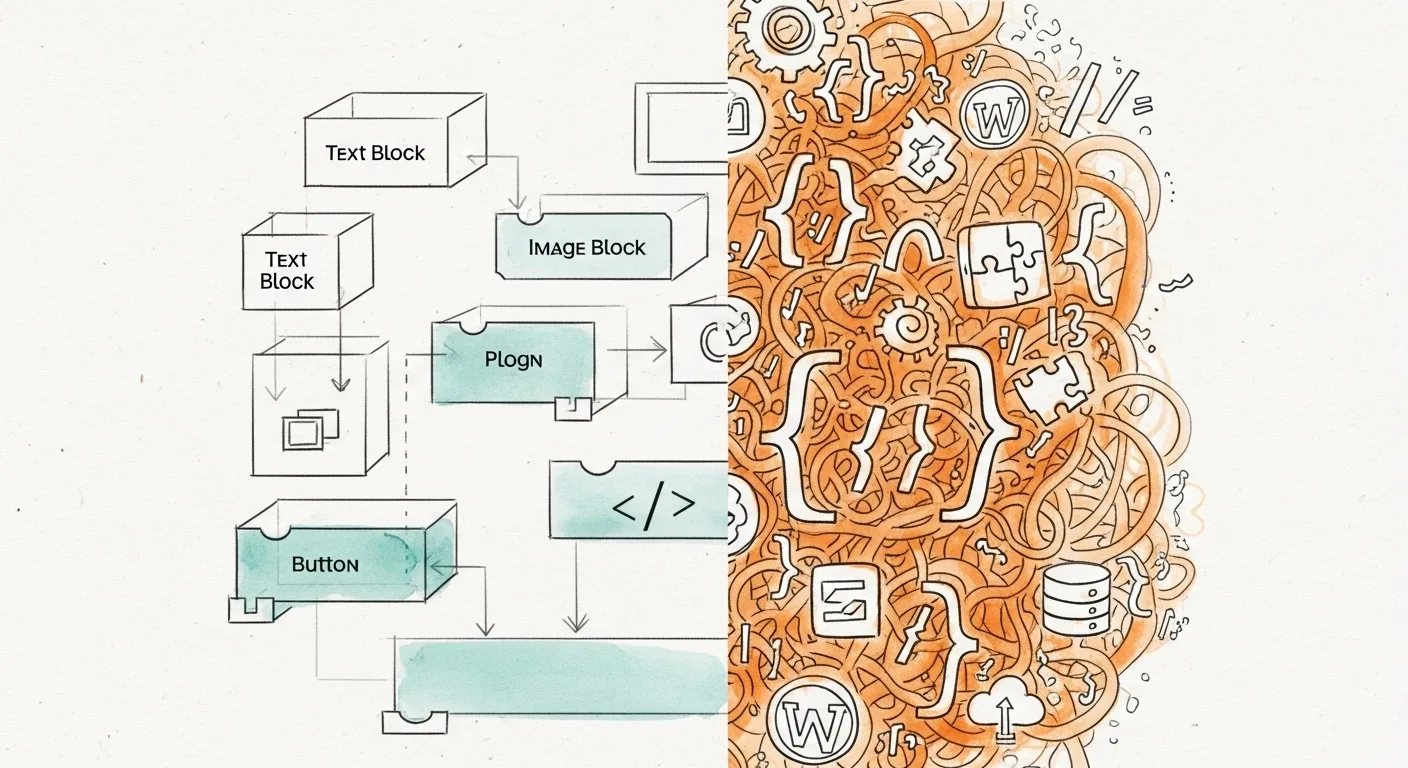
Before Online Store 2.0, only the home page could be built from movable sections. Dawn uses JSON templates, so product, collection and other pages are also lists of sections and settings that you can rearrange in the theme editor. Key sections are split into blocks that you can add, remove and reorder.
Default page layouts
According to Shopify's Help Center, product pages start with a Product information section and a Product recommendations section. Collection pages start with a Collection banner and a Product grid. Shopify notes that this page may not reflect the current version, so open the theme editor to see exactly what your copy of Dawn includes.
App blocks
Apps that support app blocks can be dropped into a section from the editor. That means less pasting of snippets into theme files, and cleaner removal if you uninstall an app.
Cross-selling
Shopify highlights cross-selling sections and blocks across the shopping funnel, including the cart. Dawn also includes predictive search in the header.
Who Dawn suits
- First-time store owners who want a working storefront today and plan to refine it with real sales data.
- Small catalogs where a clean grid and simple product pages are enough.
- Developers and agencies who want a clean base to extend. If that is you, see our guide to Shopify theme development.
- Stores that rely on photography, since the layout is built around large images.
Where Dawn falls short
- Home page flexibility. Merchants in Shopify Community threads say the home page feels limited and that extra section types need custom code.
- Search. The default search matches a narrow set of fields (title, product type, variant title and vendor, per community reports), so SKUs and description text are not searchable by default. Workarounds involve editing predictive-search.js or adding a search app, and one thread notes that an older snippet broke in version 15.4.0. Treat code snippets from old forum posts with care.
- Merchandising extras. Things like mega menus, advanced filtering and lookbooks are often listed as paid-theme features. Dawn can get there with apps or code.
- Looking like everyone else. Dawn is widely used, so an unedited install can look generic. Fonts, colors and imagery do most of the work to avoid that.
Dawn vs paid themes
Community discussions keep returning to one point: a paid theme mostly sells you time, meaning prebuilt sections you would otherwise pay a developer to build, plus someone maintaining them when Shopify changes things. Prices vary. In one Theme Store category I checked, paid themes were listed from about $100 to $430 (checked November 2026). That is a sample from one category, not the full range.
| Question | Dawn (free) | Typical paid theme |
|---|---|---|
| Theme cost | Free | One-time fee, about $100 to $430 in one category sample (checked November 2026) |
| OS 2.0 sections and app blocks | Yes | Yes |
| Layout variety on the home page | Basic, extendable with code | Usually broader set of prebuilt sections |
| Mega menu, advanced filtering, lookbook | Not core; use apps or code | Often built in, varies by theme |
| Source code access | Public on GitHub | Delivered with the theme, license varies |
| Best for | New stores, small catalogs, developers | Established stores with specific merchandising needs |
If you are weighing other free options first, read Shopify's free themes. To shop for a paid one, see how to find a Shopify theme.
Customization tips that pay off
- Duplicate the theme first. In Online Store, Themes, use the theme's menu to duplicate it, and edit the copy. You keep a clean fallback.
- Set your brand basics in theme settings. Colors, fonts and button style change the whole store at once, so do this before touching sections.
- Rebuild the home page in the editor. Remove default sections you will not use, then order the rest: hero, featured collection, proof (reviews or press), a short brand story, then email signup.
- Use blocks on product pages. Reorder the blocks in Product information so price, variants and the buy button sit above long descriptions. Our guide to Shopify product variants covers option setup.
- Prefer app blocks over pasted code. They are easier to move and to remove cleanly.
- Compress images before uploading. Large photos are the most common reason a fast theme feels slow.
- Test search and the cart on mobile. Search it with real customer wording, SKUs included. Add to cart and check out on a phone.
For the step-by-step editor walkthrough, see how to edit a Shopify theme.
Checklist before you commit to Dawn
- [ ] My catalog is small enough that default search is fine, or I have budgeted for a search app.
- [ ] I can live with a simple home page, or I can edit Liquid or hire someone who can.
- [ ] I duplicated the theme before editing.
- [ ] Apps I need offer app blocks.
- [ ] I tested the store on a phone with real products.
- [ ] I know which single missing feature would make me move to a paid theme.
When Dawn (or Shopify) is not the right call
If your real issue is that Shopify's theme system feels heavy for a simple site, compare platforms before you spend on a paid theme. Our Shopify alternatives page and the Shopify vs WordPress comparison cover the trade-offs. New We.Inc accounts can build a site free, with no card needed to start; paid plans start at $20 a month. You can start at my.we.inc/signup.
Verdict
Dawn is a solid free starting point: current, maintained, fast by design, and built on the same section system as paid themes. Start with it, launch, and watch where customers get stuck. Move to a paid theme only when a clear, specific limitation costs you more than the theme would.
Frequently asked questions
Is the Dawn theme really free?
Yes. Shopify's own theme listings and changelog describe Dawn as a free theme built by Shopify, so you can add it to your store and publish it without a theme purchase. You still pay for your Shopify plan, and any apps you add have their own pricing.
Is Dawn good for a large catalog?
It can work, but you will hit limits sooner than with a feature-heavy paid theme. Dawn's default search matches fields like title, product type, variant title and vendor, according to Shopify Community threads, so shoppers searching by SKU or description text may not find products. Merchants usually add a search app or custom code, so test search with real queries before you commit.
Can I change Dawn's code?
Yes. Dawn is source-available on GitHub (Shopify/dawn), and you can edit a copy of the theme in the code editor or locally. Shopify releases updates to Dawn, so duplicate the theme before you edit and keep a note of every change. Otherwise you will have to re-apply your edits when you move to a newer version.
Does Dawn support apps?
Yes. Dawn supports app blocks, which let apps add elements you can place and style in the theme editor instead of pasting code into theme files. Not every app offers an app block, so check an app's listing before you install it.
Should I switch from Dawn to a paid theme?
Switch when a specific missing feature costs you sales or time, such as advanced filtering, mega menus or richer product page layouts, and when a paid theme includes it without an app. If you only want a different look, try Dawn's other styles and the free themes first. Shopify itself says its free themes offer many of the same features as premium ones.
More in Blog
- Shopify Free Trial: 3 Days, Then $1/Month for 3 Months
- Website Migration SEO Checklist: Keep Your Rankings
- Small Business Website Cost: What to Budget in 2026
- Social Proof Strategies That Boost Conversions
- Softr Client Portal: Setup, User Groups and Limits
- Notion Softr: Use Notion as a Softr Data Source (2026)
- The Solopreneur's Tech Stack: Every Tool You Actually Need in 2026
- Squarespace AI Website Builder Review: Is Blueprint AI Worth It?
Website builders for the businesses in this article
Alternatives mentioned in this article
Start building
How we research, test and update this page: our editorial policy. We.Inc is our own product.
Product
Who It's For
- For Agencies
- For Freelancers
- For Hosting Providers
- For SaaS Platforms
- For Startups
- For Financial Services
- For Healthcare
Features
Resources
- Blog
- Help Center
- Free Business Tools
- Free UI Components
- Website Templates
- Template Collections
- Website Examples
- Guides
- Comparisons
- Alternatives
- Best Lists
- Reviews
- Pricing Guides
- Use Cases
- Glossary & Guides
- Integrations
- Developers
- Benchmark
- Windows App