Website SLA Checklist: What a Service Level Agreement Should Promise, Measure and Exclude | How-to Guide
A checklist for writing or reviewing a website service level agreement: availability and how it is measured, severity levels with response and fix times, support hours, maintenance windows, credits, exclusions and reporting. With a downtime table and copyable clauses.
A service level agreement is the part of a website contract people read only when something has gone wrong. That is exactly why it has to be precise. "We aim for high availability and prompt support" sounds fine at signing and means nothing at 7pm on a Friday when the booking form has stopped sending. This checklist is for both sides: agencies writing an SLA for their clients, and organisations reviewing one from a vendor. Each section says what to promise, how to measure it, and what to leave out.
First decide what the SLA covers
A website depends on several services that are often supplied by different companies: the domain registrar, DNS, hosting, the site builder or CMS, form and email delivery, payments, and any embedded third-party tools. An SLA can only promise what its author controls. The most common source of disputes is an SLA that reads as if it covers "the website" when the author actually controls one or two layers.
| Layer | Who usually controls it | Put in this SLA? |
|---|---|---|
| Domain registration and renewal | Whoever holds the registrar account | Only if you hold the account; otherwise list it as an exclusion |
| DNS | Registrar or DNS provider | Same as above |
| Hosting and serving pages | Platform or host | Yes, if you provide hosting, backed by your own supplier's terms |
| Site content and design fixes | Agency or in-house team | Yes: this is where response and fix times matter most |
| Form submissions and email delivery | Platform plus email provider | Partly: you can promise to investigate, not that every email lands |
| Payments | Payment processor | No; the processor's own terms apply |
| Embedded tools (maps, booking, chat) | Each vendor | No; list as exclusions |
Checklist item 1: the SLA names each service it covers and lists the ones it does not.
Availability: the number and how it is counted
An availability figure is only meaningful with its measurement rules. Before agreeing a percentage, agree these four things:
- The measurement period. Monthly is normal. A yearly figure lets a full day of downtime hide inside a good year.
- What "down" means. Home page not loading? Any page returning an error? Forms failing? Be specific; "the home page returns a successful response within 10 seconds from two independent monitoring locations" is measurable.
- Who measures. The provider's monitoring, the client's, or a named independent service. Agree before there is a dispute.
- What is excluded from the count. Usually scheduled maintenance announced in advance, problems caused by the client, and outages at suppliers listed as exclusions.
Here is what common percentages mean in practice, so both sides know what they are signing. The figures are plain arithmetic on a 30-day month (43,200 minutes) and a 365-day year.
| Availability | Allowed downtime per 30-day month | Allowed downtime per year |
|---|---|---|
| 99% | 7 hours 12 minutes | about 3 days 15 hours |
| 99.5% | 3 hours 36 minutes | about 1 day 20 hours |
| 99.9% | 43 minutes | about 8 hours 46 minutes |
| 99.95% | 22 minutes | about 4 hours 23 minutes |
| 99.99% | 4 minutes | about 53 minutes |
An agency should never promise its client a better figure than its own hosting supplier promises the agency. If the supplier offers no written figure, the honest SLA says so and promises response times instead of an availability percentage.
Checklist items 2 to 5: a monthly period; a written definition of down; an agreed measurer; a list of exclusions from the count.
Severity levels with response and fix times
For most small and mid-sized sites, how quickly someone responds and fixes problems matters more than the availability percentage. Define severity by impact on the site's users, with examples, so nobody argues about it during an incident.
| Severity | Definition | Examples | First response | Target to fix or work around |
|---|---|---|---|---|
| 1: Critical | Site unavailable, or a core function broken for all users | Site down; checkout or main enquiry form failing; site defaced | 1 hour, including out of hours if paid for | 4 hours |
| 2: High | Important function broken or degraded, no workaround | One key form failing; important page missing; serious display fault on phones | 4 business hours | 1 business day |
| 3: Normal | Fault with a workaround, or a minor function broken | A link broken; an image missing; layout glitch on one page | 1 business day | 5 business days |
| 4: Request | Change, not a fault | New page, text updates, new feature | 2 business days | As quoted or as the plan allows |
These numbers are a starting point, not a standard. Set them by what you can staff. A two-person agency that promises a one-hour response at 3am will break the promise; it is better to promise next-morning response honestly and price an out-of-hours option for clients who need it.
Checklist items 6 to 9: severity defined by impact; examples for each; separate response and fix targets; clear statement of whether the clock runs out of hours.
Support hours, channels and who may raise a ticket
- Business hours stated with a time zone and public holidays named or referenced.
- The channels that start the clock (an email address or support form), and the ones that do not (a text to a staff member's personal phone).
- Out-of-hours route for severity 1, if offered, and its cost.
- Named contacts on the client side who can raise and approve tickets, so a stranger cannot order changes.
- What the first response must contain: acknowledgement, severity agreed, next update time.
- Update frequency during a severity 1 incident (for example, every hour until resolved).
Maintenance windows and changes
Planned work is not downtime, but only if it is genuinely planned. Specify the notice period (for example, three business days), the usual window (for example, outside the client's business hours), the maximum length of a window, and the limit on how many windows a month can be excluded. Without that last limit, any outage can be relabelled as maintenance after the fact.
Checklist items 10 and 11: notice period and window stated; cap on excluded maintenance per month.
Backups and recovery
Two numbers describe recovery. The recovery point is how much recent work could be lost (for example, changes since last night's backup). The recovery time is how long it takes to get back online after a serious failure. State both, state how often backups are tested by actually restoring one, and state whether the client can get a copy of their site independently of the provider. That last point is the client's real safety net if the provider itself fails; we cover it more fully in our website vendor exit plan.
Checklist items 12 to 14: recovery point; recovery time; independent copy available to the client.
Service credits
Credits compensate a client when a target is missed. They are rarely large, and that is fine: their job is to make the provider take the target seriously and to give the client a remedy short of ending the contract. A workable structure:
| Measured monthly availability | Credit on that month's fee |
|---|---|
| Below the target, but at or above target minus 0.5 points | 10% |
| Below that, but at or above target minus 1.5 points | 25% |
| Lower still | 50% |
Agree the details too: the client must claim within a set period (for example, 30 days), credits come off future invoices rather than as cash, and repeated misses (for example, three months in a row) give the client the right to end the contract without penalty. That last clause is worth more than any percentage.
Checklist items 15 to 17: credit scale; claim process; termination right for repeated failure.
Exclusions that are fair, and ones that are not
| Fair exclusion | Unfair or too broad |
|---|---|
| Outages caused by changes the client made against advice | "Any issue caused by the client" with no definition |
| Named third-party services the provider does not control | "Third-party failures" covering the provider's own hosting supplier |
| Announced maintenance within the agreed cap | Unlimited emergency maintenance |
| Attacks beyond reasonable protection, if the provider shows it took reasonable steps | Any security incident whatsoever |
| Domain lapses where the client holds the registrar account | Domain lapses where the provider holds the account |
Reporting
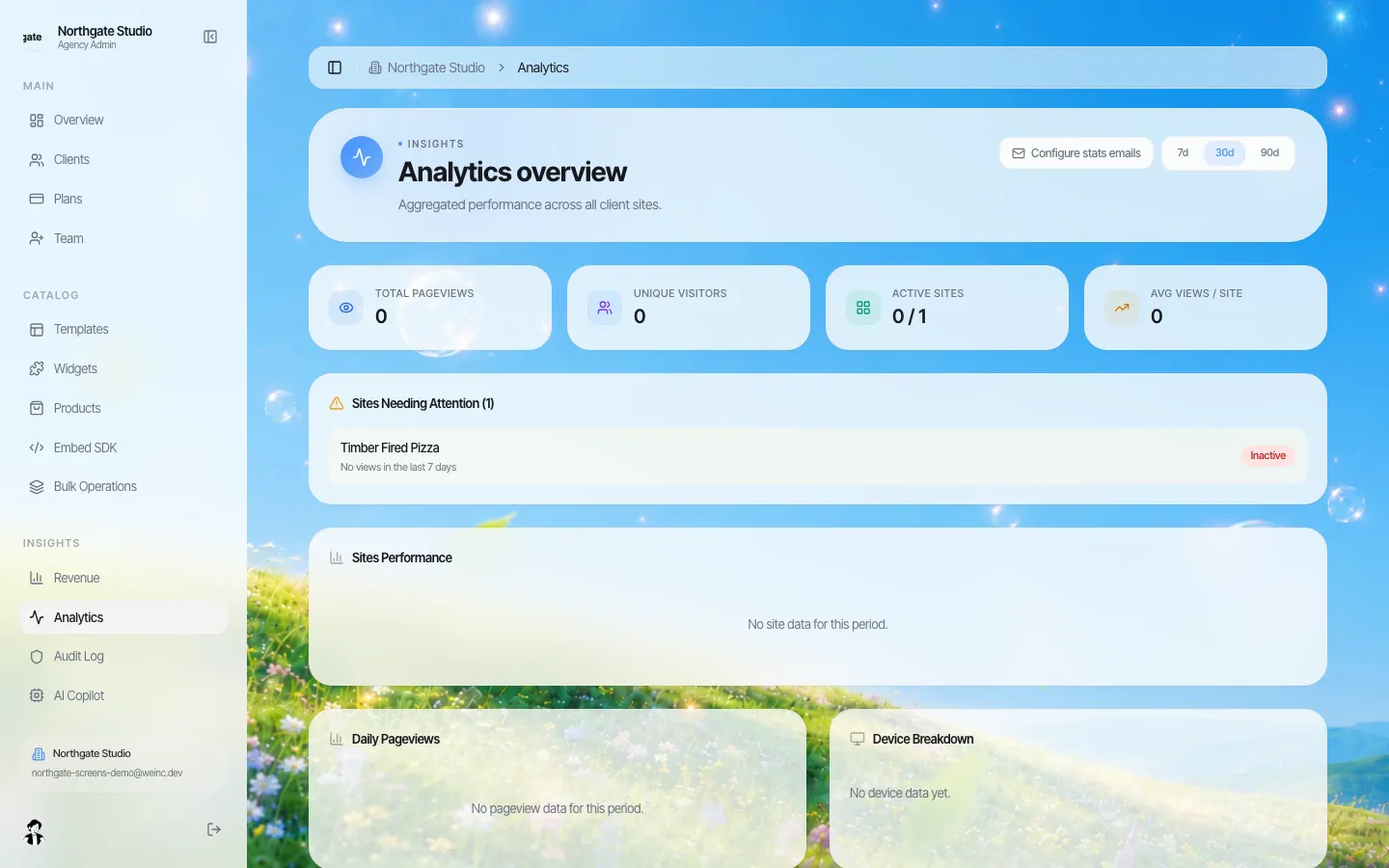
Ask for a short monthly report: measured availability, incidents with severity and times, requests completed, anything outstanding. A report that arrives without being asked for is also the simplest evidence that the provider is actually monitoring.
Checklist items 18 and 19: monthly report contents; who receives it.
The full checklist
- Covered services named; excluded services listed.
- Availability measured monthly.
- "Down" defined in measurable terms.
- Measurer agreed.
- Exclusions from the availability count listed.
- Severity defined by user impact.
- Examples per severity.
- Separate response and fix targets.
- Out-of-hours coverage stated.
- Maintenance notice and window stated.
- Cap on excluded maintenance.
- Recovery point stated.
- Recovery time stated, backups test-restored.
- Client can obtain an independent copy of the site.
- Credit scale.
- Claim process and deadline.
- Termination right for repeated failure.
- Monthly report contents.
- Report recipients and named client contacts.
- Review date for the SLA itself (yearly).
If you sell maintenance plans, the SLA sits alongside the plan's scope; our guide to website maintenance packages covers how to scope and price them.
Where We.Inc fits, honestly
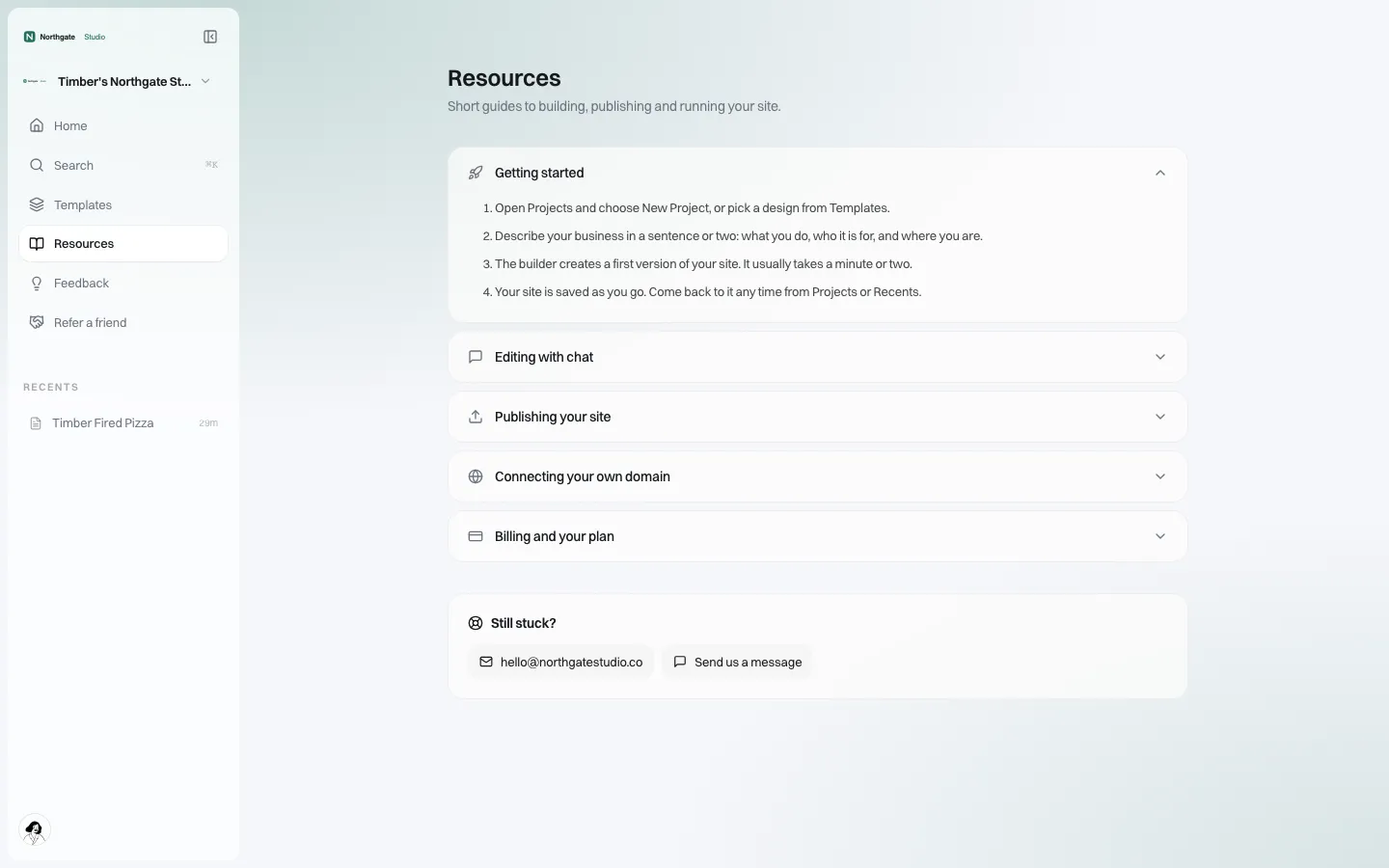
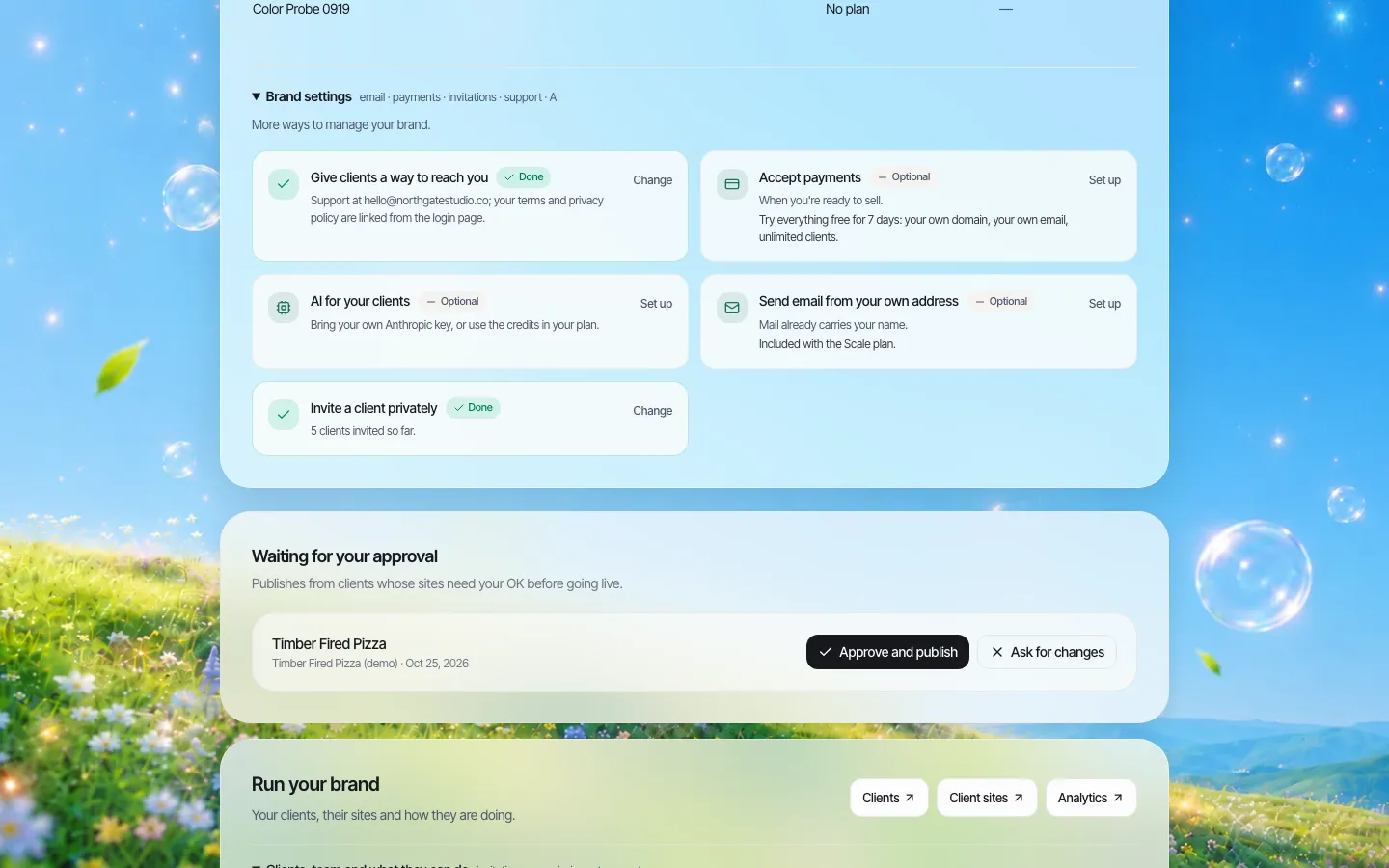
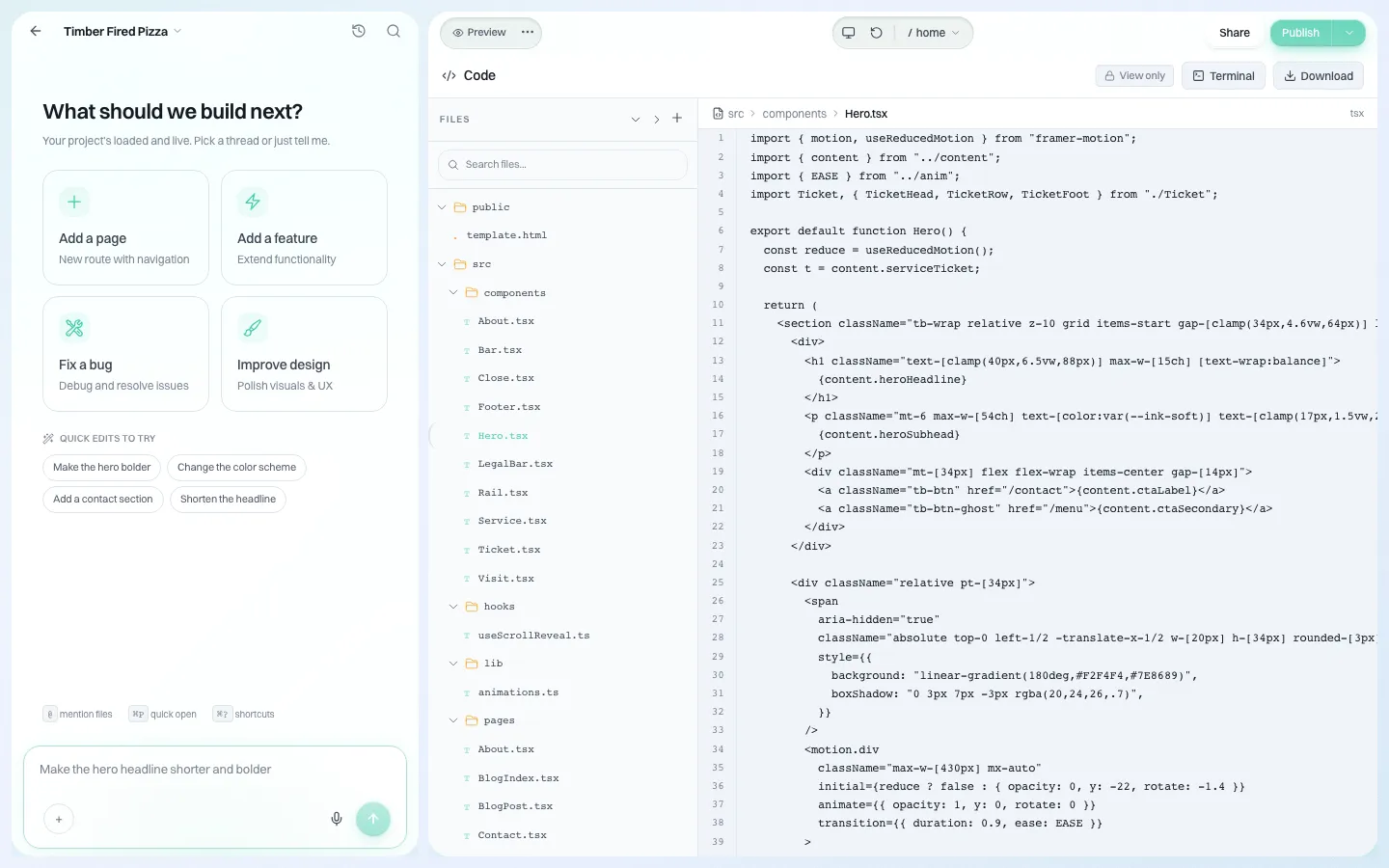
We.Inc is a white-label website builder that agencies and organisations run under their own brand. We do not publish an uptime percentage or service credits, so an agency should not pass one on to its clients on our behalf; write your SLA around the parts you control, such as response and fix times, and treat hosting availability as best effort unless you have a written figure from us. What helps you meet the rest: clients report problems to your branded support contact, you can open any client's site from your console to fix it, and every site's code can be downloaded as a ZIP, which gives the client the independent copy in item 14. To talk through how this fits your support model, book a demo.
This checklist is general information, not legal advice. Have a lawyer review any contract before you sign it.
Frequently asked questions
What should a website SLA include?
The services it covers and excludes, an availability figure with a measurement period, a definition of down and an agreed measurer, severity levels with response and fix times, support hours and channels, maintenance rules, recovery point and time, service credits with a claim process, a termination right for repeated failure, and monthly reporting.
How much downtime does 99.9% availability allow?
About 43 minutes in a 30-day month, or roughly 8 hours 46 minutes in a year. 99.5% allows 3 hours 36 minutes a month and 99% allows 7 hours 12 minutes.
Should an agency promise uptime to its clients?
Only a figure its own hosting supplier has promised it in writing, and no better. If the supplier gives no figure, the honest SLA promises response and fix times and treats availability as best effort.
What are service credits?
A discount on a future invoice when a target is missed, usually scaled by how badly. They are small by design; the more valuable clause is a right to end the contract without penalty if targets are missed repeatedly.
Does We.Inc offer an uptime SLA?
No. We.Inc does not publish an uptime percentage or service credits. Agencies should base their SLAs on what they control, such as response and fix times.
More in Guides
- Website Structure: How to Organise Pages, URLs and Links (5 Example Site Maps) | How-to Guide
- Website Title Examples for Homepages and Inner Pages | How-to Guide
- Website Vendor Exit Plan: Contract Clauses to Avoid Lock-In | How-to Guide
- Website vs Web App: The Difference, With Examples | How-to Guide
- WebSocket in Node.js: Server, Client, Heartbeat and Reconnect
- Welcome Email Templates for Small Businesses
- What Happens When a Domain Expires
- What Is a Landing Page? Anatomy, Layouts and Examples | How-to Guide
Website builders for the businesses in this article
Related guides and tools
Start building
Product
Who It's For
- For Agencies
- For Freelancers
- For Hosting Providers
- For SaaS Platforms
- For Startups
- For Financial Services
- For Healthcare
Features
Resources
- Blog
- Help Center
- Free Business Tools
- Free UI Components
- Website Templates
- Template Collections
- Website Examples
- Guides
- Comparisons
- Alternatives
- Best Lists
- Reviews
- Pricing Guides
- Use Cases
- Glossary & Guides
- Integrations
- Developers
- Benchmark
- Windows App