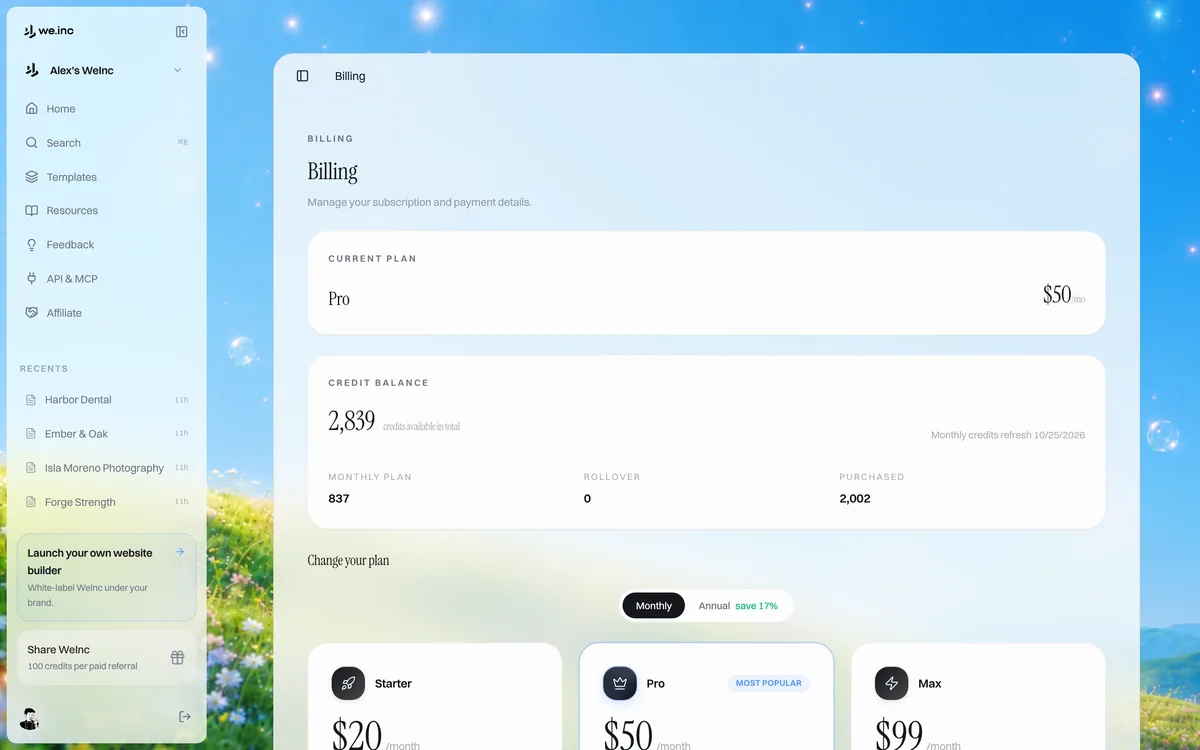
Billing is handled by Stripe. You can change your plan, update your card, download invoices or cancel without contacting support.
Change your plan
- 1. Sign in at my.we.inc and open the plans or billing page from your account.
- 2. Pick the plan you want and click Upgrade or Switch.
- 3. Confirm the change on the Stripe page.
Cancel your subscription
- 1. On the billing page, click Manage Plan. This opens the Stripe billing page.
- 2. Choose Cancel plan and confirm.
- 3. Your paid features stay on until the end of the period you already paid for.
What happens after cancelling
Your account moves to the free plan: up to 3 template sites on a we.inc address, with no AI and no custom domain. Your projects stay in your dashboard. If you had a custom domain, point it elsewhere or upgrade again to keep it working.
Pro Tip
Questions about a charge? Email [email protected] with the date and amount.