A Finalsite alternative for districts that mainly need websites
Finalsite is one of the best-known names in school websites, and it now sells far more than a website: mass notifications, newsletters, admissions and enrolment, tuition billing, branded mobile apps, marketing services and an AI assistant. For a school that wants one vendor for all of that, it is a strong choice. For a district or school group whose real need is dozens of school, department and club sites that stay current and accessible, a lighter tool with central control may fit better.
TL;DR
- Finalsite lists websites (with the Composer CMS), communications, enrolment and tuition billing, mobile apps, marketing services and an AI assistant, for districts, independent, international, charter and Catholic schools, and beyond.
- Choose Finalsite if you want admissions, notifications and the website from one vendor.
- We.Inc gives each school, department or club its own AI-built site under the district brand, with per-owner rules, single-step approval and an audit log. No enrolment, notifications or apps.
- Accessibility duties apply to every school site; We.Inc output is built to help you meet WCAG 2.1 AA but must be tested.
What Finalsite offers
On its home page, checked today, Finalsite lists:
- Websites: "Award-winning website design, content management, and AI chat", built on its Composer CMS.
- Communications: "Mass notifications, newsletters, real-time chat, and email automation."
- Enrolment: "Admissions, enrollment, and tuition billing management."
- Mobile apps: "School branded with integrated website content."
- Marketing services: "Marketing strategy, digital advertising, and SEO."
It serves school districts, independent, international, charter and Catholic schools, UK independent schools, higher education and local government, and says it has been trusted by schools "for more than 25 years".
That breadth is the point. A private school that wants admissions, tuition billing, parent communications and the website joined up can buy all of it from one company. We do none of those things except the website.
The question to ask first
Before comparing website platforms, list what you are actually buying. Many districts find that the website contract is bundled with tools they also get elsewhere (a separate notification system, a student information system's parent portal, a learning platform's messaging). If the website is the only part you would use, you are comparing a suite with a website builder, and the decision becomes simpler.
| What you need | Suite such as Finalsite | Website-first such as We.Inc |
|---|---|---|
| District and school websites | Yes | Yes |
| Admissions, enrolment, tuition billing | Yes | No |
| Mass notifications and newsletters | Yes | No |
| Branded mobile app | Yes | No |
| Marketing services from the vendor | Yes | No |
| Many sites with different owners under central rules | Ask Finalsite how it handles this | Core |
| Owners build their own site with AI | Not described on the page we checked | Core |
| Code you can take with you | Ask about export terms | Download or GitHub sync |
What We.Inc does for a district
Each school, department, programme or club is an account under the district's brand. The site owner, often a teacher or office manager with no web training, signs in to a portal with the district's name and colours, describes what they need, and gets an AI-built site to edit.
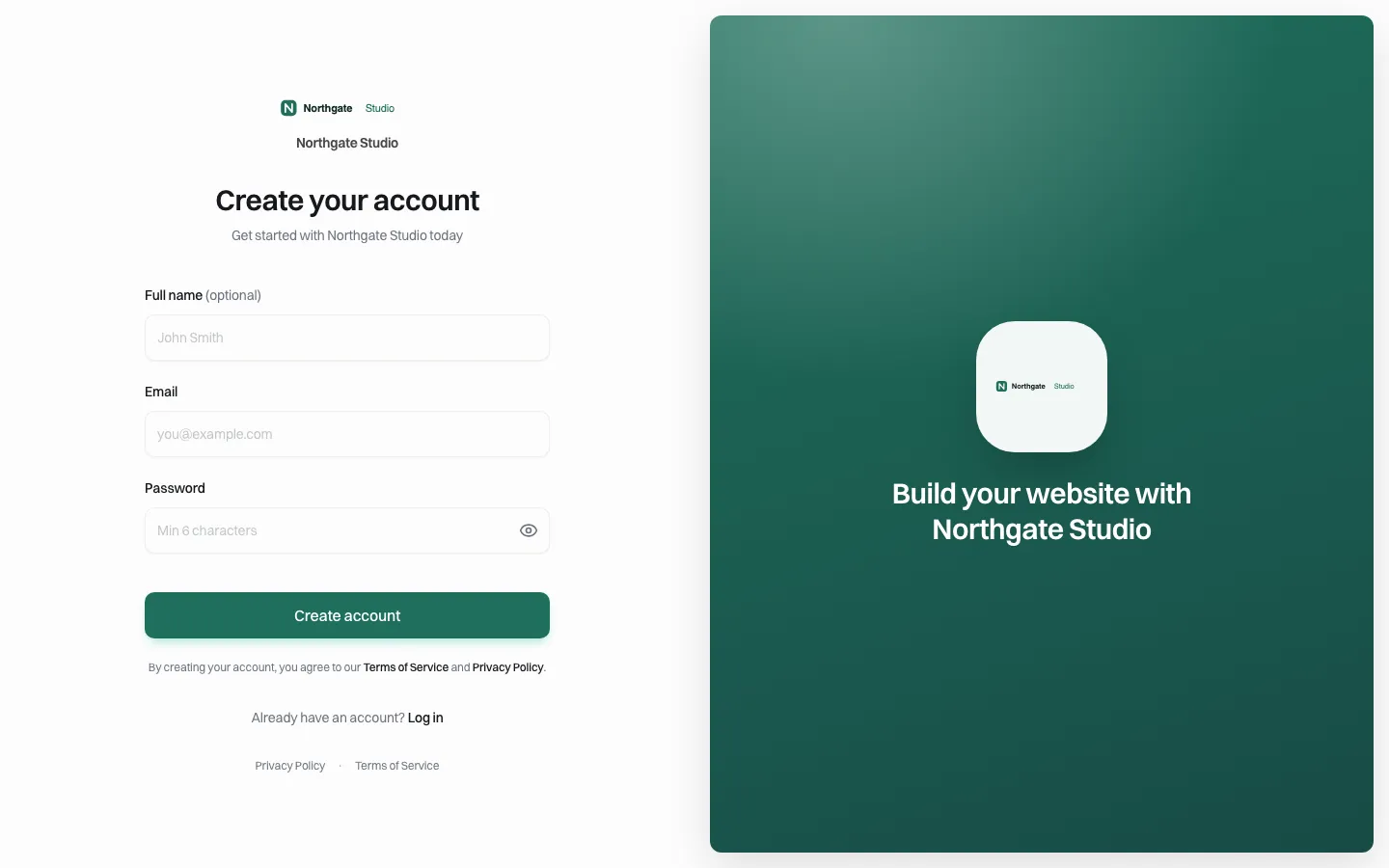
*The sign-up page an owner sees: the district brand only.*
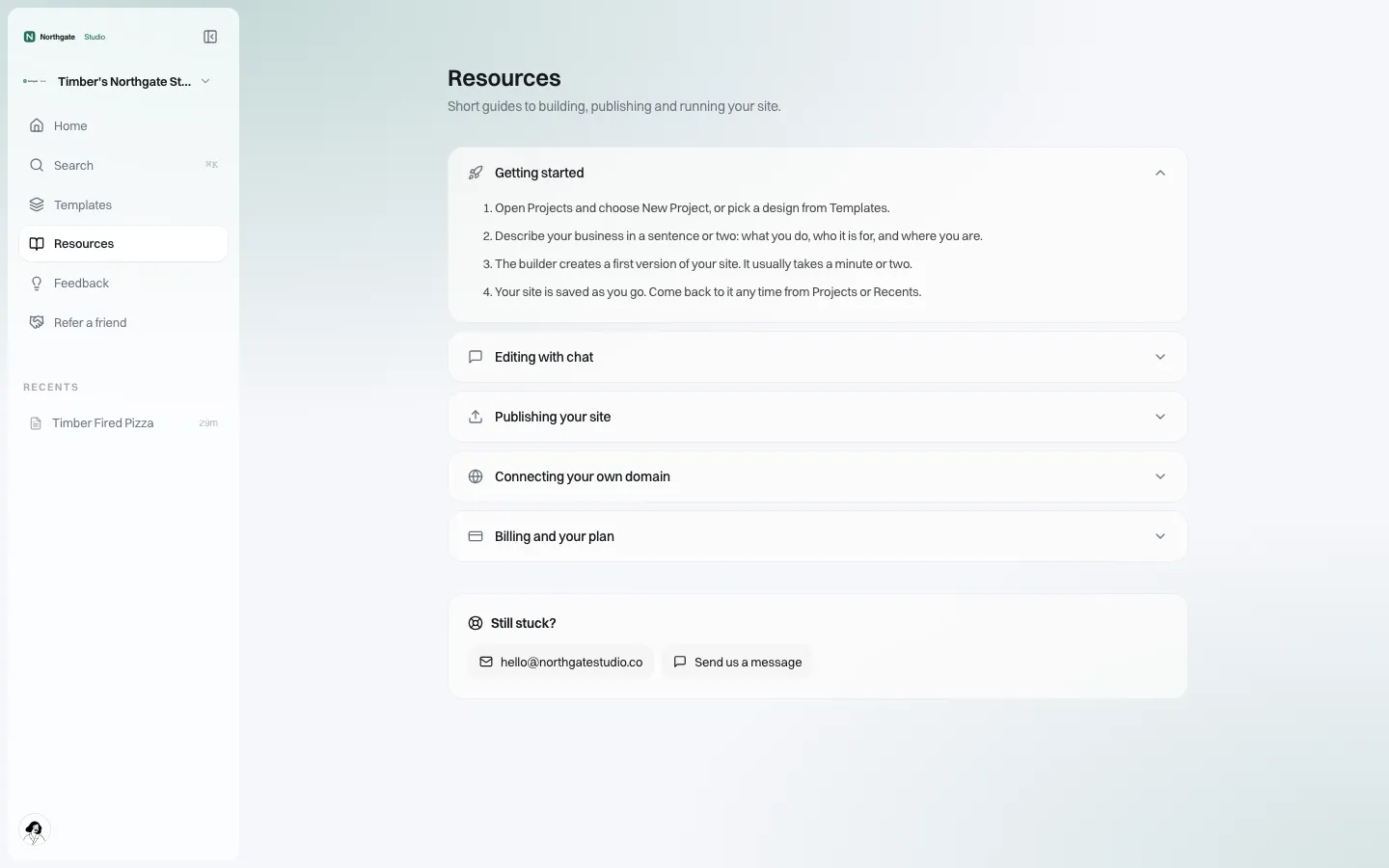
*Help and support inside the portal point to your team, not to us.*
The central team decides what each owner can do. A school might publish directly; a student club might need approval; a short-lived event site might not get its own domain.
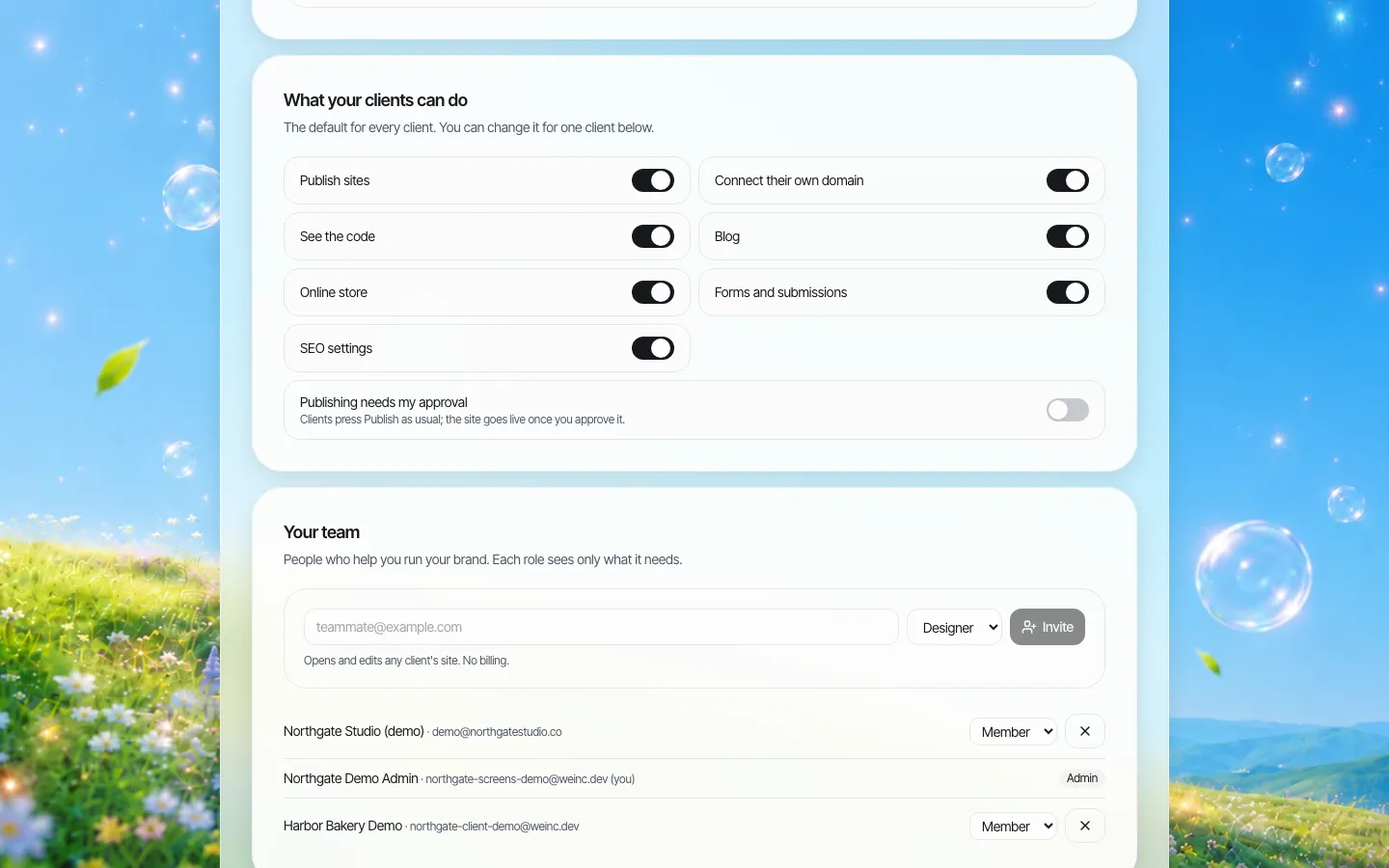
*District-wide defaults. Change them for one school or club when needed.*
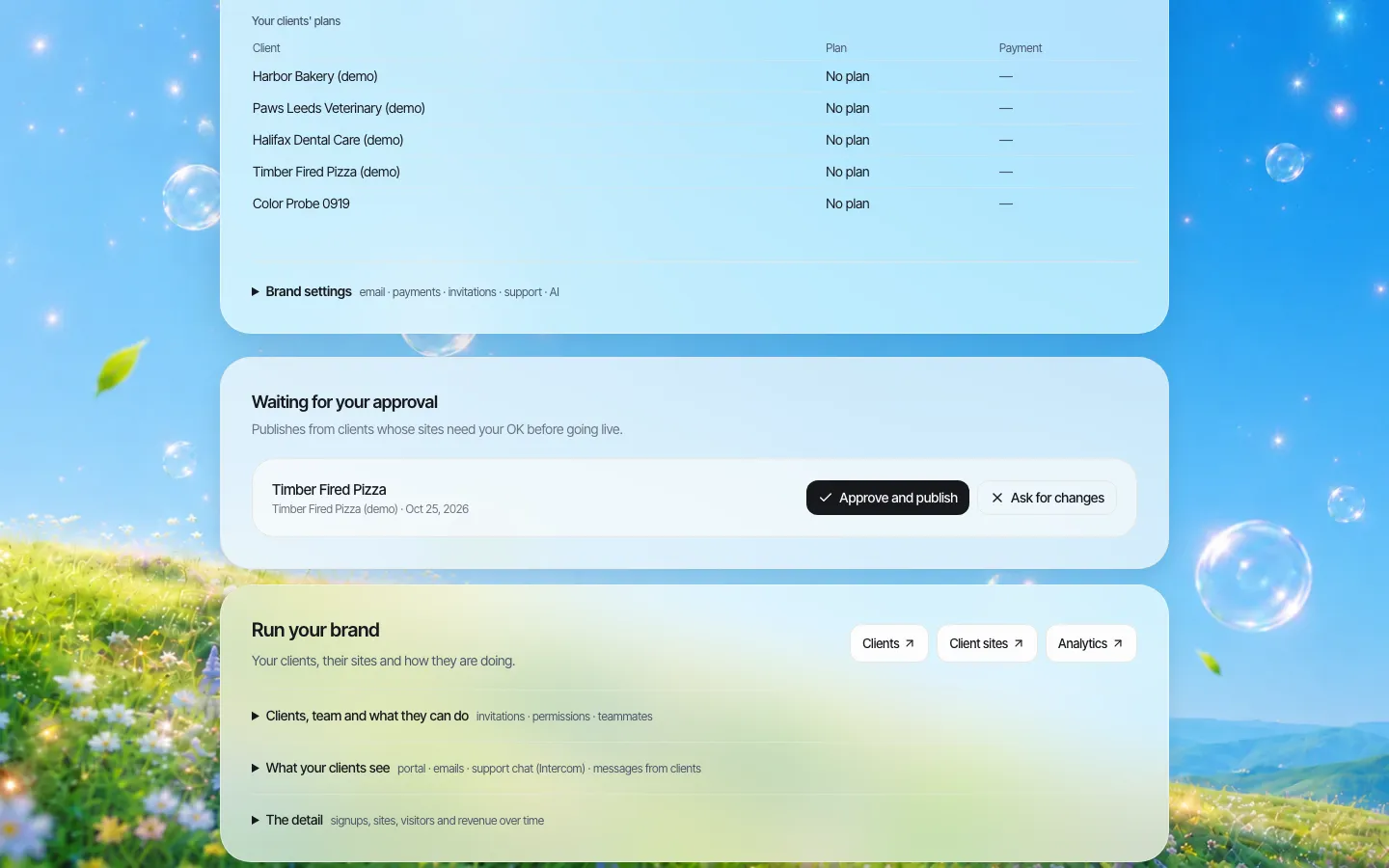
*Single-step approval: the club advisor presses Publish, the communications office approves.*
Accessibility on school sites
School districts are public entities, and the Title II web rule applies to their sites; ADA.gov currently lists 26 April 2027 for entities with a population of 50,000 or more and 26 April 2028 for smaller ones. Club and classroom sites count too. Our school district accessibility guide covers what to check. This is general information, not legal advice.
We do not claim WCAG conformance. The output is built to help you meet WCAG 2.1 AA, owners can fix headings, colours and text in the visual editor, and your team must test each site, ideally at the approval step.
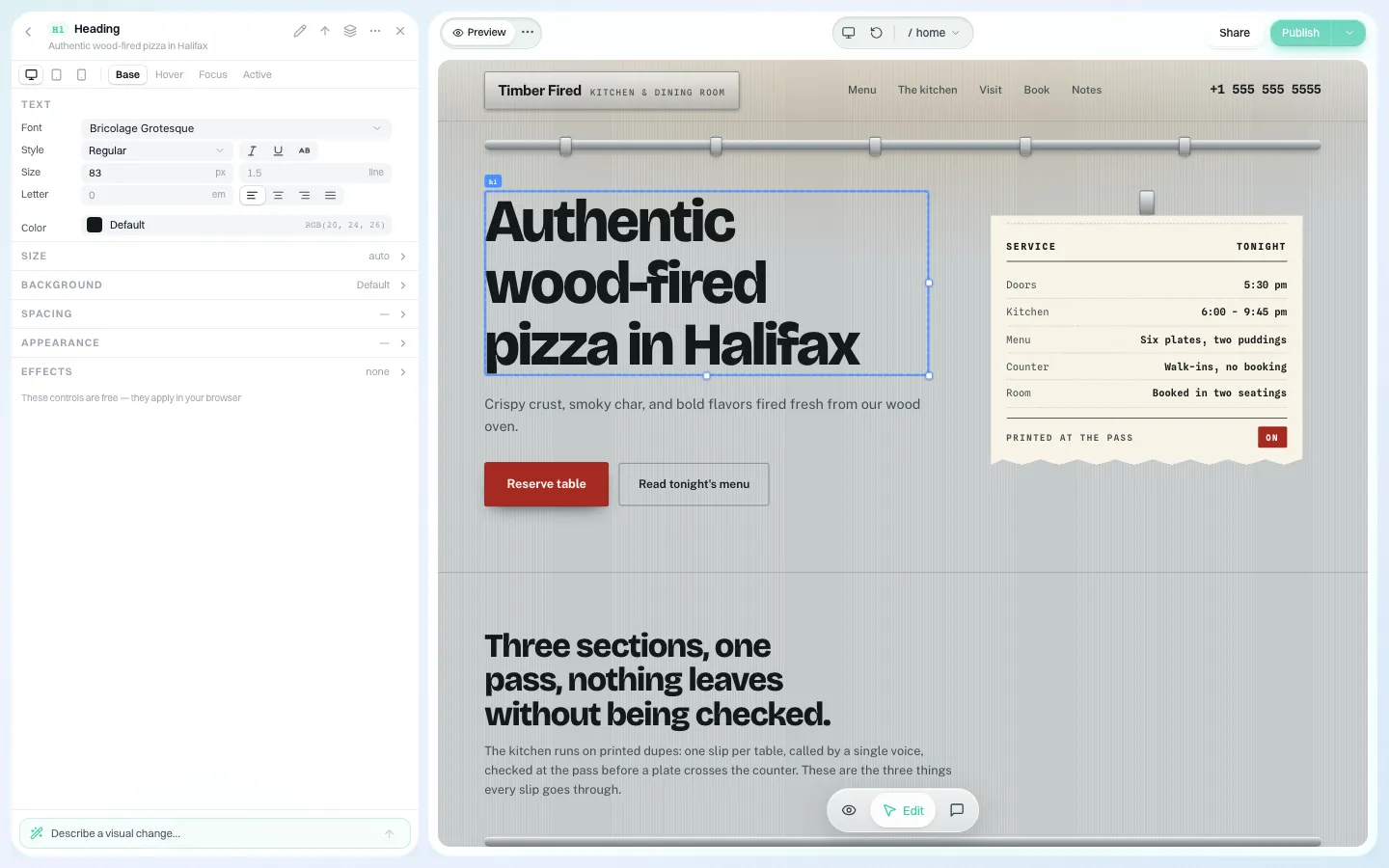
*Fixing a heading or a low-contrast colour takes the owner a minute, not a support ticket.*
A rollout plan for a district
| Step | What to do | Who |
|---|---|---|
| 1 | List every school, department, programme and club site with an owner and a review date | Communications office |
| 2 | Set the district brand: logo, colours, font, portal look | Communications office |
| 3 | Set defaults: who publishes directly, who needs approval | Communications office with IT |
| 4 | Pilot with one school, one department and two clubs | Volunteers from each |
| 5 | Agree an accessibility check at the approval step | Communications office |
| 6 | Move the rest by term; retire sites nobody claims | All owners |
| 7 | Keep the flagship district site where it is if it is tied to other services | District leadership |
Questions to ask in any school website demo
Use these with Finalsite, with us and with anyone else, and write the answers down so you can compare like for like:
- Who builds a new club or programme site, and how long does it take? If the answer is "the communications office, in two weeks", that is the queue you will live with.
- Can a teacher change the club's meeting time without training? Ask them to show it with a non-technical person driving.
- What can a club advisor do that you would rather they did not? Look for per-site limits, not just per-user roles.
- Can the communications office approve a site before it goes live? Ask whether it is one step or several, and who can override.
- How do you find every site the district runs, including abandoned ones? A register you do not have to maintain by hand is worth a lot.
- What happens to a site when its owner leaves the school? Look for a way to reassign or pause, not delete.
- How do we get our sites out if we leave? Ask for the format, not just a promise.
- What do you say about accessibility, exactly? Prefer vendors that tell you what you still have to test over vendors that promise compliance.
Our answers: a site owner builds their own first version in the portal; the visual editor needs no training for simple changes; you control seven per-owner switches plus approval; approval is a single step by the brand owner; the register is the list of accounts; owners can be paused or removed and their sites stay with you; code downloads as a ZIP or syncs to GitHub; and accessibility must be tested by your team.
Who should choose which
- Choose Finalsite if you want admissions, enrolment, notifications, apps and the website from one vendor, or you want the vendor's marketing team involved.
- Choose We.Inc if you already have those tools elsewhere and need many school and club sites, owned locally and governed centrally.
- Use both if the flagship site stays in a suite and the long tail of club and programme sites moves to a builder.
Book a demo and bring your list of school, department and club sites.
Sources
Last checked 2026-10-25.
- Finalsite, home page: websites and Composer, communications, enrolment, mobile apps, marketing services, markets served.
- ADA.gov, Fact Sheet: New Rule on the Accessibility of Web Content and Mobile Apps: compliance dates.
Book a demo. Pricing is tailored to your volume and setup, and you get your exact price on the call. 0% transaction fee.
Frequently asked questions
Does We.Inc do admissions, enrolment or parent notifications?
No. We.Inc builds and runs websites only. Keep those tools with the vendor that provides them today.
Can each school and club have its own site under the district brand?
Yes. Each is an account under your brand with its own sites, rules and optional approval before publishing.
Is the output WCAG compliant?
We do not claim conformance. Sites are built to help you meet WCAG 2.1 AA and must be tested by your team.
Is this legal advice?
No. Dates and duties above are general information. Check what applies to your district with counsel.
Keep reading
- School district website accessibility
- ADA Title II website deadline explained
- White-label websites for universities
- Manage many websites from one account
- Client permissions: what each site owner can do
- Website platform procurement checklist
More in White Label
- White Label for Freelancers
- White Label for Hosting Providers
- White-Label Website Builder for MSPs & Agencies
- White Label for SaaS Platforms
- Location websites that franchisees can update and corporate can trust
- Your donation page converts. The charity's website is where supporters give up.
- The GoHighLevel website builder alternative for agencies that sell websites
- A website platform for government agencies and their departments
We.Inc is an AI-powered website builder you can resell under your own brand. Launch a branded client dashboard, bill on Stripe Connect, and deliver AI-generated websites in minutes. White-label pricing is tailored to your volume and setup: book a 30-minute demo for a quote.
Product
- AI Website Builder: Describe a site in plain English; it's live in minutes
- White Label Platform: Your brand, your domain, your margin
- Enterprise: SSO, custom SLAs, and dedicated support
- Developer API: Embed site generation into your SaaS
Who It's For
- For Agencies: Resell under your brand
- For Freelancers: Your own branded builder
- For Hosting Providers: Add a builder to your stack
- For SaaS Platforms: Embed site creation via API
- For Startups
- For Financial Services
- For Healthcare
Features
- Drag & Drop Editor
- Built-in SEO Tools
- Custom Branding
- Client Dashboard
- Reseller Billing (Stripe Connect)
Resources
- Blog
- Help Center
- Free Business Tools
- Free UI Components
- Website Templates
- Template Collections
- Website Examples
- Guides
- Comparisons
- Alternatives
- Best Lists
- Reviews
- Pricing Guides
- Use Cases
- Glossary & Guides
- Integrations
- Developers
- Benchmark
- Windows App