Domain Management for Agencies: Ownership, Access and Renewals Without the 2 a.m. Outage | How-to Guide
How agencies should manage client domains: who should own the registration, the access models that work, a DNS change log, the transfer rules that trip people up, a renewal calendar, a handover checklist and a register template for every domain you touch.
Agencies rarely lose a client over design. They lose them over a site that went dark on a Saturday because a domain expired on a card that was cancelled, or a DNS record nobody remembers changing, or a registrar login that belongs to a designer who left in 2021. Domains are a small, boring part of the work with an unusually large blast radius. This guide sets out an ownership model, the access rules, the transfer traps and the routines that stop domains being the thing that ends a client relationship.
Rule one: the client owns the domain
The registrant of a domain, the person or organisation named on the registration, is its legal holder. If your agency registers a client's domain in its own name, you hold their brand's address. That feels convenient until the relationship ends and the client believes you are holding it hostage, or until your agency is the one that changes hands.
The model that ages best:
- Registrant: the client's legal entity, with a role email address they control ([email protected], not a person's inbox).
- Registrar account: owned by the client, with your agency added as a delegate or team user if the registrar supports it.
- Billing: the client's card, or yours with a written pass-through, but never a staff member's personal card.
- DNS: managed wherever makes operational sense, often by you, but documented so anyone can take it over.
Some small clients will insist you "just handle it". You can, as long as the registration is in their name and your contract says the domain is theirs and you will transfer it on request.
Four access models compared
| Model | How it works | Good for | Risk |
|---|---|---|---|
| Client account, agency delegate | Client owns the registrar account; you have your own login with permissions. | Most clients | Not every registrar has delegated access; check before you start. |
| Client account, shared credentials | You are given the client's login. | Nobody, ideally | No audit trail, breaks two-factor, and staff leave with the password. |
| Agency reseller account, client as registrant | You register through your own reseller or agency account with the client named as registrant. | Agencies with many small clients | Client cannot log in themselves; transfers out depend on you responding. |
| Client keeps registrar, only DNS delegated | Client points nameservers at a DNS host you manage. | Larger clients with IT teams | Two parties to coordinate when something changes. |
Whatever you choose, turn on two-factor authentication on every registrar account and store recovery codes in your password manager under a shared vault, not a person's.
The transfer rules that catch agencies out
ICANN's Transfer Policy sets the rules for moving generic top-level domains (.com, .net, .org and the like) between registrars. Country-code domains (.ca, .co.uk, .de) follow their own registry's rules, so check each one.
- 60 days after registration or a transfer. A registrar may deny a transfer requested within 60 days of the domain's creation, or within 60 days of a previous registrar transfer. Do not plan a migration for a domain you registered last month.
- 60 days after a change of registrant. The policy requires a 60-day transfer lock after a change of registrant. The registrar may let the registrant opt out, but only before the change is requested. If you are moving a domain into the client's name and to a new registrar, do the transfer first or opt out first.
- The authorisation code. The registrar must provide the transfer code (AuthInfo) and, where the registrant cannot generate it themselves, provide it within five calendar days of the request. It cannot refuse to release the code solely because of a payment dispute. Agencies should not try; it also damages trust.
ICANN has been revising its transfer rules, so check the current policy and your registrar's help pages before a large migration. Our guides to domains versus hosting and connecting a custom domain cover the basics for clients who are new to this.
DNS: write down every change
Most domain incidents are not expiries; they are DNS edits. Someone adds a mail record for a new email tool and breaks the old one. Someone changes the A record during a launch and forgets the www version. Keep a change log per domain, even if it is a spreadsheet:
| Date | Domain | Record | Old value | New value | Why | Who | Checked by |
|---|---|---|---|---|---|---|---|
| 2026-10-02 | client.com | CNAME www | old-host.example | new-host.example | Site relaunch | AB | CD, loaded on mobile data |
| 2026-10-09 | client.com | TXT (SPF) | v=spf1 include:mail-a ~all | v=spf1 include:mail-a include:mail-b ~all | New newsletter tool | CD | AB, test email passed |
Three habits prevent most outages:
- Export the zone before you touch it. A copy of every record, saved with the date, is your undo button.
- Lower the time-to-live a day ahead of a planned move so changes take effect quickly, then raise it afterwards.
- Never delete mail records during a website change. MX, SPF, DKIM and DMARC records belong to email. Website launches do not need to touch them.
Renewals: a calendar, not a hope
Auto-renew is necessary and not sufficient: cards expire, and renewal notices go to whoever registered the domain years ago. Run a renewal calendar:
- 90 days before expiry: confirm the card on file is valid and the client still wants the domain.
- 30 days before: confirm auto-renew is on; if renewal is manual, renew now.
- On the day after: check the expiry date moved. If not, act today. Registrars usually offer some period to renew after expiry, but the length and the fees vary by registrar and extension, and the site and email can stop working during it.
Consider renewing important domains for several years at once. It costs the same per year and removes several chances to fail. Renewal of the domain and of any SSL certificate are separate events; most modern hosts renew certificates automatically, but confirm yours does.
A register for every domain you touch
You cannot manage what you have not listed. Keep one register for the agency. Columns that pay for themselves:
| Domain | Client | Registrant (legal name) | Registrar | Account owner | Agency access | Expiry | Auto-renew | DNS host | Points to | Email provider | Notes |
|---|---|---|---|---|---|---|---|---|---|---|---|
| harborbakery.example | Harbor Bakery | Harbor Bakery Ltd | Registrar A | Client | Delegate | 2027-04-11 | Yes | Registrar A | Site platform | Google Workspace | Card expires 2027-01, remind client |
| harbor-bakery.example | Harbor Bakery | Harbor Bakery Ltd | Registrar A | Client | Delegate | 2027-04-11 | Yes | Registrar A | Redirect to main | - | Defensive registration |
Review it monthly. The review takes ten minutes and is where you catch the domain on a former employee's card.
Onboarding and offboarding checklists
When a new client arrives
- Find every domain the client owns, including old campaign domains and typo registrations.
- Look up current registrant, registrar and expiry for each.
- Export the DNS zone for each before changing anything.
- Agree in writing who owns, who pays and who may change DNS.
- Add each domain to the register.
When a client leaves
- Provide the transfer code or remove your delegate access, whichever applies, promptly.
- Hand over the DNS zone export and the change log.
- Point out any record that depends on a service you are cancelling (for example, a form provider or your hosting).
- Give them a copy of their site and content. Our vendor exit plan lists what a fair handover includes.
- Remove the domain from your register and your renewal calendar.
Running client domains on a white-label platform
If you host many client sites, the platform's domain handling becomes part of your process. On We.Inc's white-label platform, your brand can sit on your own domain, and each client site can be connected to a domain the client owns from the domain panel in the editor. A per-client switch decides whether a client may connect their own domain themselves or whether you do it for them.
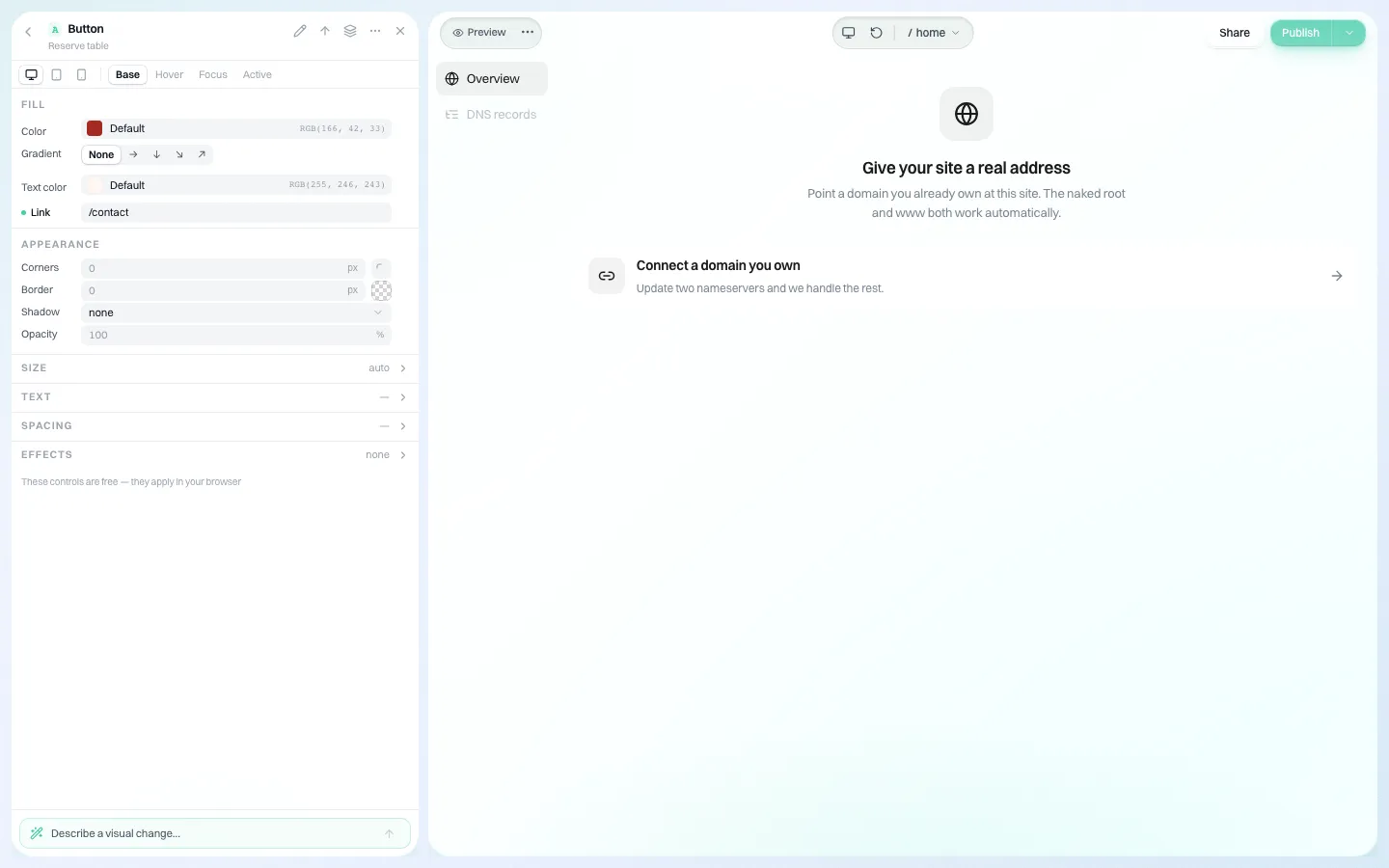
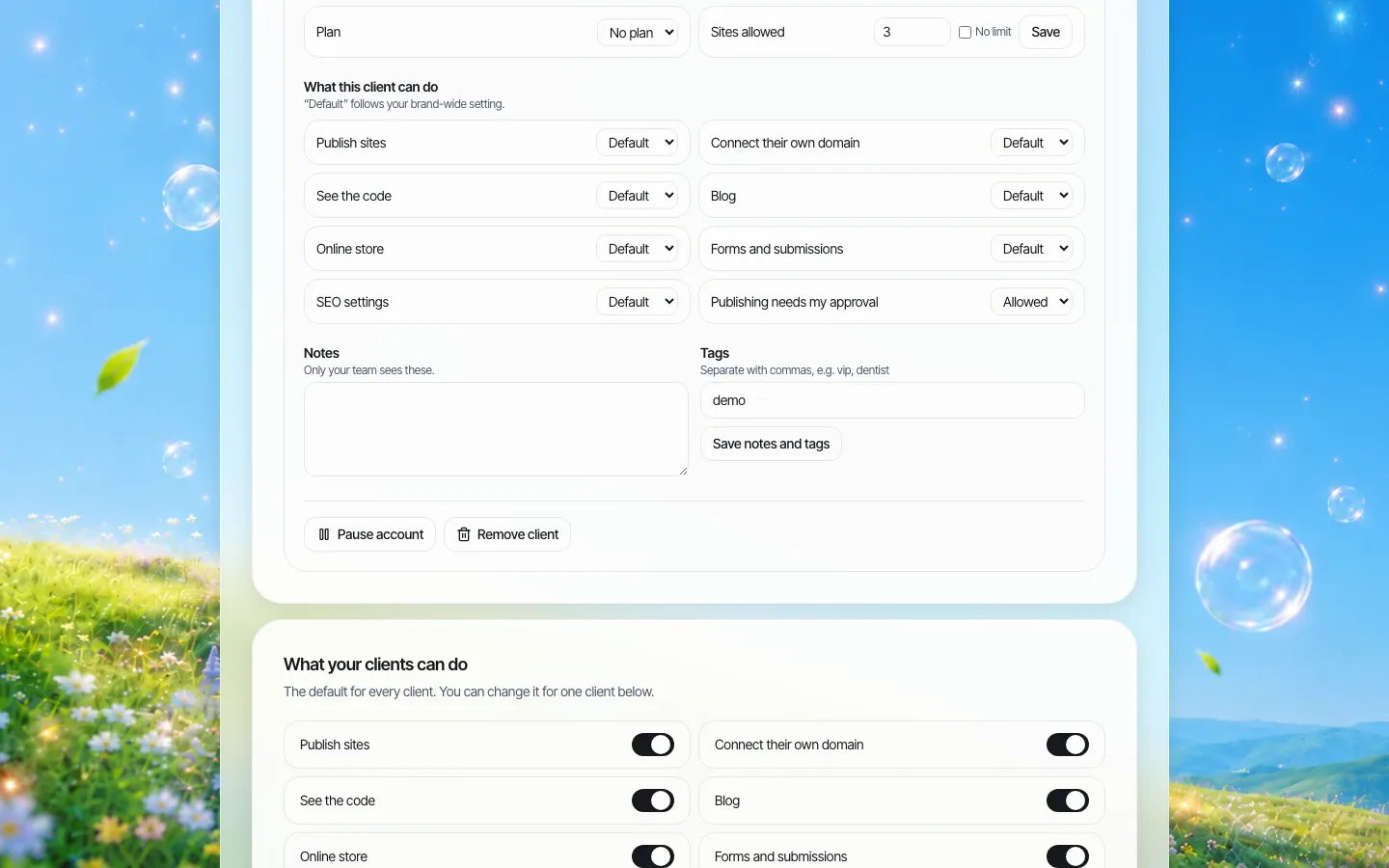
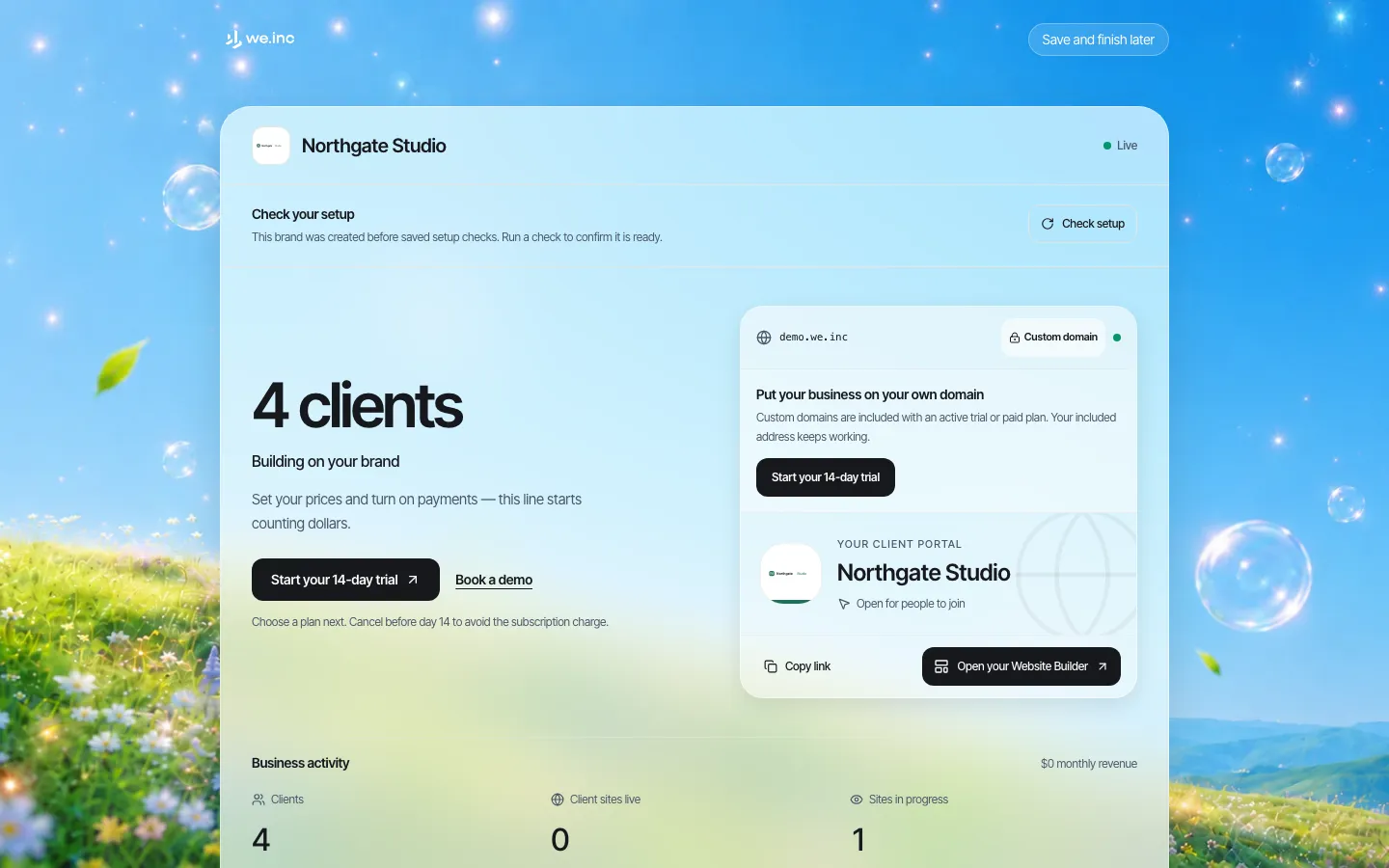
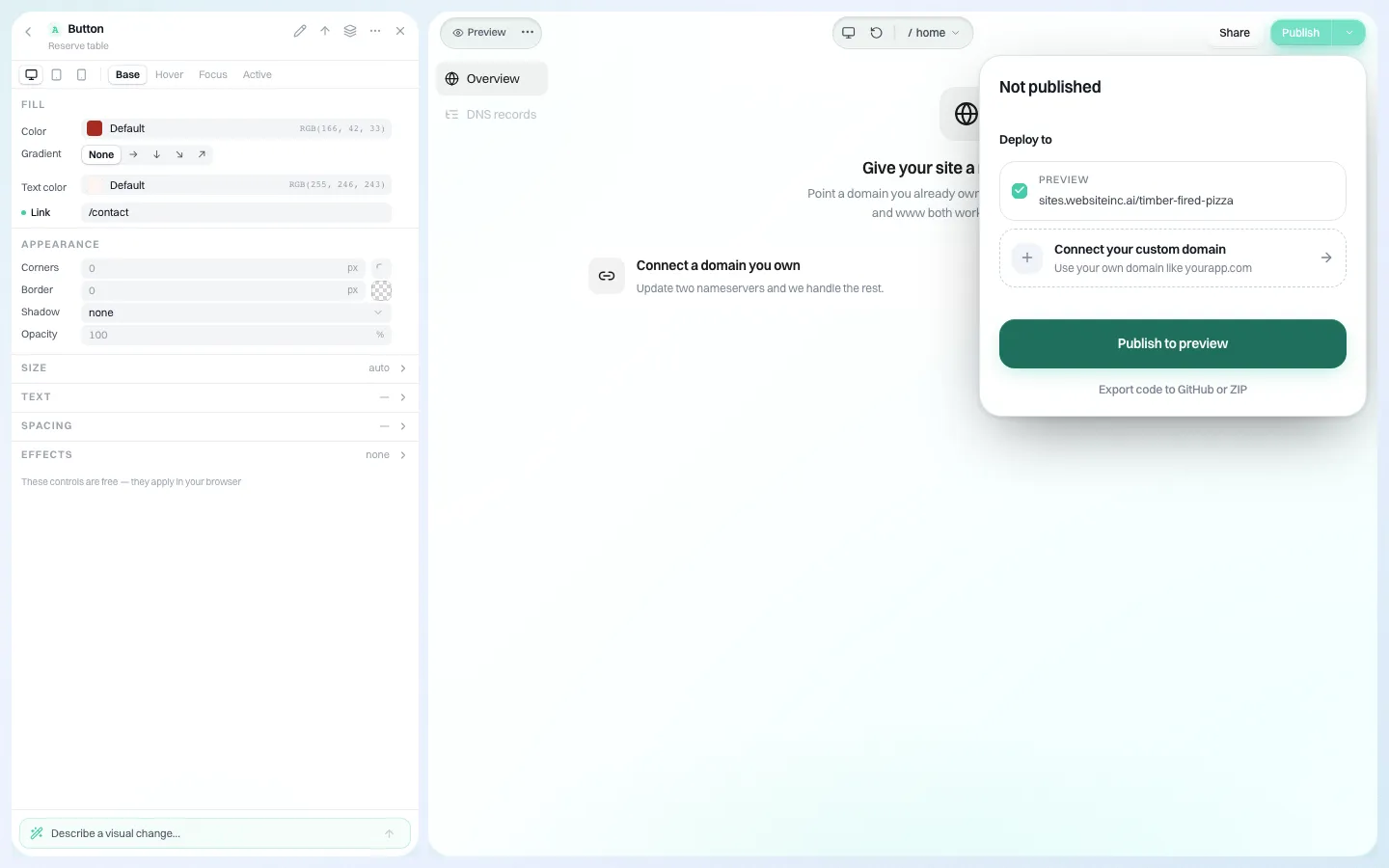
The platform does not replace your register or your renewal calendar: domains registered elsewhere still renew elsewhere. To see the domain and permission settings on a demo brand, book a demo. For the agency overview, see white-label for agencies.
Sources
Last checked 2026-10-25.
- ICANN, Transfer Policy (60-day restrictions after creation and after transfer, Change of Registrant lock and opt-out, AuthInfo code rules). ICANN notes an updated version and an ongoing policy review; check the current text before a migration.
This guide is general information, not legal advice.
Frequently asked questions
Should an agency register client domains in its own name?
No. Register the domain with the client's legal entity as registrant, ideally in a registrar account the client owns with your agency as a delegate. It avoids disputes when the relationship ends.
Why can't I transfer a domain I registered last month?
ICANN's Transfer Policy lets a registrar deny a transfer requested within 60 days of a domain's creation or of a previous registrar transfer. Country-code domains follow their own registry's rules.
Can a registrar or agency withhold a transfer code over an unpaid invoice?
Under ICANN's Transfer Policy a registrar may not refuse to release the AuthInfo code solely because of a payment dispute, and must provide it within five calendar days where the registrant cannot generate it.
How do we stop client domains expiring?
Keep a register of every domain with expiry dates, use auto-renew on a valid card, run reminders at 90 and 30 days, and check the day after expiry that the date moved. Renewing important domains for several years helps.
Can clients use their own domains on We.Inc's white-label platform?
Yes. A client can connect a domain they already own from the domain panel in the editor, and a per-client switch controls whether they may do this themselves. Your brand can also run on your own domain.
More in Guides
- Domain vs Hosting: What Is a Domain Name and How Is It Different? | How-to Guide
- Double Opt-In: The Confirm-Your-Email Step
- Duplicate Without User-Selected Canonical (and Alternate Page With Proper Canonical Tag)
- Embed Google Forms, Calendly and Typeform on Your Website
- How to Embed a Google Map on Your Website
- Emergency Alerts on Government Websites: Banners, Pages and a Playbook for the Worst Day | How-to Guide
- Empty State Examples
- .env File Format: The Syntax Rules That Trip People Up
Website builders for the businesses in this article
Related guides and tools
Start building
Product
Who It's For
- For Agencies
- For Freelancers
- For Hosting Providers
- For SaaS Platforms
- For Startups
- For Financial Services
- For Healthcare
Features
- Drag & Drop Editor
- Built-in SEO Tools
- Custom Branding
- Client Dashboard
- Reseller Billing (Stripe Connect)
Resources
- Blog
- Help Center
- Free Business Tools
- Free UI Components
- Website Templates
- Template Collections
- Website Examples
- Guides
- Comparisons
- Alternatives
- Best Lists
- Reviews
- Pricing Guides
- Use Cases
- Glossary & Guides
- Integrations
- Developers
- Benchmark
- Windows App