Emergency Alerts on Government Websites: Banners, Pages and a Playbook for the Worst Day | How-to Guide
How a city, county or agency website should behave in an emergency: alert levels, banner and page design, who can publish at 3 a.m., keeping the site up under load, accessibility and translation, and how the website fits alongside IPAWS, text alerts and social media.
On a normal day the website is one channel among many. On the day of a flood, wildfire, boil-water notice or chemical spill it becomes the place every other channel points to: the text alert says "details at", the TV anchor reads out the address, the neighbours share the link. Traffic arrives in a wall, the people publishing are exhausted and working from phones, and every word is scrutinised. This guide is about preparing the website for that day while nothing is happening.
Where the website fits in the warning system
The website is rarely the first warning. In the US, the Federal Emergency Management Agency's Integrated Public Alert and Warning System (IPAWS) lets authorised alerting authorities send authenticated warnings through Wireless Emergency Alerts to mobile phones, the Emergency Alert System on radio and TV, NOAA Weather Radio, and internet feeds that other systems can pick up. Many places also run opt-in text and email alert services, and post to social media.
The website's job is different. It is the place for detail that does not fit in 360 characters: which streets, which shelters, what to do with pets, when the next update comes, and what has changed since the last one. Plan it as the reference that every short alert links to.
| Channel | Best for | Website's role |
|---|---|---|
| Wireless Emergency Alerts / EAS | Immediate, short, imminent-threat warnings | The link or address in the alert should go to a stable emergency page |
| Opt-in text and email | Updates to people who signed up | Each message links to the page; the page shows the same facts |
| Social media | Fast updates, reach, rumour control | Posts point to the page as the official record |
| Phone line and call centre | People without internet, complex questions | Call takers read from the same page so answers match |
| Website | Full detail, maps, lists, translations, history of updates | The single source everything else agrees with |
Alert levels: decide them now
Without agreed levels, every event becomes a debate about whether it "deserves" the red banner. Agree three levels, with examples, and who can set each one.
| Level | Examples | Website treatment | Who can publish |
|---|---|---|---|
| 1. Information | Planned road closure, holiday changes to bin collection | News item; homepage card | Department editors, normal review |
| 2. Advisory | Boil-water notice for one area, heat advisory, storm watch | Site-wide banner (dismissible) linking to an event page | Communications on-call, no extra review |
| 3. Emergency | Evacuation, shelter in place, major outage, imminent threat | Site-wide banner that cannot be dismissed; homepage replaced or led by the emergency page; non-essential content paused | Communications on-call or emergency management, decided by the incident lead |
Designing the banner
- Short and specific: "Evacuation order for Zones 3 and 4. Leave now. Details and shelters." Not "Important information about the current situation".
- One link to the event page. Not five.
- On every page, including department and programme sites. If those sites run on other platforms, someone has to update each one; list them in the playbook.
- Accessible: real text (never an image), sufficient contrast, reachable early by keyboard and announced sensibly by screen readers. Do not rely on colour alone to show severity; include the level in words. For US state and local governments, the ADA Title II rule sets WCAG 2.1 AA for web content, and emergency content is web content.
- Timestamped: "Updated 6:40 a.m., Tuesday". Stale banners destroy trust faster than anything else.
- Removed on time: name who takes it down, and replace it with a "this event has ended" note for a day.
Designing the event page
Build a template now, test it, and keep it unpublished until needed. The structure that works for most events:
- What is happening in one or two sentences, with the time of the last update.
- What you need to do now, as a short numbered list.
- Who is affected: areas, with a text description as well as a map (maps alone fail screen reader users and people on slow connections).
- Where to get help: shelters, distribution points, phone numbers, with opening times.
- What is closed or changed: roads, schools, services.
- Updates log, newest first, with times.
- Other languages: links to translated versions, labelled in the language itself.
- When the next update is due.
Keep a permanent address such as /emergency that always shows the current event or "No current emergencies" plus preparedness links. It can then be printed on fridge magnets and in alert templates years in advance. Write in plain language; our plain language guide has rules that matter even more under pressure.
Who can publish at 3 a.m.
Most emergency website failures are about people and permissions, not technology.
- At least three trained people who can set a level-3 banner and publish the event page, on a rota, with access tested monthly.
- Phone access tested: can they log in and publish from a phone, on mobile data, without a VPN that is down?
- Review rules relaxed by design: if your normal process requires approval before publishing, write down who can bypass it for level 2 and 3, and record that they did.
- Pre-approved wording for common events, so the on-call person fills in blanks instead of writing from scratch.
- An out-of-band copy of the playbook and logins, in case the network or the identity system is part of the problem.
Keeping the site up
Traffic in an emergency can be many times a normal peak, all at once, mostly on phones. Before it happens:
- Ask your host or vendor what happens at many times normal traffic, and whether the bill changes. Get it in writing.
- Make the emergency page light: text first, compressed images, no autoplay video, no heavy third-party widgets.
- Use a content delivery network so pages are served from cache.
- Have a fallback: a static copy of the emergency page on a separate host, and a status account on social media that can carry the link if the main site falters.
- Pause non-essential scripts (chat widgets, heavy analytics) during level 3 if they slow pages down.
The playbook, one page
| Step | Action | Owner |
|---|---|---|
| 1 | Incident lead confirms level | Emergency management |
| 2 | Publish event page from template; set banner on main site | Comms on-call |
| 3 | Set banner on each department and programme site in the register | Comms on-call or web team |
| 4 | Send the page link to the alerting authority, call centre and social team | Comms on-call |
| 5 | Request translations of the top section | Language access lead |
| 6 | Update the page on the promised schedule; log each update | Comms on-call |
| 7 | Downgrade or end: change banner, add "event ended" note, archive the page | Incident lead and comms |
| 8 | Review within two weeks: what was slow, what was wrong, what to change | Web manager |
Practise
Run a tabletop exercise twice a year with the website in it: the on-call person publishes the test event page to a preview, sets a test banner on a staging copy, and you time it. The first run usually reveals a password nobody has, a department site nobody can edit, and a banner that does not show on mobile.
When you run many sites
Step 3 in the playbook is the hard one for organisations with many sites: every library branch, park, department and programme site needs the banner or at least a link. Two things make it easier: a single register of every site with a named person who can edit each one, and a platform where a central admin can reach every site.
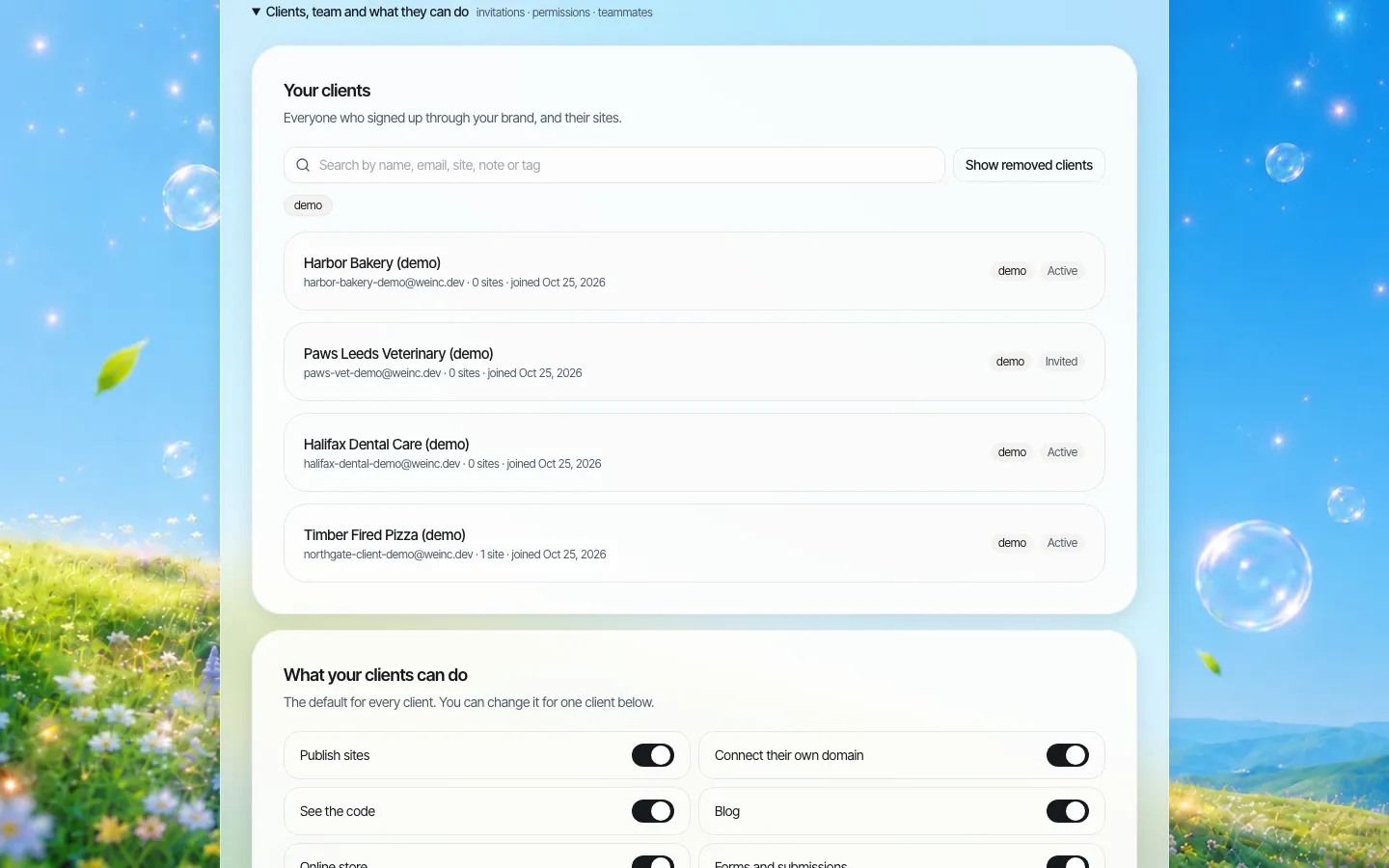
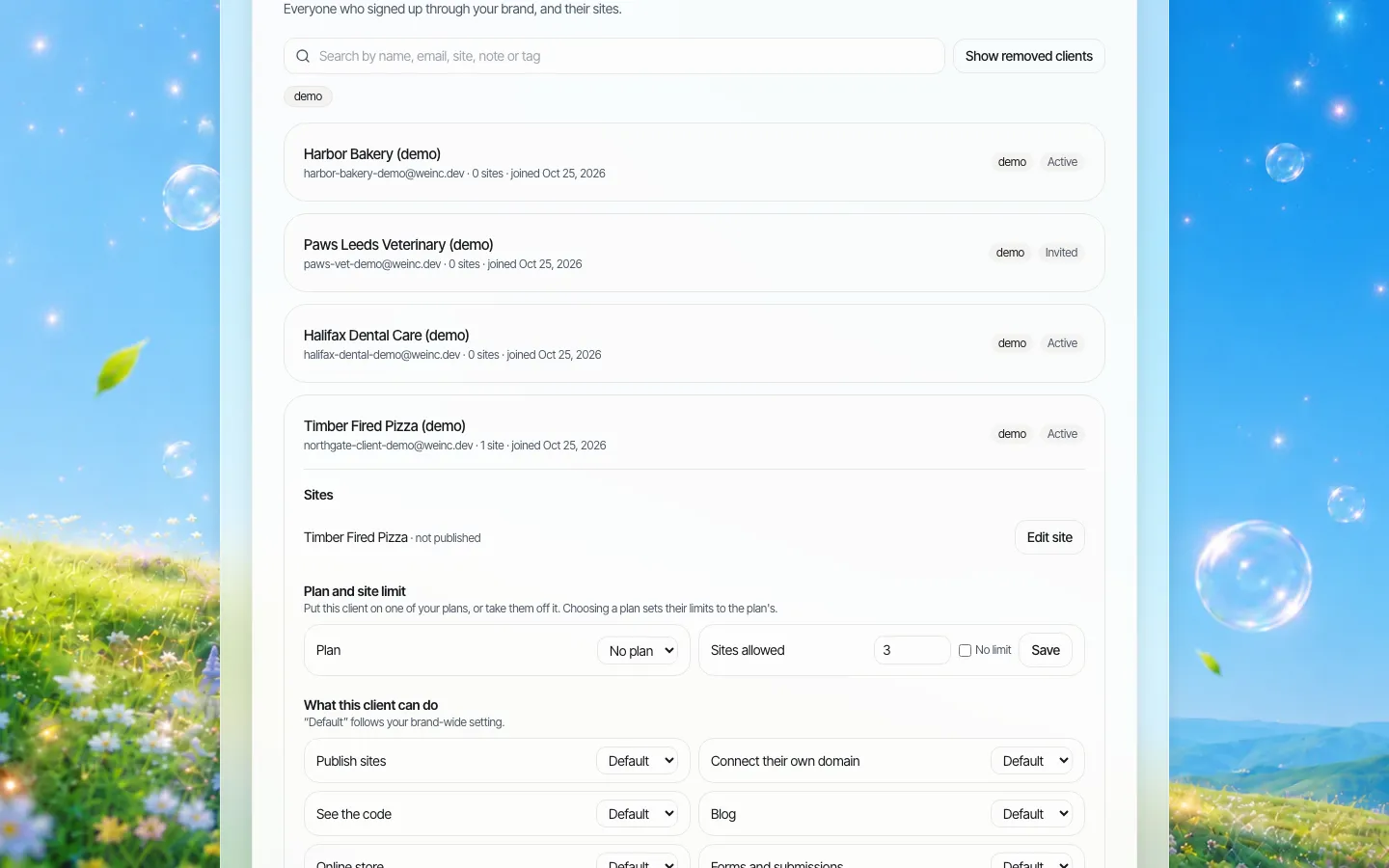
On We.Inc, an organisation runs its sites under one brand and the central team sees every site in one list. Approval before publishing is a per-site switch, so you can decide which sites need it and keep your emergency publishers' sites free of it. We.Inc does not include an alerting system or a ready-made emergency banner feature; banners and event pages are built as normal site content.
If you want to see how central control across many sites works, book a demo.
Sources
Last checked 2026-10-25.
- FEMA, Integrated Public Alert and Warning System (IPAWS).
- ADA.gov, Fact Sheet: Title II web and mobile app rule (WCAG 2.1 AA).
This guide is general information, not legal or emergency management advice. Follow your jurisdiction's emergency operations plan.
Frequently asked questions
What should an emergency banner on a government website say?
A short, specific statement of what is happening and what to do, the alert level in words, one link to the event page and the time of the last update. Use real text, not an image.
How does the website relate to IPAWS and Wireless Emergency Alerts?
IPAWS carries short, authenticated warnings to phones, radio, TV, NOAA Weather Radio and internet feeds. The website is the detailed reference those alerts and other channels point to.
Should emergency updates need approval before publishing?
Decide in advance. Many organisations let named on-call publishers skip normal review for advisory and emergency levels, and record that they did.
How do we keep the website up during an emergency?
Keep the emergency page light, serve it through a content delivery network, confirm with your host what happens under heavy traffic, and keep a static fallback copy on a separate host.
Does We.Inc include an emergency alert system?
No. We.Inc lets a central team see and manage many sites under one brand and set approval per site, but banners and event pages are built as normal site content and alerting stays with your existing systems.
More in Guides
- Empty State Examples
- .env File Format: The Syntax Rules That Trip People Up
- The European Accessibility Act and Websites: Who It Covers and What to Do First | How-to Guide
- Express.js Tutorial: Build a Node Server Step by Step
- Facebook UTM Parameters for Meta Ads
- Faceted Navigation SEO: Keeping Store Filters Under Control
- TypeError: Failed to fetch: What Blocked the Request
- FAQ Page Examples and a Template You Can Copy
Related guides and tools
Start building
- how to make a website
- AI website builder
- free website builder
- website templates
- website builders by industry
Product
Who It's For
- For Agencies
- For Freelancers
- For Hosting Providers
- For SaaS Platforms
- For Startups
- For Financial Services
- For Healthcare
Features
- Drag & Drop Editor
- Built-in SEO Tools
- Custom Branding
- Client Dashboard
- Reseller Billing (Stripe Connect)
Resources
- Blog
- Help Center
- Free Business Tools
- Free UI Components
- Website Templates
- Template Collections
- Website Examples
- Guides
- Comparisons
- Alternatives
- Best Lists
- Reviews
- Pricing Guides
- Use Cases
- Glossary & Guides
- Integrations
- Developers
- Benchmark
- Windows App