Move Client Websites to a White-Label Platform Safely
A batch-by-batch plan for agencies moving dozens of client websites onto one white-label platform: inventory, triage, client communication, rebuild, redirects, DNS cut-over and a rollback, with copyable sheets.
Move them in small batches, never all at once. Start with an inventory of every site, sort the sites into "rebuild", "move as is" and "retire", pilot five low-risk sites, then move the rest ten to fifteen at a time with the same checklist: rebuild, map every old URL to a new one with permanent redirects, lower the DNS time-to-live a day before, switch the domain, and watch traffic and forms for two weeks before starting the next batch. Tell clients early, give each one a date, and keep the old host paid until the last batch is stable. The steps below turn that into a plan a small team can run alongside client work.
Why agencies get burned on platform moves
A move like this rarely fails because the new platform is bad. It fails on the boring parts:
- A domain registered on a client's personal account years ago, and nobody has the login.
- A contact form that quietly sent leads to a former employee's inbox, and now sends them nowhere.
- Old URLs that ranked well for years and now return a 404, so the client's calls drop.
- Email that broke because someone replaced the DNS zone and forgot the mail records.
- A client who heard about the change from their own customer, not from you.
Every step below exists to stop one of those.
Step 1: Build the inventory
One row per site. Do not start moving anything until every column is filled in, because the blanks are where the surprises are.
| Column | What to record |
|---|---|
| Client and contact | Who approves changes, and how they prefer to hear from you |
| Domain | Every domain and subdomain that points at the site |
| Registrar and account owner | Where the domain is registered and whose account it is in |
| DNS host | Often different from the registrar; note who controls it |
| Email on the domain | Which mail service, so its records survive the move |
| Current platform | WordPress, another builder, hand-coded, etc. |
| Page count | Use the sitemap or a crawl, not memory |
| Forms and where they send | Every form, and the inbox or tool it delivers to |
| Integrations | Booking, payments, chat, analytics, tag manager, pixels |
| Store or members area | Products, orders, logins: these need extra planning |
| Search value | Top pages by clicks from the client's search data, if you have access |
| Contract and renewal date | When the client's current term ends with you, and the old host's renewal |
| Decision | Rebuild, move as is, or retire |
Step 2: Triage every site
Not every site deserves the same effort. Sort them:
- Rebuild: brochure sites under about 30 pages with simple forms. This is usually most of an agency's portfolio and the easiest win.
- Move with care: sites with a store, member logins, bookings or heavy search traffic. Do these last, one at a time, after your team has done ten easy ones.
- Leave where it is: sites built around a plugin or custom system the new platform cannot replace. Moving them is not worth the risk. Be honest with yourself about which these are.
- Retire: sites for clients who have stopped paying or businesses that closed. Settle these first, with the client, in writing.
Step 3: Fix ownership before anything moves
For every domain, confirm you or the client can log in to the registrar and the DNS host today. If a domain needs to move registrar as part of the switch, check the timing: under ICANN's Transfer Policy, a registrar may refuse a transfer within 60 days of a domain's creation or of a previous transfer, and you will need the domain's AuthInfo (transfer) code from the current registrar. A domain does not have to change registrar to change website platform. Changing where its DNS points is enough, and it is much less risky.
This is also the moment to agree in writing who owns the domain and the site after the move. Our guide who owns a client's website on a white-label platform covers that conversation.
Step 4: Tell clients before they notice
Send each client a short note at least two weeks before their batch. Say what changes for them (a new login, a nicer editor), what does not (their domain, their email, their price, unless it is changing), the date, and who to call. Ask them for anything only they can provide, like a registrar login. Use a template like this:
| Part | Example wording |
|---|---|
| Why | "We're moving all our clients' sites to a faster platform so we can make your changes quicker." |
| What stays the same | "Your web address, your email and your monthly fee stay exactly as they are." |
| What is new | "You'll get a new login where you can see your site and request changes." |
| When | "We'll switch your site over on [date]. You won't need to do anything that day." |
| What we need | "Please confirm you still have access to [registrar] by [date], or let us help you recover it." |
Clients who are about to leave will often tell you now. That is useful: retire their site instead of moving it.
Step 5: Pilot five sites
Choose five simple sites whose owners are friendly and whose traffic is modest. Run the whole checklist on them, time each step, and write down every surprise. Those notes are what make batch two faster than batch one. Do not start batch two until the pilot sites have been live for two weeks with forms delivering and traffic steady.
Step 6: The per-site move checklist
- Crawl the old site and export every URL, page title and meta description.
- Rebuild on the new platform. Keep page titles and the main headings close to the old ones for pages that rank; this is not the time for a full rewrite of a ranking page.
- Map URLs. Every old URL gets a new destination, one to one where possible. Google's guidance on site moves is to use permanent server-side redirects (301 or 308), to send each old URL straight to its final address, and to keep the redirects for as long as possible, generally at least a year.
- Rebuild forms and send a test entry from each one to the client's real inbox.
- Re-add integrations: analytics, booking widgets, pixels, chat.
- Lower the DNS TTL on the records you will change, a day before the switch, so the change spreads quickly and a rollback is fast.
- Switch DNS for the web records only. Leave mail records exactly as they were.
- Check the site on the real domain, the HTTPS certificate, ten of the top old URLs (they should redirect), every form, and email to and from the domain.
- Submit the new sitemap in the client's Search Console, if you manage it.
- Watch for two weeks: traffic, form entries, 404s, and any client feedback.
Step 7: Plan the rollback
Keep the old host running and paid until the batch is stable. Your rollback is simply to point DNS back, which takes minutes if you lowered the TTL. Decide in advance what triggers it: forms not delivering, the store not taking orders, or a clear drop in traffic that you cannot explain within a few days.
A schedule for 80 sites
| Weeks | Work |
|---|---|
| 1-2 | Inventory, triage, ownership fixes, client notices for the pilot |
| 3-4 | Pilot five sites, then two weeks of watching |
| 5-12 | Batches of 10-15 simple sites, one batch every one to two weeks |
| 13-16 | Stores, member sites and high-traffic sites, one at a time |
| 17+ | Cancel the old hosting once nothing is left on it; keep redirects |
Fit the batch size to your team. Two people can usually rebuild and launch more simple sites per week than they can properly check, so the checking is what sets the pace.
What the new platform should make easier
A platform switch is worth the effort only if day-to-day work afterwards is simpler. When you evaluate one, check that it gives you these things for every client.
One place for every client
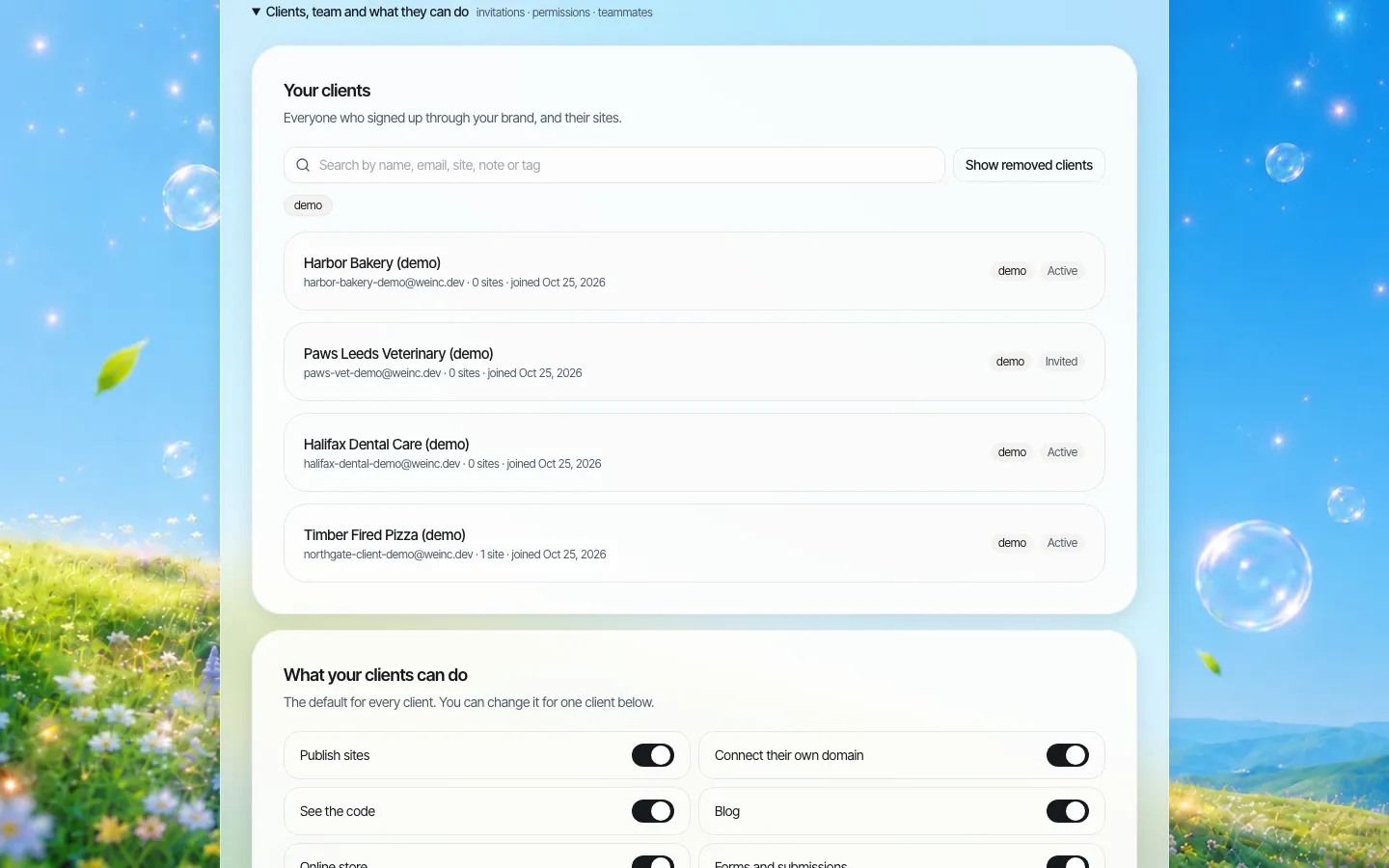
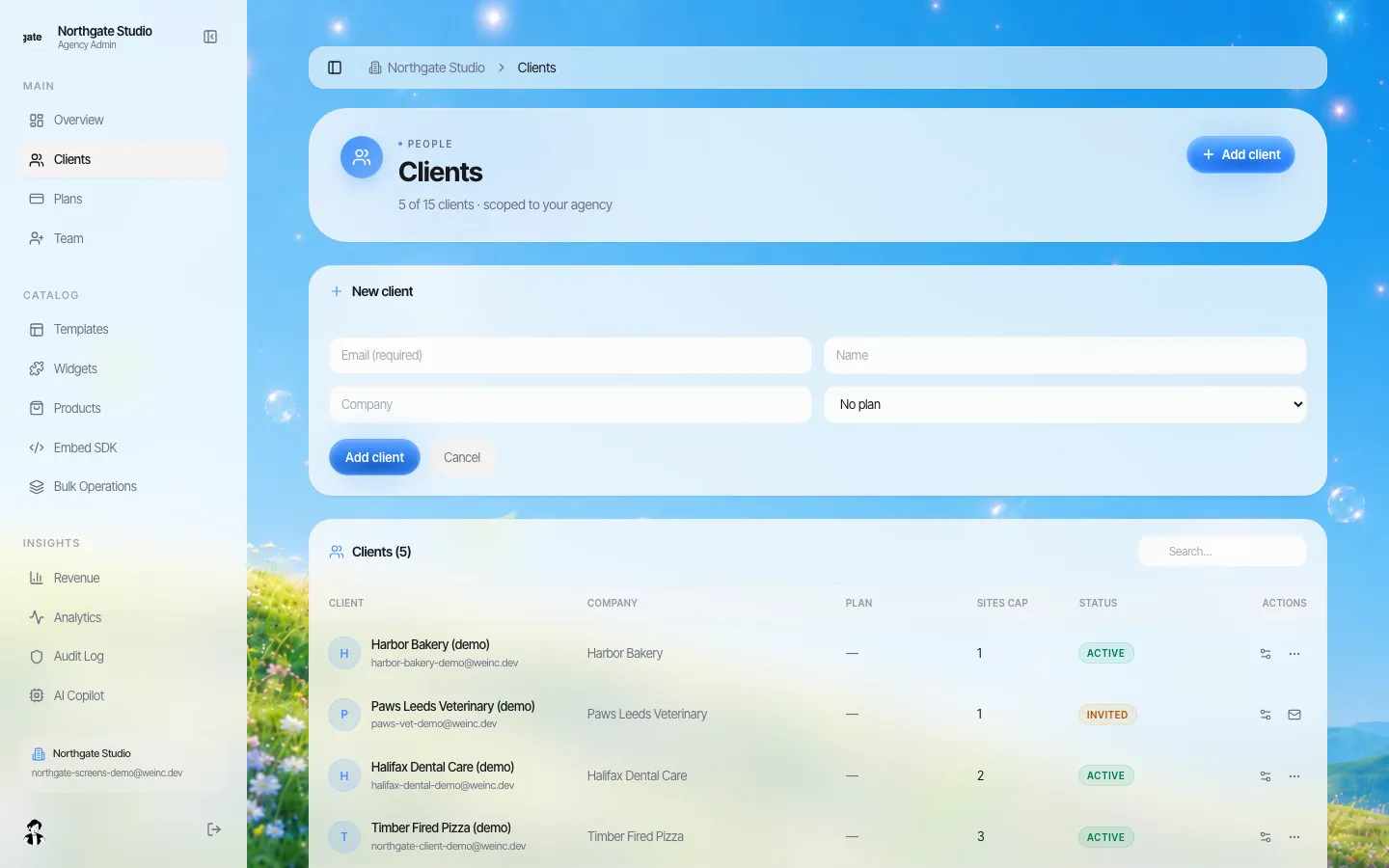
You should be able to see every client, their plan and their status in one list, and add the next client in a minute.
A login that carries your name
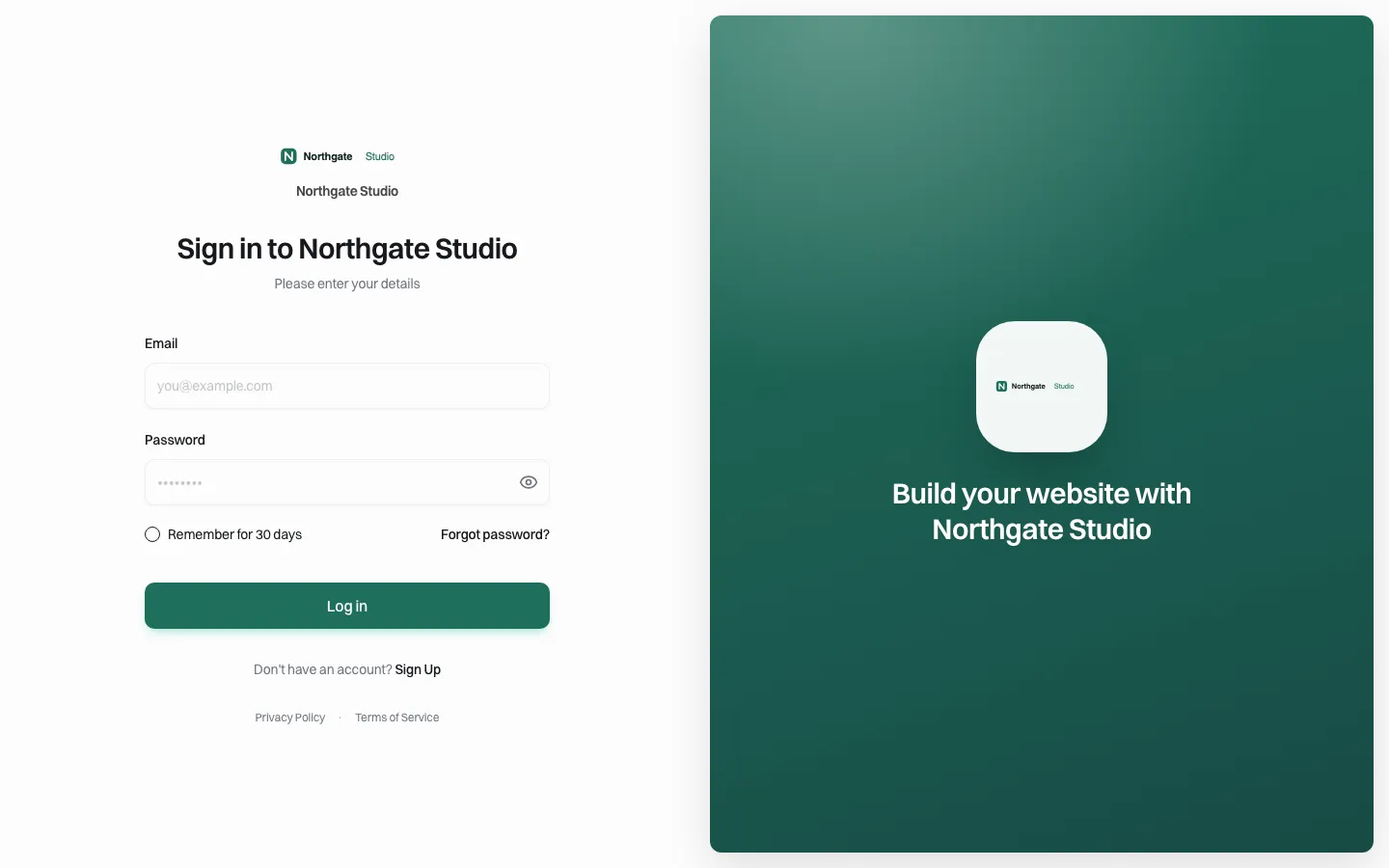
After the move, clients log in on your brand, not the platform's.
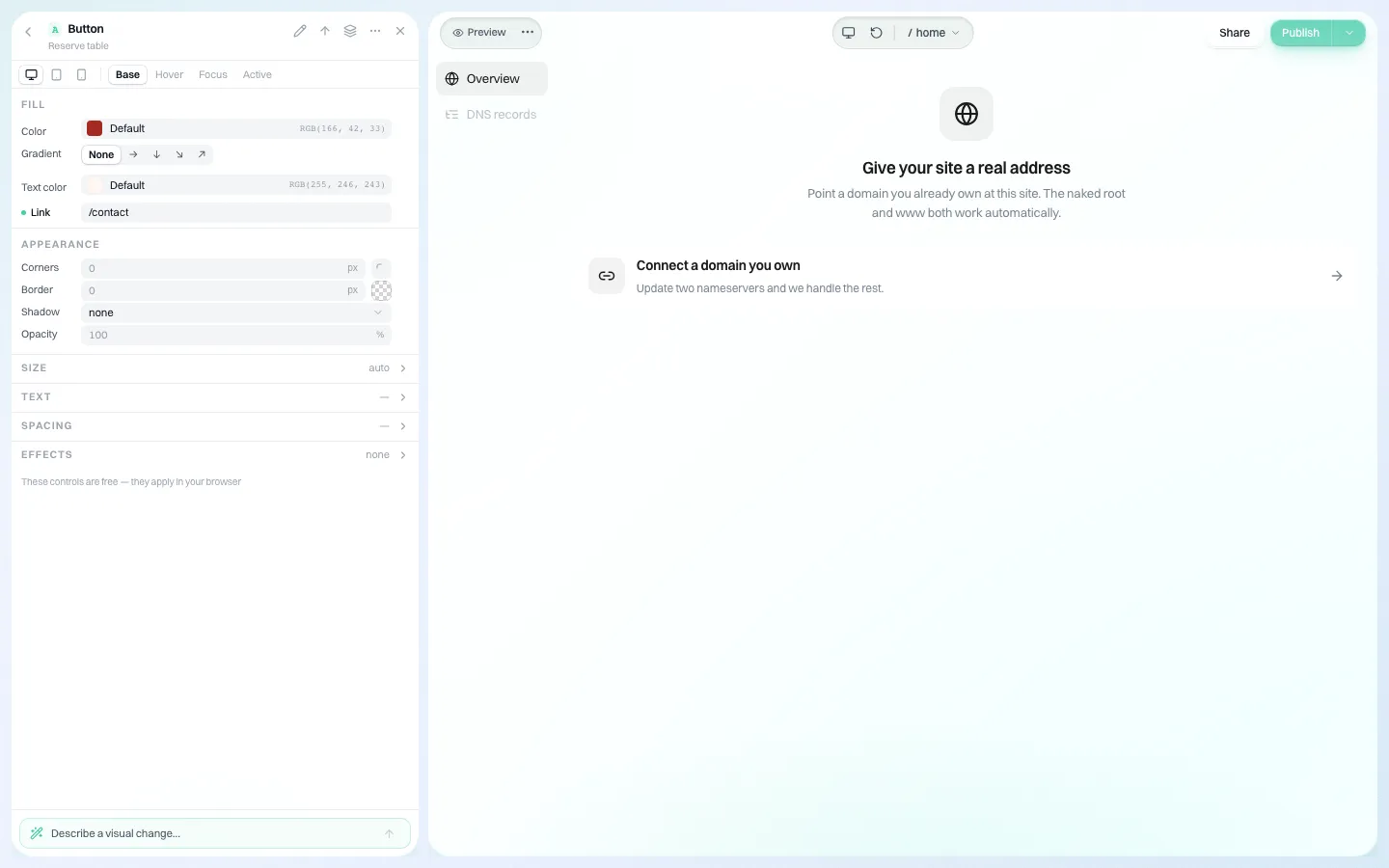
Their own domain, connected per site
A way out
The next move should be easier than this one. In We.Inc each site's code can be downloaded or pushed to GitHub, and published pages are prerendered with a generated sitemap and support for saved redirects, so search engines can read them without running scripts.
If you are planning a move like this, book a demo and bring your inventory sheet; we will tell you plainly which of your sites fit and which should stay where they are.
Sources
Last checked 2026-10-25.
- Google Search Central, Site moves with URL changes (permanent redirects, keep them at least a year, new sitemap).
- ICANN, Transfer Policy (60-day transfer restrictions, AuthInfo codes).
Frequently asked questions
How many client sites should an agency move at once?
Start with a pilot of about five simple sites, watch them for two weeks, then move 10-15 at a time. Move stores, member sites and high-traffic sites one at a time at the end.
Will moving a client site to a new platform hurt its rankings?
It can if old URLs break. Map every old URL to a new one with permanent 301 or 308 redirects, keep page titles of ranking pages similar, keep redirects for at least a year as Google advises, and submit the new sitemap.
Does the domain have to change registrar when the site changes platform?
No. You only need to change the DNS records that point the website. Leave mail records alone. A registrar transfer is a separate step and ICANN rules can block it within 60 days of registration or a previous transfer.
How do I roll back a site move?
Keep the old host running, lower the DNS TTL a day before the switch, and point the web records back if forms, orders or traffic fail.
What should I tell clients before moving their site?
Why you are moving, what stays the same (domain, email, price), what is new, the date, and anything you need from them, such as registrar access.
More in Guides
- How to Make a Website Multilingual Without Hurting SEO
- Municipal Website Content Inventory: A Step-by-Step Method and Spreadsheet Template | How-to Guide
- MX Record: How Email Finds Your Domain
- NestJS vs Next.js: Different Jobs, Often the Same Project
- Next.js API Routes: Route Handler Examples
- Next.js App Router Cheat Sheet
- Next.js Authentication Options Compared
- Next.js Environment Variables Explained
Alternatives mentioned in this article
Related guides and tools
Start building
- how to make a website
- AI website builder
- free website builder
- website templates
- website builders by industry
Product
Who It's For
- For Agencies
- For Freelancers
- For Hosting Providers
- For SaaS Platforms
- For Startups
- For Financial Services
- For Healthcare
Features
Resources
- Blog
- Help Center
- Free Business Tools
- Free UI Components
- Website Templates
- Template Collections
- Website Examples
- Guides
- Comparisons
- Alternatives
- Best Lists
- Reviews
- Pricing Guides
- Use Cases
- Glossary & Guides
- Integrations
- Developers
- Benchmark
- Windows App