Municipal Website Content Inventory: A Step-by-Step Method and Spreadsheet Template | How-to Guide
How a city, town or county counts every page, document and site it publishes, decides what to keep, fix, archive or delete, and turns the result into an accessibility and redesign plan. Includes the column set, a triage rule and a four-week schedule.
Ask a city clerk how many pages the city website has and you will usually get a guess. Ask how many PDFs and you get a shrug. That is not a failing of the people involved. Municipal sites grow one request at a time for fifteen years: an agenda here, a permit form there, a parks brochure from 2014 that nobody dared to delete. A content inventory is the boring, essential job of writing all of it down so you can make decisions about it. This guide walks through doing one in about four weeks with a spreadsheet, a crawler and the department heads you already have.
Why bother: three decisions an inventory unlocks
An inventory is not the goal. It is the evidence you need for three decisions that otherwise get made on instinct.
- Accessibility scope. The Department of Justice rule under ADA Title II sets WCAG 2.1 Level AA as the standard for state and local government web content. After an interim final rule in April 2026, the compliance dates are April 26, 2027 for governments serving 50,000 or more people and April 26, 2028 for smaller ones and special districts. The rule has exceptions for archived content and for older documents that are not used to apply for or access services. You cannot use those exceptions without knowing which of your files fall inside them.
- Redesign size. A vendor quote for "migrating the website" means nothing until you can say: 1,400 pages, 6,200 documents, 9 separate sites, 40 forms. Inventories turn guesses into a scope.
- Ownership. Every row gets an owner. Content with no owner is the content that rots, and the inventory is often the first time anyone has written down who is responsible for the planning department's pages.
Before you start: decide what counts
Most inventories stall because the team argues about scope halfway through. Settle it on day one and write it at the top of the spreadsheet.
| Include | Usually include | Record but do not detail |
|---|---|---|
| Every HTML page on the main site | Department and programme sites on other addresses | Third-party systems you link to (payments, permitting portals, agenda software) |
| Every PDF, Word, Excel and PowerPoint file linked from those pages | Online forms and the pages that host them | Social media accounts |
| Embedded maps, videos and calendars | Orphan files still reachable by URL | Intranet content |
Third-party systems still matter for accessibility, because content a contractor provides on your behalf is still your responsibility under Title II. But they are a separate workstream with the vendor, so a single row per system ("Utility billing portal, vendor X, contract owner Y") is enough here.
Step 1: Find everything (week 1)
Use at least three sources, because each one misses things the others catch.
- A crawler. A desktop crawler run against each domain finds every linked page and file. Export the URL, status code, title, content type and the page that linked to it. Set it to include PDFs and office documents.
- The CMS export. Your content management system knows about pages that are published but not linked anywhere. Export the full page list with last-modified dates and authors.
- The file store. Media libraries are where the orphans live: documents uploaded, unlinked from the page years ago, but still at a public URL that a search engine remembers.
- Search Console and analytics. Export every URL that received traffic in the last 12 months. This catches old addresses that redirect badly and pages on forgotten subdomains.
- A short email to department heads. "List any website, page, domain or online form your team runs that is not on the main site." You will be surprised.
Merge the lists, remove duplicates on URL and you have the raw inventory. For a city of 50,000 to 150,000 people it is common to end up with many more documents than pages.
Step 2: Set up the spreadsheet
Copy these columns. Resist adding more: every extra column is a column someone has to fill in 5,000 times.
| Column | How it gets filled | Example |
|---|---|---|
| ID | Automatic | P-0412 |
| URL | Crawler | /planning/variance-application.pdf |
| Title | Crawler | Variance Application 2019 |
| Type | Crawler (page, PDF, DOCX, XLSX, form, video, map) | |
| Site / section | From URL | Planning |
| Last updated | CMS or file metadata | 2019-03-11 |
| Views, last 12 months | Analytics | 1,204 |
| Used to apply for or access a service? | Owner (yes / no) | Yes |
| Owner (role, not person) | Department head | Planning Technician |
| Decision | Owner, using the triage rule below | Rebuild as HTML form |
| Accessibility status | Testing team | Not tested / Fails / Passes spot check |
| Due date | Web manager | 2027-01-31 |
| Notes | Anyone | Fee changed in 2023, content out of date |
Owners by role matter. People change jobs; "Planning Technician" will still exist next year.
Step 3: The triage rule (weeks 2 and 3)
Every row gets one of five decisions. Send each department its own filtered sheet and a deadline. Give them the rule in this order, and ask them to stop at the first one that applies.
- Delete if it is duplicated elsewhere, superseded, or has had no views in 12 months and no legal reason to stay. Redirect the URL to the closest useful page.
- Archive if it must be kept for reference or records but nobody uses it to do anything. Move it to a clearly labelled archive area and stop editing it. Check your records retention schedule before deleting anything here.
- Rebuild if it is a document people use to apply for or access a service: forms, applications, fee schedules, eligibility rules. These belong on a web page or online form, not in a PDF.
- Fix if it is current, useful and mostly right but has problems: outdated facts, broken links, missing headings, poor alt text.
- Keep if it is current, owned and already tested.
The rule deliberately pushes documents toward the web page. A PDF variance application with tiny fields is hard on a phone and hard to make accessible; an HTML form is easier to fill in, easier to test and easier to update when the fee changes. Our guide to accessible PDF alternatives covers how to choose between converting and remediating.
How to handle the archive exception honestly
The archived-content exception in the Title II rule is narrow: content made before the compliance date, kept only for reference, research or recordkeeping, stored in a dedicated archive area, and not changed since it was archived. Moving last year's fee schedule into a folder called "archive" while residents still use it does not qualify. If people still rely on it, it is not archived. When in doubt, mark it Fix or Rebuild.
Step 4: Turn the sheet into a plan (week 4)
Pivot the spreadsheet by decision and by department. You now have numbers you can put in front of a council or a budget committee.
| Decision | What happens | Who | Rough effort per item |
|---|---|---|---|
| Delete | Remove, add redirect, log in the sheet | Web team | Minutes |
| Archive | Move to archive area, add archive notice and contact for accessible copies | Web team | Minutes |
| Rebuild | Rewrite as a page or online form in plain language, test, publish | Owner drafts, web team builds | Hours to days |
| Fix | Correct content, headings, links and alt text; test | Owner | An hour or two |
| Keep | Add to review schedule | Owner | None now |
Put the Rebuild items with the most views first. They are the ones residents actually use, and they are usually a short list: in most inventories a small fraction of documents draws most of the traffic.
Common traps
- Inventorying only the main site. The library, the parks department and the economic development office often run their own sites. The department microsites guide has a register template for these.
- Letting the web team decide alone. Only the owner knows whether the 2019 fee schedule is still in force. The web team runs the process; departments make the calls.
- Doing it once. Add a review date to every Keep row. A yearly re-crawl compared with last year's sheet shows new content that skipped the process.
- Deleting without redirects. Old URLs are printed on letters, signs and other websites. Redirect them.
- Counting without testing. The inventory tells you what exists. Testing tells you whether it works. See our accessibility testing process for the second half.
A four-week schedule you can copy
| Week | Web team | Departments |
|---|---|---|
| 1 | Crawl, export CMS and analytics, merge, send the "other sites" email | Reply with any sites and forms not on the main site |
| 2 | Send each department its filtered sheet with the triage rule | Name owners, start decisions |
| 3 | Answer questions, chase gaps, start Delete and Archive items | Finish decisions |
| 4 | Pivot, estimate effort, write a one-page summary for leadership | Agree due dates for Fix and Rebuild |
After the inventory: keeping it from growing back
The usual reason an inventory is out of date a year later is that publishing stayed open to everyone. Three controls make a difference: give each department editing rights only to its own section or site, require a review before anything new goes live, and keep a record of who changed what. Our website governance policy template turns those into written rules.
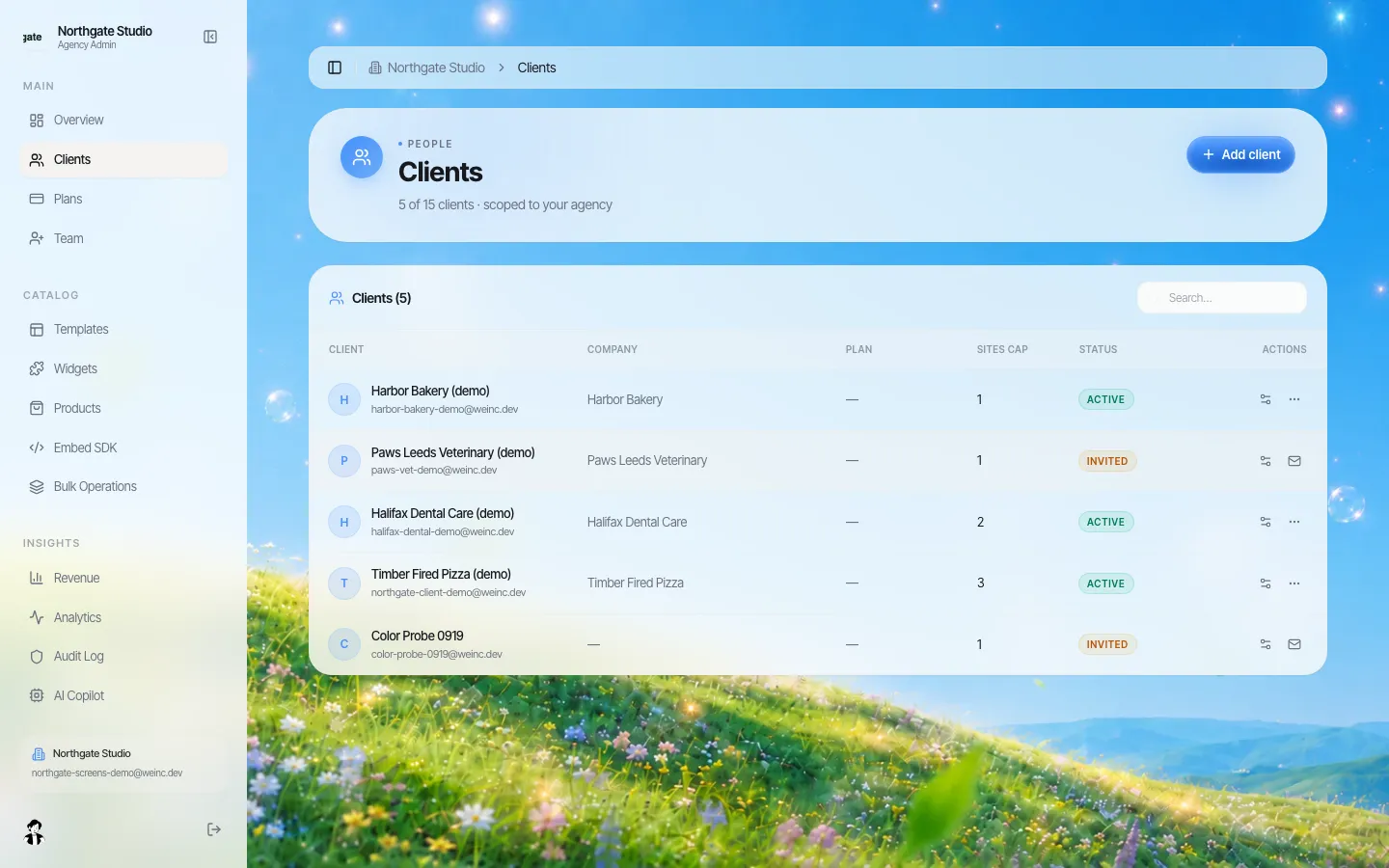
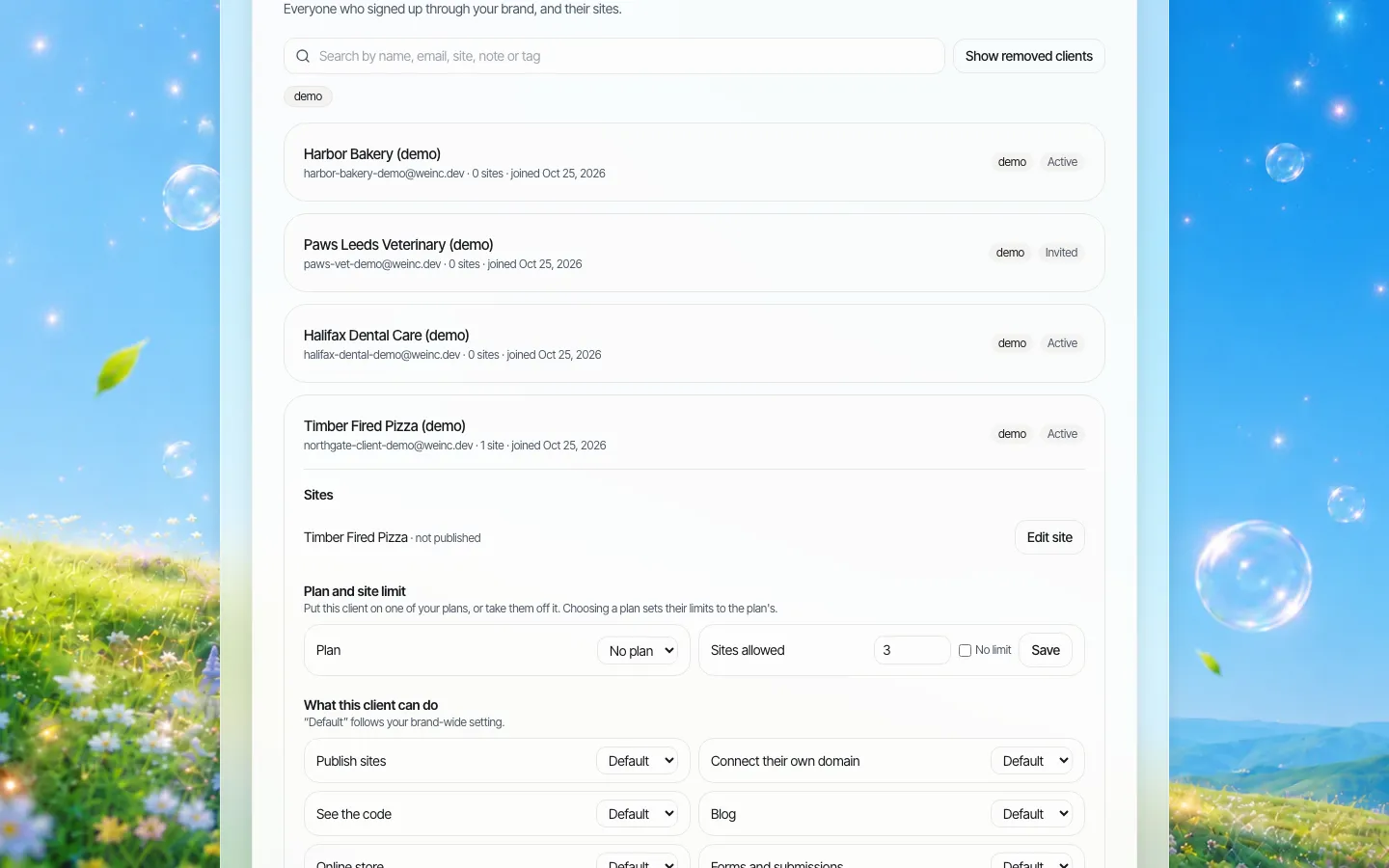
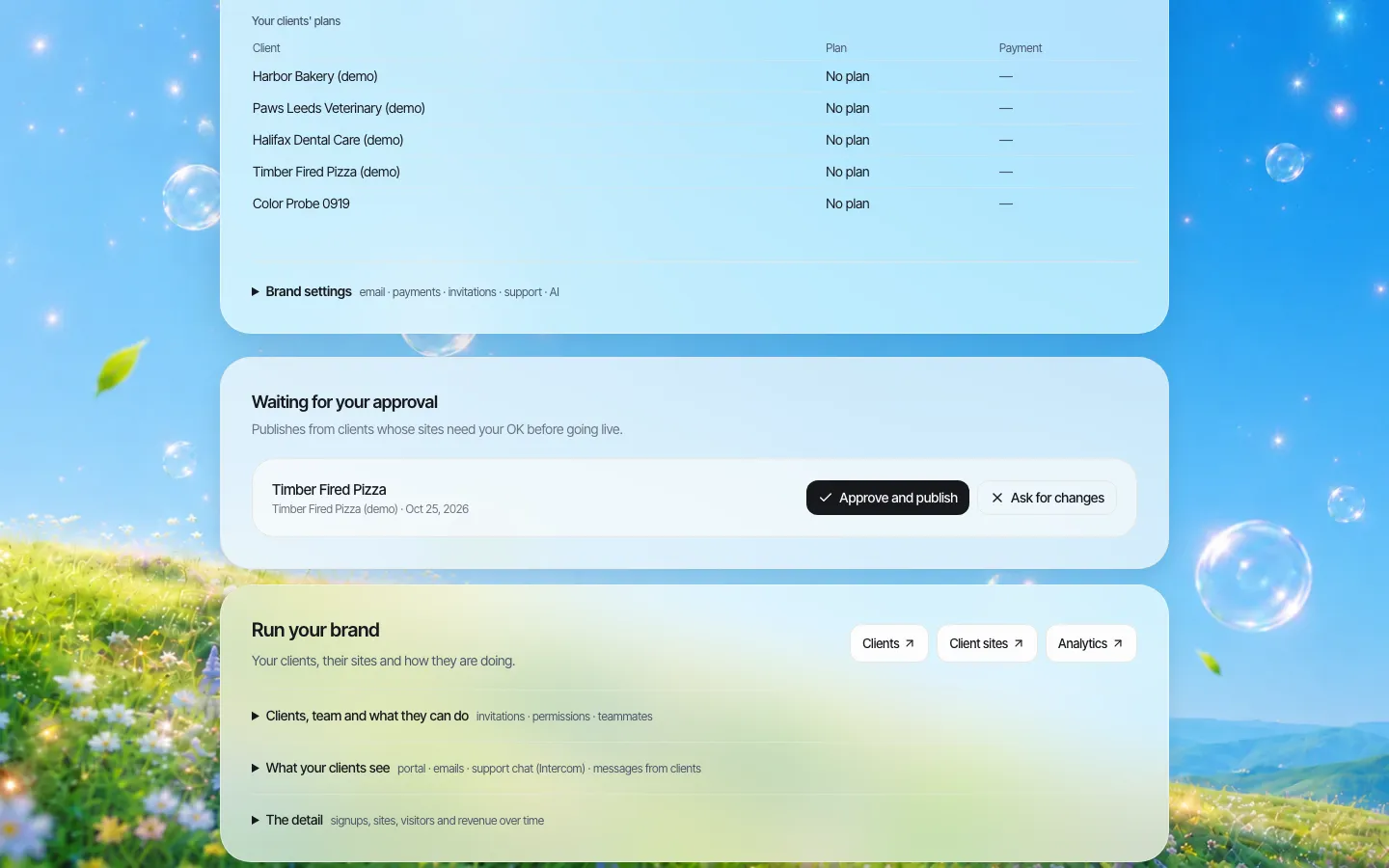
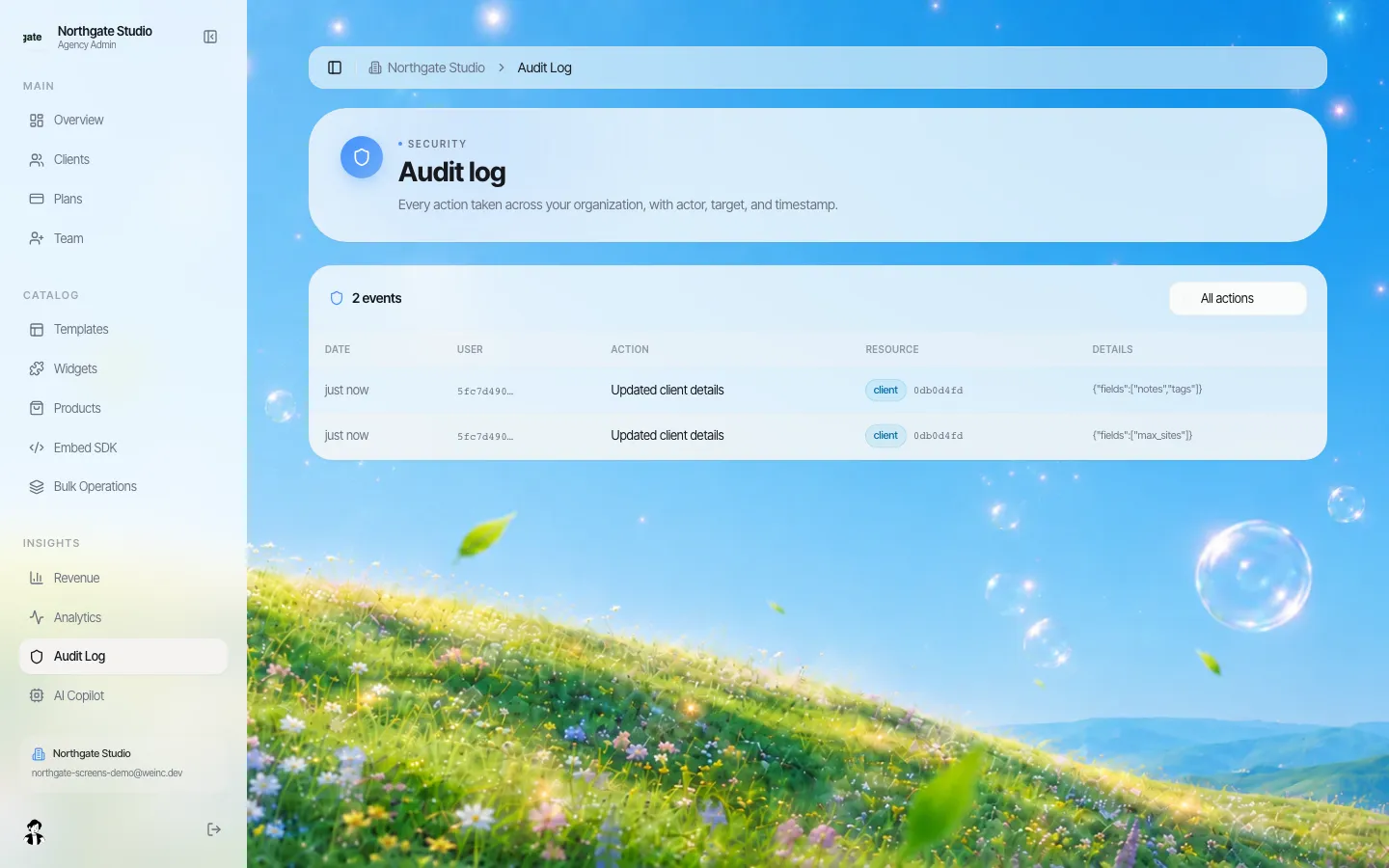
If your organisation runs many small sites (departments, programmes, community facilities) on one platform, those controls are easier to enforce in one place. On We.Inc, an organisation can run many sites under its own brand, set per-site permissions, require a single-step approval before a site goes live, and see an audit log of organisation actions. Here is what that looks like on our demo brand.
No platform does the inventory for you, and no platform makes content accessible automatically: the sites still need your own testing. If you want to see whether this setup fits your organisation, book a demo.
Sources
Last checked 2026-10-25.
- ADA.gov, Fact Sheet: New Rule on the Accessibility of Web Content and Mobile Apps Provided by State and Local Governments (standard, compliance dates as amended by the April 20, 2026 interim final rule, exceptions).
- ADA.gov, First Steps Toward Complying with the Title II Web and Mobile Application Accessibility Rule.
This guide is general information, not legal advice. Check your own obligations with your attorney.
Frequently asked questions
What is a website content inventory?
A spreadsheet listing every page, document, form and separate site an organisation publishes, with its owner, usage, last update and a decision: delete, archive, rebuild, fix or keep.
How long does a municipal content inventory take?
About four weeks for a typical city if the scope is set on day one: one week to find everything, two weeks for departments to make decisions, and one week to turn the sheet into a plan.
Does archiving old content remove ADA Title II obligations?
Only content that meets the rule's archive exception: made before the compliance date, kept only for reference or recordkeeping, stored in a dedicated archive area and unchanged since. If residents still use it, it does not qualify. This is not legal advice.
What are the ADA Title II web compliance dates now?
After the April 2026 interim final rule, ADA.gov lists April 26, 2027 for governments serving 50,000 or more people and April 26, 2028 for smaller ones and special district governments.
Should PDFs be converted to web pages?
Documents people use to apply for or access a service, such as forms, applications and fee schedules, usually work better as web pages or online forms. They are easier to use on a phone, to test and to update.
More in Guides
- MX Record: How Email Finds Your Domain
- NestJS vs Next.js: Different Jobs, Often the Same Project
- Next.js API Routes: Route Handler Examples
- Next.js App Router Cheat Sheet
- Next.js Authentication Options Compared
- Next.js Environment Variables Explained
- Next.js Image Component: Sizes, Preload and Remote Images
- Next.js Middleware Examples, Updated for proxy.ts
Related guides and tools
Start building
- website templates
- how to make a website
- AI website builder
- free website builder
- website builders by industry
We.Inc is an AI-powered website builder you can resell under your own brand. Launch a branded client dashboard, bill on Stripe Connect, and deliver AI-generated websites in minutes. White-label pricing is tailored to your volume and setup: book a 30-minute demo for a quote.
Product
- AI Website Builder: Describe a site in plain English; it's live in minutes
- White Label Platform: Your brand, your domain, your margin
- Enterprise: SSO, custom SLAs, and dedicated support
- Developer API: Embed site generation into your SaaS
Who It's For
- For Agencies: Resell under your brand
- For Freelancers: Your own branded builder
- For Hosting Providers: Add a builder to your stack
- For SaaS Platforms: Embed site creation via API
- For Startups
- For Financial Services
- For Healthcare
Features
- Drag & Drop Editor
- Built-in SEO Tools
- Custom Branding
- Client Dashboard
- Reseller Billing (Stripe Connect)
Resources
- Blog
- Help Center
- Free Business Tools
- Free UI Components
- Website Templates
- Template Collections
- Website Examples
- Guides
- Comparisons
- Alternatives
- Best Lists
- Reviews
- Pricing Guides
- Use Cases
- Glossary & Guides
- Integrations
- Developers
- Benchmark
- Windows App