Accessible PDF Alternatives for Public Websites: When to Turn a PDF Into a Web Page | How-to Guide
Government and public-sector sites hold thousands of PDFs. A triage method for deciding which to delete, archive, convert to HTML or fix as a PDF, how the Title II document exceptions really work, and a conversion recipe for forms, reports and notices.
Ask any public-sector web team where their accessibility problem lives and most will say the same thing: the PDFs. A mid-sized city or school district can have tens of thousands of them, many scanned, many forgotten. Fixing each one as a PDF is slow and expensive, and the result is still hard to read on a phone. For most documents, the better fix is not a better PDF. It is a web page. This guide gives you a way to decide which documents to delete, archive, convert or keep as PDF, and shows how to convert the common types. It is general information, not legal advice.
What the Title II rule says about documents, in one table
The DOJ's ADA Title II web rule applies WCAG 2.1 Level AA to web content, and it treats word processing files, presentations, PDFs and spreadsheets ("conventional electronic documents") as web content. Two of its exceptions are about documents, and a third (archives) often catches them. Here is how they apply to files specifically, based on ADA.gov's fact sheet.
| Situation | Must it meet WCAG 2.1 AA? | Watch out for |
|---|---|---|
| Document posted after your compliance date | Yes | This includes every new agenda, report and notice from that day on |
| Document posted before your date, nobody uses it to get a service | Excepted | Still has to be provided in an accessible form if someone asks |
| Document posted before your date, still used to apply for, access or take part in a service | Yes | Old application forms, fee schedules, current rules and instructions |
| Individual, secured file about one person, property or account (for example a bill) | Excepted if it is one of the listed file types and is password-protected or otherwise secured | The same information shown as a web page is not excepted; on request you must provide it accessibly |
| Archived content | Excepted only if created before your date, kept only for reference, research or recordkeeping, held in a separate archive area and unchanged since | Linking an old file from a current page as if it were current takes it out of the archive |
Your compliance date is April 26, 2027 or April 26, 2028, depending on your size, under the DOJ's April 20, 2026 interim final rule. The dates and the other exceptions are covered in our ADA Title II deadline guide. The point for this guide: the exception is a reason to leave old, unused files alone. It is not a reason to keep publishing new PDFs.
Why a web page usually beats a fixed PDF
In 2018 the UK's Government Digital Service set out why GOV.UK prefers HTML to PDF. Its reasons hold for any public site: PDFs do not change size to fit the browser, they are not designed for reading on screens, they take people out of the website, they are hard to keep up to date, and publishers learn much less about how they are used. Accessibility is one reason among several, and it is the one with a deadline attached.
For an accessibility team the practical differences are these:
| Accessible PDF | Web page | |
|---|---|---|
| Skill needed to make it accessible | Specialist: tags, reading order, alt text, table structure inside the file | Anyone who can use headings, lists and link text in an editor |
| Works on a phone at 200% zoom | Rarely; text does not reflow | Yes, if the template is responsive |
| Updating it | Edit the source, re-export, re-tag, re-upload, hunt down old copies | Edit in place; one URL stays current |
| Translation | A new file per language | Page translation tools work; translated pages share the template |
| Search | Indexed, but results land on a file with no navigation | Results land on a page inside your site |
| Checking it | Separate PDF checker plus manual review | Same checks as the rest of the site |
W3C does publish PDF techniques for WCAG 2.1 (tagging images with alt text, setting reading order, creating bookmarks, and so on), so accessible PDFs are possible. They are just a lot of work to produce and keep correct.
Triage: four piles
Do not start fixing. Start sorting. Export a list of every document on the site (most content systems can list files, and a crawler can find the rest) with its URL, title, upload date, the pages that link to it and, if you have it, how often it was opened in the last year. Then sort each file into one pile.
| Pile | Test | Action |
|---|---|---|
| Delete | Out of date, duplicated, superseded, or nobody has opened it in a year and no law requires you to publish it | Remove it and the links to it, after checking your records retention schedule |
| Archive | Created before your compliance date, kept only for the record, nobody needs it to get a service | Move it to a labelled archive area, do not edit it, say how to request an accessible copy |
| Convert to HTML | People use it now, it is mostly text, headings, lists or simple tables | Rebuild as a web page; keep a print version only if people really print it |
| Fix as PDF | The file format itself matters: a legally required print layout, a signed plan set, a large engineering drawing | Remediate the PDF, add a text summary on the page that links to it |
In most document inventories, delete and archive turn out to be the largest piles. That is good news: they cost almost nothing. Convert is usually next. Fix as PDF should be the smallest pile, reserved for documents where the layout is the point.
A quick scoring sheet for the convert pile
When the convert pile is still too big to finish, rank it. Give each file a point for each statement that is true and convert the highest scores first.
- It is a form or instructions people need to get a service.
- It was opened more than a hundred times last year.
- It is linked from the home page or a top-level section page.
- It is updated at least once a year.
- It is a scan (no selectable text).
- It is likely to be read on a phone (closures, schedules, menus, notices).
Conversion recipes for common public documents
Fillable forms
Fillable PDF forms are the most valuable conversion, because the rule's exception never covers a form still in use. Replace the PDF with an online form: one question per label, errors that say what is wrong and how to fix it, no time limit, and a confirmation page or email. Where a wet signature is legally required, keep a printable version but make it a properly tagged file, and offer a way to get help by phone. Ask whether every field is still needed; conversion is the cheapest moment to shorten a form.
Agendas and minutes
Publish them as pages with a heading per agenda item and the item number in the heading. Link supporting documents from the item they belong to. Minutes follow the same structure, so a reader can jump from item 7 on the agenda to item 7 in the minutes.
Annual reports and plans
Long reports work as a short set of pages: a summary page with the key figures as text, then one page per chapter. Charts need a short description of what they show plus the underlying numbers in a table. If the designed print version matters to the board, keep it as a download but treat the web pages as the main version.
Notices and press releases
These should never have been PDFs. Paste the text into a page, keep the date and contact at the top, and delete the file.
Fee schedules, rates and timetables
Use a real table with a caption and header cells. If the table is wide, split it into several smaller tables by category so it does not scroll sideways on a phone.
Maps and plan sets
A map PDF cannot be made fully meaningful to a blind reader by tagging. What helps is a text version of the information the map carries: the boundaries described by streets, the list of polling places with addresses, the route described stop by stop. Keep the map, and put the text next to it.
Flyers and posters
Post the event as a page or a calendar entry with the details in text. If you also post the flyer image, its description can be short because the details are already on the page.
Stop the pile growing back
Conversion fails if the same offices keep uploading new PDFs. Put these rules in your publishing policy (our governance policy template has a place for them):
- HTML by default. A new document is a web page unless the author can say why it must be a file.
- No scans. Upload the source file, never a photo or scan of paper.
- Every file has a page. Each document is linked from a page that summarises it in a sentence or two, so nobody lands on a bare file.
- A named owner and a review date on every document, so stale files get deleted rather than archived by neglect.
- Review before publishing. Someone who knows the rules looks at new documents before they go live.
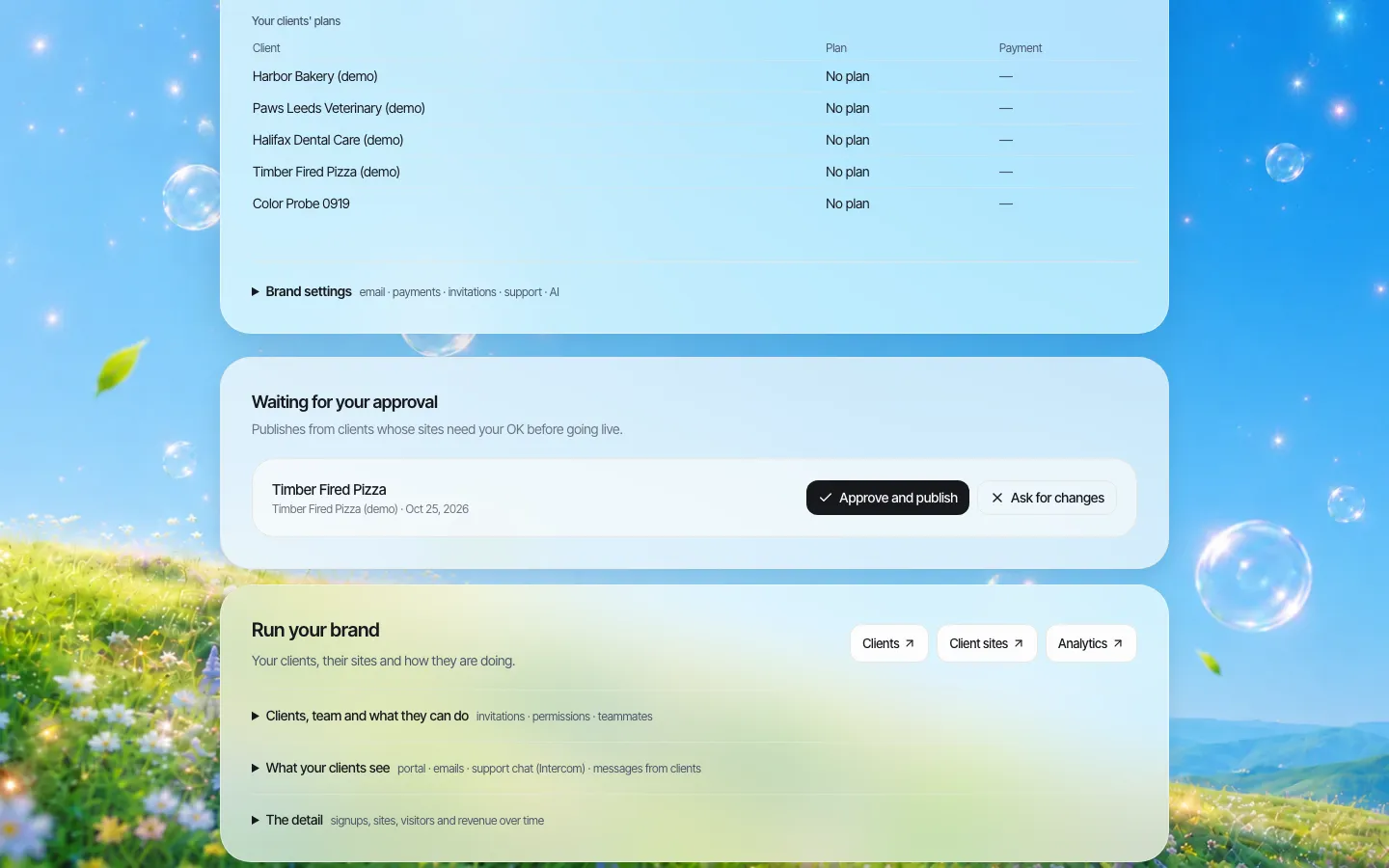
Rule 5 is where a platform helps. If new pages must be approved before they go live, a reviewer sees an uploaded PDF before the public does.
Budget: what to count
We will not quote per-page remediation prices, because they vary widely by vendor and document. When you price the work, count these instead:
- Pages in the convert pile, split into simple text, tables, and forms.
- Pages in the fix-as-PDF pile, split into tagged source available versus scan only.
- Hours for staff to rebuild their own documents as pages after training (often the cheapest route for text documents).
- Ongoing cost of the review step, in staff time per week.
Compare that with the cost of keeping a remediation vendor on retainer for every new PDF your offices will produce. Converting to HTML usually wins after the first year because it stops recurring cost, not just existing debt.
Testing the result
ADA.gov's first-steps page notes that automated testing tools alone cannot cover every part of accessibility and recommends combining automated and manual checks. For converted pages, that means an automated scan plus a keyboard and screen reader pass on each template you use (form, agenda, report chapter, table page). For any PDF you keep, use a PDF accessibility checker and then read it with a screen reader, because a file can pass a checker and still have its reading order wrong.
Where We.Inc fits
We.Inc is a white-label website platform for organisations that run many sites under one brand. For a document clean-up it offers:
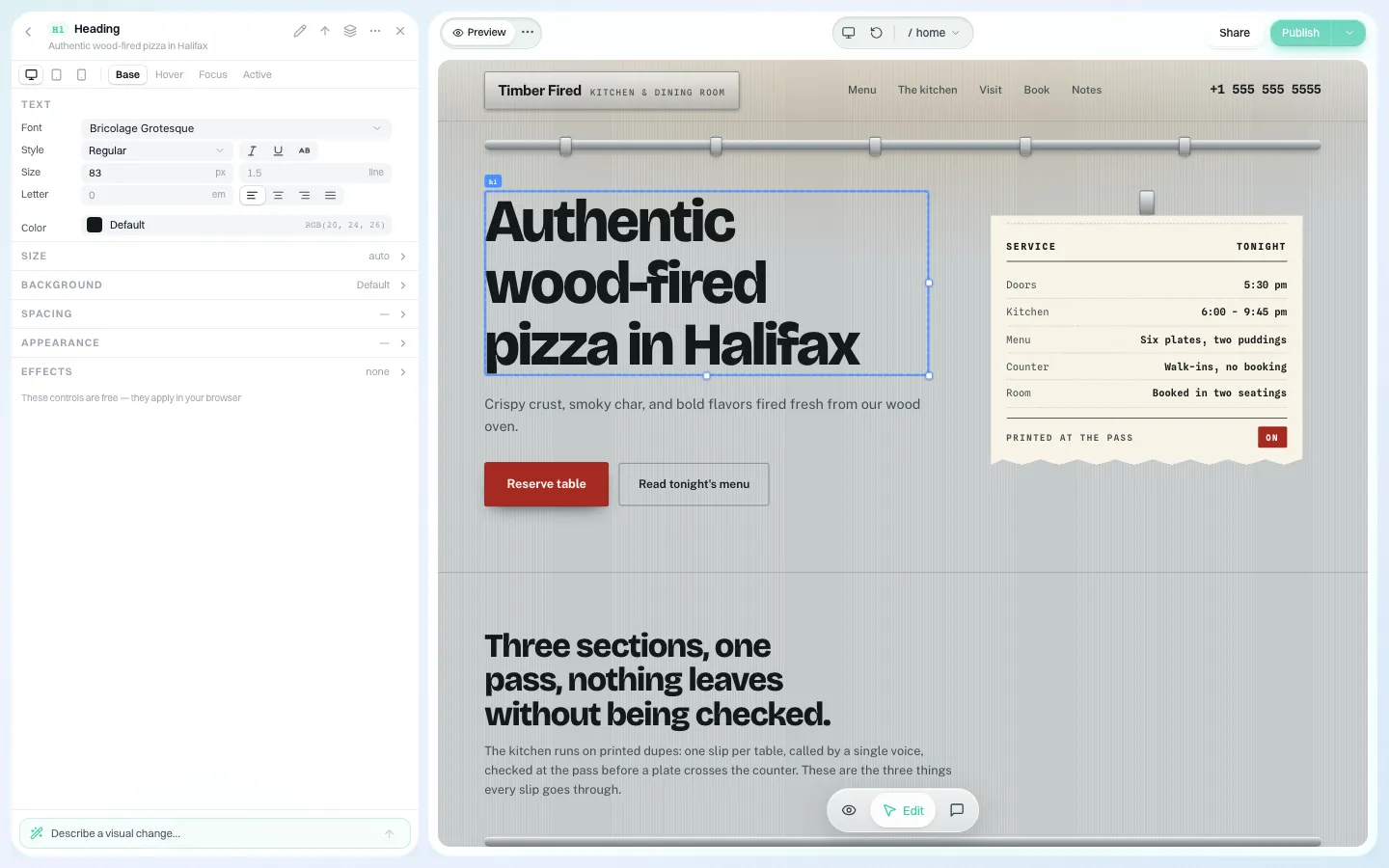
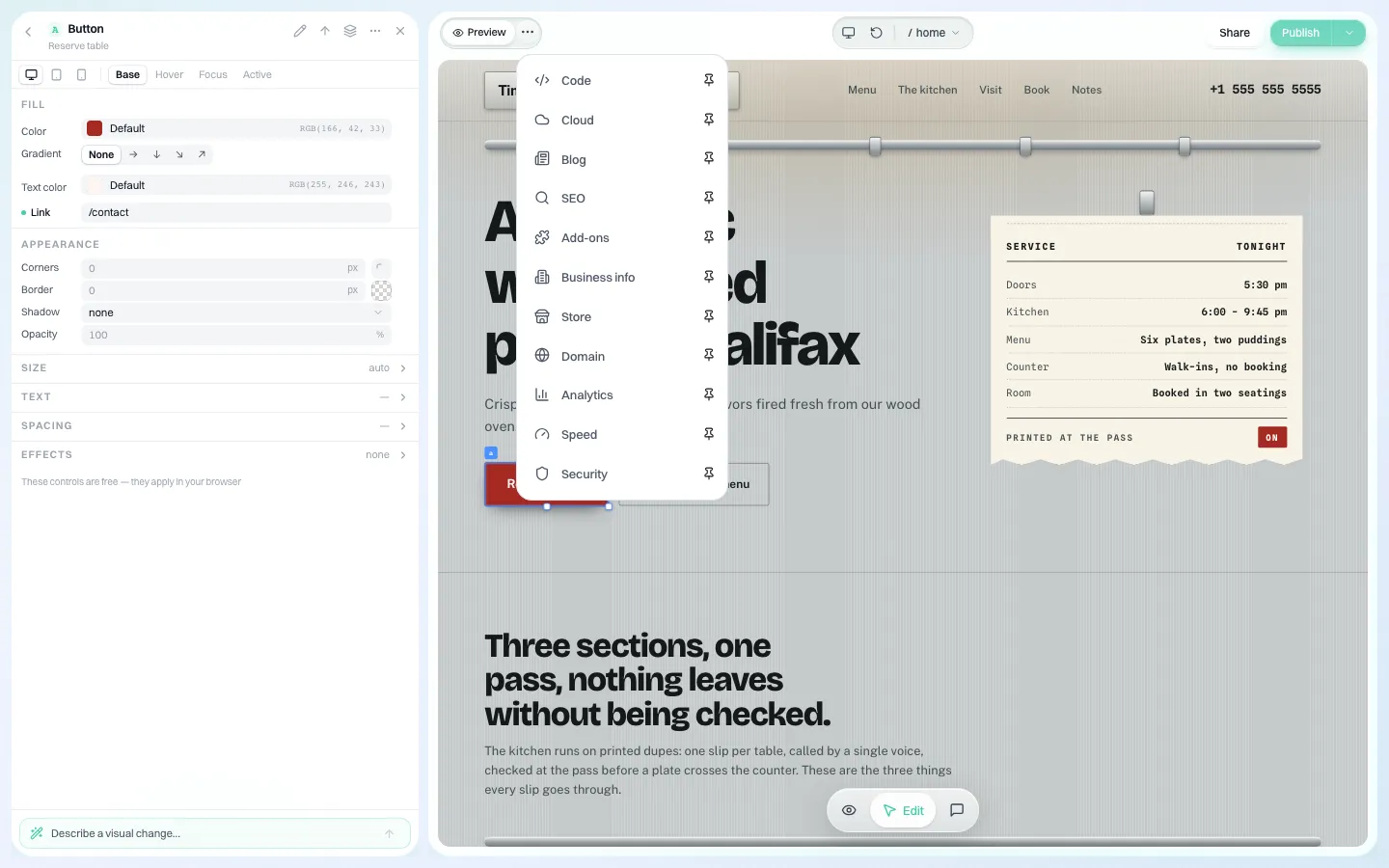
- A visual editor where staff rebuild documents as pages with headings, lists and tables.
- Forms built into sites, switched on per site.
- An optional single-step approval before a site goes live.
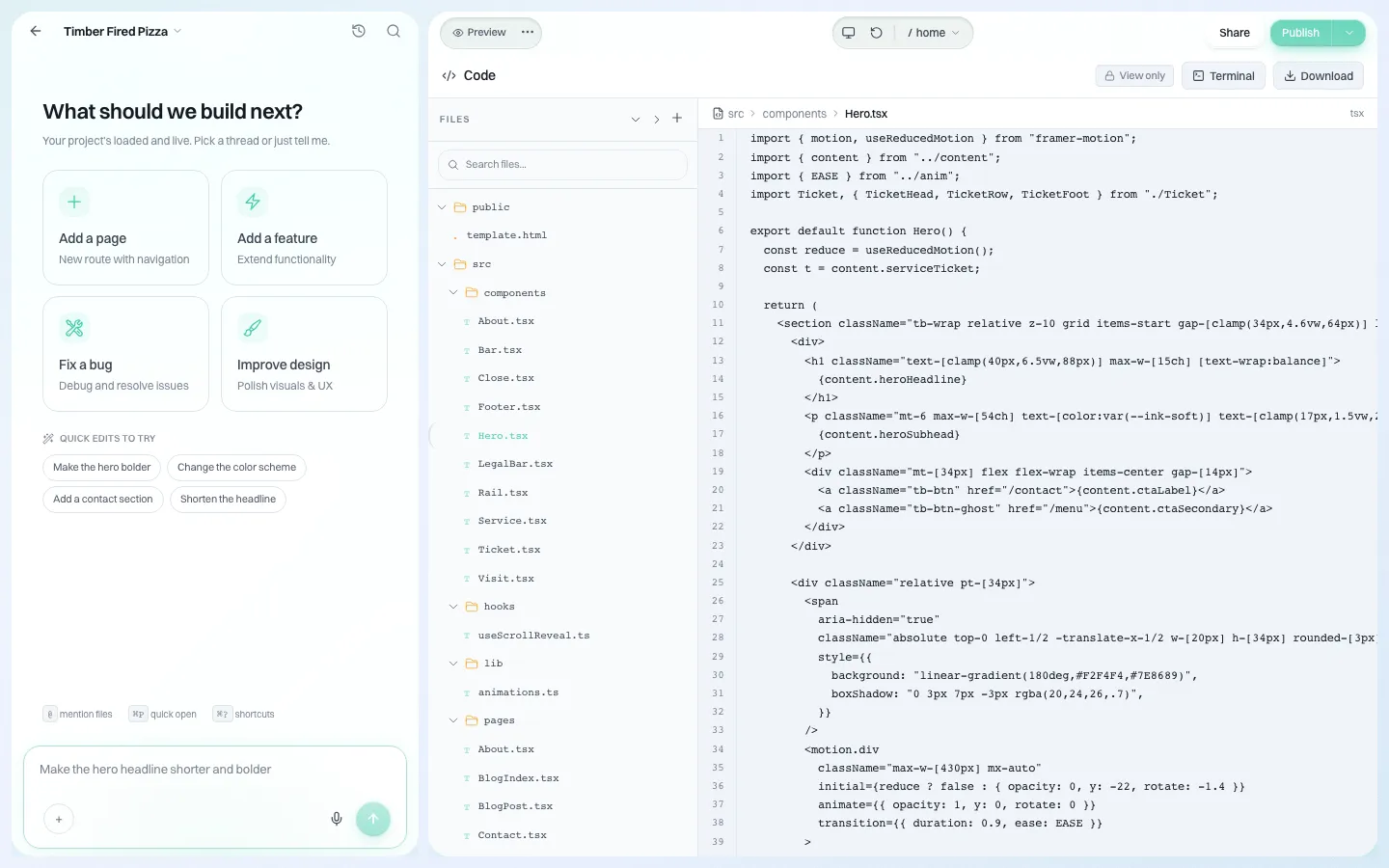
- An audit log of organisation actions, and full code download or GitHub export of every site.
We do not convert your PDFs for you, and pages built on the platform are AI-assisted: we do not claim they conform to WCAG 2.1 AA, and your team must test them. To talk through a document-heavy site, book a demo. See also our guides for school districts and public libraries.
Sources
Last checked 2026-10-25.
- ADA.gov, Fact Sheet: New Rule on the Accessibility of Web Content and Mobile Apps Provided by State and Local Governments (document, individualized document and archive exceptions).
- ADA.gov, First Steps Toward Complying with the Title II Web and Mobile Application Accessibility Rule.
- Federal Register, Extension of Compliance Dates, interim final rule, April 20, 2026 (91 FR 20902).
- Government Digital Service, Why GOV.UK content should be published in HTML and not PDF, July 16, 2018.
- W3C, Techniques for WCAG 2.1: PDF techniques, and WCAG 2.1.
This guide is general information, not legal advice. Check your records retention rules before deleting public documents, and speak to your own counsel about how the exceptions apply to you.
Frequently asked questions
Do old PDFs on a government website have to be accessible?
PDFs posted before your Title II compliance date are excepted unless people still use them to apply for, access or take part in a service. You still have to provide an accessible version on request. Documents posted after the date must meet WCAG 2.1 AA.
Is it better to fix a PDF or convert it to a web page?
For most text documents, forms, agendas, notices and tables, a web page is cheaper to make accessible, works on phones and is easier to keep current. Keep PDFs for documents where the print layout itself matters, such as plan sets.
Can we just move old PDFs into an archive?
Only content that was created before the compliance date, is kept only for reference, research or recordkeeping, sits in a separate archive area and has not been changed since qualifies as archived. Files still linked as current do not.
Are password-protected bills and statements excepted?
Individualized documents about a specific person, property or account are excepted if they are a listed file type and password-protected or otherwise secured. You must still provide an accessible version on request.
Will We.Inc convert our PDFs?
No. We.Inc gives staff an editor, forms, an optional approval step and code export to rebuild documents as pages, but the conversion and testing are your team's work.
More in Guides
- ADA Title II Website Deadline: April 2027 and April 2028 Explained | How-to Guide
- ADA Website Compliance for Small Businesses (2026 Guide) | How-to Guide
- How Do Agencies Deliver Many Client Sites from Templates Without Every Site Looking the Same? | How-to Guide
- AI Agents for Business: What They Can Handle and Where People Stay in Charge
- AI Agent vs Agentic AI: What Is the Difference?
- Alt Text Examples: What to Write for Each Kind of Image
- AODA Website Requirements: What Ontario Organisations Must Do, and How to Prove It | How-to Guide
- Apache vs nginx: How They Differ and How to Translate Config
Related guides and tools
Start building
- how to make a website
- AI website builder
- free website builder
- website templates
- website builders by industry
We.Inc is an AI-powered website builder you can resell under your own brand. Launch a branded client dashboard, bill on Stripe Connect, and deliver AI-generated websites in minutes. White-label pricing is tailored to your volume and setup: book a 30-minute demo for a quote.
Product
- AI Website Builder: Describe a site in plain English; it's live in minutes
- White Label Platform: Your brand, your domain, your margin
- Enterprise: SSO, custom SLAs, and dedicated support
- Developer API: Embed site generation into your SaaS
Who It's For
- For Agencies: Resell under your brand
- For Freelancers: Your own branded builder
- For Hosting Providers: Add a builder to your stack
- For SaaS Platforms: Embed site creation via API
- For Startups
- For Financial Services
- For Healthcare
Features
- Drag & Drop Editor
- Built-in SEO Tools
- Custom Branding
- Client Dashboard
- Reseller Billing (Stripe Connect)
Resources
- Blog
- Help Center
- Free Business Tools
- Free UI Components
- Website Templates
- Template Collections
- Website Examples
- Guides
- Comparisons
- Alternatives
- Best Lists
- Reviews
- Pricing Guides
- Use Cases
- Glossary & Guides
- Integrations
- Developers
- Benchmark
- Windows App