AODA Website Requirements: What Ontario Organisations Must Do, and How to Prove It | How-to Guide
The AODA website rules in plain English: who must comply, the WCAG 2.0 AA standard and its two exceptions, the 2012 content cut-off, what a contracted web vendor changes, the 31 December 2026 compliance report, and a register and audit plan you can copy.
Ontario's website accessibility rule is short, and that is exactly why it causes trouble. It fits in a sentence, so organisations assume they understand it, then discover in the middle of a vendor dispute or a complaint that nobody can say which of their sites are covered, which content is exempt, or who was supposed to test the last redesign. This guide sets out what the rule requires, what it leaves out, and the paperwork that lets you show you met it.
The rule in one paragraph
Under the Accessibility for Ontarians with Disabilities Act (AODA) and its Integrated Accessibility Standards, the Ontario government says that since 1 January 2021 you "must make all public websites accessible" if you are a designated public sector organisation, or a business or non-profit with 50 or more employees in Ontario. Public websites and web content must meet WCAG 2.0 Level AA, apart from two success criteria. The requirement applies to websites and web content published after 1 January 2012, and to the organisation that controls the website directly or through a contract.
Everything else in this guide is about applying that paragraph to real organisations with several sites, several vendors and content of very different ages.
Who is covered
| Organisation | Website rule | Compliance report |
|---|---|---|
| Designated public sector organisation (ministries, municipalities, school boards, colleges, hospitals and others listed in the regulation) | Yes, WCAG 2.0 AA | Yes, every two years |
| Business or non-profit, 50+ employees in Ontario | Yes, WCAG 2.0 AA | Yes, every three years |
| Business or non-profit, 20 to 49 employees | No website requirement under this rule | Yes, every three years |
| Business or non-profit, 1 to 19 employees | No website requirement under this rule | Generally no |
Count employees the way the regulation does, in Ontario, and re-check when you grow. A smaller organisation outside the website rule still has other AODA duties, and complaints about inaccessible sites can arise under human rights law regardless. Many organisations below 50 choose to work to WCAG 2.0 AA anyway, because rebuilding later costs more than building right.
What WCAG 2.0 AA means here
WCAG 2.0 is a set of testable success criteria grouped at levels A, AA and AAA. AODA asks for A and AA, with two exclusions that the province names: 1.2.4 Captions (Live) and 1.2.5 Audio Description (Prerecorded). So you do not have to caption live video streams or add audio description to pre-recorded video to meet the Ontario rule. You do still need captions for pre-recorded video (1.2.2), and all the other A and AA criteria.
WCAG has moved on: 2.1 and 2.2 add criteria for mobile, low vision and cognitive accessibility. The AODA standard still names 2.0. Working to 2.1 or 2.2 AA is sensible because they include everything in 2.0 AA and they are what modern testing tools report against, but be careful in contracts: say "WCAG 2.0 Level AA as required by AODA, and we aim for WCAG 2.2 AA" so the legal minimum and your target are not confused.
The failures auditors find most on Ontario sites are unremarkable and fixable:
- Images and icon buttons without text alternatives.
- Form fields with placeholder text instead of labels, and error messages that are only red.
- Text contrast below 4.5:1, often in brand colours on buttons and footers.
- Menus, carousels and pop-ups that cannot be used by keyboard, or trap focus.
- Pre-recorded videos without captions.
- PDFs posted as the only version of important information.
Our website accessibility checklist walks through checks for each of these, and the guide on accessible alternatives to PDFs deals with the last one.
The 2012 cut-off and "new" content
The requirements apply to websites and web content published after 1 January 2012. That gives organisations with long archives some relief, but it is narrower than it sounds:
- Content you republish or substantially change after that date is effectively new content. Updating a 2010 policy page in 2026 brings it in.
- Templates, navigation and site-wide components are new every time you redesign. An old page displayed inside a new template is wrapped in new web content.
- The cut-off is a date of publication, not a licence to keep inaccessible information where people need it. If an old page is still how people apply for a service, treat it as in scope.
Keep a short archive policy: which pre-2012 content stays, where it is labelled as archived, and how a person can request it in an accessible format.
Contracts: you cannot outsource the duty
The province is explicit that the organisation that controls a website directly or through a contract must meet the requirement. If an agency, a software vendor or a platform runs your site, you are still accountable. That changes how you buy:
| Contract clause | Why it matters |
|---|---|
| The vendor will deliver to WCAG 2.0 AA (excluding 1.2.4 and 1.2.5) and will fix non-conformances found within an agreed period at its own cost. | Puts the standard in writing and gives you a remedy. |
| The vendor provides a test report for each release: tools used, pages tested, manual checks performed, known issues. | Gives you evidence for your compliance report. |
| You can run your own audit and the vendor must cooperate. | Stops "trust us" from being the only assurance. |
| Content entered by your staff is your responsibility; templates and components are the vendor's. | Ends the commonest argument after a complaint. |
| On exit, you can take your content and code. | An accessible rebuild is impossible if you cannot leave. See our vendor exit plan. |
The compliance report due 31 December 2026
Businesses and non-profits with 20 or more employees in Ontario must file an accessibility compliance report every three years, and the government lists the current deadline as 31 December 2026. Designated public sector organisations report every two years. The report is a self-declaration made through the province's online portal, and the government warns that not filing can lead to enforcement measures, which can include financial penalties.
Signing the declaration about websites is much easier if you prepared for it. Before you file, gather:
- A list of every public website and the date each was launched or last redesigned.
- For each site, the most recent audit: who did it, when, tools and manual methods, results.
- Open issues and the date you expect each to be fixed.
- Your vendor contract clauses and their latest test reports.
- Your archive policy for pre-2012 content.
Website register you can copy
| Site | Owner | Platform / vendor | Launched or redesigned | Last audit | Result | Open issues | Next audit |
|---|---|---|---|---|---|---|---|
| www.example.ca | Communications | Agency X | 2024-03 | 2026-06 (external) | 12 AA issues | 4, due 2026-11 | 2027-06 |
| careers.example.ca | HR | Hosted ATS | 2022-09 | 2025-10 (vendor report) | Vendor claims AA | Not verified | 2026-11, own test |
| events.example.ca | Marketing | In-house | 2026-02 | None | - | Unknown | Now |
An audit routine that keeps you honest
- Before launch: automated scan of every template, plus a manual pass of the main tasks (find a service, fill a form, contact us) by keyboard and with a screen reader.
- Each release: check any changed component the same way. Brand colour changes need a contrast check.
- Yearly: an independent audit of a sample of pages from every template on every site.
- On complaint: acknowledge, provide the information another way at once, fix the cause, record it.
Publish a feedback route on every site. The free accessibility statement generator will draft a statement you can adapt.
Organisations with many sites
Municipalities, school boards, hospitals, franchise networks and agencies serving Ontario clients rarely have one website. The register above usually reveals sites that nobody owns. If that is you, consolidating onto fewer platforms, with one place to see every site and a sign-off step before anything goes live, makes the audit routine practical.
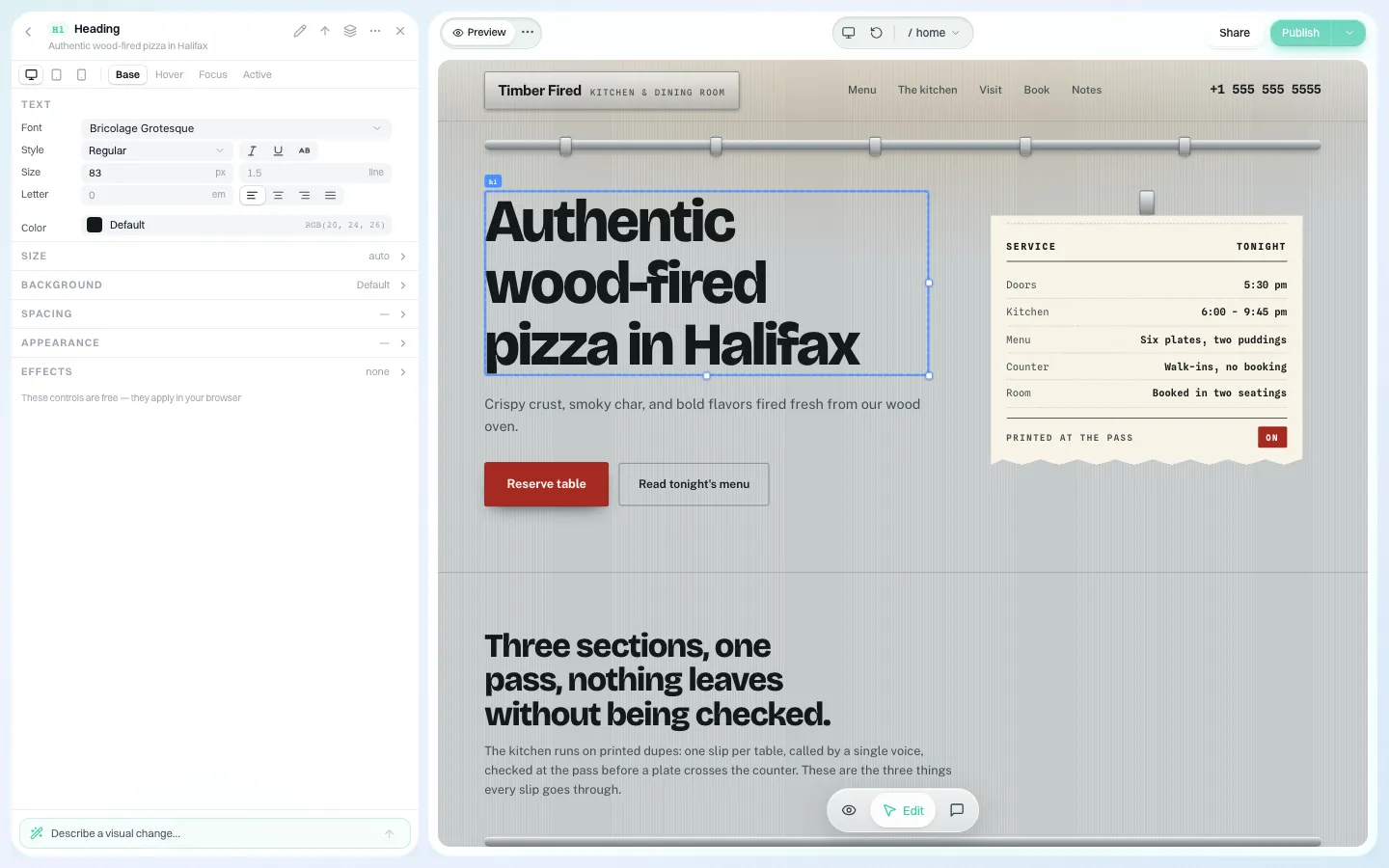
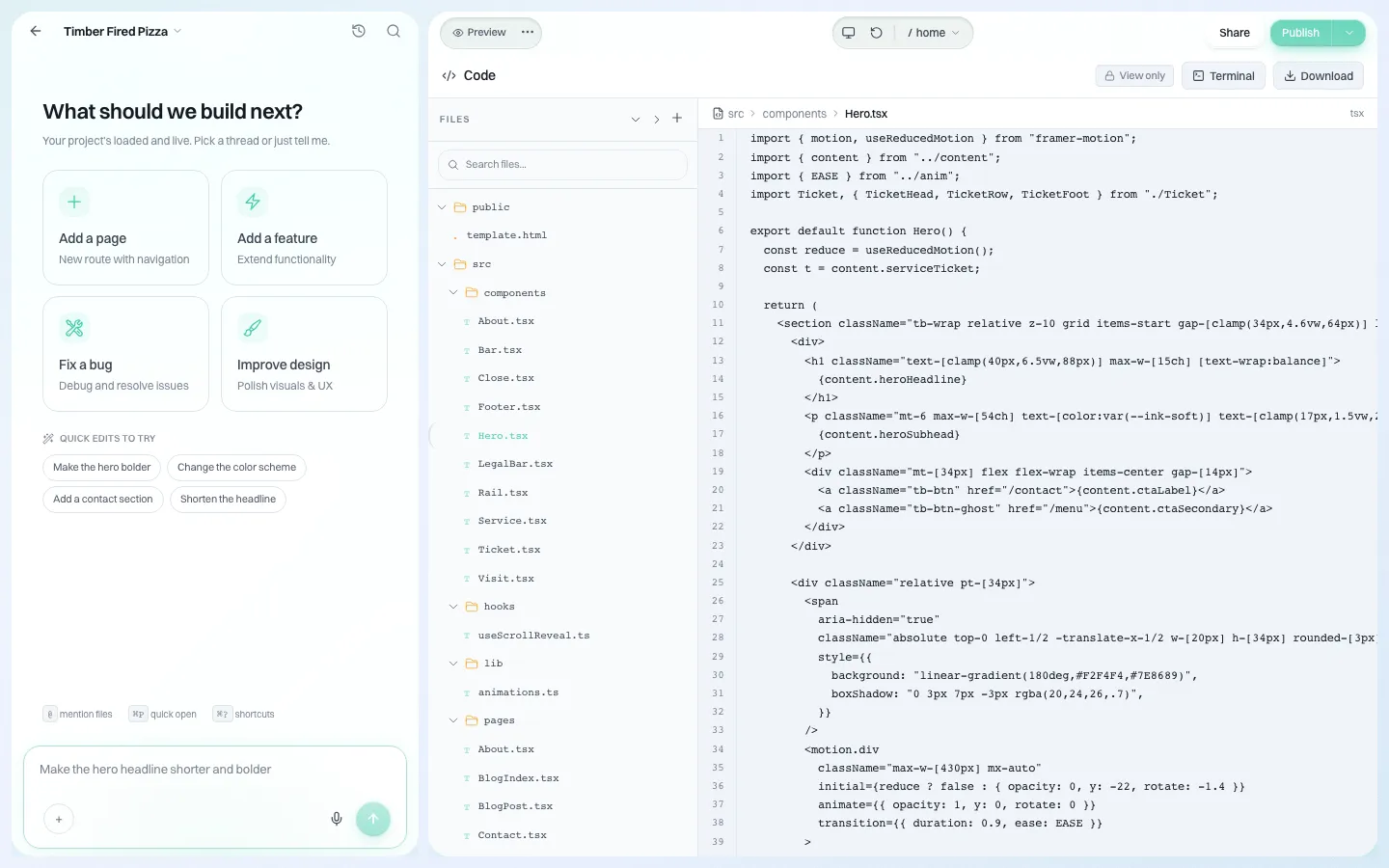
We.Inc's white-label platform runs many sites under one brand. It gives you one list of sites, brand-wide defaults for what each site owner can do, an optional single-step approval before a client's site goes live, an audit log of organisation actions, and code download so you are never locked in.
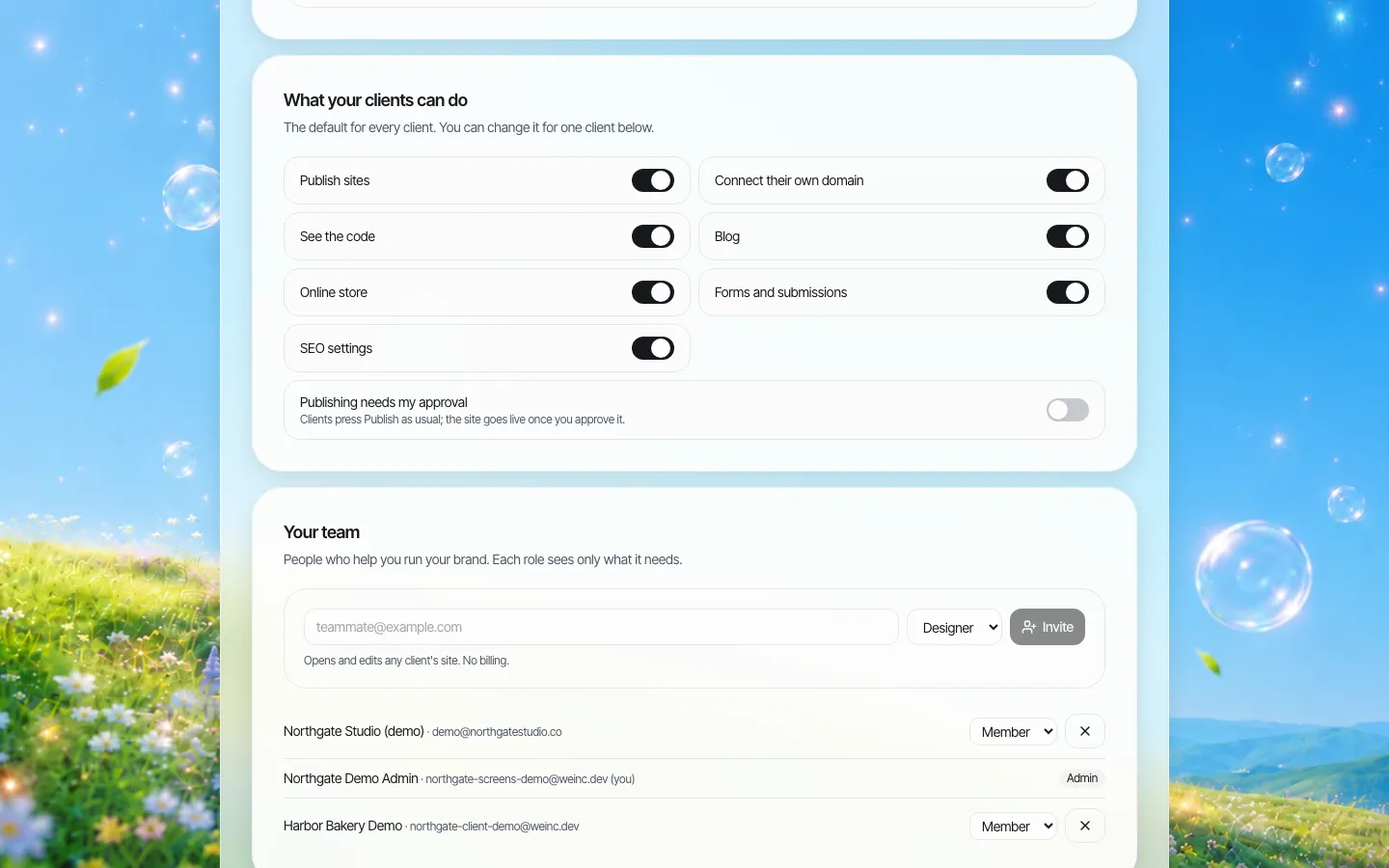
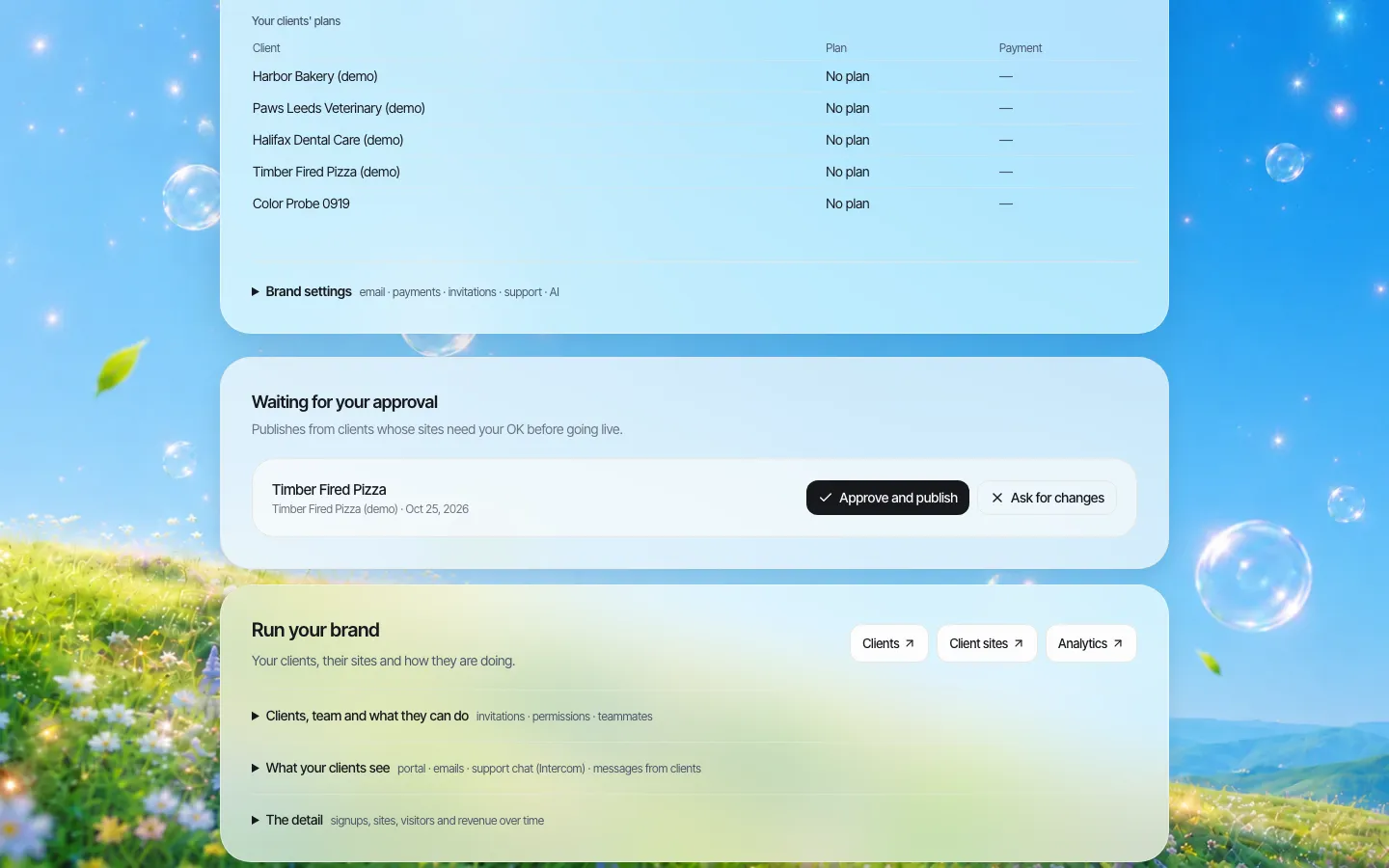
We do not claim that sites built on We.Inc conform to WCAG 2.0 AA or meet AODA. Sites are generated with AI from templates and prompts and must be tested by your team before and after launch. To see the approval step and permissions on a demo brand, book a demo. Public-sector buyers can start at our government agencies page.
Sources
Last checked 2026-10-25.
- Government of Ontario, How to make websites accessible (who must comply, WCAG 2.0 AA, exclusions 1.2.4 and 1.2.5, content after 1 January 2012, control through contract).
- Government of Ontario, Completing your accessibility compliance report (20+ employees, 31 December 2026, every three years, enforcement).
- Government of Ontario, O. Reg. 191/11, Integrated Accessibility Standards.
This guide is general information, not legal advice.
Frequently asked questions
Who must follow the AODA website requirements?
Designated public sector organisations, and businesses and non-profits with 50 or more employees in Ontario. Since 1 January 2021 their public websites must meet WCAG 2.0 Level AA.
Which WCAG criteria are excluded under AODA?
Two: 1.2.4 Captions (Live) and 1.2.5 Audio Description (Prerecorded). All other WCAG 2.0 Level A and AA criteria apply.
Does AODA apply to old web content?
The requirements apply to websites and web content published after 1 January 2012. Content republished or substantially changed after that date should be treated as new.
When is the next AODA compliance report due?
For businesses and non-profits with 20 or more employees, the Ontario government lists the deadline as 31 December 2026. They report every three years.
If a vendor runs our website, are we still responsible?
Yes. The province says the organisation that controls the website directly or through a contract must meet the requirement, so put the standard, test reports and fix obligations into the contract.
More in Guides
- Apache vs nginx: How They Differ and How to Translate Config
- App Icon Sizes for iOS and Android
- Mobile App Landing Page Examples and Template
- aria-label Examples: When to Use It and 20 Fixes
- Art Portfolio Websites: 5 Annotated Examples and What to Include | How-to Guide
- Astro vs Next.js: Which One Fits Your Site
- Avenir Font Pairing: What Goes With It
- Back in Stock Emails: Set Up the Flow and Write the Message
Related guides and tools
Start building
- how to make a website
- AI website builder
- free website builder
- website templates
- website builders by industry
We.Inc is an AI-powered website builder you can resell under your own brand. Launch a branded client dashboard, bill on Stripe Connect, and deliver AI-generated websites in minutes. White-label pricing is tailored to your volume and setup: book a 30-minute demo for a quote.
Product
- AI Website Builder: Describe a site in plain English; it's live in minutes
- White Label Platform: Your brand, your domain, your margin
- Enterprise: SSO, custom SLAs, and dedicated support
- Developer API: Embed site generation into your SaaS
Who It's For
- For Agencies: Resell under your brand
- For Freelancers: Your own branded builder
- For Hosting Providers: Add a builder to your stack
- For SaaS Platforms: Embed site creation via API
- For Startups
- For Financial Services
- For Healthcare
Features
- Drag & Drop Editor
- Built-in SEO Tools
- Custom Branding
- Client Dashboard
- Reseller Billing (Stripe Connect)
Resources
- Blog
- Help Center
- Free Business Tools
- Free UI Components
- Website Templates
- Template Collections
- Website Examples
- Guides
- Comparisons
- Alternatives
- Best Lists
- Reviews
- Pricing Guides
- Use Cases
- Glossary & Guides
- Integrations
- Developers
- Benchmark
- Windows App