Is a White-Label Website Builder Good for Client SEO? A 12-Point Test to Run Before You Commit | How-to Guide
Whether a white-label builder is good for SEO depends on what it outputs, not what its features page says. Here is a 12-point test agencies can run on a trial site in an afternoon: crawlable HTML, titles, sitemaps, redirects, speed, structured data and more.
A white-label builder can be perfectly good for client SEO, but you should test it rather than trust the features list. What matters is what the platform actually serves to a search engine: real HTML with the content in it, a unique title and description per page, a sitemap, permanent redirects you control, fast pages on a phone, and clean URLs on the client's own domain. You can check all of these on a trial site in an afternoon with free tools. If a platform fails the first three checks below, no amount of SEO effort from your team will fully make up for it.
Why "has SEO tools" is not an answer
Almost every builder lists "SEO tools" on its pricing page. That usually means a form for page titles and descriptions. Useful, but it is the easy part. The parts that decide whether a client's site can rank are structural, and you only see them by looking at what the platform publishes. Build one realistic trial site (home, three service pages, a contact page, a blog post) on its own test domain, publish it, and run the tests below.
The 12-point test
| # | Test | How to check | Pass looks like |
|---|---|---|---|
| 1 | Content is in the HTML | Open "view source" (not the inspector) on a service page and search for a sentence from the page | The sentence is there in the raw HTML |
| 2 | Unique title and description per page | View source on three pages; compare the title and meta description tags | Each page has its own, editable per page |
| 3 | Sitemap and robots file | Visit /sitemap.xml and /robots.txt on the published domain | Both exist, the sitemap lists every page on the real domain, robots.txt does not block the site |
| 4 | Real links between pages | In view source, check navigation uses normal anchor links with href addresses | Links are crawlable anchor tags, not click handlers |
| 5 | Clean, editable URLs | Look at the address of each page | Readable paths you can set, such as /services/roof-repair |
| 6 | Permanent redirects | Create a redirect from an old path; check it with a header checker | Returns 301 or 308, not a page that uses a script to move you |
| 7 | Missing pages return 404 | Visit a made-up path | A 404 status, not the home page with a 200 status |
| 8 | Custom domain with HTTPS | Connect a test domain | The site serves on the domain with a valid certificate; other addresses redirect to it |
| 9 | Headings and image alt text | Check one page's heading structure and image alt attributes | One main heading; images have editable alt text |
| 10 | Structured data | Run Google's Rich Results Test on the home page | Valid organisation or local business data, or a way to add it |
| 11 | Speed on a phone | Run PageSpeed Insights on mobile | Good lab scores; once the site has traffic, field data inside Google's thresholds |
| 12 | No platform leakage | Search view source for the vendor's name and check canonical tags | Canonical points to the client's domain; no vendor links injected |
The checks that matter most, explained
1. Is the content in the HTML?
Many modern builders produce JavaScript applications. Google can render JavaScript, but its own documentation says pages wait in a rendering queue that can take longer than a few seconds, and it still describes server-side rendering or prerendering as "a great idea" because it makes sites faster for users and crawlers, and because not all bots can run JavaScript. That last point matters more each year: many AI search and social crawlers read only the raw HTML. If view source shows an empty container and a script tag, the platform is relying on every crawler to run its code.
3. Sitemap on the real domain
White-label platforms often serve each site on several addresses: a platform subdomain, a preview link and the client's domain. The sitemap should list the client's domain, and the other addresses should not compete with it. Check the canonical tag on each page as well (test 12).
6. Redirects you control
Agencies redesign and move sites. Google's site-move guidance is to use permanent server-side redirects, 301 or 308, and to keep them for at least a year. A platform without real redirects makes every redesign an SEO risk. See our migration plan for how redirects fit into a move.
7. Real 404s
A platform that answers every unknown address with the home page and a 200 status creates "soft 404s" that Search Console will flag, and it hides broken links from you.
11. Speed thresholds
Google's Core Web Vitals, as described on web.dev, set "good" at a Largest Contentful Paint of 2.5 seconds or less, an Interaction to Next Paint of 200 milliseconds or less, and a Cumulative Layout Shift of 0.1 or less, measured at the 75th percentile of page loads. A trial site will not have field data yet, so use lab tests to compare platforms, then watch the field data once real clients are live.
What the platform cannot do for you
Be fair to the platform too. Even a perfect builder does not do these things, and they decide most rankings for local businesses:
- Useful, original content for each service and location the client offers.
- A complete, accurate Google Business Profile.
- Reviews and real local links.
- Sensible internal linking between related pages.
Our guides on small business SEO and SEO-friendly website design cover that side.
A scoring sheet for comparing platforms
| Test | Weight | Platform A | Platform B |
|---|---|---|---|
| 1. Content in HTML | 3 | ||
| 2. Titles and descriptions | 2 | ||
| 3. Sitemap and robots | 2 | ||
| 4. Crawlable links | 2 | ||
| 5. Clean URLs | 1 | ||
| 6. Permanent redirects | 2 | ||
| 7. Real 404s | 1 | ||
| 8. Domain and HTTPS | 2 | ||
| 9. Headings and alt text | 1 | ||
| 10. Structured data | 1 | ||
| 11. Mobile speed | 2 | ||
| 12. No leakage | 1 |
Score each 0 (fail), 1 (partly) or 2 (pass) and multiply by the weight. A platform that scores 0 on test 1 should need a very good reason to make your shortlist.
How We.Inc handles these
We would rather you test us than take our word for it, so here is what to look for when you do. When a We.Inc site is published, its pages are prerendered, so the content is in the HTML a crawler receives. Publishing also records the list of pages so the site's sitemap.xml and robots.txt are generated on whichever address the site is served from, including the client's own domain. Saved redirects are published with the site.
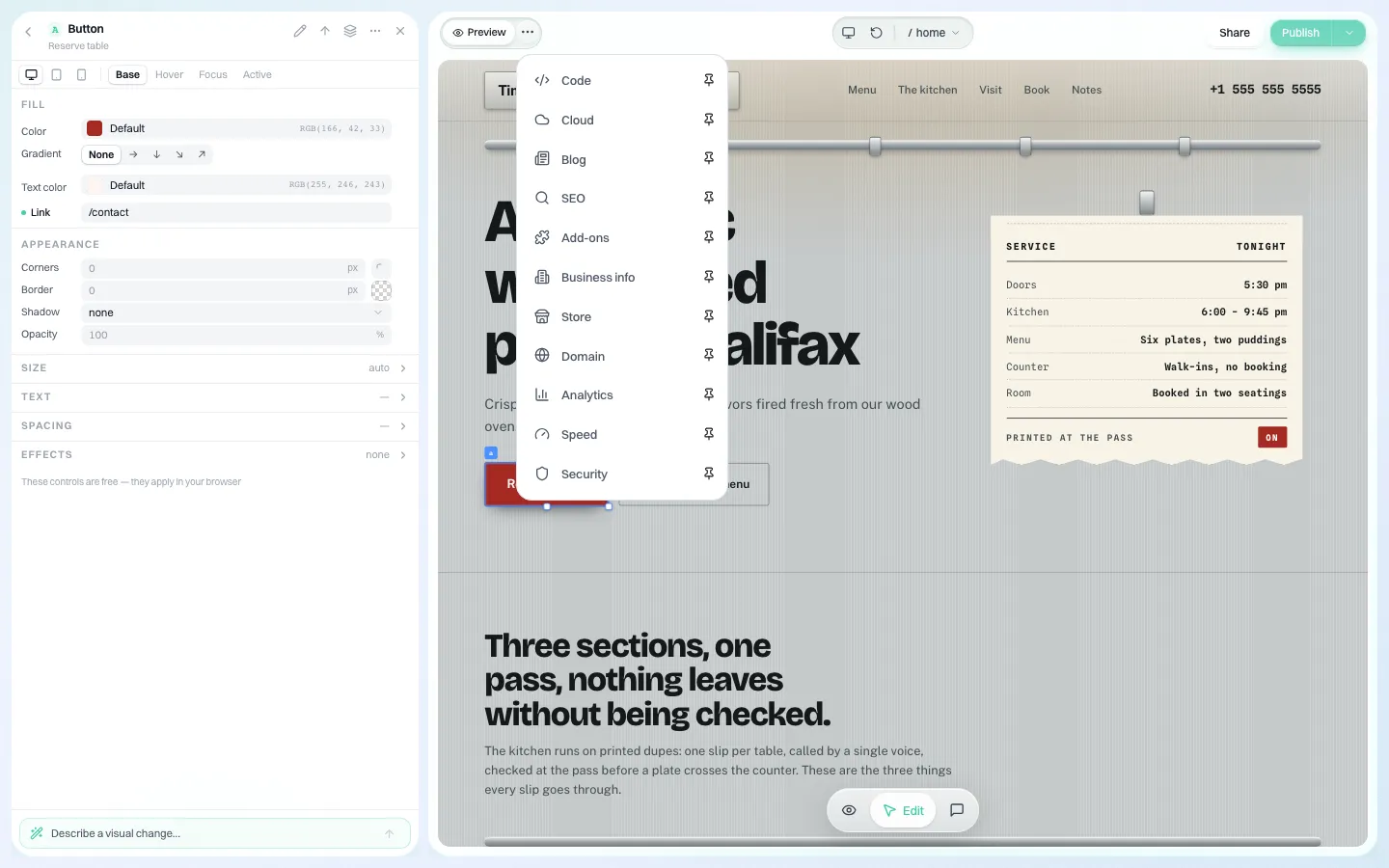
Inside the editor, SEO settings sit in their own panel alongside the rest of the site's tools.
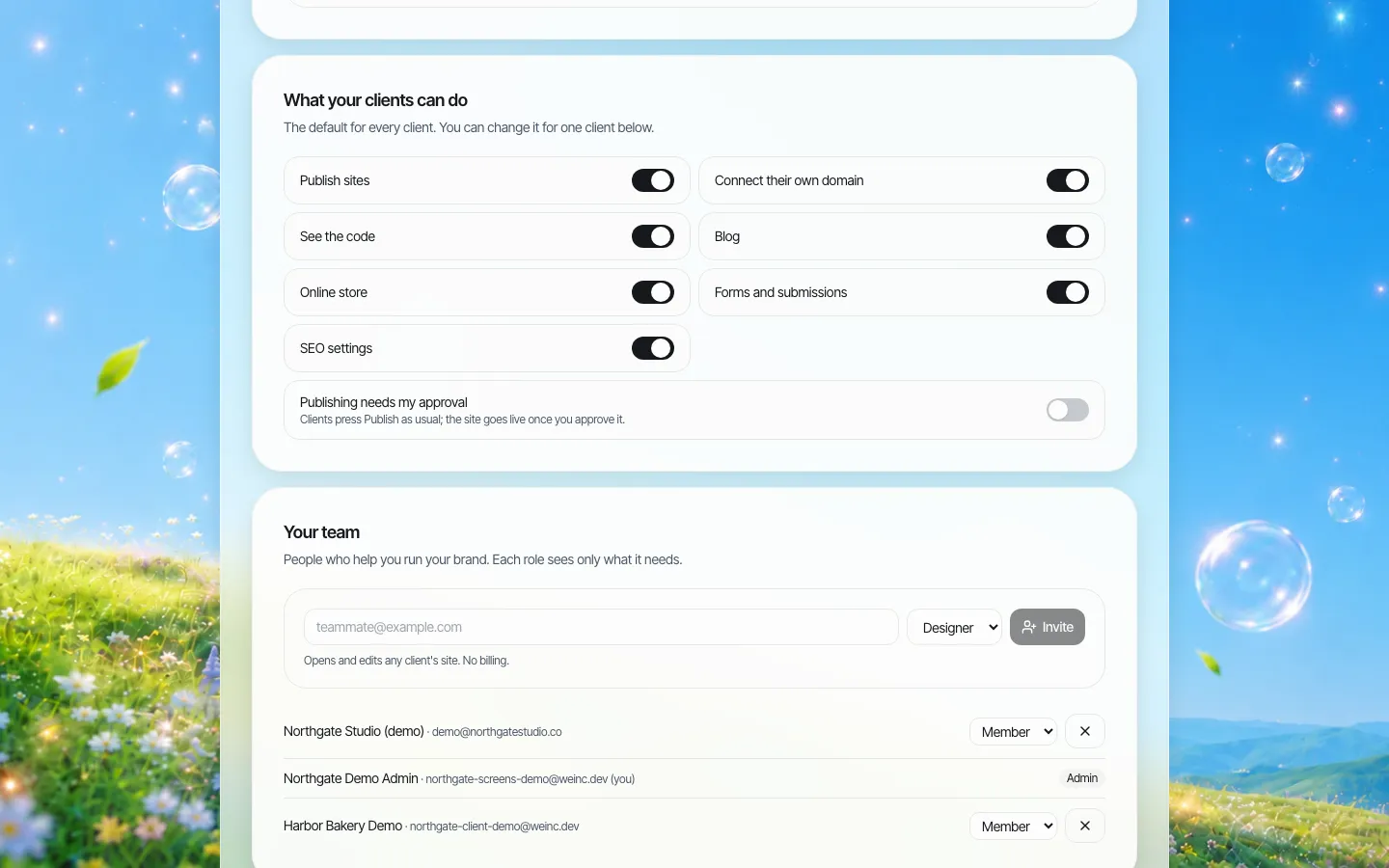
Agencies choose per client whether that client can change SEO settings, so a client cannot accidentally rewrite the titles you tuned.
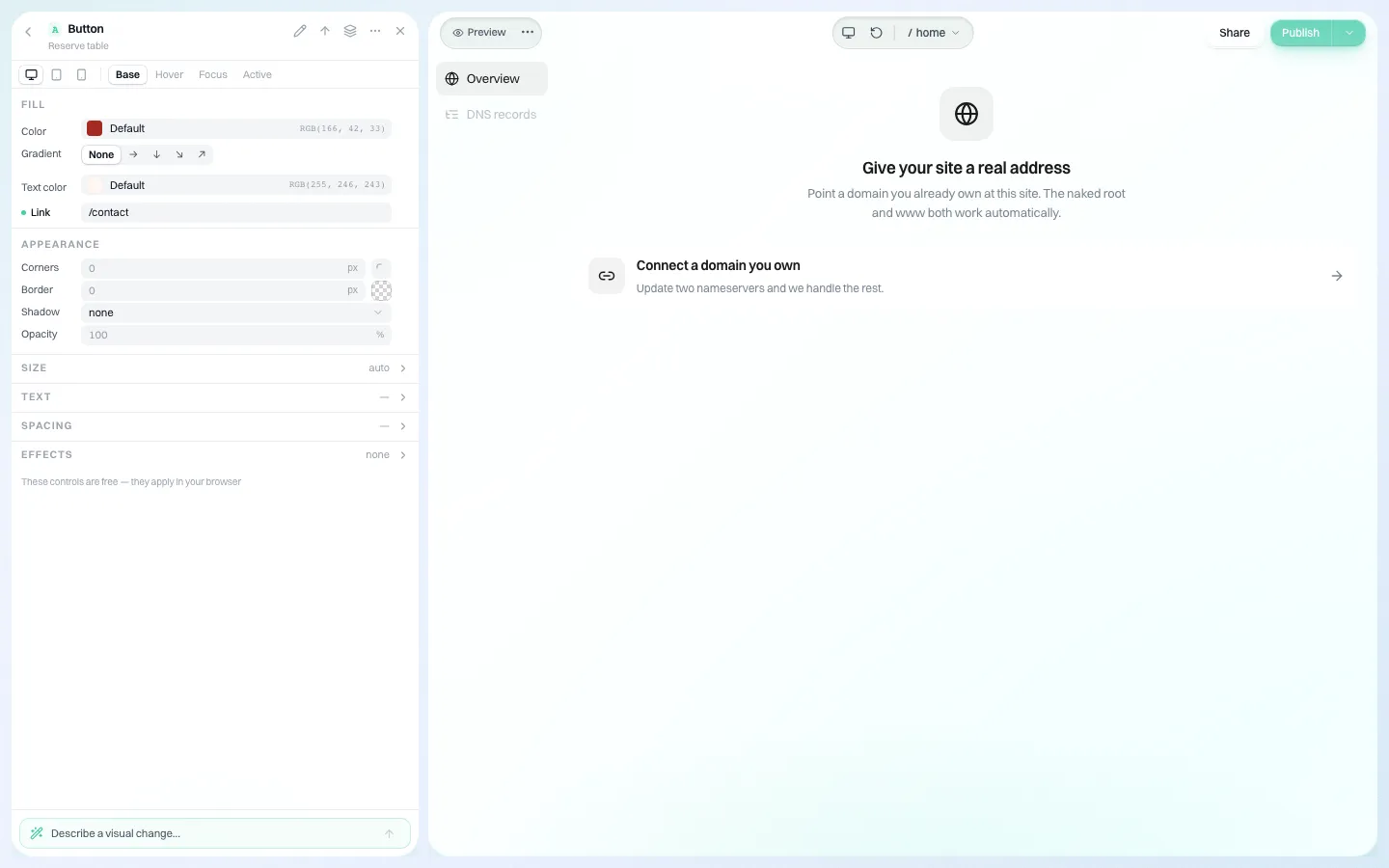
And each client's site runs on their own domain.
Results still depend on the content and the client's market, and we do not promise rankings. To run the 12-point test on a real We.Inc site, book a demo.
Sources
Last checked 2026-10-25.
- Google Search Central, Understand JavaScript SEO basics (render queue; prerendering still a good idea).
- web.dev, Web Vitals (LCP, INP and CLS thresholds at the 75th percentile).
- Google Search Central, Site moves with URL changes (301/308 redirects, keep at least a year).
Frequently asked questions
Is a white-label website builder bad for SEO?
Not inherently. It depends on what the platform publishes: content in the HTML, editable titles, a sitemap on the client's domain, real redirects and 404s, and fast mobile pages. Test a trial site before committing.
How do I check whether a builder's pages are crawlable?
Open view source on a published page (not the browser inspector) and search for a sentence from the page. If it is in the raw HTML, crawlers can read it without running scripts.
What Core Web Vitals scores should a client site hit?
Largest Contentful Paint of 2.5 seconds or less, Interaction to Next Paint of 200 milliseconds or less, and Cumulative Layout Shift of 0.1 or less, at the 75th percentile of page loads.
Does We.Inc prerender published pages?
Yes. Published pages are prerendered, and the sitemap and robots file are generated for the address the site is served from. We do not promise rankings.
More in Guides
- Thank You Page Examples
- This Site Can't Be Reached: What Each Error Code Means
- TOML vs YAML: Same Config, Three Formats
- Too Many Redirects: Find the Loop, Then Break It
- TypeScript Classes: Who Can Touch Each Member
- TypeScript Data Types: The Complete Reference
- TypeScript Enums and Their Alternatives
- TypeScript Interfaces, From Syntax to interface vs type
Related guides and tools
Start building
- how to make a website
- AI website builder
- free website builder
- website templates
- website builders by industry
Product
Who It's For
- For Agencies
- For Freelancers
- For Hosting Providers
- For SaaS Platforms
- For Startups
- For Financial Services
- For Healthcare
Features
Resources
- Blog
- Help Center
- Free Business Tools
- Free UI Components
- Website Templates
- Template Collections
- Website Examples
- Guides
- Comparisons
- Alternatives
- Best Lists
- Reviews
- Pricing Guides
- Use Cases
- Glossary & Guides
- Integrations
- Developers
- Benchmark
- Windows App