Website Brand Guidelines Template: The Web-Specific Rules a Logo PDF Leaves Out | How-to Guide
A brand guidelines template written for websites, not print: logo use on light and dark backgrounds, a colour table with contrast pairs that pass, a type scale, button and link states, imagery and voice rules, and a sign-off checklist for anyone building a page.
Most brand guidelines were made for a designer laying out a brochure. They show the logo on white, list colours in CMYK and Pantone, name a typeface the website cannot load, and say nothing about what a button looks like when you hover over it. Then a developer, a client or a website builder has to guess. This template covers the decisions a website actually needs, in the order someone building a page will need them, with the accessibility numbers already worked in.
Who reads web brand guidelines
Write for three readers. A designer who will make new pages and wants the system. A developer or builder who needs exact values: hex codes, font names, pixel sizes. And a content editor, often the business owner, who will add a page in two years and needs to know what not to do. If a rule cannot be applied by the third reader, it will not survive.
Keep it short. A one-page summary with the core values, plus a longer reference, beats a 60-page document nobody opens. If you need a quick first draft of the values, our free brand style guide generator produces one; this guide is about what goes into the finished version.
1. Logo
Websites put logos in places print never does: a 32-pixel browser tab, a dark-mode header, a mobile menu, an email signature. Specify:
| Asset | Use | Format |
|---|---|---|
| Primary logo, for light backgrounds | Header, footer on light themes | SVG, plus PNG at 2x |
| Logo for dark backgrounds | Dark header, dark mode, footer on dark | SVG, plus PNG at 2x |
| Compact mark (symbol only) | Mobile header, app icons, social avatars | SVG, square PNG |
| Favicon | Browser tab and bookmarks | Simplified mark that is still recognisable at 16-32px |
Then the rules: minimum display width (for example, "never narrower than 96px for the full logo, use the mark below that"), clear space around it, the backgrounds it may sit on, and two or three examples of misuse (stretched, recoloured, placed on a busy photo). Always provide a dark version as a separate file; asking someone to "invert it" produces a different logo every time.
2. Colour, with the contrast already checked
The commonest accessibility failure on branded sites is a brand colour that cannot carry text. WCAG's contrast requirement (success criterion 1.4.3) asks for at least 4.5:1 for normal text and 3:1 for large text, which W3C defines as at least 18 point, or 14 point bold, roughly 24px or 18.5px. W3C notes the values should not be rounded: 4.499:1 fails. Buttons, form borders and icons that people need to see have their own 3:1 requirement against adjacent colours (1.4.11).
So do not list colours on their own. List them with the pairings they are allowed in:
| Name | Hex | Role | Allowed text on it | Not allowed |
|---|---|---|---|---|
| Forest | #1F5130 | Primary buttons, headings | White text, any size | Black text |
| Sage | #8DB596 | Backgrounds, illustrations | Dark text (#1A1A1A) | White text at any size |
| Ember | #E4572E | Highlights, large display text | Check per size; often large text only | Body text, links on white |
| Ink | #1A1A1A | Body text | On white, Paper, Sage | On Forest |
| Paper | #FAF7F2 | Page background | Ink, Forest | Sage text |
The hex values above are an example; measure your own pairs with any contrast checker and record the ratio next to each allowed pair. Also define colours by role, not just name: "primary action", "link", "error", "success", "border". That lets a developer build a theme, and a dark mode, without guessing.
3. Typography
Print typefaces are often not licensed for the web, or are too heavy to load quickly. Decide:
- Web fonts: exact family names and weights you will load. Two families and three or four weights is plenty; each extra file slows the first view.
- Fallbacks: the system fonts used while the web font loads or if it fails.
- A type scale: sizes for each level, desktop and mobile.
| Level | Desktop | Mobile | Weight | Line height |
|---|---|---|---|---|
| H1 | 48px | 34px | 700 | 1.1 |
| H2 | 34px | 26px | 700 | 1.2 |
| H3 | 24px | 20px | 600 | 1.3 |
| Body | 18px | 17px | 400 | 1.6 |
| Small | 15px | 14px | 400 | 1.5 |
Add rules people break: no body text in all capitals, no justified text, line length kept to roughly 60-80 characters, links underlined in body copy so they do not rely on colour alone.
4. Buttons, links and states
This is the section print guidelines never have and websites always need. For each button type, specify every state:
| Element | Default | Hover | Keyboard focus | Disabled |
|---|---|---|---|---|
| Primary button | Forest fill, white text, 999px radius | Darker Forest | Visible 2px outline offset 2px | Grey fill, still readable text, not clickable |
| Secondary button | Forest outline, Forest text | Pale Sage fill | Same outline rule | Grey outline |
| Text link | Forest, underlined | Underline thicker | Outline | - |
Never remove the focus outline for aesthetic reasons; keyboard users rely on it. State the corner radius, padding, and whether buttons use sentence case. One primary button per view is a good rule to write down.
5. Layout and spacing
Give a spacing scale (for example 4, 8, 12, 16, 24, 32, 48, 64, 96px) and say that all gaps come from it. State the maximum content width, the gutter on mobile, and how many columns the grid uses at each width. These rules are what make pages built months apart by different people look like one site.
6. Imagery and icons
- Photography: real people and places over stock; describe lighting and mood with two good and two bad examples.
- Cropping: which aspect ratios you use (for example 16:9 heroes, 4:3 cards, 1:1 team photos).
- Alt text: a rule for writing it: describe what the image shows and why it is there; empty alt for purely decorative images.
- Icons: one icon set, one stroke weight, one size scale. Mixed icon styles are the fastest way to make a site look assembled.
7. Voice and words
Brand voice for the web is mostly about clarity. Write down three or four voice traits with a "this, not that" example for each, then the micro-rules: how you write dates, prices, phone numbers, the company name, the words you avoid, and what buttons say ("Book a visit", not "Submit"). Include error messages and empty states; they are brand too.
8. Emails and logins
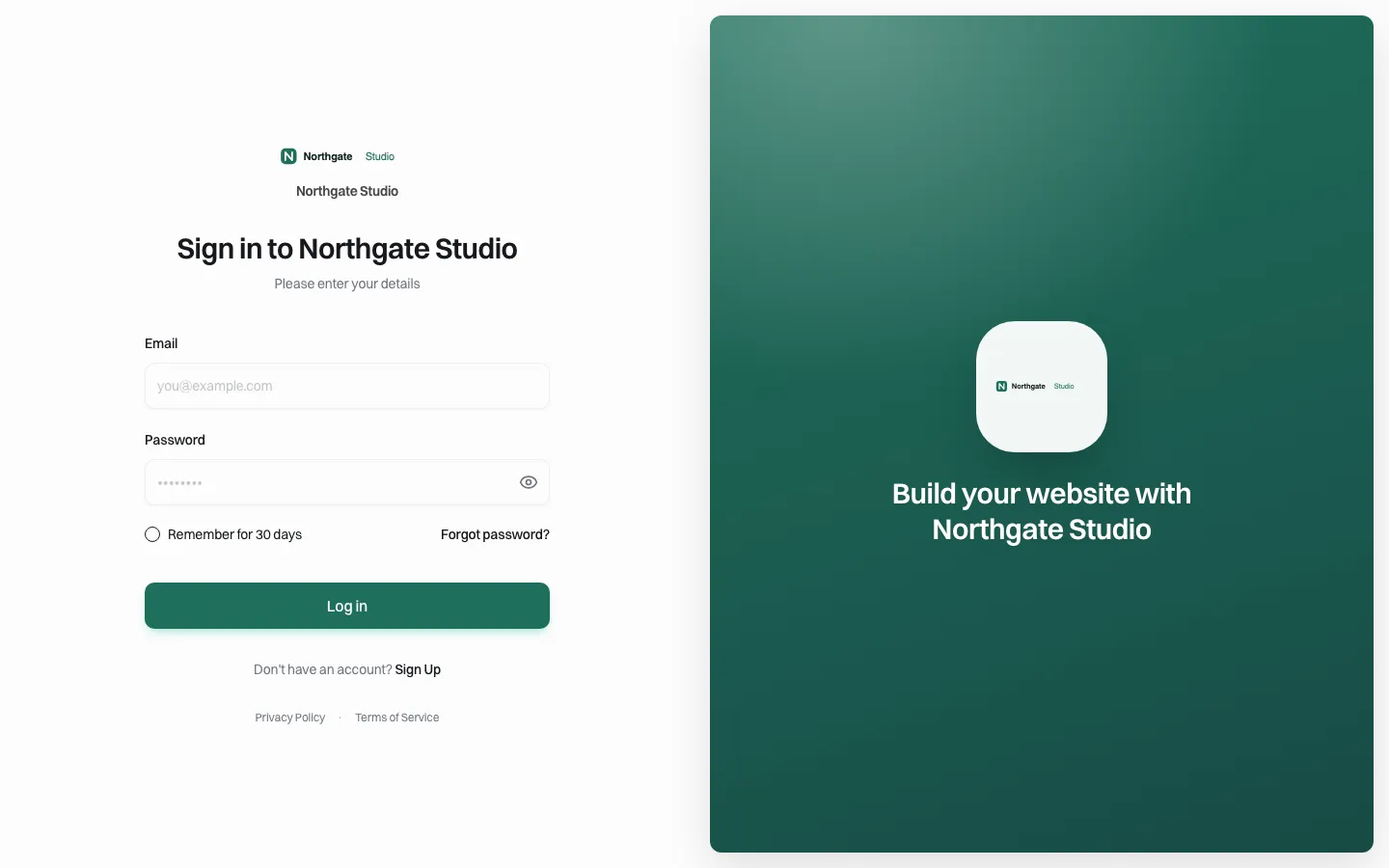
Visitors meet your brand in places outside the website: confirmation emails, password resets, a login page for a client portal. Say which logo, colours and sender name these use, and who owns them. An off-brand password reset email looks like phishing.
Sign-off checklist for any new page
- Logo is the correct version for the background and above minimum size.
- Every text-and-background pair is on the allowed list, or measured at 4.5:1 (3:1 for large text).
- Only the specified fonts and weights are used; sizes come from the scale.
- Buttons show hover and visible keyboard focus.
- Spacing uses the scale; content width respects the maximum.
- Images follow crop and alt text rules; icons come from the one set.
- Copy follows the voice and the micro-rules.
Applying guidelines across many sites
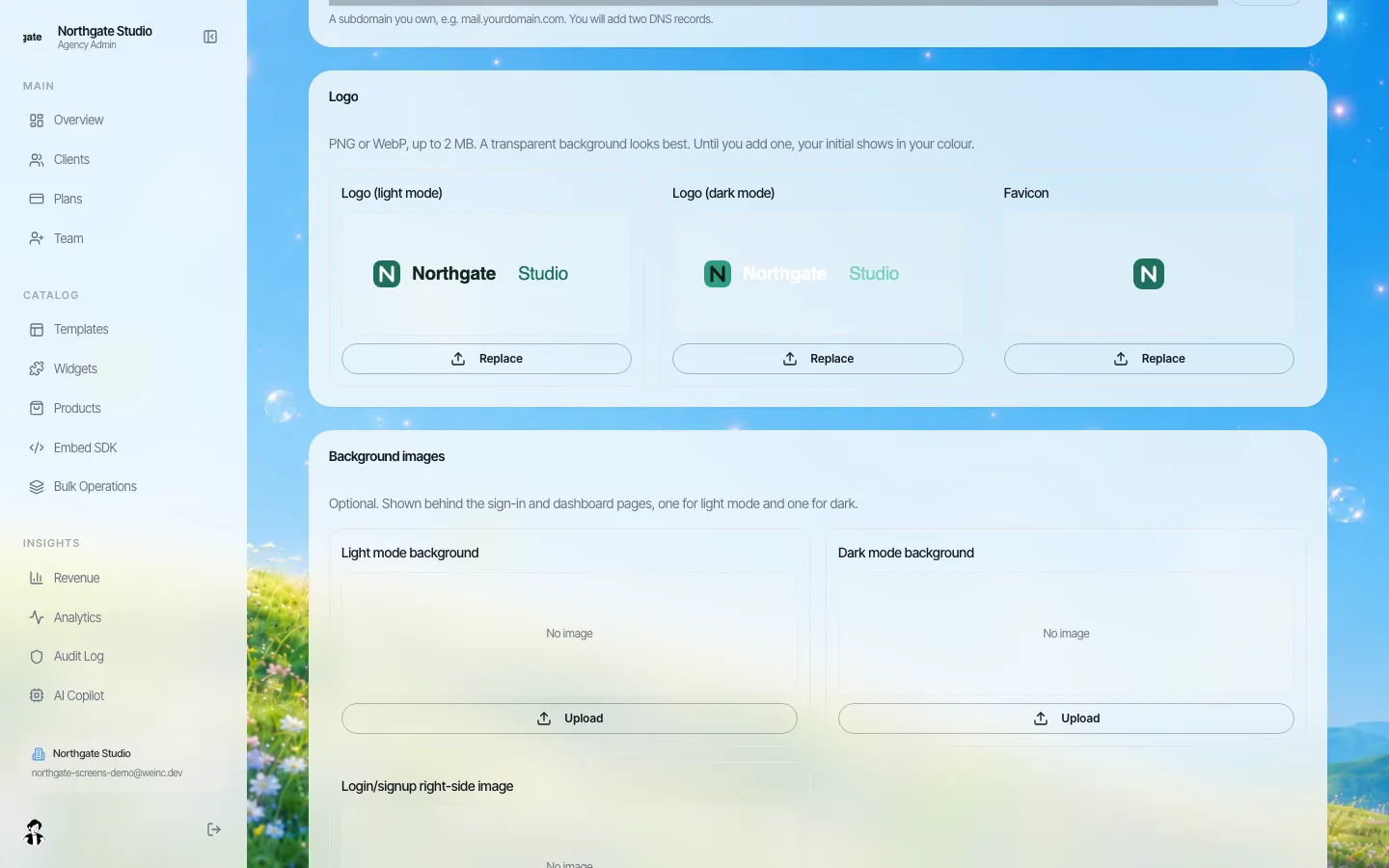
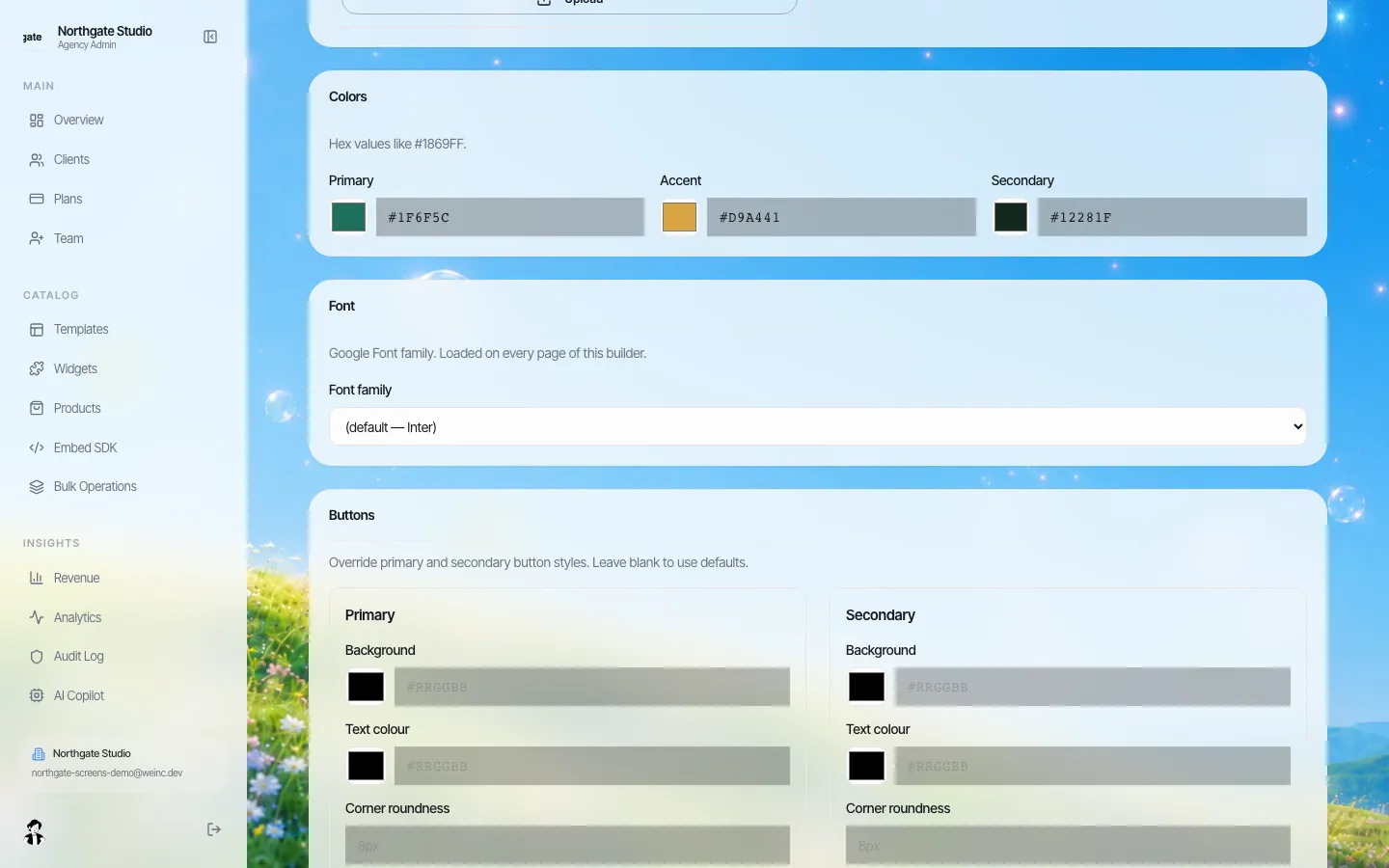
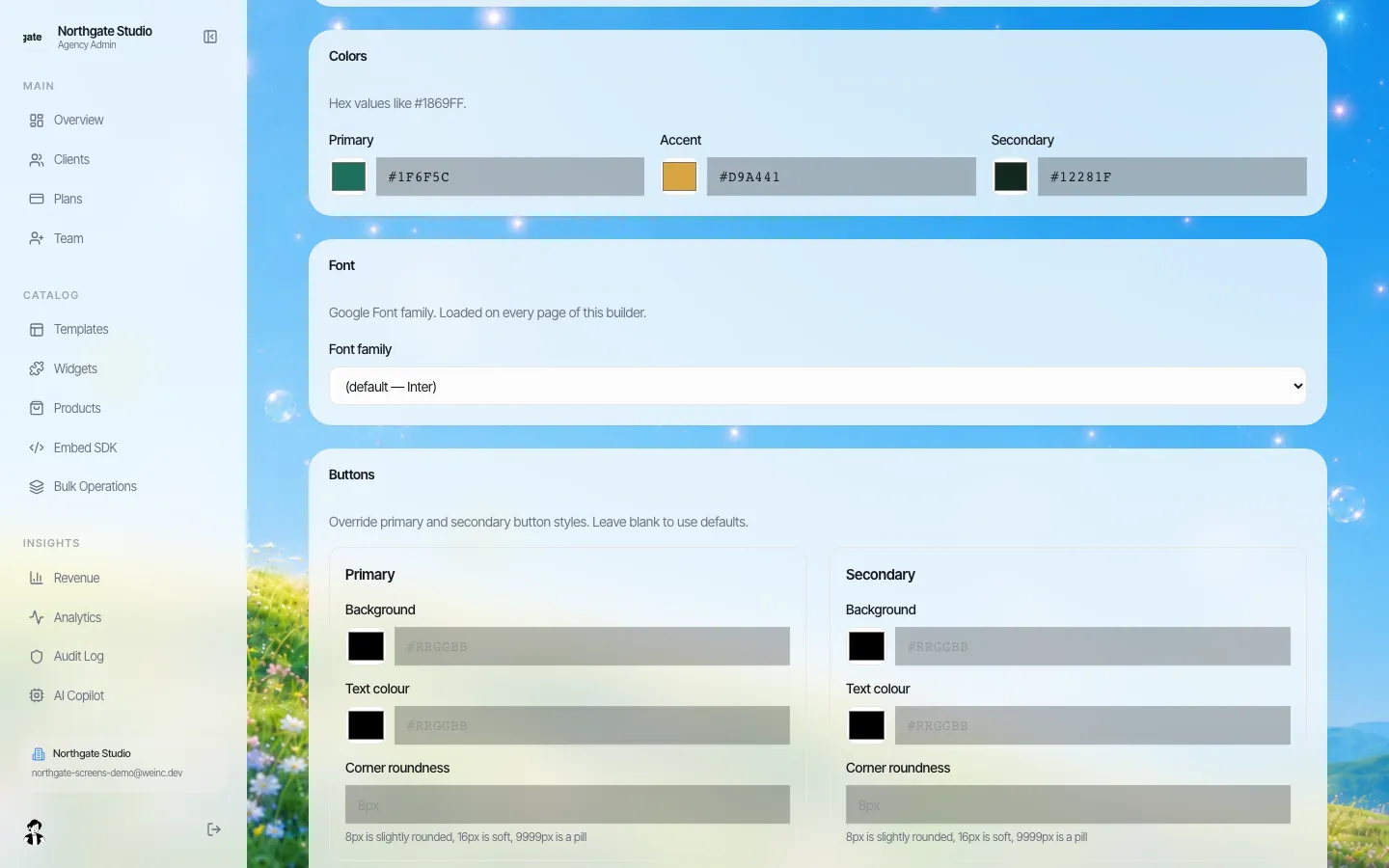
Agencies and organisations with many sites have a harder problem: guidelines applied once drift as different people edit. Putting the core values into the platform, rather than a PDF, is what keeps them. On We.Inc's white-label platform, a brand is set up once with its name, light and dark logos, favicon, brand colours, a Google font and button style, and those carry through to the client login, dashboard and emails. Our custom branding and brand governance pages go further.
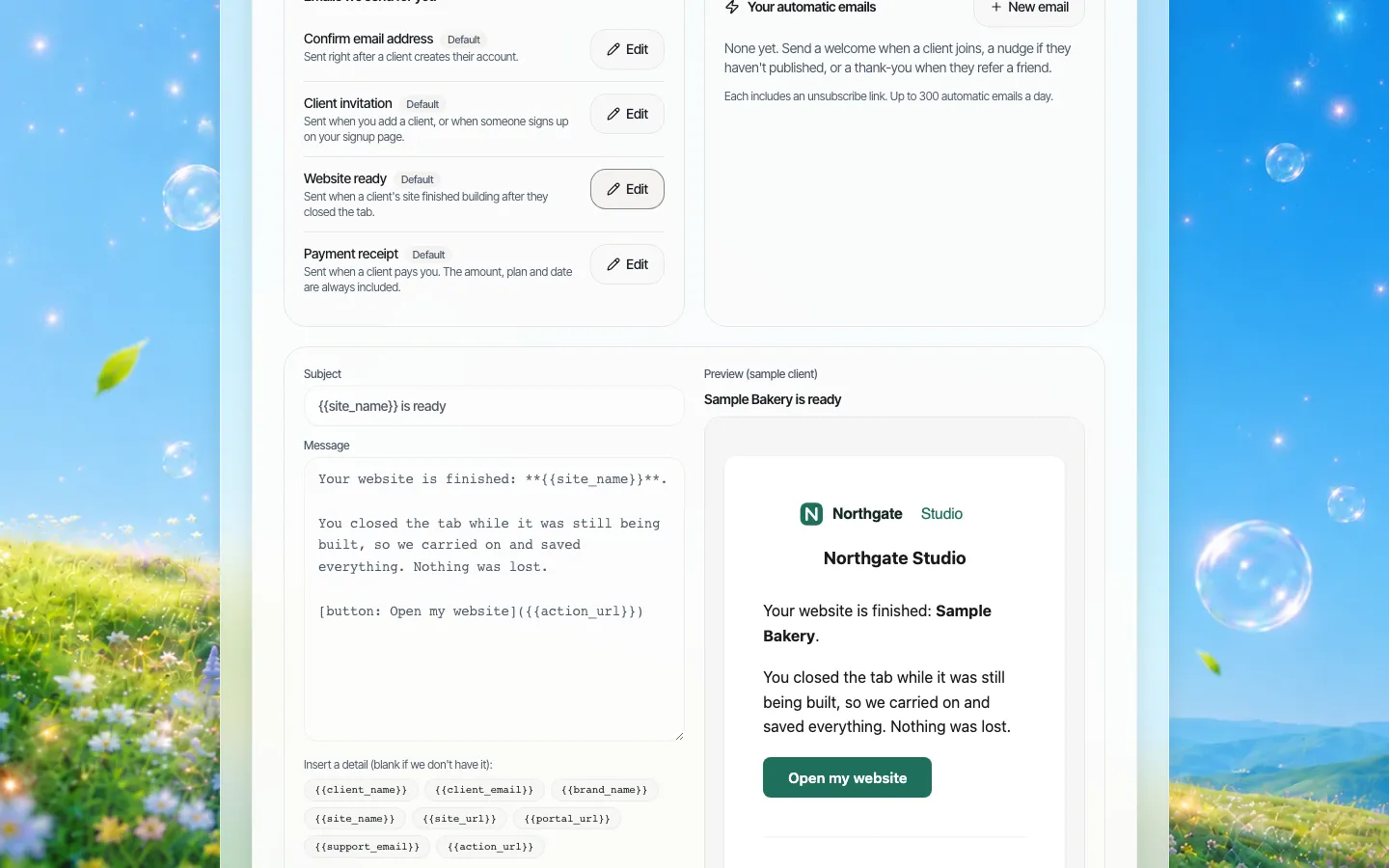
To see a brand set up end to end on a demo, book a demo.
Sources
Last checked 2026-10-25.
- W3C, Understanding Success Criterion 1.4.3: Contrast (Minimum).
- W3C, Understanding Success Criterion 1.4.11: Non-text Contrast.
Frequently asked questions
What should website brand guidelines include?
Logo versions for light and dark backgrounds plus a favicon, colours with the text pairings they allow, web fonts and a type scale, button and link states, spacing, imagery and icon rules, voice and micro-copy rules, and how emails and logins look.
What contrast do brand colours need for text?
WCAG 1.4.3 asks for at least 4.5:1 for normal text and 3:1 for large text (18 point, or 14 point bold). Values are not rounded, so 4.499:1 fails.
How is a web style guide different from a print brand guide?
It adds things print never needs: dark-background logos and favicons, colour pairings checked for contrast, loadable web fonts with fallbacks, responsive type sizes and interactive states like hover and keyboard focus.
How do agencies keep many client sites on brand?
Put the core values into the platform rather than a PDF. On We.Inc's white-label platform, logos, colours, a font and button style are set once per brand and carry through to the client login, dashboard and emails.
More in Guides
- What Is a Breadcrumb on a Website?
- Website Builder Security Questionnaire: 50 Questions for Vendors | How-to Guide
- Website Client Questionnaire (Free Download + Filled Example) | How-to Guide
- Website Color Schemes: 40 Palettes Shown on Real Page Layouts | How-to Guide
- Website Content Audit Template: Inventory, Score and Decide What Every Page Becomes | How-to Guide
- Website Design Brief Template (Free Download + Filled Example) | How-to Guide
- Website Governance Policy Template (Copy and Adapt) | How-to Guide
- Website Handover Checklist: Everything to Transfer When a Site Changes Hands | How-to Guide
Related guides and tools
Start building
- website templates
- how to make a website
- AI website builder
- free website builder
- website builders by industry
We.Inc is an AI-powered website builder you can resell under your own brand. Launch a branded client dashboard, bill on Stripe Connect, and deliver AI-generated websites in minutes. White-label pricing is tailored to your volume and setup: book a 30-minute demo for a quote.
Product
- AI Website Builder: Describe a site in plain English; it's live in minutes
- White Label Platform: Your brand, your domain, your margin
- Enterprise: SSO, custom SLAs, and dedicated support
- Developer API: Embed site generation into your SaaS
Who It's For
- For Agencies: Resell under your brand
- For Freelancers: Your own branded builder
- For Hosting Providers: Add a builder to your stack
- For SaaS Platforms: Embed site creation via API
- For Startups
- For Financial Services
- For Healthcare
Features
- Drag & Drop Editor
- Built-in SEO Tools
- Custom Branding
- Client Dashboard
- Reseller Billing (Stripe Connect)
Resources
- Blog
- Help Center
- Free Business Tools
- Free UI Components
- Website Templates
- Template Collections
- Website Examples
- Guides
- Comparisons
- Alternatives
- Best Lists
- Reviews
- Pricing Guides
- Use Cases
- Glossary & Guides
- Integrations
- Developers
- Benchmark
- Windows App