Website Content Audit Template: Inventory, Score and Decide What Every Page Becomes | How-to Guide
A website content audit template you can copy: inventory columns, a five-part scoring rubric, a keep / improve / merge / retire decision table, a worked example, the redirect rules for pages you merge, and a cadence for running audits across several sites.
A content audit sounds like a spreadsheet exercise and usually becomes one: thousands of rows, dutifully filled, never acted on. The point of an audit is the last column, the decision about what each page becomes. This template is built backwards from that decision. It asks only for the data you need to decide, scores pages on what actually matters to visitors, and gives you rules for the awkward cases, such as two pages saying the same thing or a page with traffic but wrong information.
Decide the scope before you open a spreadsheet
Write one sentence for each of these before you start:
- Why now? A redesign, a rebrand, falling enquiries, a merger, a platform move. The reason sets which columns matter.
- Which sites and sections? The whole domain, or only the service pages and blog? Subdomains and microsites count if visitors reach them.
- Who decides? Each section needs an owner who can say "this is wrong" or "we no longer offer this". Without one, pages sit in "review" forever.
- What is the deadline for decisions? Audits without a decision date never finish.
Step 1: the inventory
Collect every URL. Sources, in order of usefulness: your sitemap, a crawl of the site, your analytics landing-page report and Search Console's pages report. Each finds pages the others miss; orphan pages that nothing links to usually show up only in analytics or Search Console.
Keep the columns lean. Every column you add is a column someone has to fill.
| Column | What to put in it | Where it comes from |
|---|---|---|
| URL | Full address | Crawl / sitemap |
| Title | The page title | Crawl |
| Type | Service, location, article, landing, legal, utility | You |
| Owner | Person who can approve changes | You |
| Last updated | Date the content last changed meaningfully | CMS or page |
| Visits (12 months) | Sessions landing on or viewing the page | Analytics |
| Search clicks (12 months) | Clicks from search | Search Console |
| Conversions | Enquiries, calls, bookings, sales started from the page | Analytics |
| Inbound links | Internal links pointing to it, plus notable external ones | Crawl / Search Console |
| Score | From the rubric below, 0-15 | Reviewer |
| Decision | Keep, improve, merge, retire | Owner |
| Target URL | Where it goes if merged or retired | Owner |
| Due | Date the decision will be done | Owner |
Twelve months of data smooths out seasonal pages. For a business with a busy season, check that the page was not simply out of season.
Step 2: score each page on five things
Numbers tell you what is visited; they do not tell you whether it is good. Score each page 0 to 3 on five questions. Google's own self-assessment questions for helpful content ask, among other things, whether content provides original information, a substantial and complete description of the topic, and whether a reader would leave feeling they learned enough. The rubric below turns that spirit into something a team can apply quickly.
| Criterion | 0 | 1 | 2 | 3 |
|---|---|---|---|---|
| Accurate | Wrong: old prices, services you stopped, dead people's names | Some outdated details | Correct but dated | Correct and current |
| Complete for its purpose | Stub | Answers part of the question | Answers the question | Answers it plus the next question the visitor will have |
| Original | Copied or near-duplicate of another page | Generic text that could be on any site | Specific to you | Contains things only you know: prices, process, examples, photos |
| Usable | Broken layout, missing images, no clear next step | Hard to scan | Clear | Clear, accessible, fast, obvious next step |
| On strategy | For a service or audience you no longer serve | Tangential | Relevant | Central to what you sell now |
Have two people score a sample of twenty pages independently, compare, and agree what a 2 looks like before scoring the rest. It takes an hour and makes the scores mean something.
Step 3: decide with a table, not a debate
| Score | Traffic or conversions | Decision | What happens |
|---|---|---|---|
| 12-15 | Any | Keep | Check links and metadata, set a review date. |
| 7-11 | Some | Improve | Rewrite the weak criteria. These are usually your best returns: the page already has visitors. |
| 7-11 | None | Improve or merge | If another page covers the same topic better, merge into it. Otherwise improve and add internal links. |
| 0-6 | Some | Rewrite urgently | Visitors are landing on a bad page. Fix accuracy first, the same week. |
| 0-6 | None | Merge or retire | Merge any useful part into a stronger page; retire the rest. |
| Any | Any, but legally required | Keep | Privacy, terms, accessibility statement: keep and update regardless of traffic. |
Overrides are allowed, but write the reason in the row. "The owner likes it" is a reason; at least now it is visible.
Merging and retiring without losing what you had
When two pages cover the same topic, they compete with each other and split their links. Merging is usually right. Do it properly:
- Pick the stronger URL as the survivor: more search clicks, more links, the clearer address.
- Move every useful fact, example and image from the weaker page into the survivor. A merge that drops content is a deletion.
- Redirect the old URL permanently (a 301) to the survivor. Google's guidance on consolidating duplicate URLs describes redirects as a strong signal that the target should be the one shown.
- Update internal links to point straight to the survivor, rather than through the redirect.
- Note it in the spreadsheet so nobody re-creates the old page next year.
Retiring is different. If a page has no useful content, no visitors and no links, and nothing else is a sensible replacement, it can be removed. If it has links or visitors, redirect it to the most relevant page, not the home page. Removing pages, or hiding them from search, is a decision with consequences for traffic; take it page by page with the owner, never as a bulk clean-up.
A worked example
A ten-person physiotherapy clinic with 64 pages runs the audit before a redesign:
| URL | Visits | Score | Decision | Why |
|---|---|---|---|---|
| /sports-injury-physio | 2,140 | 13 | Keep | Accurate, detailed, converts. |
| /sports-physiotherapy | 180 | 8 | Merge into /sports-injury-physio | Same service, thinner page. |
| /blog/back-pain-tips-2019 | 1,320 | 5 | Rewrite urgently | Real traffic, outdated advice and a closed location. |
| /hydrotherapy | 40 | 7 | Retire, redirect to /services | Service discontinued in 2024. |
| /fees | 890 | 9 | Improve | Prices correct, insurance section missing. |
Result: 64 pages became 51 stronger ones, every removed URL redirected somewhere useful, and the redesign team had an exact page list to build.
Copyable audit checklist
- Scope, owners and decision deadline written down.
- Inventory from sitemap, crawl, analytics and Search Console merged; duplicates removed.
- Rubric calibrated on 20 pages by two reviewers.
- Every page scored and given a decision, owner and due date.
- Merges: content moved, 301 redirect in place, internal links updated.
- Retirements: redirect to the most relevant page where there were visitors or links.
- Legal pages checked and kept.
- Sitemap regenerated; a crawl run to find broken links and redirect chains.
- Next audit date set.
How often, and for many sites
A full audit once a year suits most small business sites; a quick quarterly pass on the top twenty pages by traffic catches accuracy problems sooner. Agencies running dozens of client sites should stagger audits through the year and offer them as part of a maintenance plan; our guide to website maintenance packages shows how to scope that work.
On We.Inc's white-label platform, each client site's editor includes an SEO panel that checks titles, descriptions and a focus keyword against both the source and the live site, and an analytics panel for visits. Agencies also get brand-level insights across their clients. These give you the per-page facts an audit needs without a separate tool for every site.
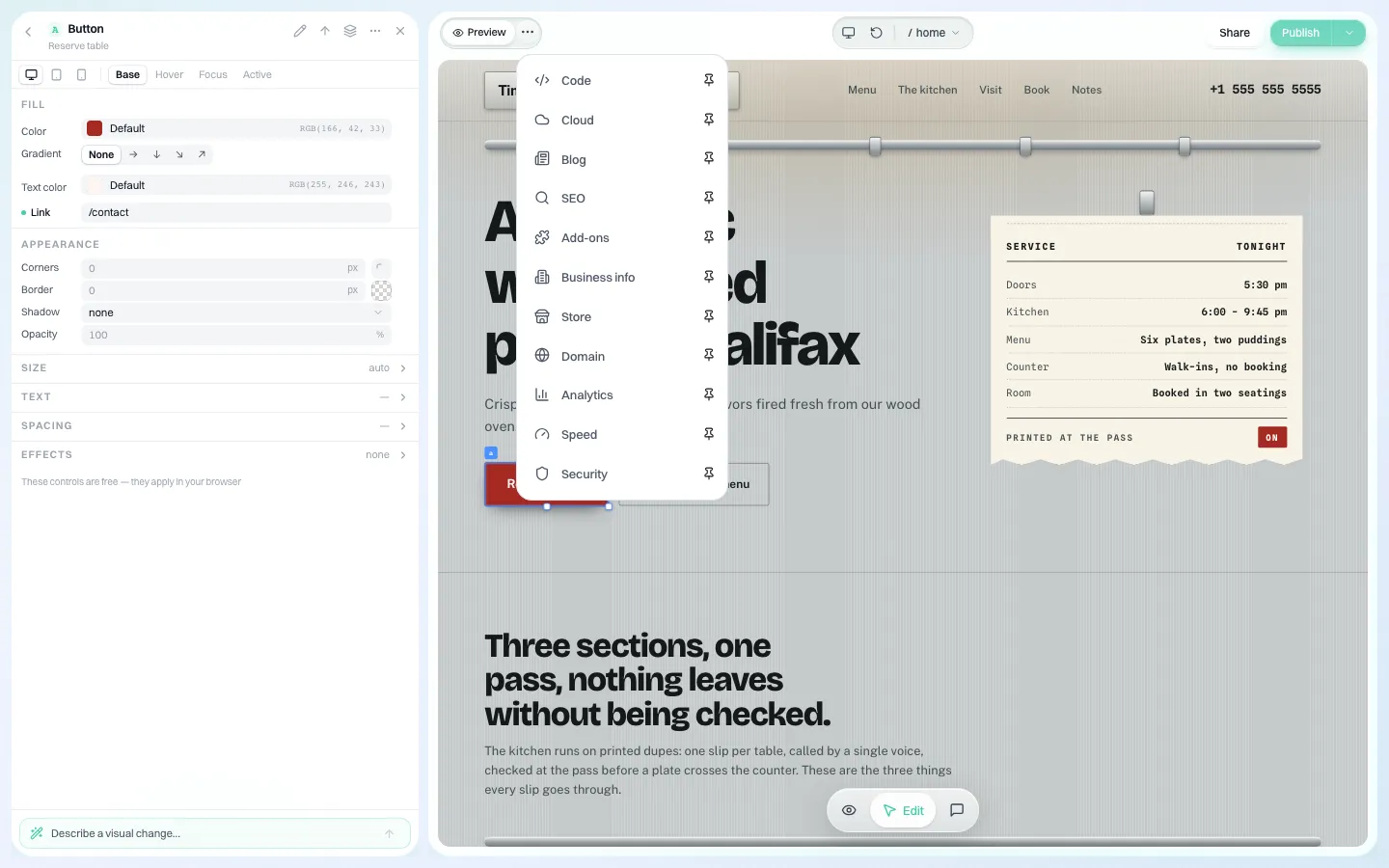
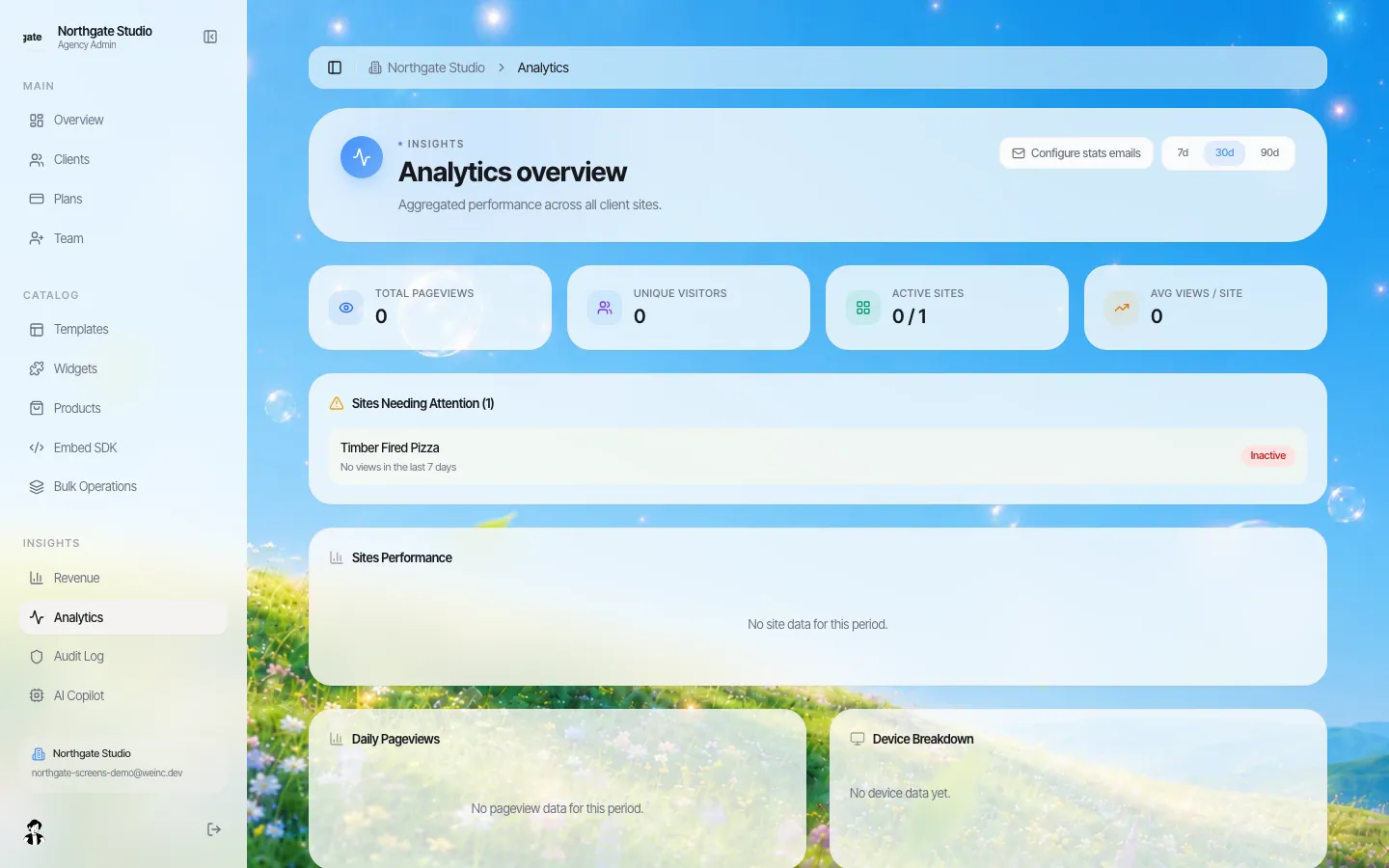
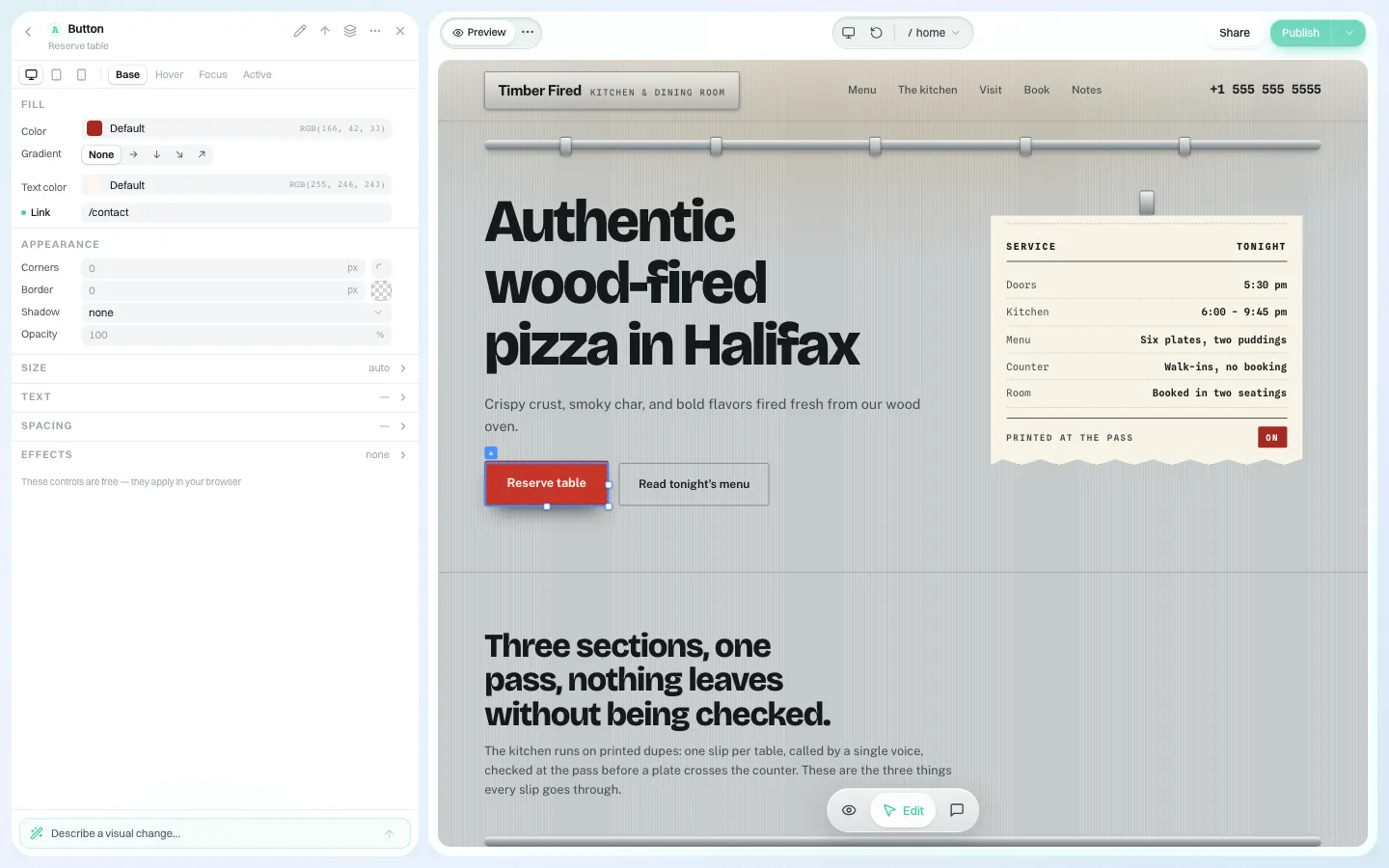
To see these panels on a demo brand, book a demo. If you run many sites, the multi-site management page explains how they sit under one brand.
Sources
Last checked 2026-10-25.
- Google Search Central, Creating helpful, reliable, people-first content (self-assessment questions).
- Google Search Central, How to specify a canonical URL with rel="canonical" and other methods (redirects as a canonicalisation signal).
Frequently asked questions
What should a website content audit template include?
URL, title, page type, owner, last updated, 12 months of visits, search clicks and conversions, inbound links, a quality score, a decision (keep, improve, merge or retire), a target URL and a due date.
How do you score pages in a content audit?
Score each page 0 to 3 on accuracy, completeness, originality, usability and fit with current strategy, giving a total out of 15. Calibrate by having two people score the same 20 pages first.
Should I delete pages with no traffic?
Not automatically. Merge any useful content into a stronger page and redirect. Retire a page only if it has no useful content, visitors or links, and keep legally required pages regardless of traffic.
How often should you do a content audit?
A full audit yearly suits most small business sites, with a quarterly check of the top 20 pages by traffic for accuracy.
More in Guides
- Website Design Brief Template (Free Download + Filled Example) | How-to Guide
- Website Governance Policy Template (Copy and Adapt) | How-to Guide
- Website Handover Checklist: Everything to Transfer When a Site Changes Hands | How-to Guide
- Website Header Examples You Can Edit and Copy
- Website Heatmaps: What They Are and How to Read Them
- Website Hero Section Examples for Small Businesses (Annotated) | How-to Guide
- Website Hosting Migration Without Downtime
- 120 Website Ideas, With the Pages Each One Needs
Related guides and tools
Start building
- how to make a website
- website templates
- AI website builder
- free website builder
- website builders by industry
We.Inc is an AI-powered website builder you can resell under your own brand. Launch a branded client dashboard, bill on Stripe Connect, and deliver AI-generated websites in minutes. White-label pricing is tailored to your volume and setup: book a 30-minute demo for a quote.
Product
- AI Website Builder: Describe a site in plain English; it's live in minutes
- White Label Platform: Your brand, your domain, your margin
- Enterprise: SSO, custom SLAs, and dedicated support
- Developer API: Embed site generation into your SaaS
Who It's For
- For Agencies: Resell under your brand
- For Freelancers: Your own branded builder
- For Hosting Providers: Add a builder to your stack
- For SaaS Platforms: Embed site creation via API
- For Startups
- For Financial Services
- For Healthcare
Features
- Drag & Drop Editor
- Built-in SEO Tools
- Custom Branding
- Client Dashboard
- Reseller Billing (Stripe Connect)
Resources
- Blog
- Help Center
- Free Business Tools
- Free UI Components
- Website Templates
- Template Collections
- Website Examples
- Guides
- Comparisons
- Alternatives
- Best Lists
- Reviews
- Pricing Guides
- Use Cases
- Glossary & Guides
- Integrations
- Developers
- Benchmark
- Windows App