
A virtual assistant website that gets you hired
The fastest way to get a virtual assistant website live is to describe your services, niche, and rates to we.inc and let the AI build the pages, or start from a free template site if you don't need AI yet. A template site is free forever with up to three sites and no AI; AI drafting and editing start on the $20 a month Starter plan with 250 credits.

A virtual assistant website that lays out your packages, shows what past clients say, and makes the first inquiry easy. Describe your services and the AI builds it.
Pages every virtual assistant website needs
- Services: Break out the specific tasks you handle (inbox, scheduling, bookkeeping, social media) so a prospect can match you to their gap in one scan.
- Packages & Pricing: VAs win or lose trust on clarity of pricing. List hourly rates or retainer tiers so people self-qualify before they message you.
- About: Clients are hiring a person, not a company. Cover your background, tools you know (Google Workspace, QuickBooks, Asana), and time zone.
- Testimonials: Referrals and word of mouth drive most VA hires; a page of real client quotes does the trust-building work for you.
- Contact / Book a Call: Most VAs close deals on a short discovery call, so a simple inquiry form or link to your scheduling tool should be one click away.
Try this prompt
A website for a virtual assistant business in Denver called Northline Virtual Support, offering inbox management, calendar scheduling, and light bookkeeping for small business owners, with a friendly professional tone, a services page, package pricing, and a contact form.
Start from this design
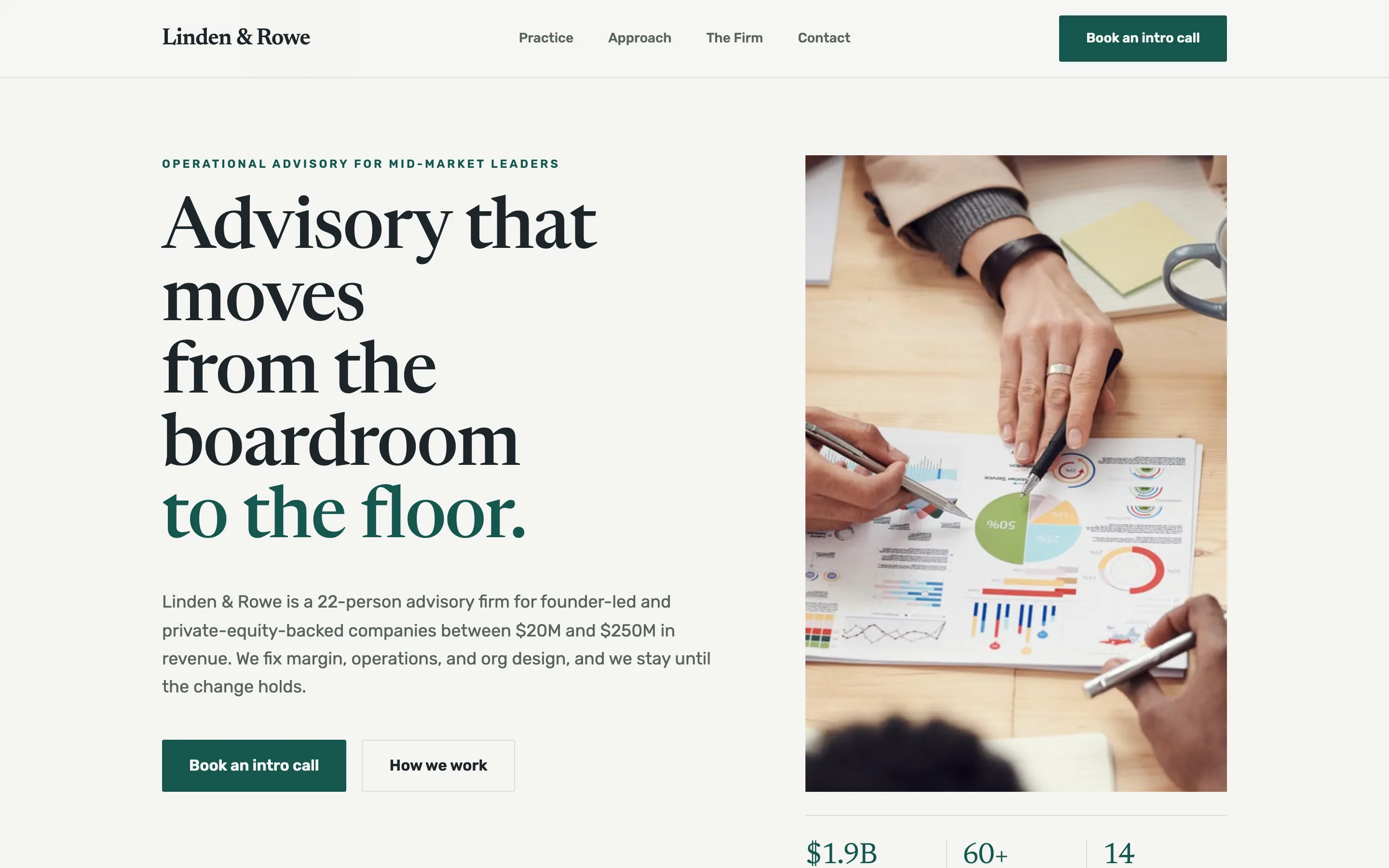
Three designs that suit a virtual assistant website.
- Text-Led Management Consulting
- Black Industrial Holding Company
- Fractional CFO and Finance Firm
About virtual assistant website design on we.inc
List your services, show your rates, and let clients book a discovery call, all from one site you can build today.
Skip the virtual assistant web design brief and the six week wait. Tell the AI about the business in a sentence and it builds the whole site, ready to edit.
Features designed for your industry
- Service packages: Lay out hourly, retainer, and project based packages so prospects know what they get before they message you.
- Inquiry form: A form the AI builds for you that asks the questions you actually need answered before a discovery call.
- Client testimonials: A dedicated section for the feedback you already have from past clients and employers.
Who this virtual assistant website design suits
- Solo VA promoting inbox and calendar management services
- Bookkeeping VA listing packages by number of transactions
- Social media VA showcasing past client accounts and results
- Executive assistant VA marketing to founders and small teams
What makes a virtual assistant website work
Niche down and say so on the homepage
Generalist VAs compete on price; a VA who names a niche (real estate, e-commerce, coaches) can charge more and rank better for searches that include that niche. Put the niche in your headline, not just buried in the services list.
Show your tool stack
Clients often search for VAs who already know their software. Listing tools by name (QuickBooks, Shopify, Calendly, Notion, HubSpot) helps both SEO and lets a prospect self-select faster.
Separate one-off tasks from retainers
Most VA businesses run on monthly retainers but also get one-off requests. A pricing page that shows both, with retainers priced by hours per month, sets expectations and reduces back-and-forth.
Booking still needs a real tool
we.inc can build a booking request form or embed a scheduling widget, but it does not run a synced calendar or invoicing system itself. Most VAs link out to Calendly or Acuity for the actual booking; package payments can go through your own Stripe account.
What it costs
Budget around $10 to $20 a year for a domain name on top of your we.inc plan. Because most VA sites need custom copy about specific services and rates, the $20 a month Starter plan with AI credits is usually the right starting point rather than a template-only site.
Free for 3 template sites, without AI; AI building from $20 a month. Compare plans
Frequently asked questions
How much does a virtual assistant website cost?
With we.inc, a template-based site is free forever (up to three sites, published on a we.inc address, no AI). If you want the AI to write and design the site from a description of your services, that starts on the Starter plan at $20 a month with 250 credits. Add roughly $10 to $20 a year if you want your own domain name.
What pages does a virtual assistant website need?
At minimum a services page, a packages or pricing page, an about page, testimonials, and a way to get in touch. Many VAs also add an FAQ page covering time zones, tools, and turnaround time.
Can I use my own domain name?
Yes. we.inc paid plans (from $20/mo) include custom domains, SSL, and hosting, so you can connect a domain you already own or buy one and point it at your site.
Can clients book a call directly on my site?
we.inc can build an inquiry or discovery call request form, or embed a scheduling widget like Calendly. It doesn't run its own booking calendar, so most VAs link out to a dedicated scheduling tool for the actual calendar sync.
Will a VA website actually help me get found on Google?
A clear, niche-specific site with real service pages helps far more than a generic one-pager, especially if you name your niche and tools plainly. It won't outrank established directories overnight, but it gives you a professional link to send prospects and referrers.
Related industries and website guides
- freelance website builder
- small business website design
- coaching website builder
- realtor website builder
- web design agencies website builder
- web developers website builder
- how to make a website
- free website builder
Related website builders: Professional Services
- freelance website builder
- small business website design
- coaching website builder
- realtor website builder
- web design agencies website builder
- web developers website builder
Before you start
Product
Who It's For
- For Agencies
- For Freelancers
- For Hosting Providers
- For SaaS Platforms
- For Startups
- For Financial Services
- For Healthcare
Features
Resources
- Blog
- Help Center
- Free Business Tools
- Free UI Components
- Website Templates
- Template Collections
- Website Examples
- Guides
- Comparisons
- Alternatives
- Best Lists
- Reviews
- Pricing Guides
- Use Cases
- Glossary & Guides
- Integrations
- Developers
- Benchmark
- Windows App