Standardizing Iconography Across Distributed React Component Libraries
How one frontend team used a single managed icon library to keep icons consistent across several product squads and repositories, and where that approach has limits.
Build your site free. No card needed.
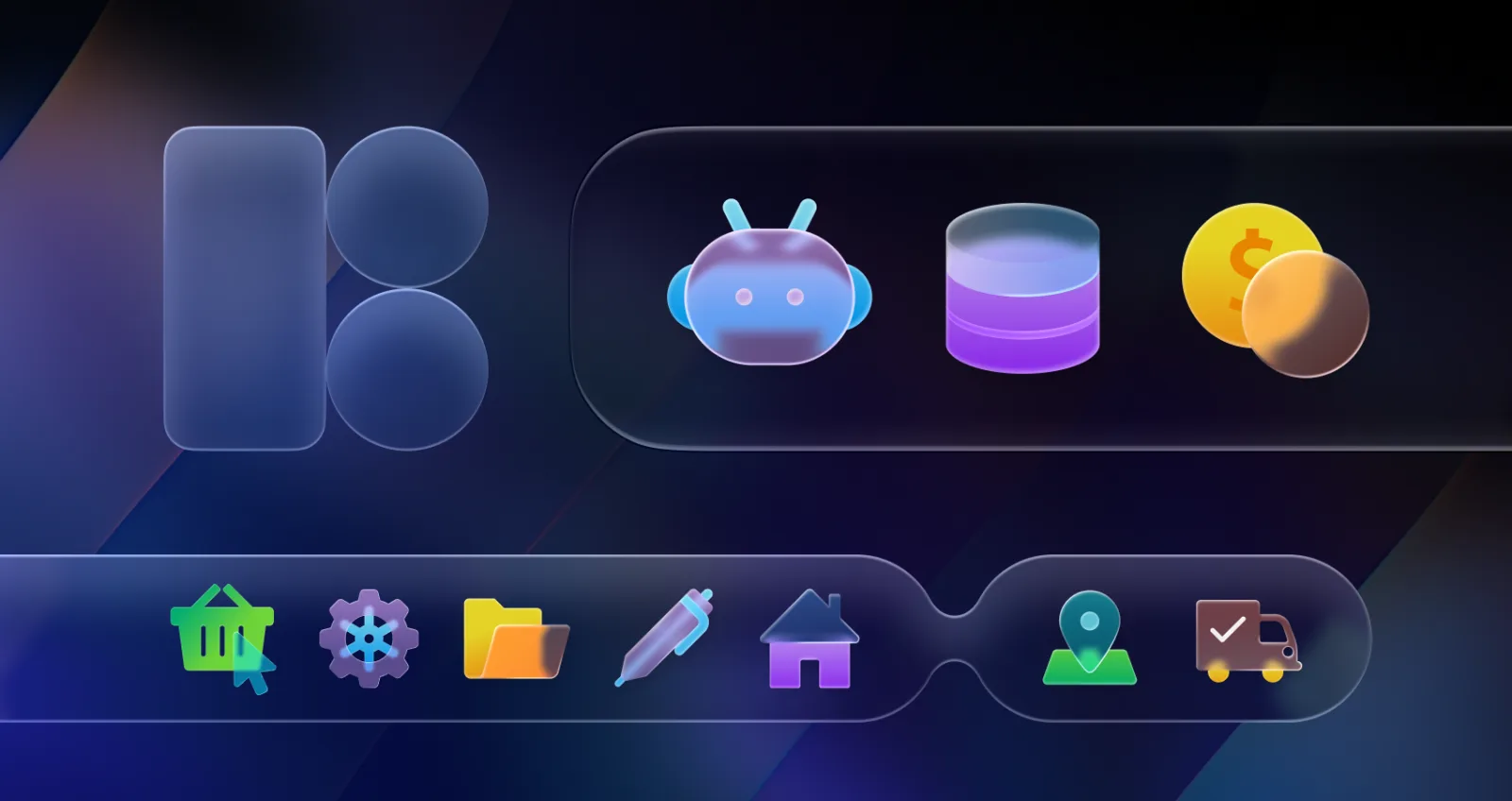
Managing a unified visual language across five separate product teams usually requires dedicated designers. Five distinct squads working across three different repositories creates absolute chaos. Without central governance, developers inevitably start sourcing assets themselves. Finding a way to keep visuals consistent without building every icon set in-house becomes an obsession. Recently, I evaluated Icons8. Could a massive stock library serve as our single source of truth?
Late Thursday evening pull requests perfectly illustrate our problem. Reviewing an analytics dashboard update revealed a complete mess. A junior developer added three new status indicators.
First came a 24px viewport SVG. Second arrived a 32px SVG sporting a hardcoded blue fill, totally bypassing our CSS variables. Third sat a blurry PNG file.
Why did this happen? Our existing open-source pack lacked specific data-viz metaphors. Building custom React wrapper components for every new concept kills velocity. To unblock the ticket, the developer just scoured the web and grabbed whatever fit. That changed everything.
Moving From Fragmented Packs to a Centralized Collection
Swapping a hodgepodge of open-source libraries for Icons8 starts with curation. Navigating 1.47 million images feels overwhelming without a strict filtering strategy. Building our core library meant setting up a dedicated Collection right in their interface. We needed a style offering enough volume so developers wouldn't look elsewhere. Many platform styles contain over 10,000 assets. Selecting Material Outlined gave us 5,500 geometric shapes matching exact Android guidelines.
Setting it up took minutes:
- Create a new collection named "Core React Elements"
- Filter search results exclusively by Material Outlined
- Drop standard UI actions into the side panel
- Apply our slate gray HEX code using the bulk recolor tool
- Export everything as one unified SVG sprite
Generating that sprite completely eliminated individual image file management across our repositories. Loading dozens of separate files normally hammers the network. Every team now points to the same asset bundle. Stroke weights finally match perfectly across our entire application ecosystem.
Bridging the Gap for Niche Feature Requests
Product teams constantly request highly specific visual metaphors missing from standard UI packs. Historically, we filed tickets with overloaded product designers. Then we waited two weeks for a custom vector. Last month, our agricultural technology pod built a new crop tracking module. They needed a flower icon matching our existing navigation elements exactly. Corner radiuses and stroke widths had to be flawless.
Instead of opening Jira, I searched Icons8. Filtering strictly by our chosen style family revealed a perfect match. Clicking the asset opened an in-browser editor.
Modifying the file required zero external vector software. Adding a 2px stroke matched our active state variables beautifully. Adjusting internal padding ensured the bounding box aligned exactly with our standard 24x24 pixel grid.
Copying the SVG Embed HTML fragment took one click. Pasting it directly into the new React component file took another. Passing props for fill colors happens globally now. Three minutes total.
Our team shipped their feature on time. Better yet, the UI remained perfectly consistent.
Weighing Open Source Against Aggregators
Standardizing a component library usually means choosing among open-source sets, community aggregators, or managed platforms. Packs like Feather or Heroicons work great for early-stage development. Meticulously designed files make implementation incredibly easy. But they cap out at a few hundred options.
Need something specific for an edge-case feature? Developers hit a wall and immediately go rogue. Managed platforms solve volume problems by offering tens of thousands of assets within a single style family.
Aggregators like Noun Project or Flaticon certainly boast enterprise-level volume. Noun Project offers an incredible repository of independent creator files. That exact strength creates a major weakness for rigid component libraries. Assets coming from thousands of different independent designers vary wildly in stroke weights, grid alignments, and corner radiuses. Mismatched icons break visual hierarchy instantly. A navigation bar featuring one thin stroke next to a chunky one looks totally unprofessional. Flaticon suffers from similar consistency issues across differing contributor packs.
Icons8 employs an in-house design team enforcing strict geometric rules across 45 distinct visual styles. Pull an asset from Windows 11 Outline or iOS 17 Glyph. Its underlying structure perfectly matches the previous file you downloaded.
Current Platform Limitations
Every tool carries strict boundaries frontend teams must understand before integration. Free tiers prove entirely unworkable for modern web development workflows. Raster downloads restrict you to 100px PNGs and mandate visible attribution links. Scalable vector formats sit locked entirely behind paid plans. Unless downloading from Popular, Logos, or Characters categories, you can't access SVGs without a subscription.
Vector optimization demands manual oversight too. Default downloads arrive configured as "simplified SVGs."
Outlining and merging all vector paths ensures rendering consistency across browsers. Complex UI interactions often rely on drawing shapes dynamically. Framer-motion uses path lengths to animate strokes. Simplification turns strokes into fills, breaking those animations completely. Manually unchecking the simplified setting in the download modal reveals editable vector paths.
Animated formats carry rigid restrictions as well. Over 4,500 animated graphics exist in Lottie JSON and GIF formats. Static counterparts offer far more flexibility. Editing animated assets inside their Lunacy vector tool won't work. Combining them with text and graphics inside Mega Creator fails too.
Implementation Guidelines for Frontend Pipelines
Integrating a massive third-party library into distributed environments requires strict rules for code quality. Keep custom overlay logic out of your React codebase.
Product teams often request status indicators featuring smaller subicon overlays or specific rectangular backgrounds. Building those with absolute CSS positioning creates massive tech debt. Open the browser editor to add backgrounds and generate single unified SVGs. Export them directly.
Peripheral projects benefit hugely from CDN embed links.
Marketing teams love adding dozens of graphics to landing pages. Documentation sites shouldn't bloat your repository with static assets. Customizable CDN links embed SVGs directly via HTML fragments, keeping JavaScript bundles tiny. Faster page loads directly impact conversion rates.
Missing a niche concept? Submit a community request. Gather eight community likes on your idea. In-house designers put it into production for free.
Expanding your core visual language doesn't require hiring freelance illustrators.
More in Blog
- Start Here: Build Your First Website with We.Inc
- How to Start a Website Reseller Business in 2026
- How to Start Your Own Website Builder Business (AI Builds Each Site in 20 Seconds)
- Startup Launch Checklist for 2026
- How to Start a Subscription Box Business: Step by Step
- Swiftlet Runs an 80B LLM in 4.3 GB of RAM on a Mac. Here Is How to Build on It.
- Tattoo Website Design: Free Template and Examples
- Tech Stack Consolidation: A Practical Strategy Guide
How we research, test and update this page: our editorial policy. We.Inc is our own product.
Product
Who It's For
- For Agencies
- For Freelancers
- For Hosting Providers
- For SaaS Platforms
- For Startups
- For Financial Services
- For Healthcare
Features
Resources
- Blog
- Help Center
- Free Business Tools
- Free UI Components
- Website Templates
- Template Collections
- Website Examples
- Guides
- Comparisons
- Alternatives
- Best Lists
- Reviews
- Pricing Guides
- Use Cases
- Glossary & Guides
- Integrations
- Developers
- Benchmark
- Windows App