CISOs distrust vendors by profession. Earn the meeting
A cybersecurity website that explains what you protect, which frameworks you support, and why buyers can trust your team. Describe your firm and the AI builds it for you.
Tell us what you do and our AI writes and builds your cybersecurity site around it.
Build My Cybersecurity Site - Free
15,000+businesses trust us
4.7
from 1,200+ reviews
No credit card required
Free plan: 3 template sites · AI building from $20/mo · Cancel anytime
blackmoorsecurity.com
CISOs distrust vendors by profession. Earn the meeting
A cybersecurity website has to earn trust fast: clear services (pen testing, managed detection, compliance readiness), the frameworks you work with, your team's credentials, and an easy way to request a consultation. We.inc's AI writes and builds those pages from your description, or you can publish a free template with no AI. The AI builder starts on Starter at $20 a month.
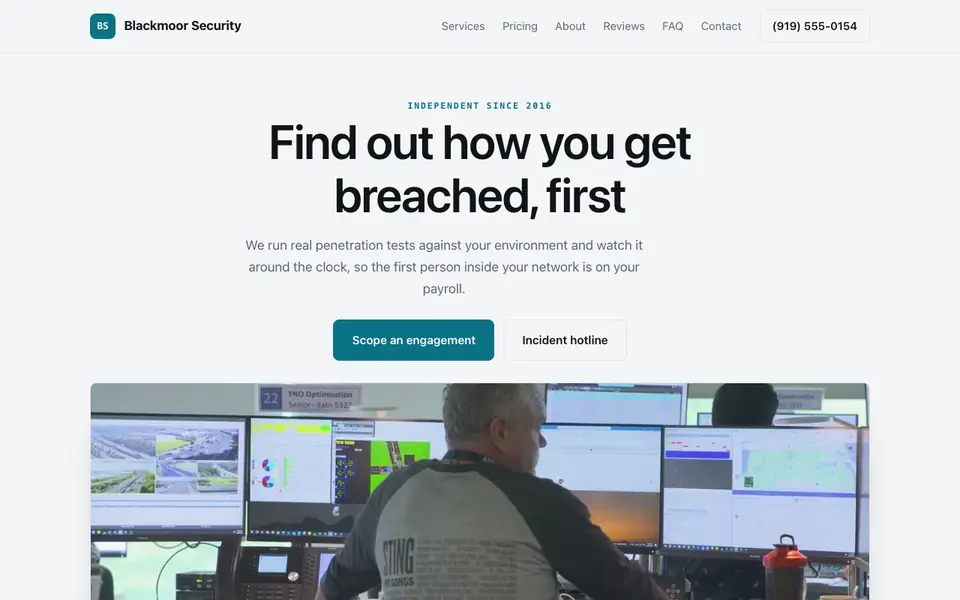
Blackmoor Security: an example site for cybersecurity companies, made with We.Inc.
A cybersecurity website that explains what you protect, which frameworks you support, and why buyers can trust your team. Describe your firm and the AI builds it for you.
Pages every cybersecurity website needs
Home: Who you protect (SMBs, healthcare, fintech) and what you do, in plain words, with a consultation button. Buyers are often non-technical executives who need to understand you in one read.
Services: A page each for penetration testing, managed security, incident response, vCISO, or whatever you sell. Buyers search for the specific service, and each needs its own scope explained.
Compliance & Frameworks: The frameworks you help with, such as SOC 2, HIPAA, PCI DSS, NIST CSF, or CMMC. Compliance deadlines are often what triggers the purchase.
Team & Credentials: Certifications like OSCP, CISSP, or CISM, and relevant experience. In security, the people are the product.
Resources: Plain-English articles or advisories. They show expertise and give search engines something to rank.
Consultation / Contact: A short form plus a separate, clearly labeled incident response contact. Someone mid-breach should not have to fill in a sales form.
Try this prompt
A website for a cybersecurity firm in Denver called Ridgeline Cyber. We do penetration testing, managed detection and response, and SOC 2 readiness for mid-size SaaS companies. Include service pages, a compliance frameworks page, team credentials, a resources section, and a consultation form plus a 24/7 incident response phone number. Dark, precise, modern.
Security buyers dismiss hype on sight. Technical depth, threat coverage specifics, and researcher credibility on your site separate you from the noise flooding their inbox after every breach headline.
Skip the cybersecurity web design brief and the six week wait. Tell the AI about the business in a sentence and it builds the whole site, ready to edit.
Features designed for your industry
Threat Coverage Specifics: Exactly which attack vectors and frameworks you cover, in the MITRE-mapped detail CISOs demand.
Research Credibility Pages: Published findings and CVE credits from your team, the reputation currency of the security world.
Technical Deep-Dive Content: Architecture and detection logic explained at practitioner depth, not analyst-brief altitude.
Who this cybersecurity website design suits
Threat detection vendors
Security services firms
Compliance automation tools
Penetration testing companies
What makes a cybersecurity website work
Don't overclaim certifications or guarantees
Only list certifications your staff actually hold and partner statuses you actually have. Avoid 'unhackable' or 'guaranteed compliance' language; auditors grant compliance, and savvy buyers distrust absolutes.
Separate the incident line from sales
Put an emergency incident response phone number in the header or footer, distinct from the consultation form. It signals maturity and helps the person who needs you most.
Write for the budget holder, not just engineers
Frame each service around the business outcome (passing an audit, meeting a customer's security questionnaire, reducing downtime), then give the technical scope below. Both readers get what they need.
We.inc hosts marketing pages, not security tooling
The contact form emails you in plain text, so don't ask visitors to send sensitive details through it. There is no client portal or secure file exchange; use a dedicated secure transfer or PSA tool, and link Calendly for booking calls.
What it costs
Your main costs are a domain (about $10 to $20 a year) and the scheduling or secure file tools you link. A free template works for a simple landing page; for AI-written service, framework, and resource pages that you keep adding to, Starter at $20 a month suits most boutique firms, and Pro may fit if you publish content heavily.
Free for 3 template sites, without AI; AI building from $20 a month. Compare plans
Frequently asked questions
Is the site itself secure?
Published sites are served over HTTPS with SSL included. The contact form sends email, so treat it as a general enquiry form and never collect credentials or sensitive incident details through it.
Can I publish advisories and blog posts?
Yes. Ask the AI to add a resources or blog section and write or format posts from your notes, then edit before publishing.
How much will this run me?
Templates are free on a we.inc address, up to three sites, without AI. AI building and editing starts at $20 a month on Starter with 250 credits. Your own domain is extra, usually $10 to $20 a year.
Can prospects book a call directly?
There's no built-in calendar. Embed or link Calendly or your preferred scheduler next to the consultation form.
Can I use my company domain?
Yes, custom domains are available on paid plans from Starter up.