
A membership site homepage that actually converts
The most honest way to build a membership website with we.inc is to use it for the marketing side, the homepage, pricing, benefits, and sign-up page, while the actual member login, paywall, and content delivery run through a dedicated membership platform that the site links to. Describe your offer to we.inc and the AI drafts the marketing pages; that starts at $20 a month on the Starter plan, or you can start from a free template if you're still finalizing the offer.

A membership website that explains what members get, shows pricing, and sends them to the right tool to join, all built in plain English.
Pages every membership website needs
- Home / Value Proposition: Visitors need to understand what membership includes and why it's worth paying for within the first few seconds on the page.
- Pricing & Tiers: Clear tiers and what's included at each level reduce the back-and-forth questions before someone signs up.
- What's Included / Benefits: A detailed breakdown of content, community access, or perks members receive makes the offer concrete rather than vague.
- Testimonials: Social proof from current members is one of the strongest converters for a recurring payment decision.
- Join / Sign Up: This page should link clearly to wherever the actual membership signup and payment happens.
- FAQ: Billing cycle, cancellation policy, and what happens if someone stops paying are the questions that stall sign-ups if left unanswered.
Try this prompt
A membership website for an online community called Freelance Founders Club offering weekly group coaching calls and a private community for freelancers, with a homepage explaining the offer, a pricing page with monthly and annual tiers, member testimonials, and an FAQ about billing and cancellation.
Start from this design
Three designs that suit a membership website.
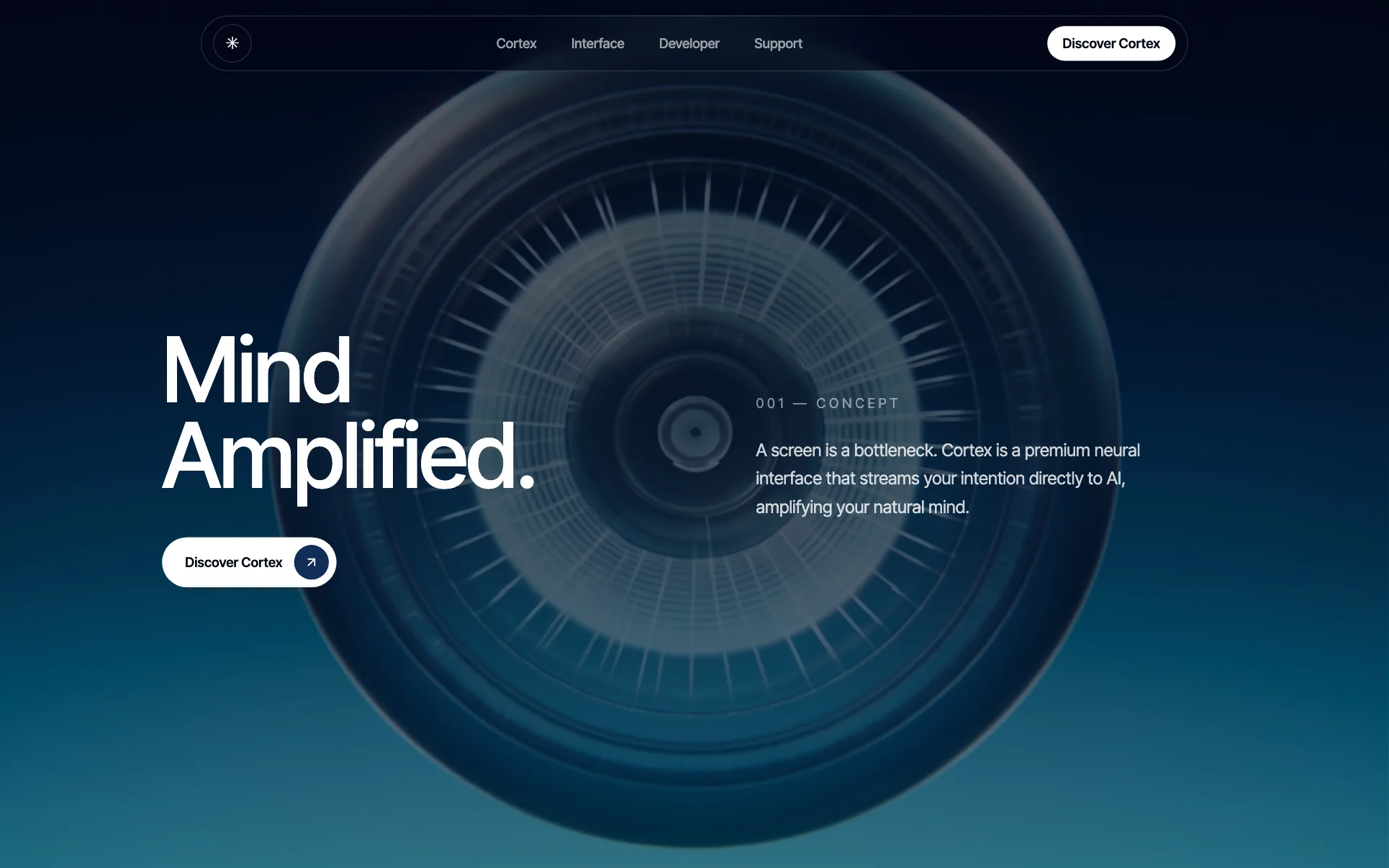
- Indigo Neural Interface Launch
- Night-Drive Autonomous Car Startup
- Dark DevOps Release Platform
About membership website design on we.inc
Explain what members get, show pricing, and send them to the right tool to join, all from a site built in plain English.
Membership website design without the agency retainer. Describe the business in plain English and the AI writes and builds the pages around it: your services, your prices, your words.
Features designed for your industry
- Benefits & pricing: A clear breakdown of what members get at each tier and what it costs, written from your description.
- Testimonials: Showcase feedback from current members to build trust with people considering joining.
- FAQ: Answer the common questions about billing, cancellation, and access before they become support tickets.
Who this membership website design suits
- Online community charging a monthly fee for access to a private group
- Coach or creator running a paid content membership
- Professional association offering member benefits and resources
- Fitness or hobby group selling a recurring membership subscription
What makes a membership website work
Be upfront: we.inc doesn't run the paywall itself
we.inc does not provide native member logins, gated content, or a paywall system. The honest and common setup is a we.inc site for marketing (homepage, pricing, benefits, FAQ) that links out to a dedicated membership platform like Memberful, Patreon, Circle, or a Stripe-powered checkout for the actual login and gated content.
Pricing pages convert better with a clear tier comparison
If you offer more than one membership level, a simple side-by-side comparison of what's included at each tier reduces decision fatigue more than paragraphs of description.
State the cancellation policy plainly
Recurring payment offers lose trust fast if cancellation terms are vague or hidden. A short, clear line about how and when someone can cancel, in the FAQ or near the pricing table, removes a common objection before it stops a signup.
Free trials or previews reduce risk for the buyer
Many successful membership sites offer a free preview of content or a short trial period before the recurring charge starts; if you offer one, make it visible on the pricing page itself, not buried in the checkout flow.
What it costs
A domain runs about $10 to $20 a year. Because a membership site typically needs custom pricing and benefits copy that doesn't fit a generic template well, the $20 a month Starter plan is the usual starting point; separately budget for whatever membership platform (Memberful, Patreon, Circle, or similar) actually handles login and payments, since those charge their own monthly or per-transaction fees.
Free for 3 template sites, without AI; AI building from $20 a month. Compare plans
Frequently asked questions
How much does a membership website cost?
A we.inc template site is free (up to three sites, no AI, published on a we.inc address), though most membership offers need custom pricing and benefits copy that fits better with the AI-built option starting at $20 a month on the Starter plan. Separately, you'll pay whatever your membership platform (Memberful, Patreon, Circle, and similar) charges for handling logins and billing.
Does we.inc provide member logins and gated content?
No, not natively. we.inc is best used for the marketing pages, homepage, pricing, and benefits, which then link out to a dedicated membership platform like Memberful, Patreon, or Circle that handles the actual login, paywall, and content delivery.
What pages does a membership website need?
At minimum: a homepage explaining the value, a pricing and tiers page, a benefits breakdown, testimonials, a sign-up page, and an FAQ covering billing and cancellation.
Can I use my own domain for a membership site?
Yes, we.inc paid plans (from $20/mo) include custom domains, SSL, and hosting for the marketing site itself; your membership platform may also need its own subdomain or integration depending on which one you choose.
How should I price membership tiers?
Most membership sites do best with two or three tiers with clearly different benefits rather than many overlapping options, and a visible monthly versus annual discount to encourage longer commitments.
Related industries and website guides
- saas website builder
- startup website builder
- mobile app companies website builder
- saas companies website builder
- ai & ml startups website builder
- cybersecurity companies website builder
- how to make a website
- free website builder
Related website builders: Tech & Startups
- saas website builder
- startup website builder
- mobile app companies website builder
- saas companies website builder
- ai & ml startups website builder
- cybersecurity companies website builder
Before you start
Product
Who It's For
- For Agencies
- For Freelancers
- For Hosting Providers
- For SaaS Platforms
- For Startups
- For Financial Services
- For Healthcare
Features
Resources
- Blog
- Help Center
- Free Business Tools
- Free UI Components
- Website Templates
- Template Collections
- Website Examples
- Guides
- Comparisons
- Alternatives
- Best Lists
- Reviews
- Pricing Guides
- Use Cases
- Glossary & Guides
- Integrations
- Developers
- Benchmark
- Windows App