
An event website that gets people to actually show up
The quickest way to get an event website live is to describe the event, date, and location to we.inc and let the AI draft a schedule, speaker, and registration page, or start from a free event template if you just need a simple landing page. Free template sites are free forever with no AI; AI-drafted sites start at $20 a month on the Starter plan.
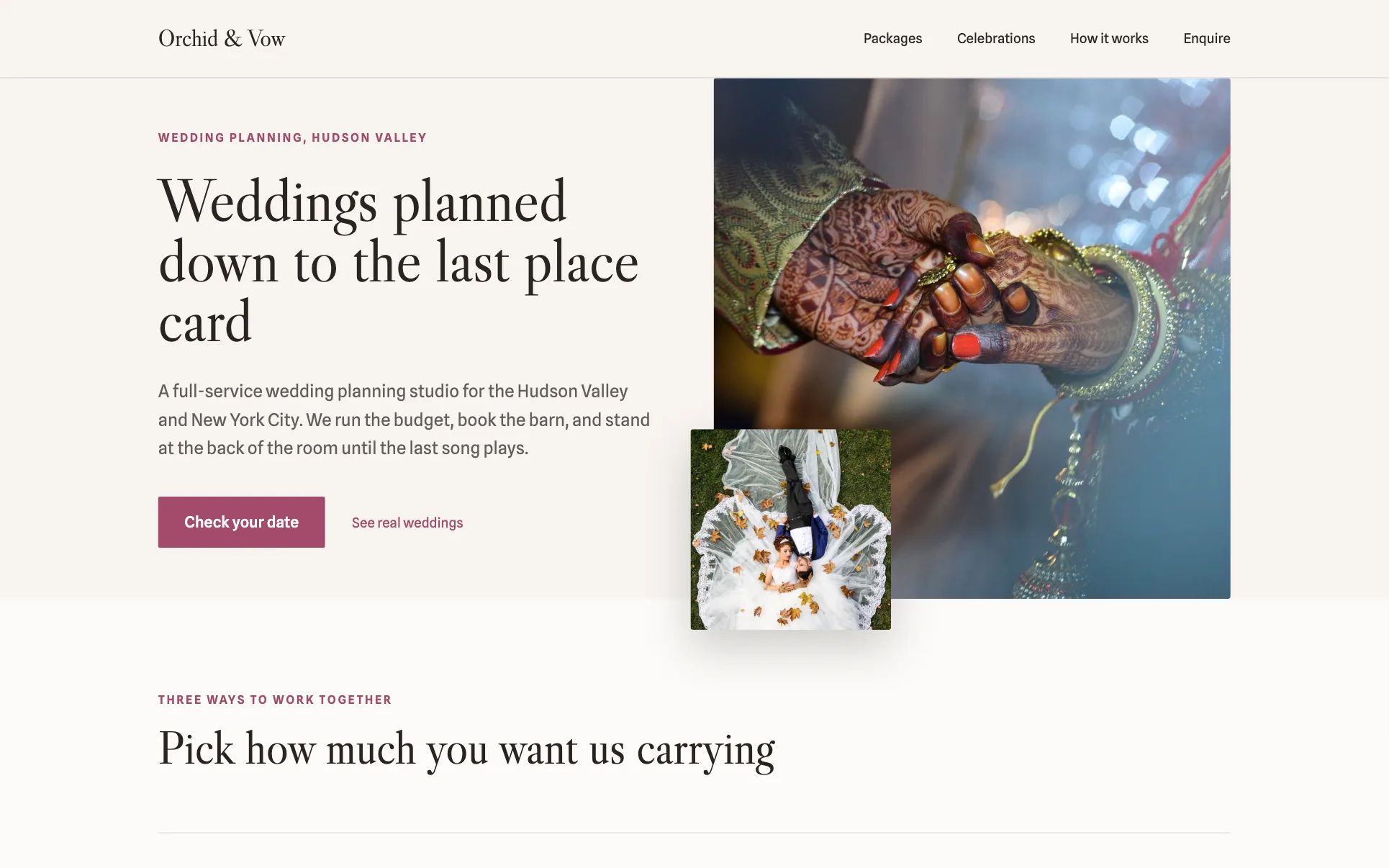
An event website with the date, location, schedule, and how to register, ready before tickets go on sale.
Pages every event website needs
- Home / Event Overview: Date, location, and a one-line description need to be visible immediately since most visitors are deciding whether to attend within seconds.
- Schedule / Agenda: A time-by-time breakdown of sessions, activities, or performances is the single most checked page for multi-part events.
- Location & Travel: Venue address, parking, and nearby lodging cut down on day-of confusion and support emails.
- Speakers / Lineup: For conferences and festivals, a lineup page with photos and short bios helps sell tickets and builds credibility.
- Register / Tickets: This page should either embed or clearly link to your ticketing platform so registration doesn't get lost in the site.
- FAQ: Recurring questions about parking, refunds, and what to bring belong in one place instead of clogging your inbox.
Try this prompt
A website for a one-day marketing conference called Northbound Summit held in Portland, Oregon, with a schedule page listing four sessions, a speaker lineup of six presenters, a location page with venue and parking details, and a registration page linking to an Eventbrite ticket page.
What should an event website show in the first screen?
The date, the place and what to do next. Visitors arrive from a shared link wanting those three facts, so put them above everything else with one main button, such as Get tickets or Register. Take payment with your own Stripe account, or point the button at a ticketing service you already use. Add the time zone for online events, and a schedule further down for anyone deciding which part to attend.
How do I keep attendees updated as plans change?
Put a short updates section near the top and date every entry. Speaker changes, room moves and weather plans all happen, and people check the website before they check their email. Remove outdated details elsewhere on the page instead of leaving both versions up. After the event, swap the ticket button for photos, recordings or a note about next year so the page stays useful.
Ticketing platform or your own site: what does an event need?
If you sell tickets, the ticketing platform handles checkout, but a site of your own is where the schedule, venue details and sponsor story live after the listing expires. Most organizers pair a ticketing tool with either a general builder or a site generated from a short brief.
| Option | Good for | Watch out for |
|---|---|---|
| Eventbrite or similar ticketing sites | Checkout, ticket types, check-in apps and a marketplace where people already search for things to do. | The event page follows their layout, carries their branding, and is gone from view once the date passes. |
| Enterprise event suites such as Cvent | Registration, badges, agendas and attendee data for conferences with many sessions. | Built for large teams and long contracts, which is heavy for a single festival, gala or workshop series. |
| Squarespace or Wix | Good-looking one-page event sites if you are happy to lay out the agenda and speaker cards yourself. | You rebuild the page for every edition unless you plan the structure carefully. |
| we.inc | Describe the event and get pages for the schedule, venue, speakers or performers, sponsors and FAQs, then link the ticket button to your ticketing tool. | It does not sell or scan tickets itself; keep those in a ticketing platform. |
Keeping one permanent site and updating the dates each year lets past attendees, photos and sponsor logos keep working for you.
Start from this design
Three designs that suit an event website.
- Parchment Serif Wedding Planner
- Linen-Tone Neighborhood Florist
- Dark DJ and Event Production
About event website design on we.inc
Share the date, location, schedule, and how to register, all in a site you can put together before tickets go on sale.
Event website design without the agency retainer. Describe the business in plain English and the AI writes and builds the pages around it: your services, your prices, your words.
Features designed for your industry
- Schedule / agenda: Lay out the day by session or activity so attendees know exactly what's happening when.
- Location & directions: A clear venue address, map, and parking notes so attendees find the event without confusion.
- Speaker or vendor lineup: Showcase speakers, performers, or vendors with a bio and photo for each.
Who this event website design suits
- One-day conference site with schedule, speakers, and registration link
- Community festival site listing vendors, schedule, and parking info
- Corporate event microsite for a product launch or client gathering
- Recurring meetup group publishing upcoming dates and past event recaps
What makes an event website work
Ticketing and payments stay with a dedicated platform
we.inc can build a registration or RSVP page and embed or link out to a ticketing tool, and payments can go through your own Stripe account, but ticketing itself (seat inventory, ticket delivery, scanning) stays with a ticketing platform. Most event sites link to Eventbrite, Ticket Tailor, or a similar platform for the actual purchase flow.
Put the date and location above the fold
The two facts every visitor needs first are when and where; burying them below a long intro paragraph is the most common mistake on event sites and increases bounce rate.
Recurring events should keep past recaps
For meetups and annual festivals, a short recap page with photos from past events builds trust with first-time attendees deciding whether it's worth their time.
Mobile is where most event traffic lands
People check event details on their phone while making a decision on the spot, often from a shared link or social post, so schedule and location pages need to be readable without zooming or horizontal scrolling.
What it costs
A domain costs roughly $10 to $20 a year, which is worth it for a recurring event but optional for a single one-off if you're comfortable with a we.inc subdomain. One-time events with a fixed set of pages often work fine on the free template plan; use the $20 a month Starter plan if you want the AI to write schedule and speaker copy for you or need frequent updates as details change.
Free for 3 template sites, without AI; AI building from $20 a month. Compare plans
Frequently asked questions
How much does an event website cost?
A we.inc template site is free (up to three sites, no AI, published on a we.inc address). If you want the AI to draft the schedule, speaker bios, and other copy from a description of your event, that starts at $20 a month on the Starter plan. A custom domain adds about $10 to $20 a year.
Can I sell tickets directly through the event website?
we.inc doesn't process ticket sales itself, but it can build a registration page that embeds or links out to a ticketing platform like Eventbrite or Ticket Tailor, which handles the actual purchase and payment.
What pages does an event website need?
At minimum: an overview with date and location, a schedule or agenda, location and travel details, and a registration or ticket page. Conferences and festivals typically add a speaker or vendor lineup and an FAQ.
Can I use my own domain for the event site?
Yes, we.inc paid plans (from $20/mo) include custom domains, SSL, and hosting, so you can connect a domain specific to your event name.
How do I get my event website to show up in search results?
Use the event name, date, and city plainly in your page titles and headings, and keep the schedule and location content as real text rather than only images, since that's what search engines and AI answer engines pick up on.
Related industries and website guides
- musician website builder
- wedding planner website builder
- portfolio website builder
- newsletter website builder
- fashion designer websites
- filmmaker websites
- how to make a website
- free website builder
Related website builders: Creative & Entertainment
- musician website builder
- wedding planner website builder
- portfolio website builder
- newsletter website builder
- fashion designer websites
- filmmaker websites
Before you start
Product
Who It's For
- For Agencies
- For Freelancers
- For Hosting Providers
- For SaaS Platforms
- For Startups
- For Financial Services
- For Healthcare
Features
Resources
- Blog
- Help Center
- Free Business Tools
- Free UI Components
- Website Templates
- Template Collections
- Website Examples
- Guides
- Comparisons
- Alternatives
- Best Lists
- Reviews
- Pricing Guides
- Use Cases
- Glossary & Guides
- Integrations
- Developers
- Benchmark
- Windows App