
A handyman website that turns calls into booked jobs
The best way to build a handyman website is to describe your services, service area, and experience to we.inc's AI (from $20/month), which will build out a services page, service area page, and a quote request form. A free template also works if you just need a one-page site with your phone number and a list of services.

A handyman website that shows which repairs you take on, where you work, and how to ask for a quote. Describe your business and the AI builds it for you.
Pages every handyman website needs
- Home: Should lead with your service area and top services, plus your phone number, since most handyman searches are urgent and local.
- Services: List specific jobs (drywall repair, furniture assembly, gutter cleaning, light fixture install) rather than a vague 'general repairs' line, since customers search for the specific job they need.
- Service Area: Handyman work doesn't travel far, so listing the towns or zip codes you cover filters out leads outside your range.
- Gallery / Past Work: Before-and-after photos of completed jobs build trust faster than any amount of text.
- Request a Quote: A simple form for describing the job and uploading a photo lets you quote faster and screen jobs before calling back.
- Reviews: Handyman customers rely heavily on reviews before letting someone into their home, so linking to Google reviews matters.
Try this prompt
A website for a solo handyman business in Raleigh called Reliable Fix Handyman, serving Raleigh and nearby suburbs, offering drywall repair, furniture assembly, and small electrical fixes, with a services page, service area list, and a request-a-quote form with photo upload.
How do I list jobs I do and jobs I don't?
Write two short lists. "Yes": shelves, doors, drywall patches, fixtures, decks and the like. "Not us": work that needs a licensed trade where you live, such as major electrical or gas. Customers appreciate the honesty, and it filters out calls you would have to turn down anyway. Check your local licensing limits before writing the second list.
Should I show a minimum charge?
If you have one, yes. Small jobs like hanging one picture cost you travel time, so a clear minimum or a suggestion to bundle several small tasks into one visit sets expectations. Pair it with a "to-do list" option in the quote form so customers can send everything at once.
What photos work best for a handyman site?
Close-ups of finished details, such as a clean caulk line or a level shelf, plus a few wider shots of the room. Phone photos are fine if they are sharp and well lit. Put your own face on the about page; people want to see who is coming into their home.
How a handyman gets found for small local jobs
Homeowners search for the job, such as "fix a leaking tap" or "mount a TV", rather than the word handyman. They pick someone who clearly does that task nearby and answers quickly.
List the small jobs you take on
A plain list of common jobs, from hanging shelves to replacing door locks, matches the words people type. Say which jobs need a licensed trade instead, so customers know where your work stops.
Explain how you charge
Hourly with a minimum, or a fixed price per task: either is fine if it is written down. A rough guide for common jobs stops price surprises that lead to bad reviews.
Make photo quotes easy
A form where customers attach a photo of the job lets you quote without a visit for simple tasks. Reply within the working day and you will win jobs from slower competitors.
Start from this design
Three designs that suit a handyman website.
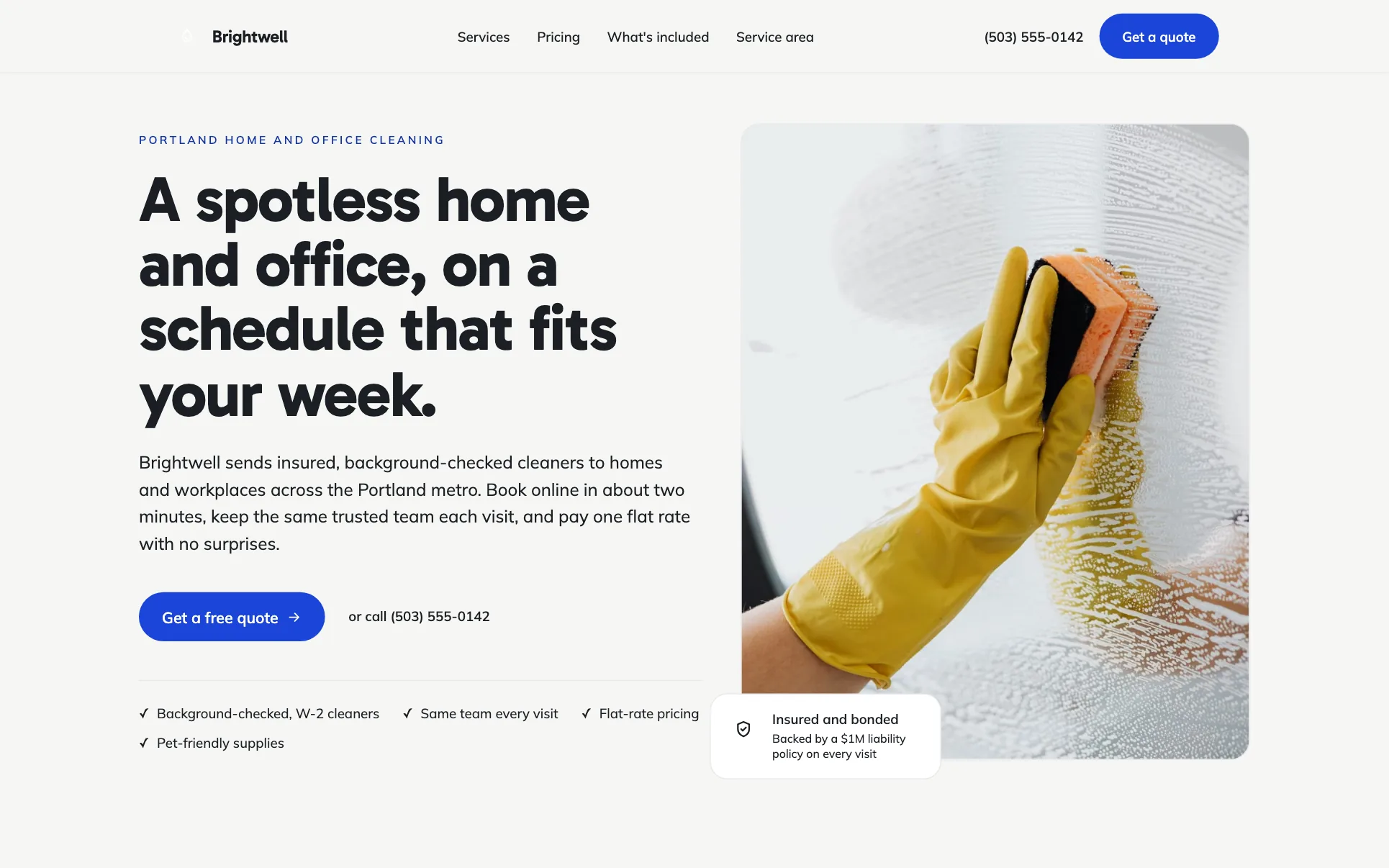
- Blue Home and Office Cleaning
- Red & White Moving Company
- EV Charger and Panel Electrician
About handyman website design on we.inc
Describe your services and service area and the AI builds a site with a services list, service area, and a request-a-quote form. Edit by chat, visually, or in code.
Handyman website design without the agency retainer. Describe the business in plain English and the AI writes and builds the pages around it: your services, your prices, your words.
Features designed for your industry
- Services list: List the specific repairs and jobs you take on so customers know before they call.
- Service area page: Handyman work is local, so a clear list of towns or zip codes you serve helps filter serious leads.
- Quote request form: The AI can build a form for customers to describe a job and request a quote before you call them back.
Who this handyman website design suits
- A solo handyman building a first website to get found locally
- A small handyman crew listing services and service area across a metro
- A handyman business adding before-and-after photos of past jobs
- A seasonal handyman service highlighting gutter, deck, and winterizing work
What makes a handyman website work
List specific jobs, not just 'handyman services'
People search for the exact repair they need (leaky faucet, TV mounting, deck repair). A services page that names specific jobs will match more searches than one generic line.
Service area limits wasted calls
Handyman jobs are local by nature, so clearly listing which towns or zip codes you serve reduces calls from people outside your range and helps with local search relevance.
Photos of past work do the selling
Before-and-after photos of real jobs are more persuasive than a services description alone, and they help customers trust letting someone into their home.
Quotes need enough detail to be useful
A quote request form that asks for the job type, a brief description, and a photo lets you give a rough estimate or decide to schedule a visit, saving time on both sides.
What it costs
Your domain costs about $10 to $20 a year. Many handyman businesses also use a separate invoicing or scheduling tool, which is a small additional cost. Starter at $20/month is generally enough for an AI-built site with services, service area, and a quote form.
Free for 3 template sites, without AI; AI building from $20 a month. Compare plans
Frequently asked questions
How much does a handyman website cost?
A free we.inc template covers a simple one-page site with services and a phone number, no AI. For an AI-built site with a quote form and service area page, Starter is $20/month for 250 credits, plus about $10 to $20 a year for a domain.
What should a handyman website include?
A clear list of services, the towns or areas you serve, photos of past work, a way to request a quote, and reviews if you have them. Customers usually want to confirm you do their specific job before calling.
Can customers book a job directly through the site?
We.inc has no built-in synced calendar. The AI can build a quote or booking request form, and you follow up by phone or link out to a scheduling tool if you use one.
Can I use my own domain name for my handyman business?
Yes, custom domains, SSL, and hosting come with paid we.inc plans, so your business can run on its own domain instead of a we.inc address.
Will a handyman website help me get found in local search?
The AI writes real page content naming your services and area, which is a solid foundation, but showing up strongly in local search also depends on your Google Business Profile and reviews, which are separate from the website itself.
Related industries and website guides
- construction website builder
- pet sitting website builder
- hvac website design
- general contractor website design
- home staging companies website builder
- junk removal websites
- how to make a website
- free website builder
Related website builders: Home Services
- construction website builder
- pet sitting website builder
- hvac website design
- general contractor website design
- home staging companies website builder
- junk removal websites
Before you start
Product
Who It's For
- For Agencies
- For Freelancers
- For Hosting Providers
- For SaaS Platforms
- For Startups
- For Financial Services
- For Healthcare
Features
Resources
- Blog
- Help Center
- Free Business Tools
- Free UI Components
- Website Templates
- Template Collections
- Website Examples
- Guides
- Comparisons
- Alternatives
- Best Lists
- Reviews
- Pricing Guides
- Use Cases
- Glossary & Guides
- Integrations
- Developers
- Benchmark
- Windows App