
A resume website that gets past the scroll
The best way to build a resume website is to describe your work history, skills, and target role to we.inc and let the AI turn it into a clean personal site, or start from a free portfolio template if you want to lay it out yourself. Free template sites are free forever with no AI; AI-written resume sites start at $20 a month on the Starter plan.

Turn your resume into a resume website recruiters actually read, with your experience, projects, and a way to reach you.
Pages every resume website needs
- Home / Summary: A short summary of who you are and what role you're targeting so a recruiter knows within seconds if you're a fit.
- Experience: Your work history with real outcomes, not just job titles, gives a hiring manager more than a resume bullet list can.
- Projects / Portfolio: For technical, creative, or project-based roles, a few concrete examples of work do more convincing than a job title ever will.
- Skills: A clear list of tools and skills helps both human readers and any applicant tracking system that scans your page.
- Contact: Make it a one-click action, email link or short form, since recruiters move fast and won't hunt for your address.
Try this prompt
A resume website for a marketing manager named Priya Nair based in Chicago, transitioning from agency to in-house roles, with a clean professional tone, a summary section, an experience timeline, three project highlights, and a contact section with a downloadable resume link.
Start from this design
Three designs that suit a resume website.
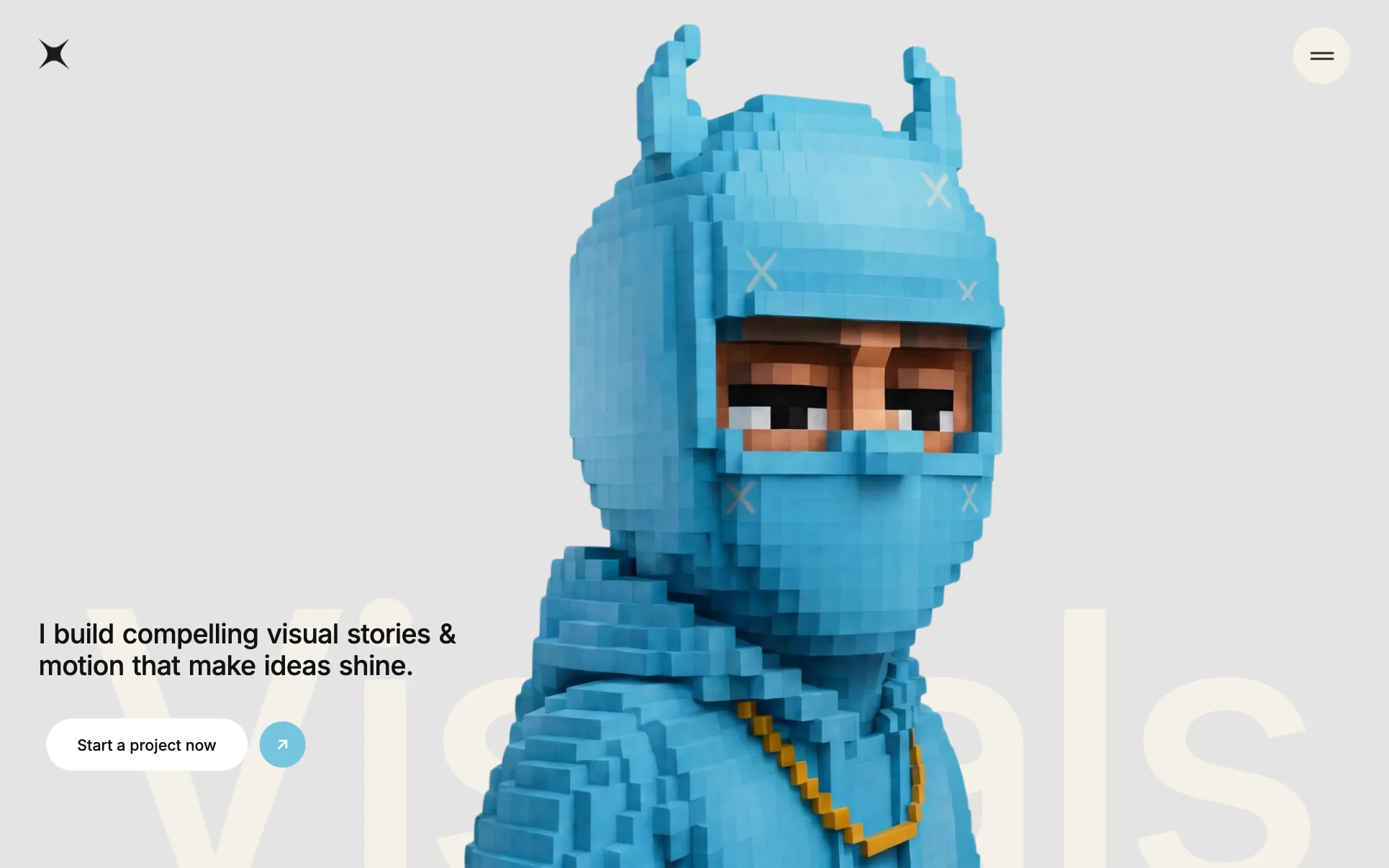
- Voxel Character Motion Portfolio
- Black Minimal One-Word Portfolio
- Gallery-White Wedding Photographer
About resume website design on we.inc
Turn your resume into a site recruiters actually read, with your experience, projects, and a way to reach you.
Most resume sites are a template with the name swapped in. Describe what you do and the AI designs and writes a resume website around that business instead.
Features designed for your industry
- Experience timeline: Lay out your work history and achievements in a scannable format built from your own description.
- Downloadable resume: Link a PDF version of your resume alongside the site so recruiters can grab both formats.
- Contact section: A simple way for a recruiter or hiring manager to reach you directly from the page.
Who this resume website design suits
- Job seeker building a personal site to stand out in a competitive market
- Recent graduate showcasing internships and a capstone project
- Career changer explaining a pivot with a narrative resume site isn't good at
- Consultant using a resume site as a lightweight personal brand page
What makes a resume website work
Lead with outcomes, not job titles
A resume website that just repeats your paper resume's bullet points wastes the format. Use the extra room to add context: the size of team you managed, the metric you moved, or a link to the actual output, something a one page PDF resume can't fit.
Keep a downloadable resume alongside the site
Many recruiters and applicant tracking systems still want a PDF for their records. Add a clearly labeled 'Download Resume' link so the site complements rather than replaces the file version.
Match the site to the role you're targeting
A resume site for a designer should look and feel different from one for an accountant. Let the tone and visuals of the site itself demonstrate the kind of work you do, especially for creative and technical roles.
Career changers should explain the pivot up front
If your work history doesn't read as a straight line, a short paragraph on the home page explaining why you're changing direction removes the question before a recruiter has to guess at it.
What it costs
A domain with your name costs roughly $10 to $20 a year and is worth it for a resume site since it doubles as a professional link for years. Because most people only need a resume site built once and lightly updated, the free template plan is often enough; upgrade to the $20 a month Starter plan only if you want the AI to write the copy for you from your work history.
Free for 3 template sites, without AI; AI building from $20 a month. Compare plans
Frequently asked questions
How much does a resume website cost?
A we.inc template site is free forever (up to three sites, no AI, hosted on a we.inc address). If you want the AI to write your resume site's copy from a description of your experience, that starts at $20 a month on the Starter plan. A custom domain with your name typically runs $10 to $20 a year.
What should I include on a resume website?
A short summary, your work experience with real outcomes, a projects or portfolio section if relevant to your field, your key skills, and a contact section. Many people also link a downloadable PDF resume.
Should I use my own name as the domain?
Generally yes. A domain like yourname.com is easy for recruiters to remember and looks professional on a resume or LinkedIn profile. we.inc paid plans (from $20/mo) support connecting a custom domain with SSL included.
Can a resume website replace my PDF resume?
Not entirely. Many applicant tracking systems and recruiters still expect a PDF, so treat the website as a companion piece that gives more context and examples, and keep a downloadable resume available on the same site.
Will a resume website help me get more interviews?
It can help you stand out and give hiring managers a richer view of your work, especially for creative, technical, or project-heavy roles, but it works best alongside your resume and LinkedIn profile rather than instead of them.
Related industries and website guides
- freelance website builder
- small business website design
- coaching website builder
- realtor website builder
- short term rental websites
- staffing agencies website builder
- how to make a website
- free website builder
Related website builders: Professional Services
- freelance website builder
- small business website design
- coaching website builder
- realtor website builder
- short term rental websites
- staffing agencies website builder
Before you start
Product
Who It's For
- For Agencies
- For Freelancers
- For Hosting Providers
- For SaaS Platforms
- For Startups
- For Financial Services
- For Healthcare
Features
Resources
- Blog
- Help Center
- Free Business Tools
- Free UI Components
- Website Templates
- Template Collections
- Website Examples
- Guides
- Comparisons
- Alternatives
- Best Lists
- Reviews
- Pricing Guides
- Use Cases
- Glossary & Guides
- Integrations
- Developers
- Benchmark
- Windows App