Every event needs a website for about nine months
A conference site is born the day the dates are announced, gets busy when speakers and tickets go live, peaks in the final fortnight, and then must quietly become an archive that still answers "when is next year?". Event platforms, organisers and venues repeat that cycle dozens or hundreds of times a year. This page is about running the cycle well, under your own brand.
TL;DR
- Event sites have a life cycle: announce, sell, run, archive. Most problems come from treating them as one-off builds.
- Platforms can offer site building inside their own product, and venues can give each booked event or couple a site, all under their brand.
- In the US, the FTC fees rule covers live-event tickets: where a ticket price is shown, show the total including mandatory fees.
- We.Inc builds and runs the sites. Ticketing, registration and badge printing stay in your event system. Book a demo to see the flow.
Three kinds of buyer, one problem
Event software companies (registration, ticketing, community and virtual-event tools) find that customers ask for "a proper website" around their event, and the built-in event page is not enough for a flagship conference. Organisers and associations run a portfolio of events each year and rebuild a site for each. Venues (conference centres, hotels with meeting space, wedding venues, stadiums) want each booked event, or each couple, to have a page that sends guests the right information and keeps the venue's name in front of them.
The common problem is volume and time. Every event site is urgent for a few months and then forgotten. Nobody wants to pay an agency to rebuild the same structure each time, and nobody wants a dozen dead event sites on old domains damaging the main brand.
The event-site life cycle
Plan for all five stages before launching the first site. The table works as a copyable checklist.
| Stage | Typical timing | What the site must do | Who edits |
|---|---|---|---|
| Announce | 6-12 months out | Dates, city, a sign-up form for updates, a call for speakers | Organiser marketing |
| Sell | 3-6 months out | Speakers, agenda draft, ticket types linking to ticketing, travel and hotel block | Marketing plus programme team |
| Final stretch | Last 4 weeks | Final agenda, venue map, accessibility details, FAQs, last-minute changes | Operations, often several people at once |
| Live | Event days | Room changes, live updates, wifi and app details | One or two named people |
| Archive | Afterwards | Recordings or slides, photos, "next year" sign-up, sponsor thanks | Marketing, then nobody |
The archive stage is where most portfolios go wrong. Decide now: does a past event's site stay live as an archive, redirect to next year's event, or move to a path on the main site? Whichever you choose, keep the domain registered for at least a year after the event; expired event domains are often bought and reused for spam that still carries your event's name in search results.
Who changes what during the final stretch
The last four weeks bring the most edits from the most people, which is when mistakes reach the public. A sensible approach:
- Give operations staff the right to publish directly during the final stretch. A room change cannot wait for approval.
- Keep pages about ticket prices, refunds and sponsor commitments behind approval, so one person signs them off.
- Name one person as the "live" editor for the event days, and tell everyone else to send changes to them.
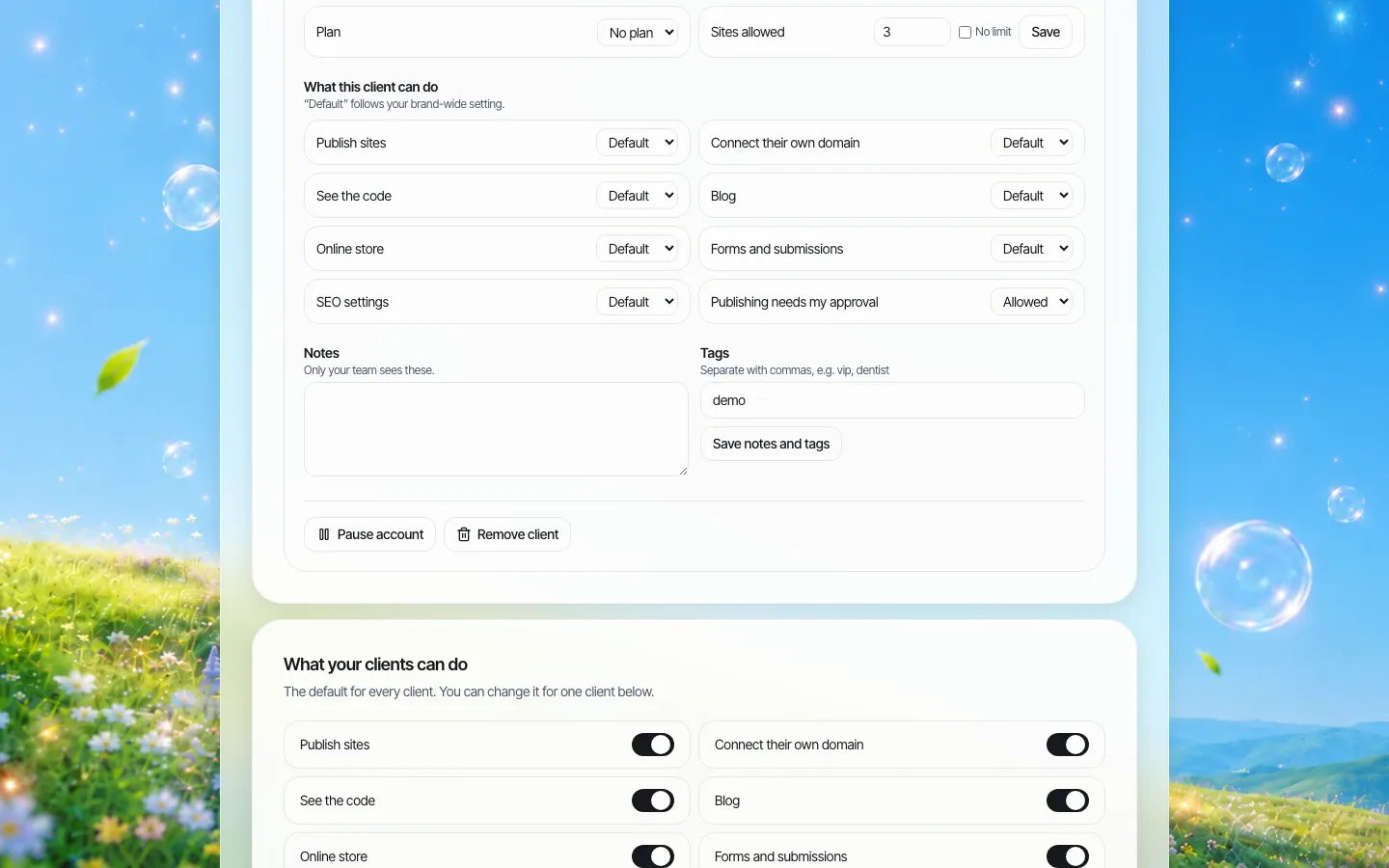
*Settings for one client account. For an event business, a client can be a customer organiser, a conference, or a couple booking the venue.*
In We.Inc each organiser, event or couple can be a client account under your brand. For each one you decide whether they can publish, connect their own domain, see the code, run a blog, an online store, forms and submissions, and SEO settings. You can also require approval before publishing: a single-step check before that client's site goes live, set as a default and overridden per account.
Ticket prices on the event site
General information, not legal advice.
The FTC Rule on Unfair or Deceptive Fees took effect on May 12, 2025 and covers live-event tickets. Where a business offers or displays a ticket price, it must show the total price including mandatory fees clearly and prominently, and must not misrepresent fees. The FTC has since warned a large ticket reseller about compliance and, in April 2026, filed a complaint alleging violations.
The event website is often where a headline price first appears ("Early bird tickets from $299"), long before the buyer reaches the ticketing checkout. Two habits keep the site consistent with the checkout:
- Keep every ticket price on the site on one page, and link to it rather than repeating prices across pages.
- When the ticketing team changes a fee, the same person updates that page. Put the page behind approval so a marketer cannot publish an outdated "from" price.
Optional add-ons (workshops, parking, dinners) can be priced separately, but mandatory fees belong in the number you advertise.
For event software companies: site building inside your product
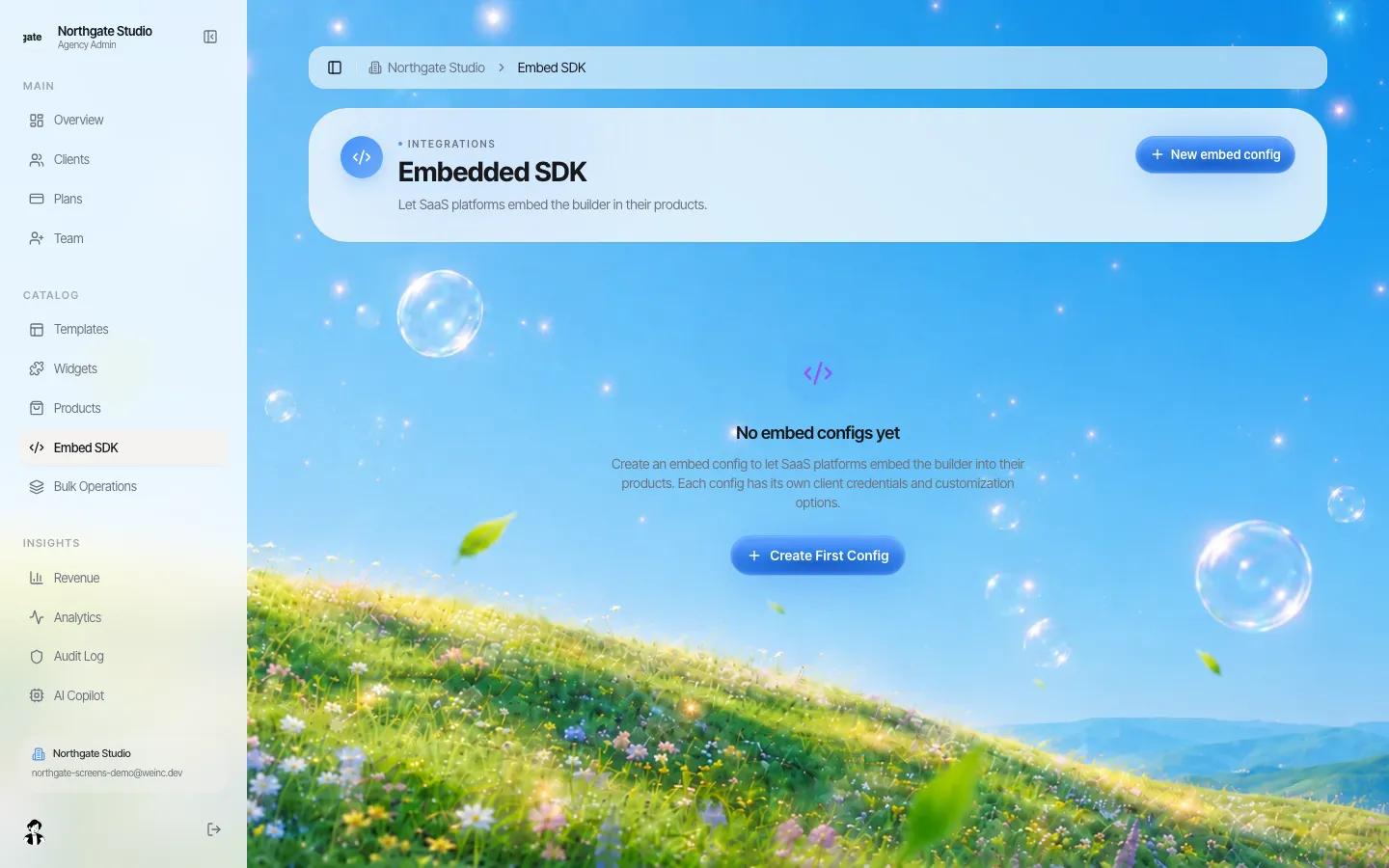
*The embed settings. A platform can open the builder inside its own product for its customers.*
If you sell event software, you may not want customers to visit a separate website tool at all. We.Inc supports embedded builder sessions, so your product can open site building for a customer inside your own app. There is also an API to list and create client accounts, and webhook events when a customer signs up, creates their first site, publishes, or still has not published seven days after joining. Those are the signals your customer-success team needs: an organiser who has not published a site three months before their event needs a call.
The embedded website builder for SaaS platforms page covers the platform side in more depth. Keep your registration and ticketing as the system of record; the website links to it or embeds your existing widgets.
For venues: a page for every booked event
*A sign-in page in the venue's name. Couples or organisers sign in on the venue's own web address.*
Venues have a different motive. A wedding or corporate event site sends 100 to 1,000 guests information about the venue: directions, parking, accessibility, the nearby hotels, the catering. Offering every booking a site under the venue's brand means those guests see the venue's name, not a generic wedding-site company.
Practical rules for venue programmes:
- Give the couple or organiser their own account. They write the personal content; the venue provides a standard section with directions, parking, accessibility and contacts.
- Turn off domain connection by default. Most event sites do not need their own domain; a clean address on the venue's domain is enough.
- Decide on privacy before launch. Wedding sites often include names, dates and addresses. Tell couples what is public, and offer a simple way to take the site down after the event.
- Pause accounts after the event. Pausing keeps the content for a while without leaving the site public forever.
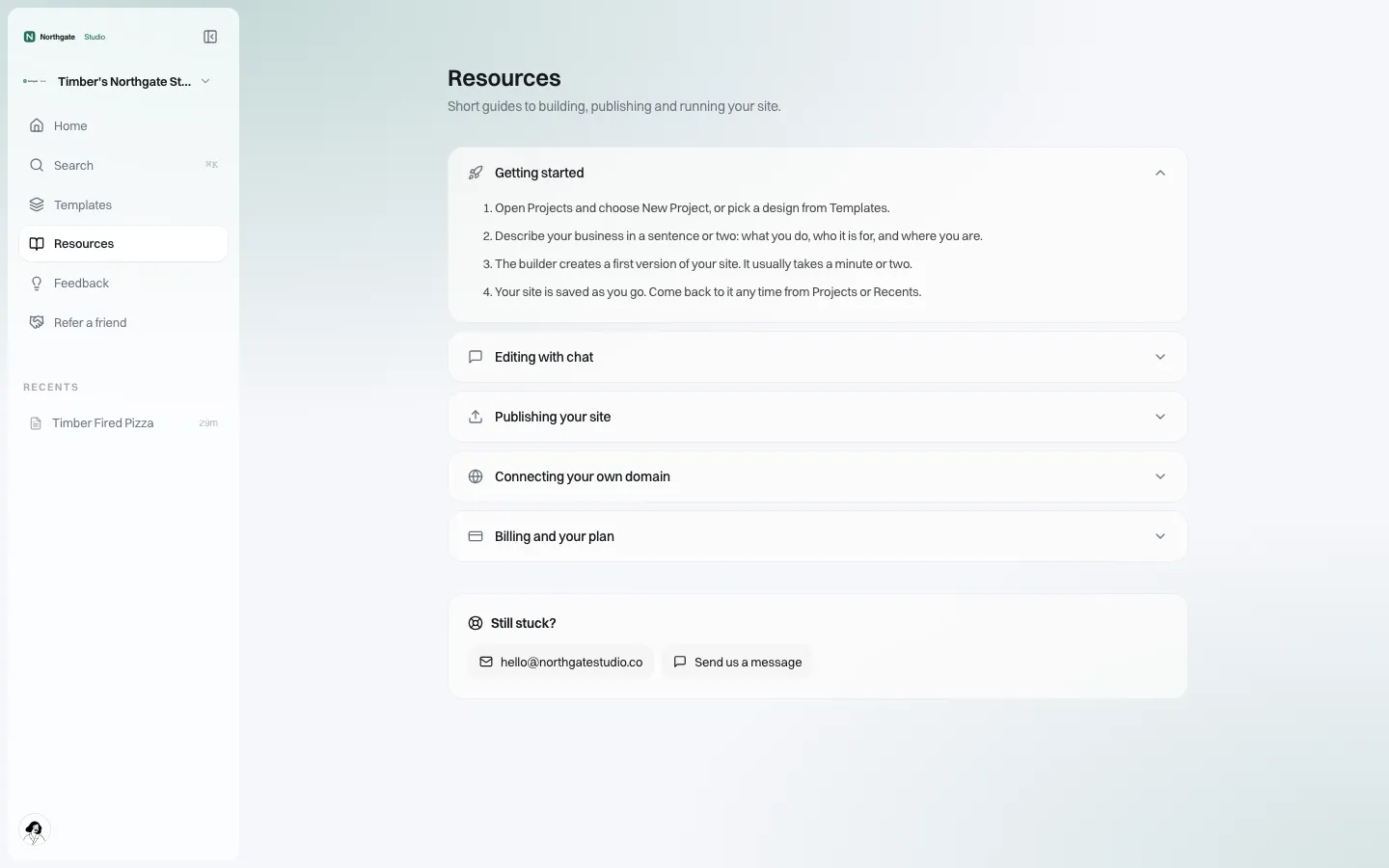
*Branded help. Questions from organisers and couples come to your team's support address.*
Making each event site worth visiting
An event portfolio is a classic place to fall into near-identical pages. Fifty event sites with the same paragraphs and only the city changed help nobody, and search engines treat them that way. Each site should carry what only that event has: its speakers, its agenda, its venue, photos from last year, real answers to the questions attendees asked. The builder starts from a description of the event in plain words, and the SEO panel can add structured data such as FAQs for questions the page really answers.
Where We.Inc is not the right fit
We.Inc does not sell tickets, register attendees, print badges, run a mobile event app or stream sessions. If you need a single tool that does registration and the website together for a small number of events, an all-in-one event platform may be simpler. We.Inc fits businesses that already have their event systems and want many good-looking event websites under their own brand, with control over who publishes what.
Book a demo and bring one upcoming event and one past event that still has a live site. We will set up the first and plan the archive for the second.
Sources
Last checked 2026-10-25.
- Federal Trade Commission, FTC Rule on Unfair or Deceptive Fees to Take Effect on May 12, 2025, press release.
- Federal Trade Commission, Trade Regulation Rule on Unfair or Deceptive Fees (16 CFR Part 464), final rule text.
- Federal Trade Commission, With NFL's 2025 Schedule Set to be Announced, FTC Warns Ticket Reseller StubHub it Must Comply with Agency's New Rule on Unfair and Deceptive Fees, press release.
- Federal Trade Commission, Complaint, FTC v. StubHub, Case 1:26-cv-02924, filed April 9, 2026.
This section is general information, not legal advice.
Book a demo. Pricing is tailored to your volume and setup, and you get your exact price on the call. 0% transaction fee.
Frequently asked questions
What should happen to an event website after the event?
Decide before launch: keep it as an archive with recordings and a "next year" sign-up, redirect it to the next event, or move it onto the main site. Keep the domain registered for at least a year so it is not bought and reused by someone else.
Does the FTC fees rule apply to event websites?
The FTC Rule on Unfair or Deceptive Fees, in effect since May 12, 2025, covers live-event tickets. Where a ticket price is offered or displayed, the total including mandatory fees must be shown clearly and prominently. This is general information, not legal advice.
Can we offer website building inside our event software?
Yes. We.Inc supports embedded builder sessions, an API to list and create client accounts, and webhook events such as a customer publishing a site or not publishing seven days after joining.
Does We.Inc sell tickets or register attendees?
No. Ticketing, registration, badges and event apps stay in your event system. The website links to them or embeds your existing widgets.
Keep reading
- White label website builder: the We.Inc platform
- Embedded website builder for SaaS platforms
- Client permissions: what each site owner can do
- Website governance policy template
- Manage many client websites from one account
More in White Label
- A Finalsite alternative for districts that mainly need websites
- White Label for Freelancers
- White Label for Hosting Providers
- White-Label Website Builder for MSPs & Agencies
- White Label for SaaS Platforms
- Location websites that franchisees can update and corporate can trust
- Your donation page converts. The charity's website is where supporters give up.
- The GoHighLevel website builder alternative for agencies that sell websites
We.Inc is an AI-powered website builder you can resell under your own brand. Launch a branded client dashboard, bill on Stripe Connect, and deliver AI-generated websites in minutes. White-label pricing is tailored to your volume and setup: book a 30-minute demo for a quote.
Product
- AI Website Builder: Describe a site in plain English; it's live in minutes
- White Label Platform: Your brand, your domain, your margin
- Enterprise: SSO, custom SLAs, and dedicated support
- Developer API: Embed site generation into your SaaS
Who It's For
- For Agencies: Resell under your brand
- For Freelancers: Your own branded builder
- For Hosting Providers: Add a builder to your stack
- For SaaS Platforms: Embed site creation via API
- For Startups
- For Financial Services
- For Healthcare
Features
- Drag & Drop Editor
- Built-in SEO Tools
- Custom Branding
- Client Dashboard
- Reseller Billing (Stripe Connect)
Resources
- Blog
- Help Center
- Free Business Tools
- Free UI Components
- Website Templates
- Template Collections
- Website Examples
- Guides
- Comparisons
- Alternatives
- Best Lists
- Reviews
- Pricing Guides
- Use Cases
- Glossary & Guides
- Integrations
- Developers
- Benchmark
- Windows App