Embedding a website builder in your product: how the pieces fit
If you run a SaaS product for salons, gyms, contractors or restaurants, your customers ask for a website and you would rather they did not leave to get one. Whether to embed or redirect is covered on our SaaS platforms page and in the white label vs API comparison. This page is for the team that has already decided to embed: how the session handshake works, what to lock down, which features to expose, what breaks inside an iframe, and how to listen for events.
TL;DR
- Your server asks for a short-lived session token with a client ID and secret; your front end passes only that token to the embed script. The secret never reaches the browser.
- Each embed config lists the HTTPS origins allowed to use it, which builder panels are visible, theme, logo, and limits per user.
- Expect iframe-specific issues: third-party cookie blocking in Safari and Firefox, your own frame-ancestors policy, and postMessage origin checks.
- Brand-level webhooks are signed with HMAC-SHA256 including a timestamp, retried on failure, and turned off after repeated failures. Book a demo to see the embed console.
Start with the decision you have already made
There are three ways to give your users a website: send them to a branded builder on its own address, call an API and build your own interface, or embed a ready-made builder inside your product. The trade-offs are covered on our SaaS platforms page and in white label vs API, and the endpoint reference lives on the API page. Here we assume you want the builder to appear inside your own app, under your own navigation, signed in as your user.
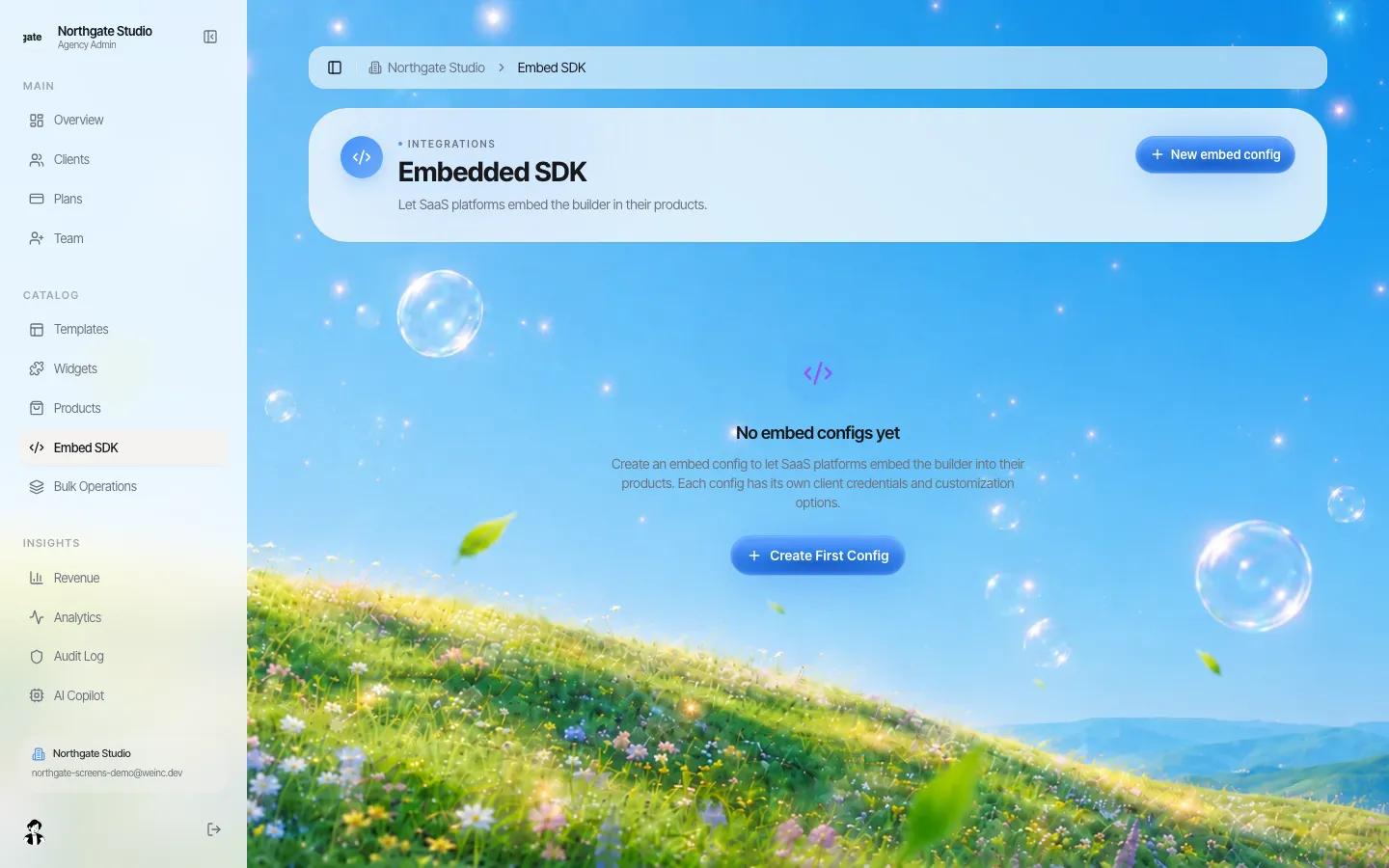
*The Embedded SDK section of the brand console. Each embed config gets its own client credentials.*
The session handshake
Embedding goes wrong most often at sign-in. The pattern We.Inc uses keeps your users signed in to your product only, with no second account to manage:
- Your back end calls the embed session endpoint with the config's client ID, its client secret and your own user's ID (email and name are optional).
- The response contains a session token, the builder address, the project ID for that user and an expiry time.
- Your back end returns only the session token to your front end.
- Your front end loads the embed script, points it at a container element, and initialises it with the token. Optional callbacks fire when the builder is ready, when a project is saved, on errors, and when the session expires.
- On expiry, your front end asks your back end for a fresh token, exactly as in step 1.
Rules that follow from this:
- The client secret is a server secret. Keep it in your secret store, never in front-end code, mobile apps or a public repository. It is shown once when the config is created.
- Your user ID is the key. The same ID returns the same user's project, so use a stable internal ID, not an email address that can change.
- Do not cache tokens across users. Request one per user session.
Allowed origins
Every embed config has a list of allowed origins: the exact HTTPS addresses (or wildcard subdomain patterns) of the product pages that will host the builder. If a session request arrives with an origin header that is not on the list, it is refused.
Plan the list per environment. A common mistake is a single config used by production, staging and local development, which means the production config has to allow test addresses. Create one config per environment instead, each with its own credentials, so revoking staging never touches production.
What to expose
Each config chooses which builder panels your users get. The choices in the console are:
| Panel | What it does | Typical choice for a vertical SaaS |
|---|---|---|
| AI chat | Users describe changes in plain English and the AI makes them | On: this is the main editing method for non-technical users |
| Preview | Live preview of the site | On |
| File tree | Browse project files | Off for most audiences |
| Terminal | Terminal access in the builder | Off unless your users are developers |
| Deploy | Publish the site | On, or off if you publish from your own interface |
| Export | Download the source code | Your call: on gives users an exit, off keeps them in your product |
Configs also carry a theme (primary colour, font, corner radius, dark mode), an optional custom logo, a switch for the "powered by" mark, a maximum number of projects per user, and a maximum number of AI messages per session. Set the AI message cap deliberately; it is the main lever on usage cost for a tier that includes websites.
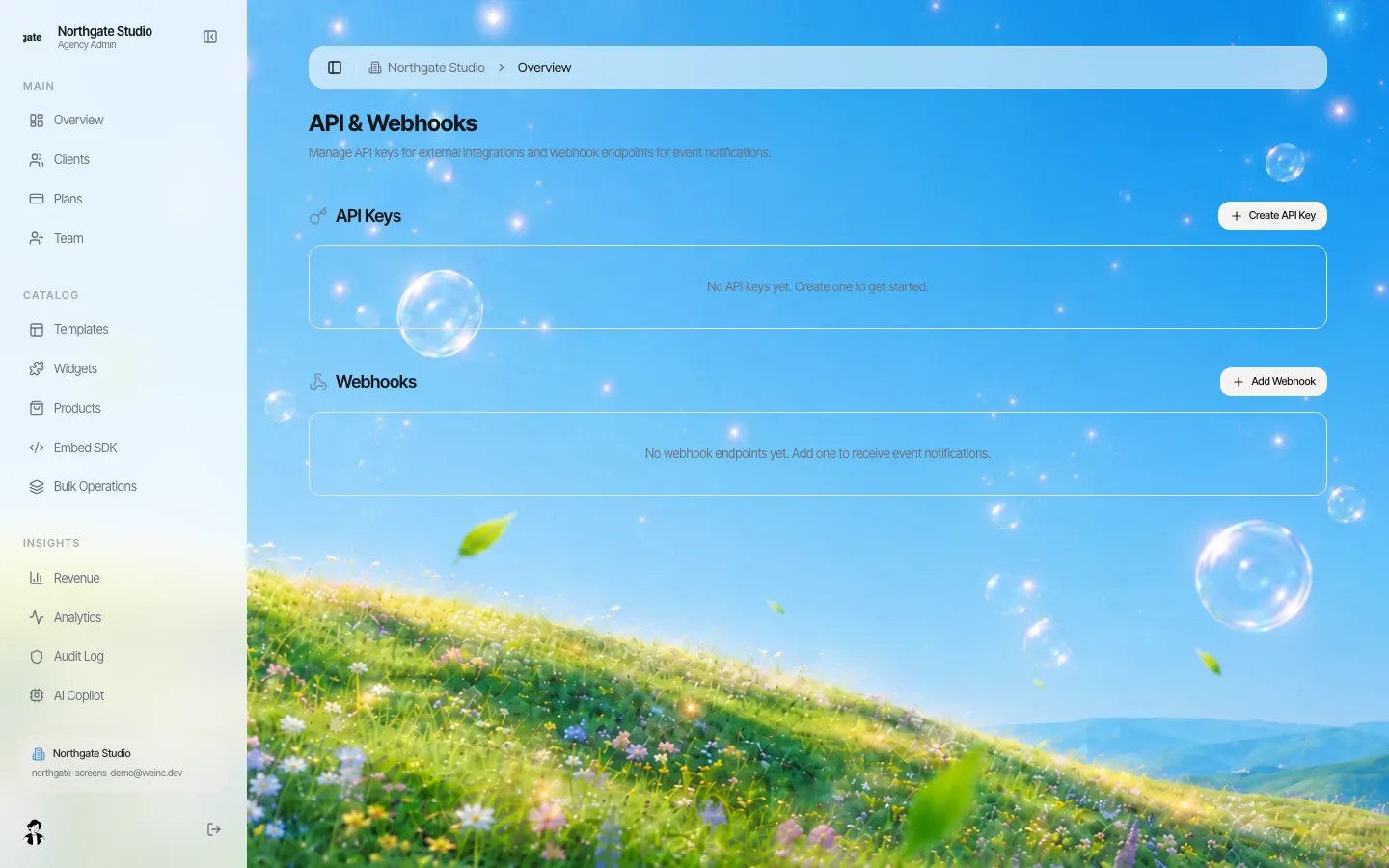
*API keys and webhook endpoints live alongside the embed settings in the brand console.*
What breaks inside an iframe
Embedded builders run in a frame on your page. Plan for these before launch, not after the first support ticket.
- Third-party cookies. Firefox's Total Cookie Protection and Safari's tracking prevention isolate or block cookies set by a framed site from a different domain. A session-token handshake avoids relying on the user's cookies on the builder's domain, but test the full flow in current Safari and Firefox, including private windows, during your pilot.
- Your own frame policy. If your app sets a Content Security Policy, its frame-src (or child-src) must allow the builder's address. If the builder is ever served under your domain, check frame-ancestors and X-Frame-Options so you are not blocking yourself.
- Messages between frames. The embed script and the builder talk with postMessage. If you add your own listeners, follow the standard rules: check the event origin against the builder's address, validate the message shape, and never post sensitive data with a wildcard target.
- Height and scrolling. Give the container an explicit height. A builder in a 400-pixel box inside a scrolling page is miserable on a laptop; most products give it the full content area.
- Mobile. Editing a website on a phone inside another app is hard for everyone. Many products show the preview and the AI chat on mobile and leave detailed editing for desktop.
Listening for events
Two kinds of event matter to an embedding product.
In the page: the embed script's callbacks (ready, saved, error, session expired) let your interface react immediately, for example by showing "Saved" in your own header.
On your server: brand-level webhooks report client events: client signed up, first site created, site published, not published seven days after joining, client referred someone, payment received, and client paused. Each delivery is a JSON body with a delivery ID (stable across retries), the event name, a timestamp and the data.
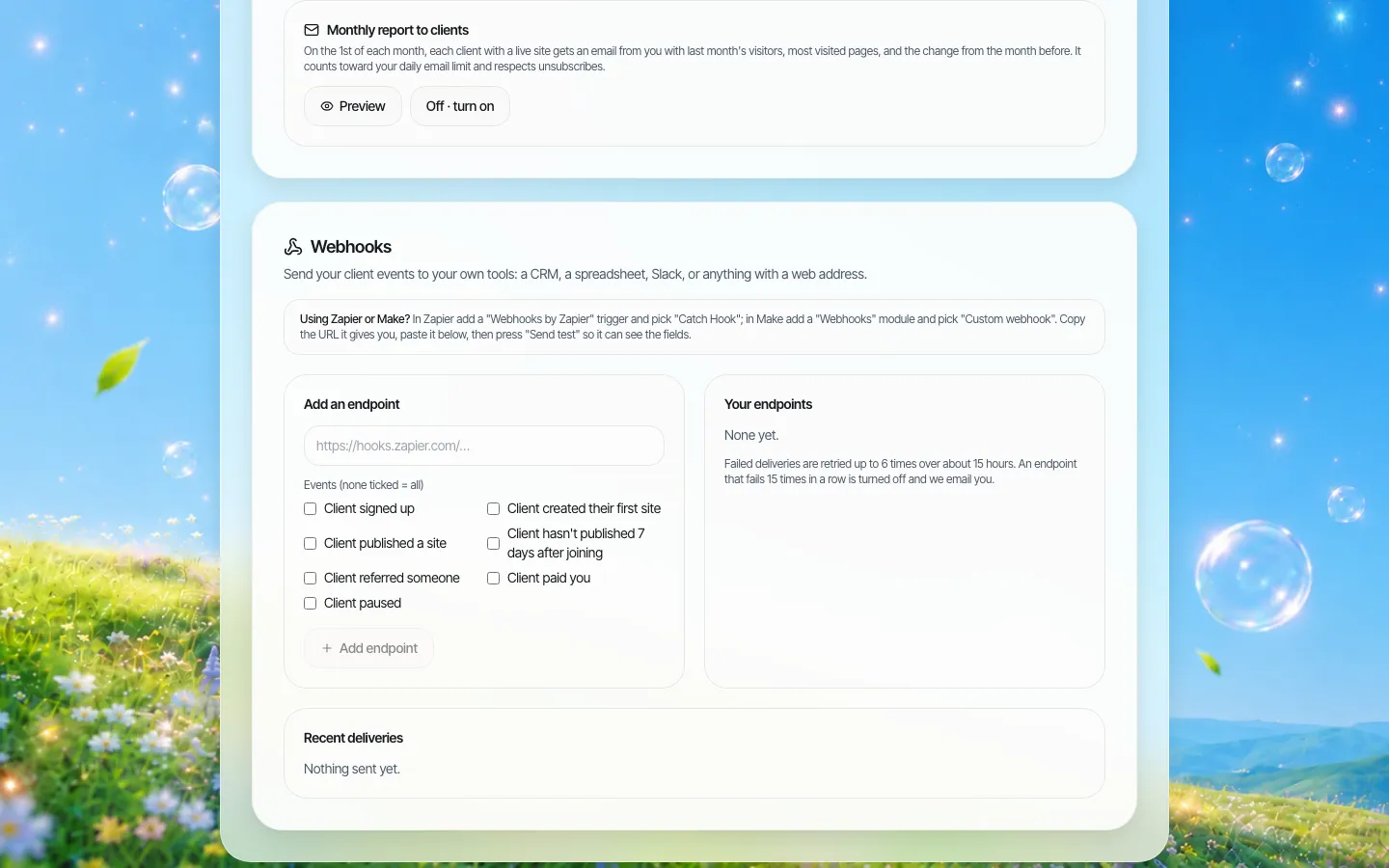
*Choosing webhook events. The note on the right states the retry and auto-disable rule.*
How to receive them safely:
- Verify the signature. Each request carries an HMAC-SHA256 signature of the body (the original header) and a second signature over the timestamp and body, plus the timestamp itself. Verify the timestamped one and reject requests older than a few minutes, which blocks replays.
- Be idempotent. Retries reuse the delivery ID; store processed IDs and ignore repeats.
- Answer fast. Acknowledge quickly and do slow work in a background job. Failed deliveries are retried up to six times over about fifteen hours, and an endpoint that fails fifteen times in a row is switched off, with an email to the brand owner.
Typical uses: mark the account as "website live" in your product when site published arrives; start an onboarding nudge on not published after seven days; sync paused clients with your own subscription state.
Permissions and the rest of the platform
The embed is one way in. The same brand account also has client accounts with per-client switches (publish, own domain, code view, blog, store, forms, SEO, and approval before publishing), an audit log of organisation actions, and a branded portal you can use alongside the embed for users who prefer a separate tab.
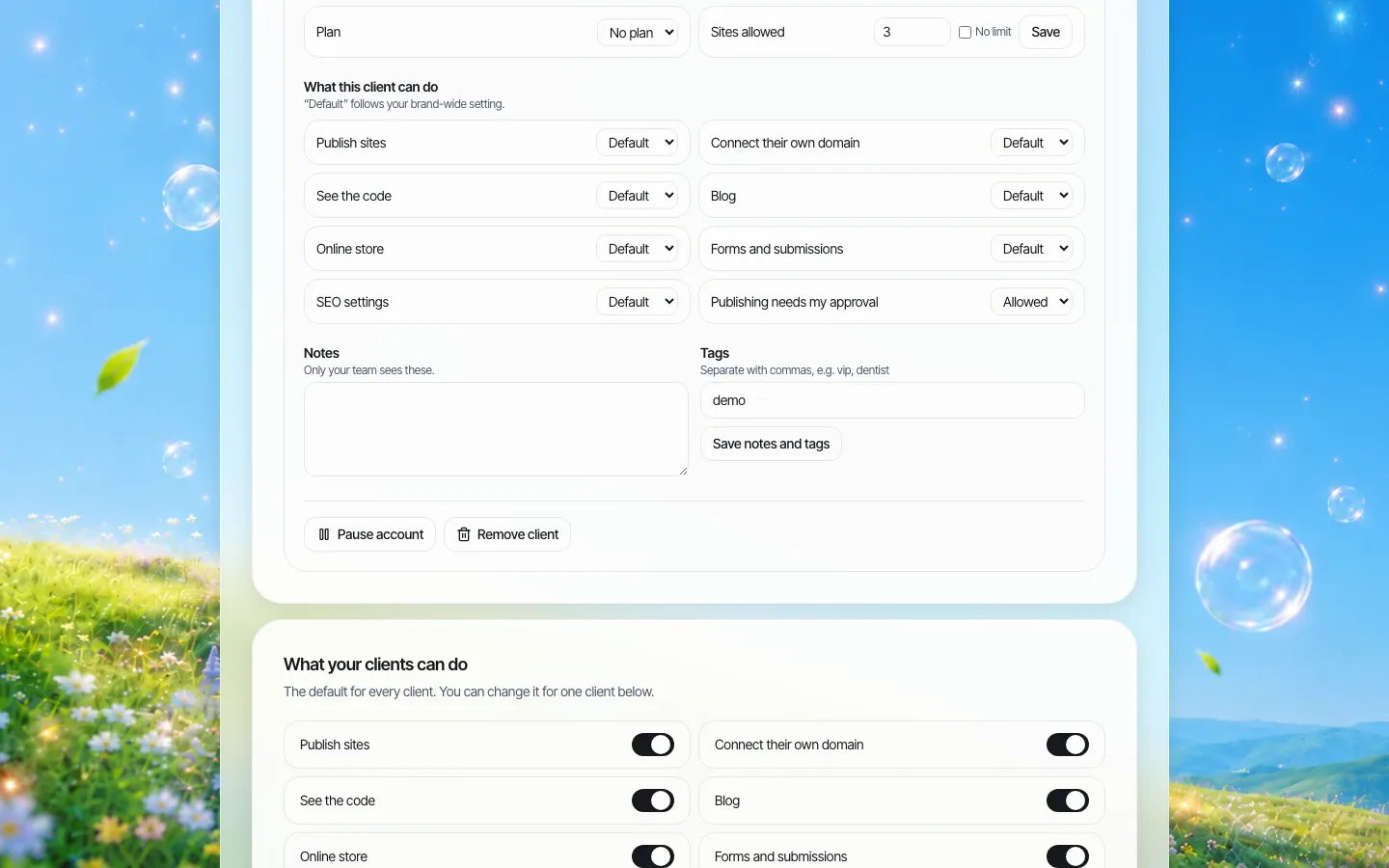
*Per-client switches in the brand console, independent of the embed config.*
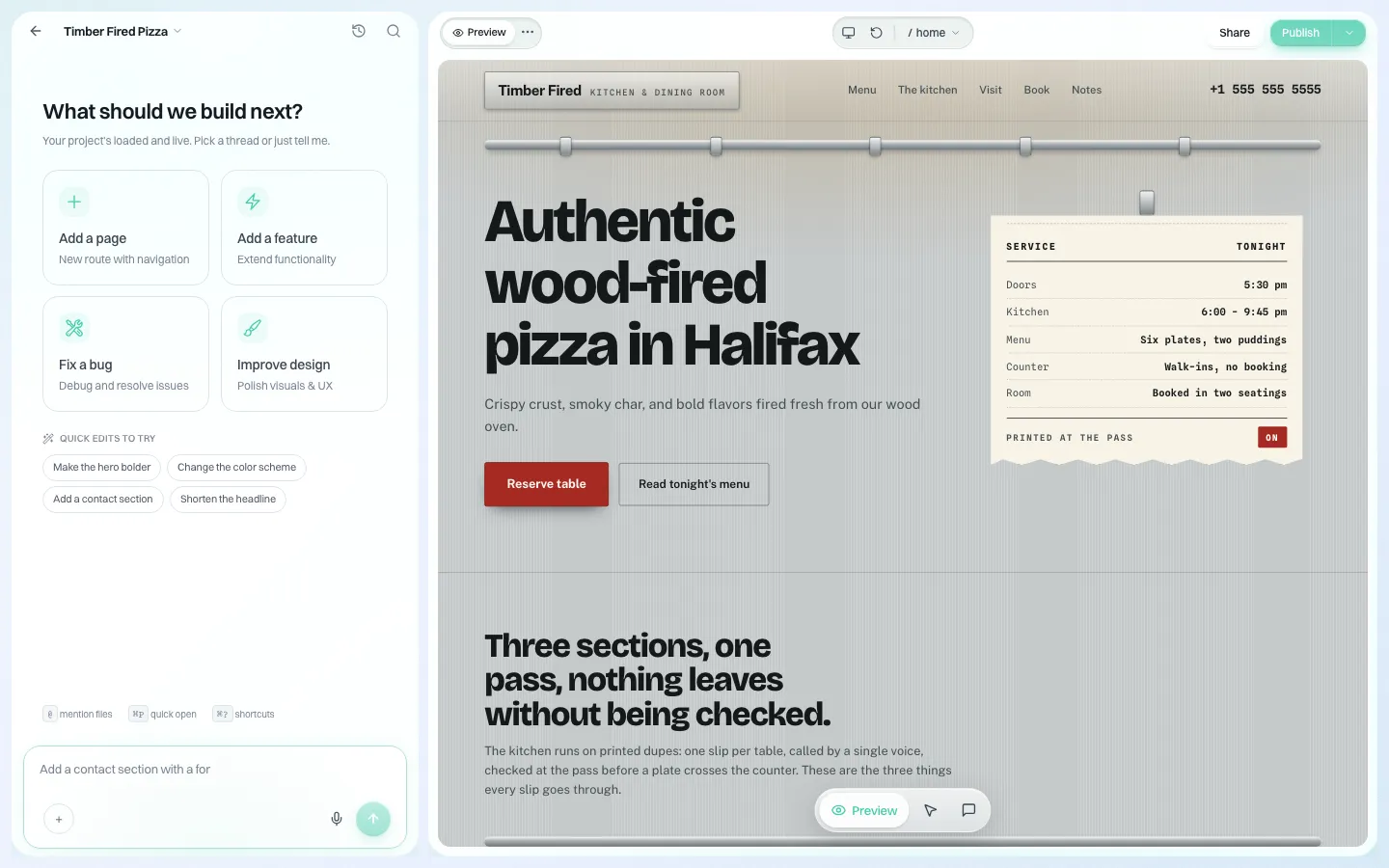
*The builder itself, here on the brand's own address. Embedded, the same builder sits inside your product.*
Sites are real code (React, Vite, TypeScript, Tailwind), and each site's code can be downloaded or synced to GitHub, which matters if you ever move platform or a customer asks for their files.
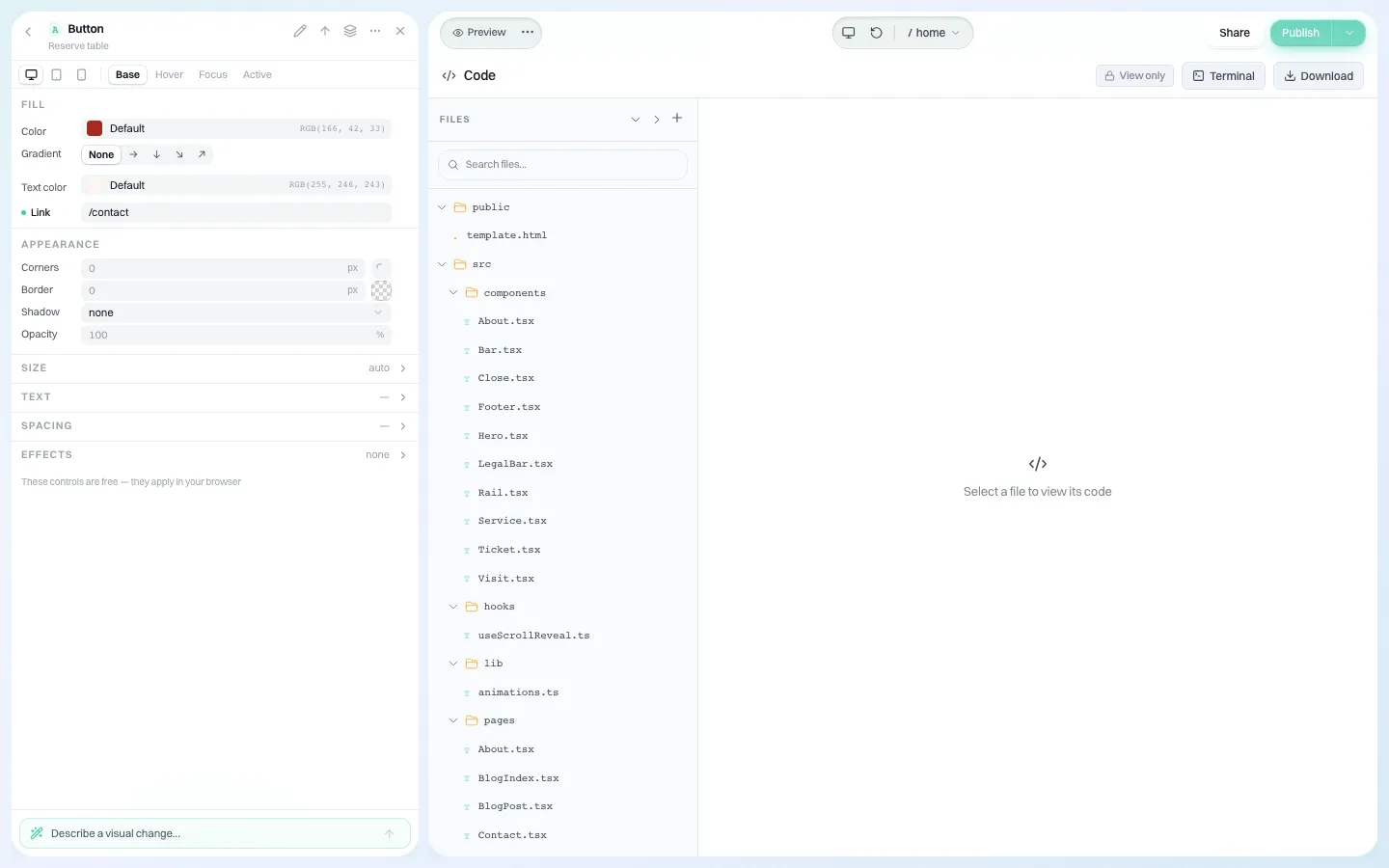
*The code panel: the site is source code, not a locked format.*
Pre-launch checklist
Copy this into your launch ticket.
- [ ] One embed config per environment, each with its own credentials and origins.
- [ ] Client secret stored server-side only; rotation procedure written down.
- [ ] Stable internal user IDs passed to the session call.
- [ ] Session-expired callback fetches a new token without a page reload.
- [ ] Panels chosen per plan tier; terminal and file tree off unless needed.
- [ ] AI message cap and projects-per-user set for each tier.
- [ ] Your CSP allows the builder in frame-src; tested in Chrome, Safari and Firefox, including a private window.
- [ ] Webhook endpoint verifies the timestamped signature and stores delivery IDs.
- [ ] "Site published" and "not published after 7 days" wired into your product or CRM.
- [ ] Support script for "my website is not loading" that checks origin, token expiry and browser privacy settings first.
- [ ] Decision recorded on whether users can export their code, and what happens to sites when a customer cancels.
Where to go next
If you are still choosing between embedding and a branded portal, start with the SaaS platforms page. If you need endpoint detail for client provisioning, see the API page. If you are ready to try the embed with your own product in a test environment, book a demo and we will set up a config with you.
Sources
Last checked 2026-10-25.
- MDN Web Docs, Content-Security-Policy: frame-ancestors directive.
- MDN Web Docs, Window: postMessage() method, security concerns.
- MDN Web Docs, Third-party cookies.
Book a demo. Pricing is tailored to your volume and setup, and you get your exact price on the call. 0% transaction fee.
Frequently asked questions
Do my users need a separate login for the embedded builder?
No. Your server requests a short-lived session token for your own user ID with the config's client ID and secret, and your front end initialises the embed with that token.
Can I hide parts of the builder from my users?
Yes. Each embed config chooses which panels are visible: AI chat, preview, file tree, terminal, deploy and export. It also sets theme, logo, the powered-by mark, projects per user and AI messages per session.
How are webhooks secured?
Each delivery is signed with HMAC-SHA256, including a version that signs a timestamp with the body so you can reject replays. Deliveries carry a stable ID for de-duplication and are retried up to six times over about fifteen hours.
Will the embed work in Safari?
The session-token handshake avoids depending on the builder's own cookies, but browsers keep tightening third-party storage, so test the full flow in current Safari and Firefox, including private windows, before launch.
Is this different from the We.Inc API?
The API lets you build your own interface and provision clients from your systems. The embed puts the ready-made builder inside your product. Many teams use the API for provisioning and the embed for editing.
Keep reading
- Website builder for SaaS platforms
- We.Inc API
- White label vs API website builder
- White label website builder: the We.Inc platform
- Website vendor exit plan: contract clauses
More in White Label
- Simvoly white label: what it costs, and the AI alternative
- Handover is a process, not a password in an email
- The SiteSwan alternative for resellers who want AI to build the sites
- Your content earns the click. Make sure it lands somewhere good.
- One league, forty clubs, a new volunteer every season
- Branch sites, specialty divisions and hiring campaigns, under one brand
- Twenty startups, twenty weeks, and half of them still have a placeholder homepage
- The long tail of state websites: boards, commissions and programs
We.Inc is an AI-powered website builder you can resell under your own brand. Launch a branded client dashboard, bill on Stripe Connect, and deliver AI-generated websites in minutes. White-label pricing is tailored to your volume and setup: book a 30-minute demo for a quote.
Product
- AI Website Builder: Describe a site in plain English; it's live in minutes
- White Label Platform: Your brand, your domain, your margin
- Enterprise: SSO, custom SLAs, and dedicated support
- Developer API: Embed site generation into your SaaS
Who It's For
- For Agencies: Resell under your brand
- For Freelancers: Your own branded builder
- For Hosting Providers: Add a builder to your stack
- For SaaS Platforms: Embed site creation via API
- For Startups
- For Financial Services
- For Healthcare
Features
- Drag & Drop Editor
- Built-in SEO Tools
- Custom Branding
- Client Dashboard
- Reseller Billing (Stripe Connect)
Resources
- Blog
- Help Center
- Free Business Tools
- Free UI Components
- Website Templates
- Template Collections
- Website Examples
- Guides
- Comparisons
- Alternatives
- Best Lists
- Reviews
- Pricing Guides
- Use Cases
- Glossary & Guides
- Integrations
- Developers
- Benchmark
- Windows App