You already made their logo, cards and sign. The website is the next thing they ask about.
A new business walks into a print or sign shop with a logo, a name and an opening date. They need cards, a banner, a storefront sign, and, very soon, a website that matches. Many shops already get asked. This page is for owners and print franchise networks deciding whether to say yes, and how to do it without hiring a web team.
TL;DR
- The opening order is the moment to offer a website: you already hold the logo, colours and copy.
- With We.Inc the website service runs under your shop’s brand: your login page, your emails, your client plans and your prices.
- Package it as a small, fixed offer. Open-ended "web design" is how a print shop ends up with a second business it did not want.
- Print franchise networks can run every location’s customers under one brand, with per-location client accounts.
Why print shops are well placed
You meet the customer at the start, when they are spending on identity. You have their artwork in the right formats, their exact colours, their tagline and their opening date. A designer starting from scratch has none of that. The website that matches the business card is a natural next item on the same order.
The risk is the opposite: a shop that says yes to everything becomes a web agency by accident, chasing content, fixing domains and answering calls about email at seven in the evening. The way round that is a narrow offer.
Design the offer before you sell one
A shape that works for many shops:
| Part | What you include | What you do not |
|---|---|---|
| Launch | A site built from the customer's own artwork, with their real details, published on their domain | Custom illustration, photography, long copywriting |
| Updates | The customer edits their own site; you fix anything they get stuck on, within a set time | Unlimited redesigns |
| Ongoing | A monthly plan you charge for | Hosting and support you give away |
| Upsells | Reprinted cards and signage when details change | Search marketing campaigns, unless you already sell them |
Set your own prices. In We.Inc you create client plans with your own name, price and site limits, and collect payment through your own connected Stripe account, so the customer is billed by your shop. We do not publish our price to you; we quote it in a demo.
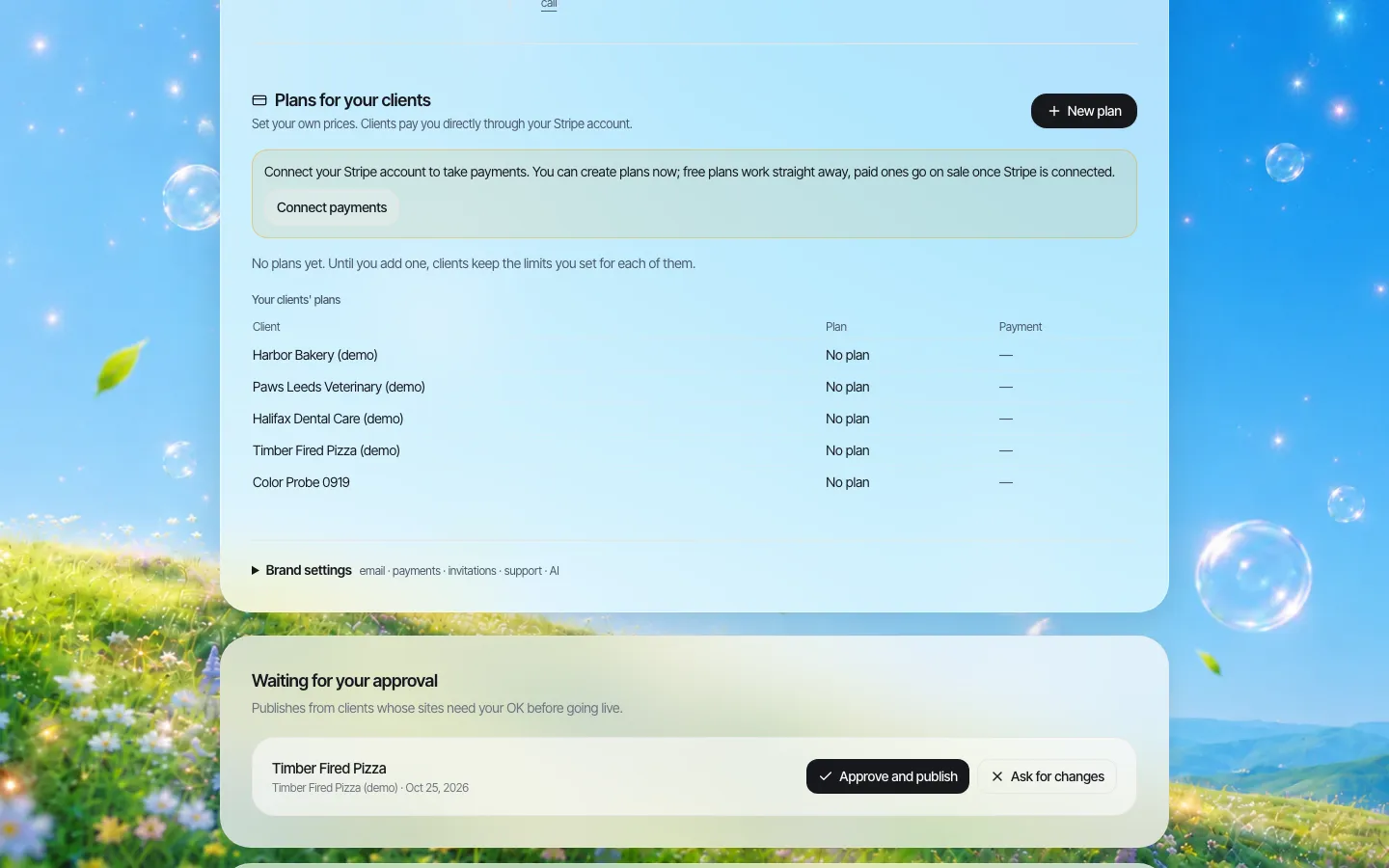
*Client plans. You set the prices; payments go to your own Stripe account.*
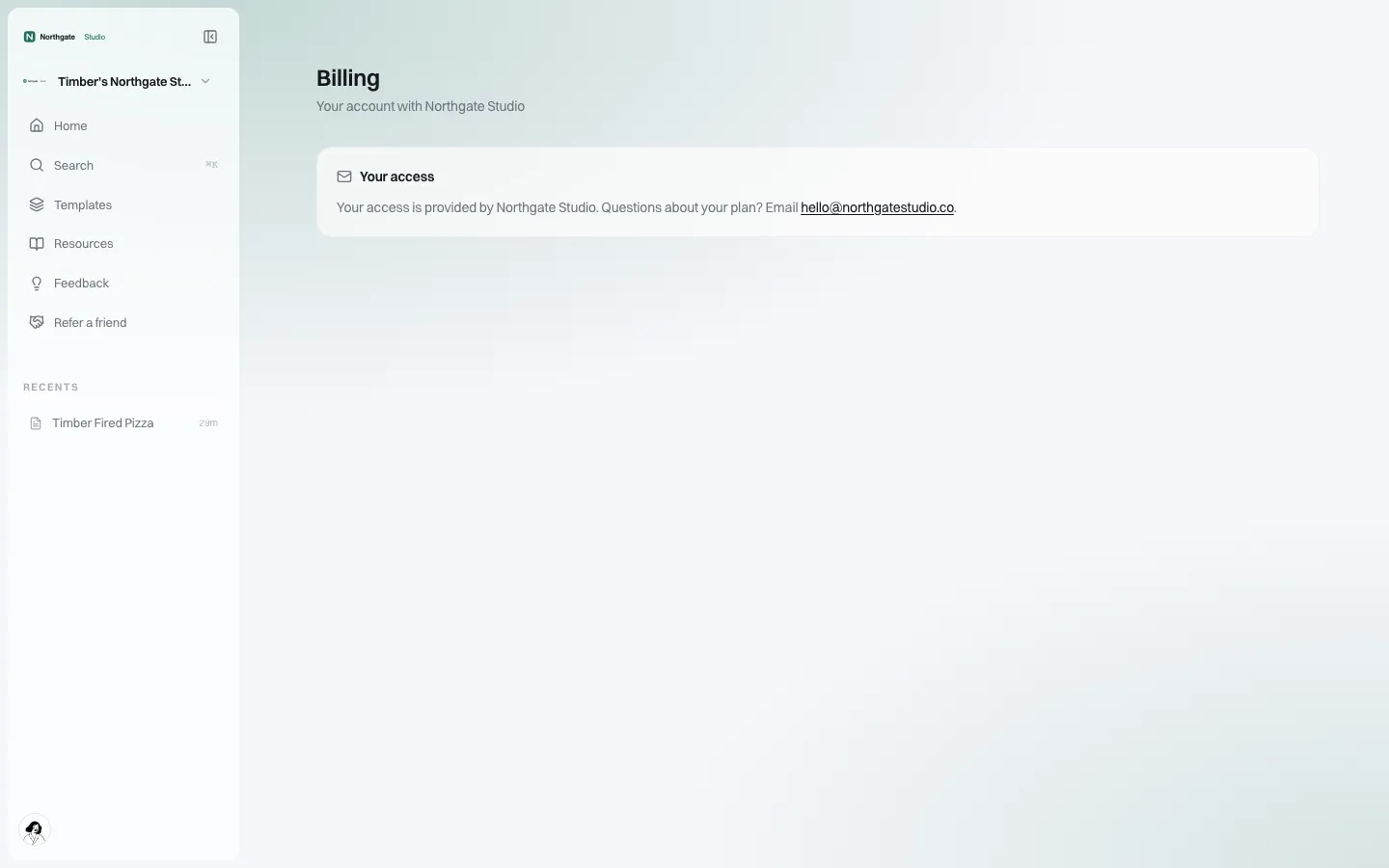
*What your customer sees under billing: their access comes from your shop.*
From artwork to live site
- Add the customer as a client while you take the print order.
- Start the site from their details. They describe their business, or you do it for them, and edit the first draft with their logo and colours.
- Check the match. Same colours, same fonts as the print job, same phone number as the cards.
- Publish and connect their domain. If they do not have one yet, help them buy it in their own name.
- Hand over the login. They sign in on your shop's branded page and can change hours and photos themselves.
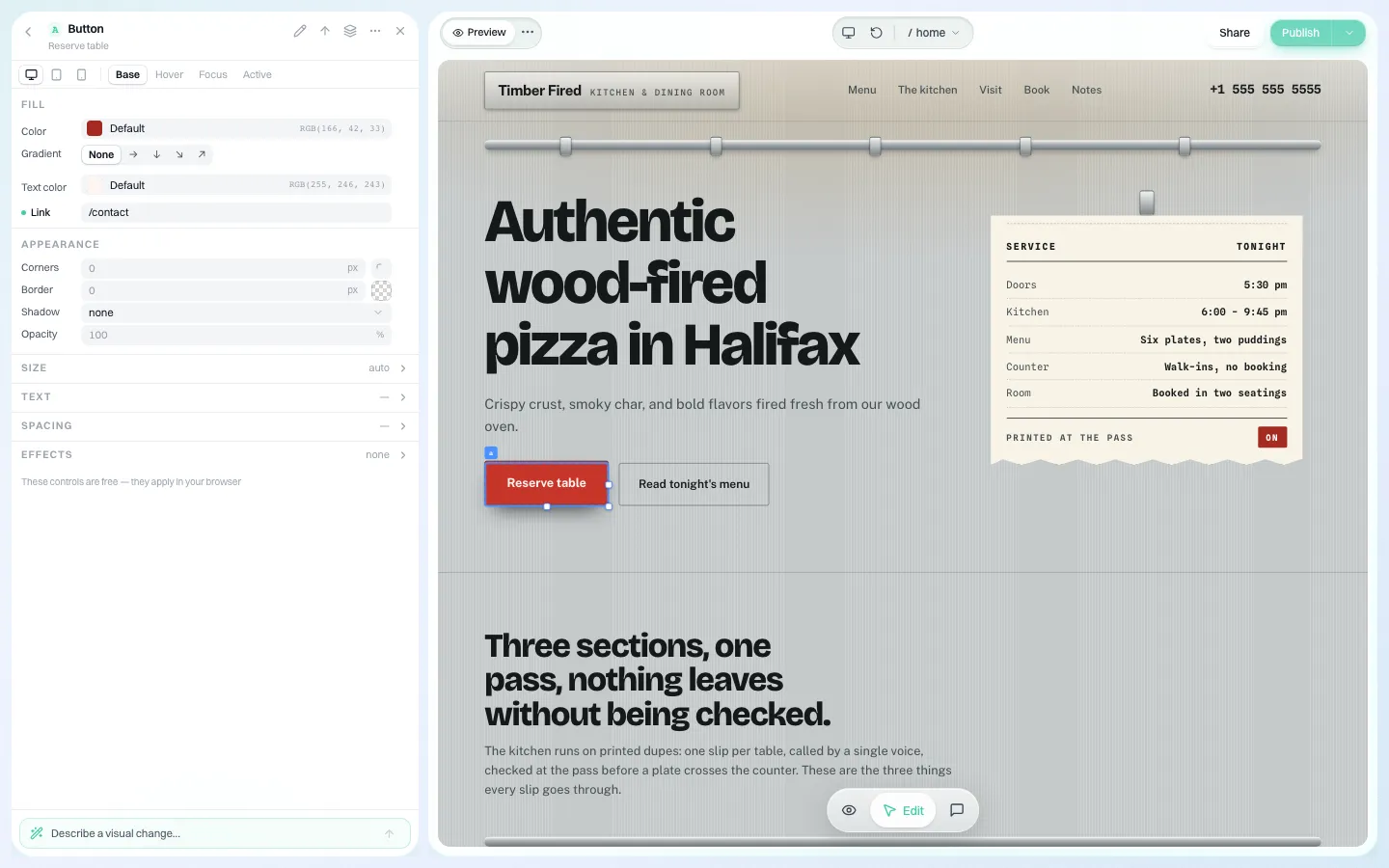
*Matching the print job in the visual editor: button colours, corners and fonts.*
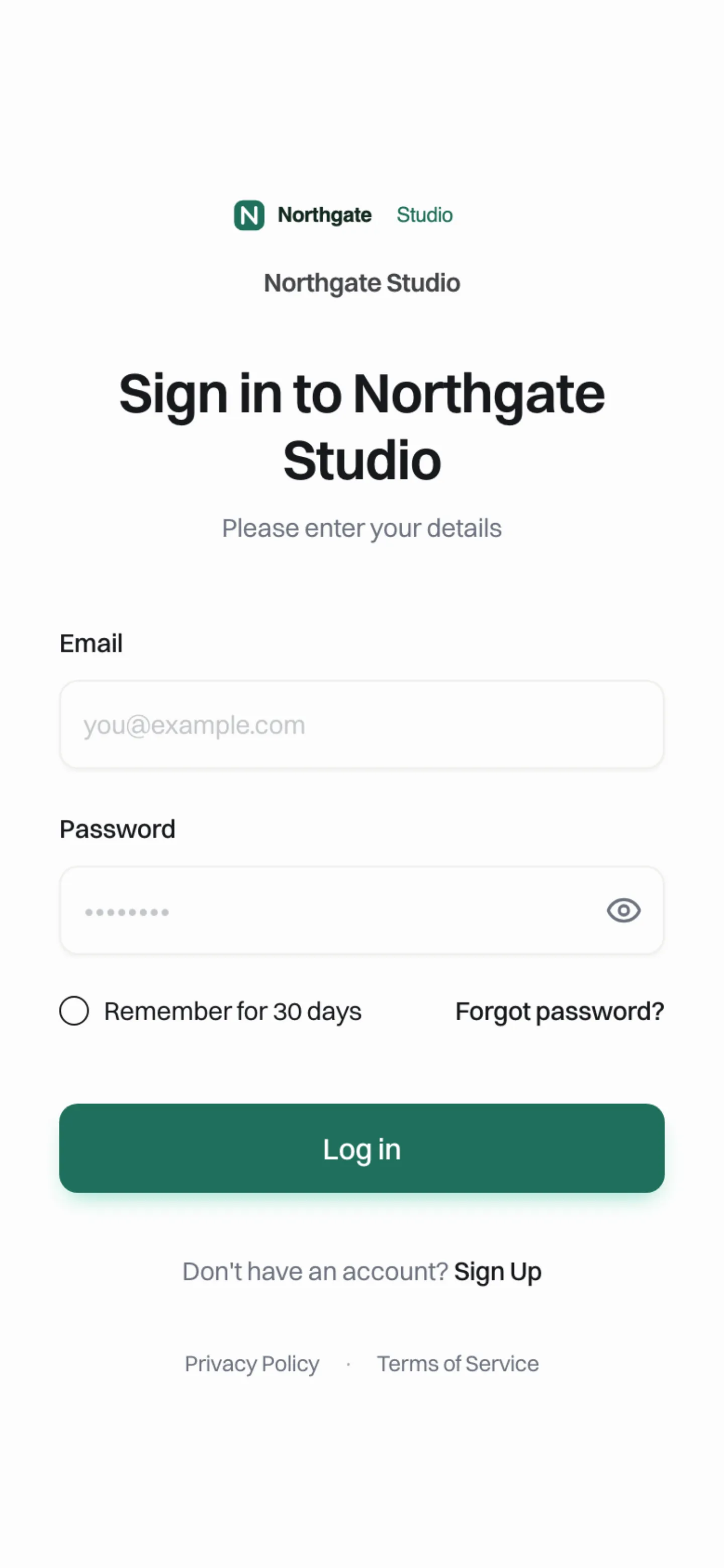
*Your customers sign in on your shop's page, on their phone or a computer.*
Decide what customers can change
Some customers want to edit everything; some want you to do it all. Per-customer switches decide whether a customer can publish on their own, connect their own domain, run a blog, an online store or forms, or change SEO settings. You can also require your approval before their changes go live, which some shops use for the first few weeks so nobody publishes the wrong phone number on day one.
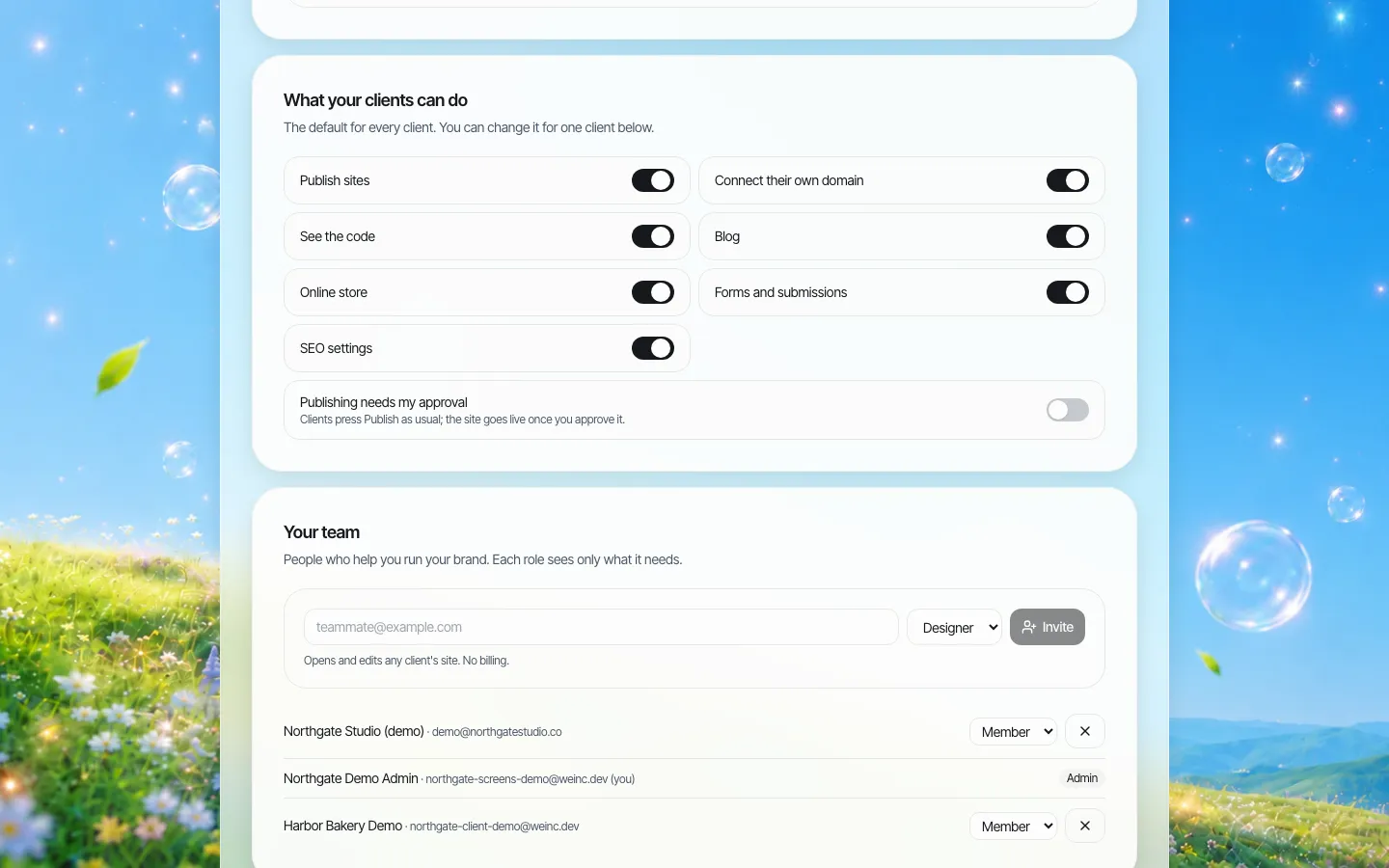
*Shop-wide defaults for every customer, with exceptions per customer.*
Keep customers coming back
The website should bring customers back to the counter, not only to the screen. A few habits that help:
- Turn on the monthly report to customers so they see their site is working and remember who runs it.
- Watch for customers who never publish. A webhook can tell you when a customer "hasn't published 7 days after joining"; route it to a reminder or a phone call.
- Treat a change of details as a print opportunity. A new phone number on the site usually means new cards and maybe a new sign.
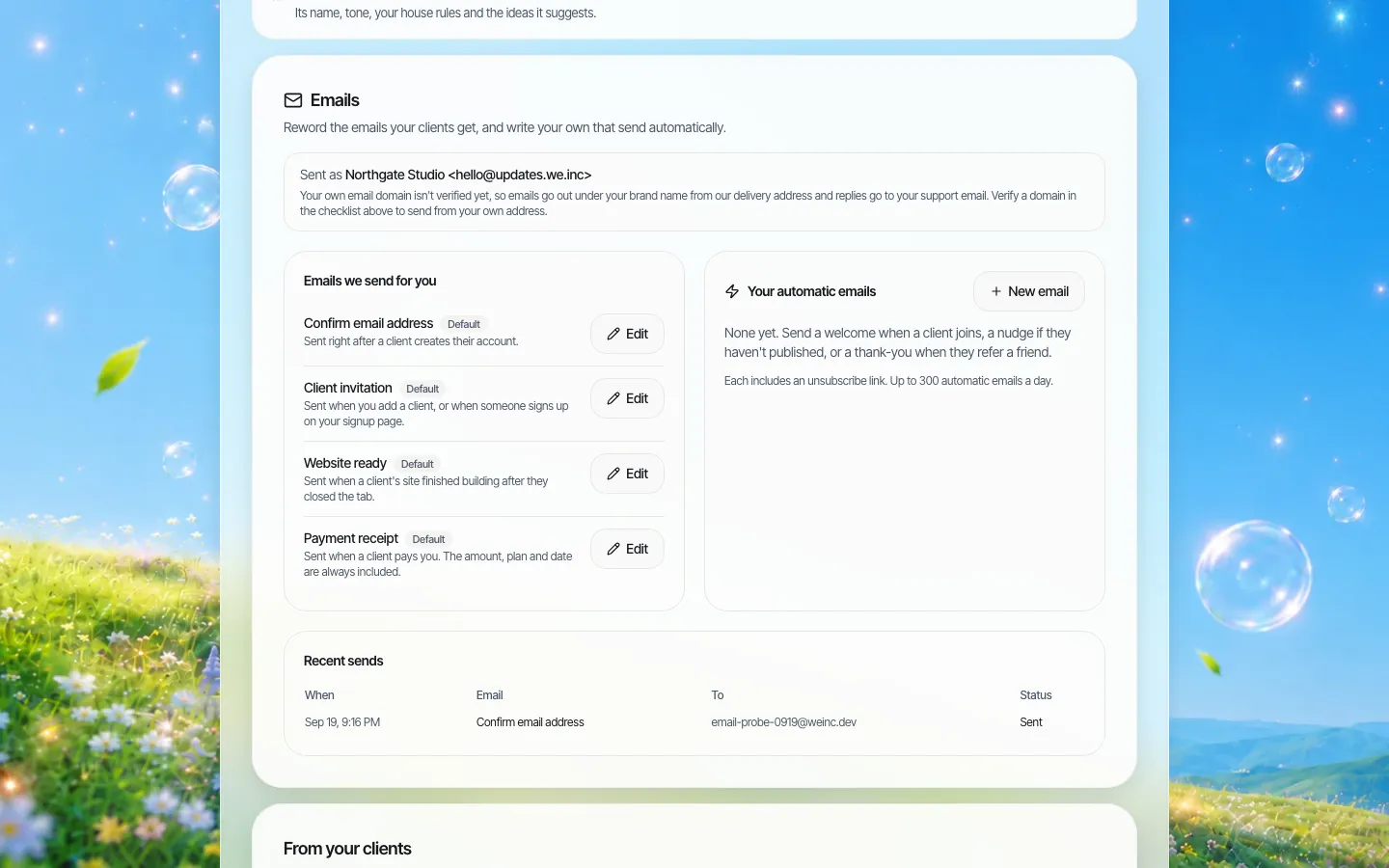
*Emails your customers receive carry your shop's brand.*
For print franchise networks
If you run a network of print locations, you have a choice: one brand account for the network with every location's customers inside it, or a structure where each location manages its own customers. In We.Inc your team members join with fixed roles (owners and admins, plus presets for designers, support and billing), and every customer is a client account you can tag by location and search. Our franchisors page covers the network decisions in more depth.
Questions customers ask at the counter
Have short, honest answers ready. These are the ones shops hear most:
| Customer asks | A good answer |
|---|---|
| "Can I change it myself?" | Yes, text, photos and hours from your phone or computer. We are here if you get stuck. |
| "Do I own my domain?" | Yes, it is registered in your name. We connect it for you. |
| "What if I want to leave?" | You can take the site with you; the code can be downloaded. |
| "Can it take bookings or payments?" | Simple contact forms, yes. For bookings we link to the booking tool you already use. |
| "Will it come up on Google?" | We set it up properly, with your real details. Ranking takes time and your own reviews and content. |
Write your own versions on a card at the counter. Customers trust a shop that answers plainly, and it keeps staff from promising things the service does not do.
When to say no
A narrow offer means turning some work away. Refer it on, honestly, when a customer needs:
- A large online shop with complex inventory.
- Custom software, booking systems tied to other tools, or member portals.
- An ongoing content and search programme you do not run.
Customers can leave with their site, because the code can be downloaded or synced to GitHub. That makes the offer easier to sell: nobody is locked in.
Where We.Inc fits, and where it does not
Good fit: print and sign shops, and print franchise networks, selling simple, matching websites to local businesses under their own name.
Not a fit if you want to become a full web agency with bespoke builds; then a design tool your team works in daily may suit you better.
Book a demo and bring a recent customer's artwork. We will show how a matching site comes together under your shop's brand.
Book a demo. Pricing is tailored to your volume and setup, and you get your exact price on the call. 0% transaction fee.
Frequently asked questions
Can we set our own website prices?
Yes. You create client plans with your own prices and collect payment through your own connected Stripe account. We quote our price to you in a demo.
Will customers see We.Inc?
Customers sign in on your branded page, receive emails with your brand and see that their access is provided by your shop.
Do we have to make every update for customers?
No. Customers can edit their own sites within the switches you set, and you can require approval before changes go live.
Keep reading
- White label website builder: the We.Inc platform
- Resell websites under your own brand
- White-label reseller billing
- White-label websites for franchisors
- Branded client emails
- Website vendor exit plan: contract clauses
More in White Label
- A website for every building, run by the company that manages them
- Agents want their own site. The brokerage needs it to stay on-brand. Both can be true.
- How to resell websites under your own brand
- Website Builder Reseller Program & Billing
- White-Label Reseller Dashboard
- Six restaurants, six personalities, one place to keep them accurate
- Embedding a website builder in your product: how the pieces fit
- Simvoly white label: what it costs, and the AI alternative
Product
Who It's For
- For Agencies
- For Freelancers
- For Hosting Providers
- For SaaS Platforms
- For Startups
- For Financial Services
- For Healthcare
Features
Resources
- Blog
- Help Center
- Free Business Tools
- Free UI Components
- Website Templates
- Template Collections
- Website Examples
- Guides
- Comparisons
- Alternatives
- Best Lists
- Reviews
- Pricing Guides
- Use Cases
- Glossary & Guides
- Integrations
- Developers
- Benchmark
- Windows App