Website Portfolio Examples: Photographers, Designers and Architects | How-to Guide
Annotated portfolio website examples sorted by what a client needs to do: review the work, understand the service, and get in touch. Includes a comparison table and a copyable portfolio brief.
A portfolio website has one job: help the right client decide to contact you. That means three tasks in order: review the work, understand what you offer, and enquire. The examples below are designs We.Inc produced from a one-sentence prompt. They are labelled examples, not real studios or customer sites.
How we picked these examples
We chose four creative trades whose clients look at work differently: a photographer (clients judge style at a glance), a graphic designer (clients want to see the brief and the result), an architect (clients want project context and scale) and an interior designer (clients want before-and-after and budget fit). Each example is judged against the three client tasks above plus how it behaves on a phone.
Annotated examples
1. Photographer (example design: "Brooklyn Light Studio")
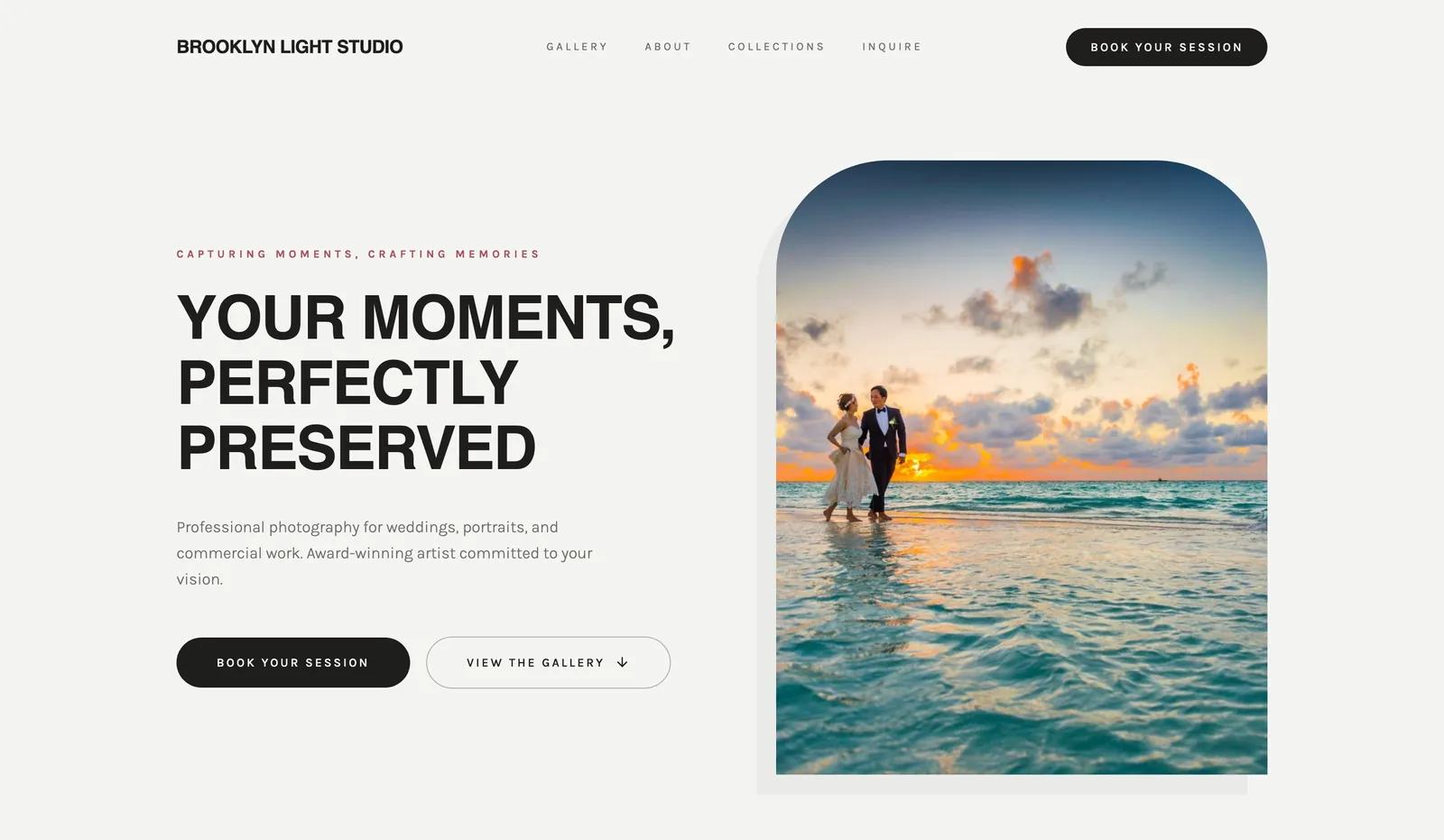
- Review the work: image-led from the first screen, which is right for photography.
- Add before launch: galleries grouped by shoot type (weddings, portraits, commercial), compressed images so galleries load on mobile data, and a "starting from" price or package list.
If you want those shoot-type galleries and a package list set up from the start, the website builder for photographers page shows what gets drafted for a photography studio.
2. Graphic designer (example design: "Austin Design Co.")

- Understand the service: clear service list alongside the work.
- Add before launch: short case studies with the problem, what you made, and your role. A logo on its own tells a client little.
3. Architect (example design: "Meridian Architecture")
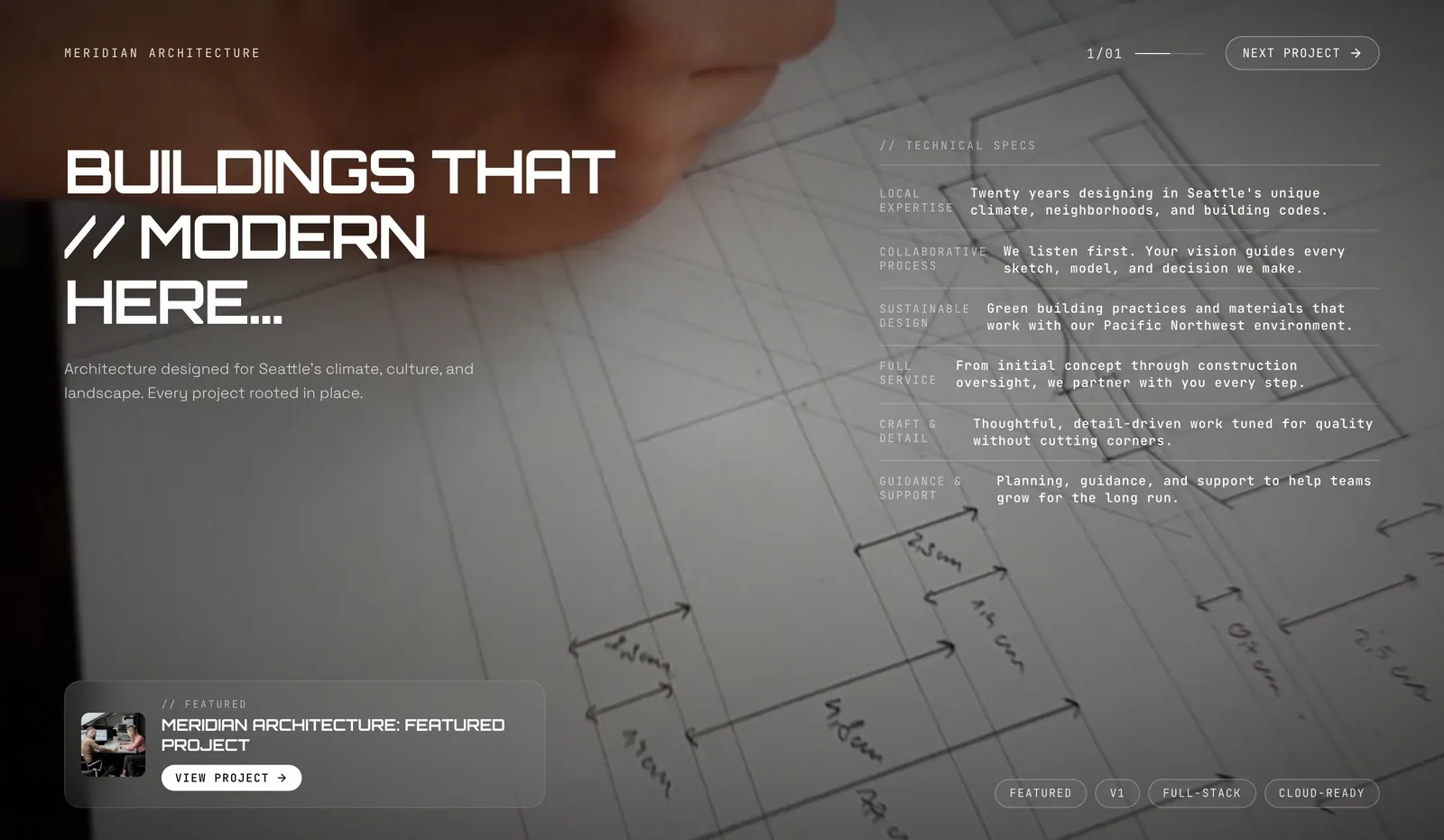
- Works: restrained layout that lets project photography carry the page.
- Add before launch: per-project facts (type, location, size, year, your scope) and a note on which project stages you take on.
4. Interior designer (example design: "Catalyst Design Studio")
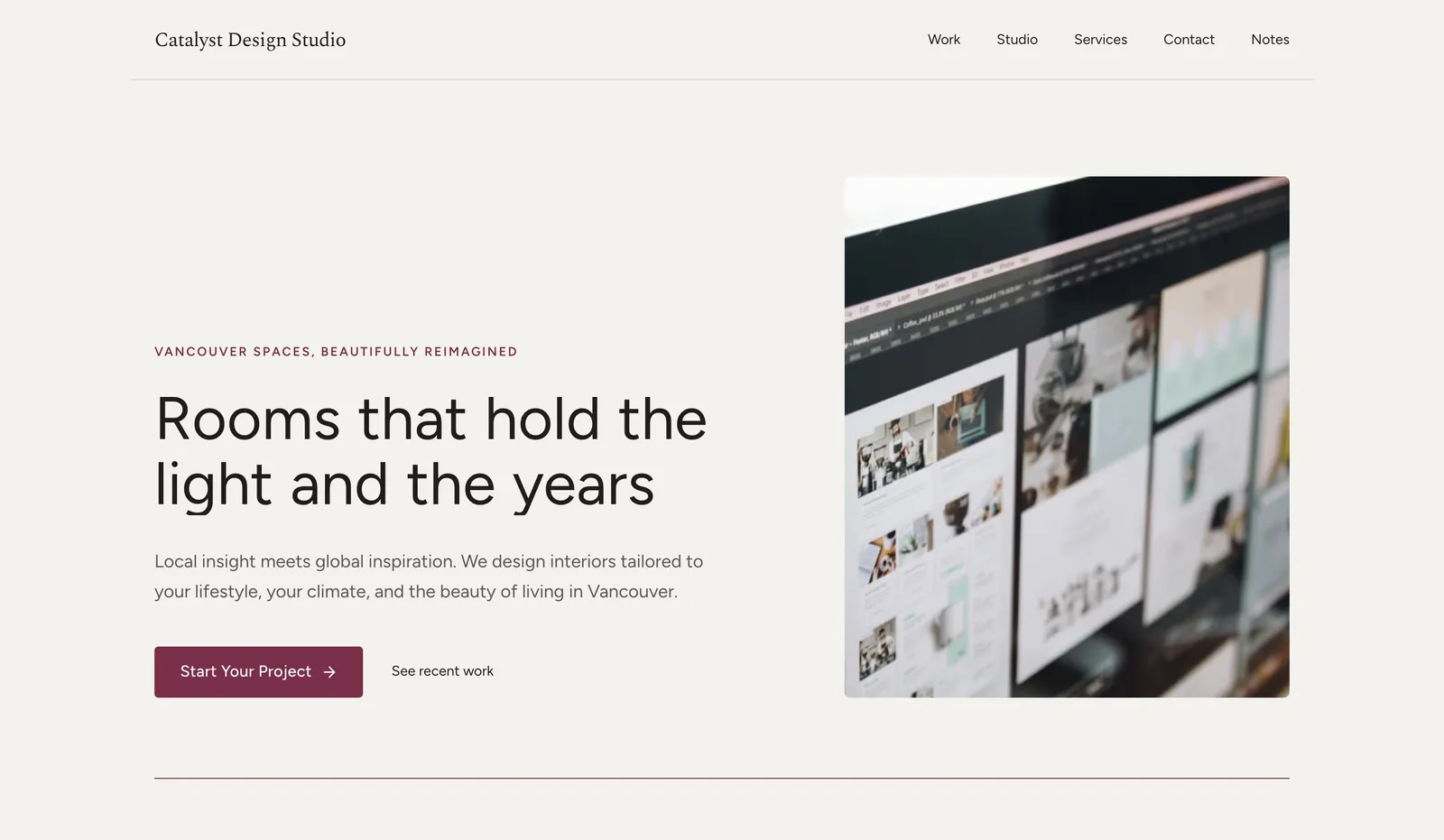
- Works: room photography up front, which is what clients browse for.
- Add before launch: before-and-after pairs, the kinds of projects you accept, and an enquiry form that asks for room, timing and rough budget.
Comparison: what each portfolio needs to show
| Client task | Photographer | Graphic designer | Architect | Interior designer |
|---|---|---|---|---|
| Review the work | Galleries by shoot type | Case studies | Projects with facts | Before and after |
| Understand the service | Packages, "from" prices | Service list, process | Stages you cover | Project types, budget fit |
| Enquire | Date + shoot type form | Brief form | Project enquiry | Room, timing, budget form |
| Mobile watch-out | Image weight | Long case studies | Large plans | Image weight |
Copyable portfolio brief
Name: [your name or studio], a [trade] in [city or "remote"]
Ideal client: [who hires you and for what]
Best 6 to 12 projects: [list; fewer, better projects beat many]
For each project: client type, what you did, one line on the result you can verify
Services and starting prices: [list]
Enquiry form asks: [name, email, project type, timing, budget range]
Style: [two or three words]
With We.Inc, a sentence like "A portfolio website for a wedding photographer in Brooklyn" produces a starting design; you then swap in your own images and project details.
What to adapt and what not to copy
- Adapt: structure, project page layout, how the enquiry form is framed.
- Do not copy: other people's images or case study text. Only show work you did or had a clear role in, and say what your role was.
- Do not show client logos or quotes without permission.
- Compress images before upload; a portfolio that stalls on a phone loses the visitor before the work is seen.
Start from a suitable template
See the business website templates and our guide on how to create a portfolio website, or read how the We.Inc website builder works. The Free plan includes up to 3 template sites on a we.inc address; AI building and a custom domain start on Starter at $20/month (pricing). Check the finished site with the website grader, and budget with the website cost calculator.
Start building your business website
Frequently asked questions
How many projects should a portfolio website show?
Usually 6 to 12 of your strongest, most relevant projects. A smaller set of well-explained work is easier for a client to review than a long grid.
Are these real portfolios?
No. They are example designs We.Inc produced from a one-sentence prompt, with placeholder names, shown to illustrate layout choices.
Should a portfolio site show prices?
A starting price or package range helps clients self-select and cuts unsuitable enquiries. If every job is custom, explain what affects the price instead.
More in Guides
- Respecting prefers-reduced-motion
- How to Build a Print-on-Demand Website
- Ecommerce Product Page Design: Anatomy and Examples
- How to Turn Your Website into a Progressive Web App
- Public Library Website Accessibility: Catalogs, Event Calendars and the Vendors Behind Them | How-to Guide
- Rate Limiting: How It Works, With a Live Simulator
- React Chart Libraries Compared: One Chart, Six Libraries
- React Cookie Consent: A Banner That Actually Blocks Scripts
Website builders for the businesses in this article
- portfolio website builder
- photographer website builder
- architect website builder
- interior design website builder
Related guides and tools
Start building
Related guides
Product
Who It's For
- For Agencies
- For Freelancers
- For Hosting Providers
- For SaaS Platforms
- For Startups
- For Financial Services
- For Healthcare
Features
Resources
- Blog
- Help Center
- Free Business Tools
- Free UI Components
- Website Templates
- Template Collections
- Website Examples
- Guides
- Comparisons
- Alternatives
- Best Lists
- Reviews
- Pricing Guides
- Use Cases
- Glossary & Guides
- Integrations
- Developers
- Benchmark
- Windows App