University Web Governance: A Federated Model That Works for Faculties, Labs and Central Teams | How-to Guide
How universities can govern hundreds of websites run by colleges, departments, research labs, student services and student groups: a tiered model, a decision rights table, onboarding and offboarding rules, and the minimum standards every site must meet.
A university is not one organisation with one website. It is a central administration, a dozen colleges, a hundred departments, several hundred research groups, an athletics programme, a hospital or press if you are unlucky, and thousands of students who want to put up a page for a society. Every one of them has a reason to publish, and very few of them report to the person responsible for the university's web presence. Governance in this setting is not about control. It is about agreeing on a short list of things everyone must do and making the right thing the easy thing.
Why central-only and anything-goes both fail
Universities usually swing between two models.
- Central-only: the marketing or web office publishes everything. Quality is high, the queue is months long, and departments quietly buy their own hosting to get round it.
- Anything-goes: every unit runs its own site on its own platform. Speed is high, and within five years you have hundreds of sites in a dozen technologies, inconsistent branding, abandoned lab pages for researchers who left in 2017 and no idea which ones meet the accessibility standard.
The model that tends to survive is federated: a central team owns the platform, the standards and the top-level pages; units own their content and publish within guard rails; and a small set of rules applies to everyone, enforced by the platform where possible rather than by email.
The tiers
Not every site needs the same treatment. Sorting sites into tiers lets you spend review effort where the risk is.
| Tier | Examples | Who publishes | Review before going live | Platform |
|---|---|---|---|---|
| 1. Institutional | Home page, admissions, tuition and financial aid, policies, emergency information | Central web and communications team | Every change | Main CMS only |
| 2. Academic and service units | Colleges, departments, library, registrar, housing, IT services | Trained unit editors | New sites and major changes; routine updates go straight live | Main CMS or approved platform |
| 3. Research and project sites | Labs, centres, grants, conferences | Principal investigator's nominee | New sites only, plus a yearly check | Approved platform with university templates |
| 4. Personal and student | Faculty profiles, student organisations, course sites | The individual or group | None, but must use the approved route and include the disclaimer | Approved personal or student hosting |
Write the tiers into the policy and add a tier column to your site register. Most disputes ("why does admissions get a review and we don't?") end once the tiers are written down.
Decision rights: who decides what
The single most useful governance document is a table of decisions and who makes them. Copy this and change the names to match your structure.
| Decision | Decides | Consulted | Informed |
|---|---|---|---|
| Web platform and hosting standards | CIO with the web governance group | Colleges' IT leads, accessibility office | All web editors |
| Brand, templates and logo use | Marketing and communications | College communicators | All editors |
| Whether a new site may be created | Web governance group (tiers 1 to 3); automatic for tier 4 | Requesting unit's head | IT security |
| New domain or subdomain | IT, against naming rules | Marketing | Requesting unit |
| What a unit publishes on its own site | The unit's site owner | Central team for tier 2 major changes | None |
| Accessibility standard and testing rules | Accessibility office | Disability resources, legal counsel | All editors |
| Taking down a non-compliant or abandoned site | Web governance group | Unit head | Site owner |
| Analytics and privacy settings | Privacy office with IT | Marketing | Unit editors |
Note what is missing: the central team does not decide what a chemistry department says about its own research. Governance that reaches into content decisions for every unit will be ignored.
The minimum standards every site meets
Keep this list short enough to fit on one page. Everything here should be checkable.
- A named owner by role and a named backup, recorded in the site register.
- The university's templates or approved theme, so navigation, footer, privacy notice and accessibility statement link are consistent.
- Accessibility. Public universities are state entities, so the Department of Justice web rule under ADA Title II applies: WCAG 2.1 Level AA, with compliance dates of April 26, 2027 for public entities serving 50,000 or more people and April 26, 2028 for smaller ones, after the April 2026 interim final rule. Private institutions have their own obligations. Either way, the standard belongs in the policy.
- An approved address under the university's domain, following the naming rules.
- A review date, at least yearly, when the owner confirms the site is current.
- No collection of personal data (forms, sign-ups) without the privacy office's approved form tool or approval.
- Security basics: supported software, HTTPS, no shared logins, accounts removed when people leave.
Our website governance policy template has wording you can adapt for each of these.
Onboarding: getting a new site
Make requesting a site faster than going around the process, or people will go around it.
- A one-page request form: unit, purpose, audience, tier, owner, backup, end date if temporary.
- A promised turnaround: for example, five working days for tier 3, same day for tier 4.
- A starter site built from approved templates, already branded, already linked from the register.
- A 60-minute editor training covering headings, alt text, link text, documents and the review process.
The test is simple. If a postdoc can get an approved lab site faster than they can set up a free site on a consumer builder, most of them will use the approved route.
Offboarding: the half that everyone forgets
Universities lose sites in a way companies rarely do: people leave on a fixed academic calendar. A lab site's owner graduates or moves to another institution and the site stays up for a decade. Build offboarding into the calendar.
| Trigger | Action |
|---|---|
| Owner leaves the university | HR or IT offboarding notifies the web team; the backup becomes owner or the site is flagged |
| Grant or project ends | Site moves to read-only with an end notice, or is archived |
| Yearly review missed | Two reminders, then the unit head is notified, then the site is unpublished with a holding page |
| Student organisation not re-registered | Site unpublished at the start of the following term |
| Conference over | Archive the programme and proceedings; redirect the address to the department |
Before taking anything down, check your records retention schedule, and always redirect retired addresses. Old lab pages are cited in papers.
Running the governance group
- Membership: central web lead (chair), marketing, IT security, accessibility office, privacy, and three or four unit representatives who rotate yearly. Keep it under ten people.
- Cadence: monthly for an hour. Standing items: new site requests, sites past review date, open accessibility blockers, standards changes.
- Reporting: each term, a one-page summary to the provost or vice-president: number of sites by tier, sites past review, sites retired, accessibility blockers open.
How the platform can enforce the rules
Policy that relies on people remembering is weak. Wherever possible, let the platform do the enforcing: editors can only reach their own unit's sites, new sites start from approved templates, and a reviewer approves high-tier sites before they publish. Departments that left the main CMS because it was too hard to use are the hardest to bring back; giving them a simpler, branded builder inside the same guard rails is often the practical answer. The trade-off is discussed in white-label builder vs enterprise CMS.
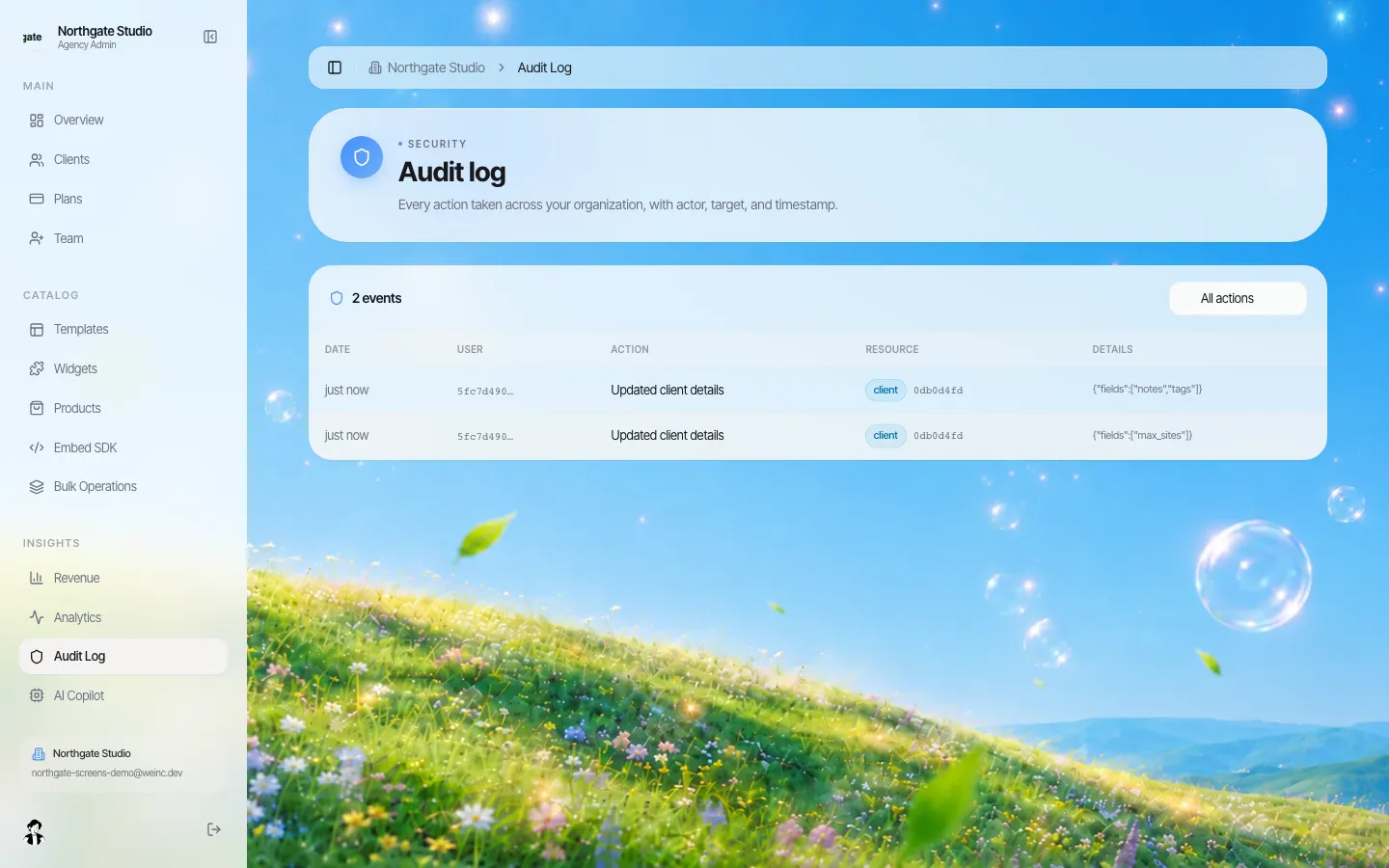
We.Inc lets an organisation run many sites under its own brand with shared templates, per-site permissions, owner, admin and member roles for the central team, a single-step approval before a site goes live, and an audit log of organisation actions. Here is the demo brand we use for screenshots.
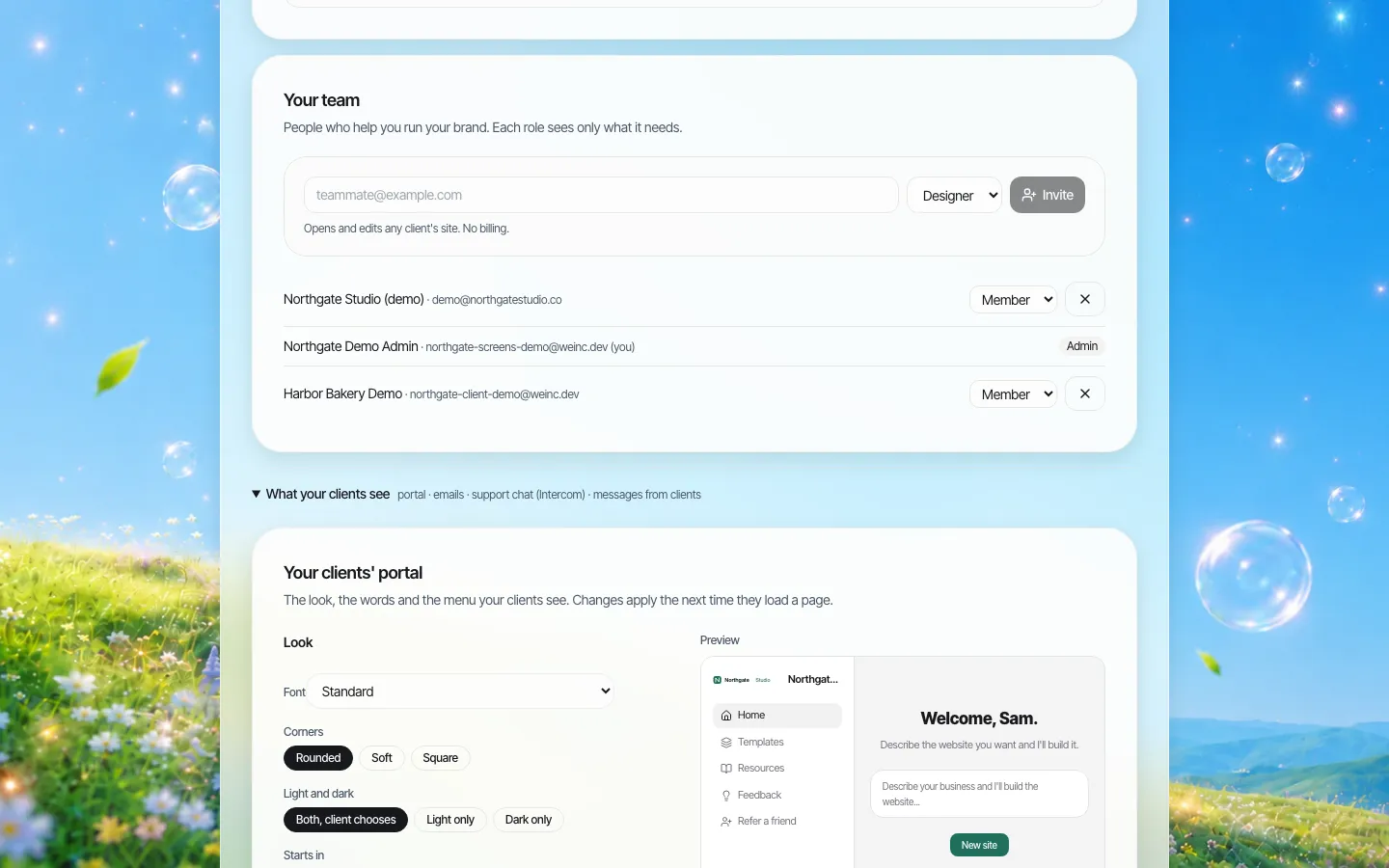
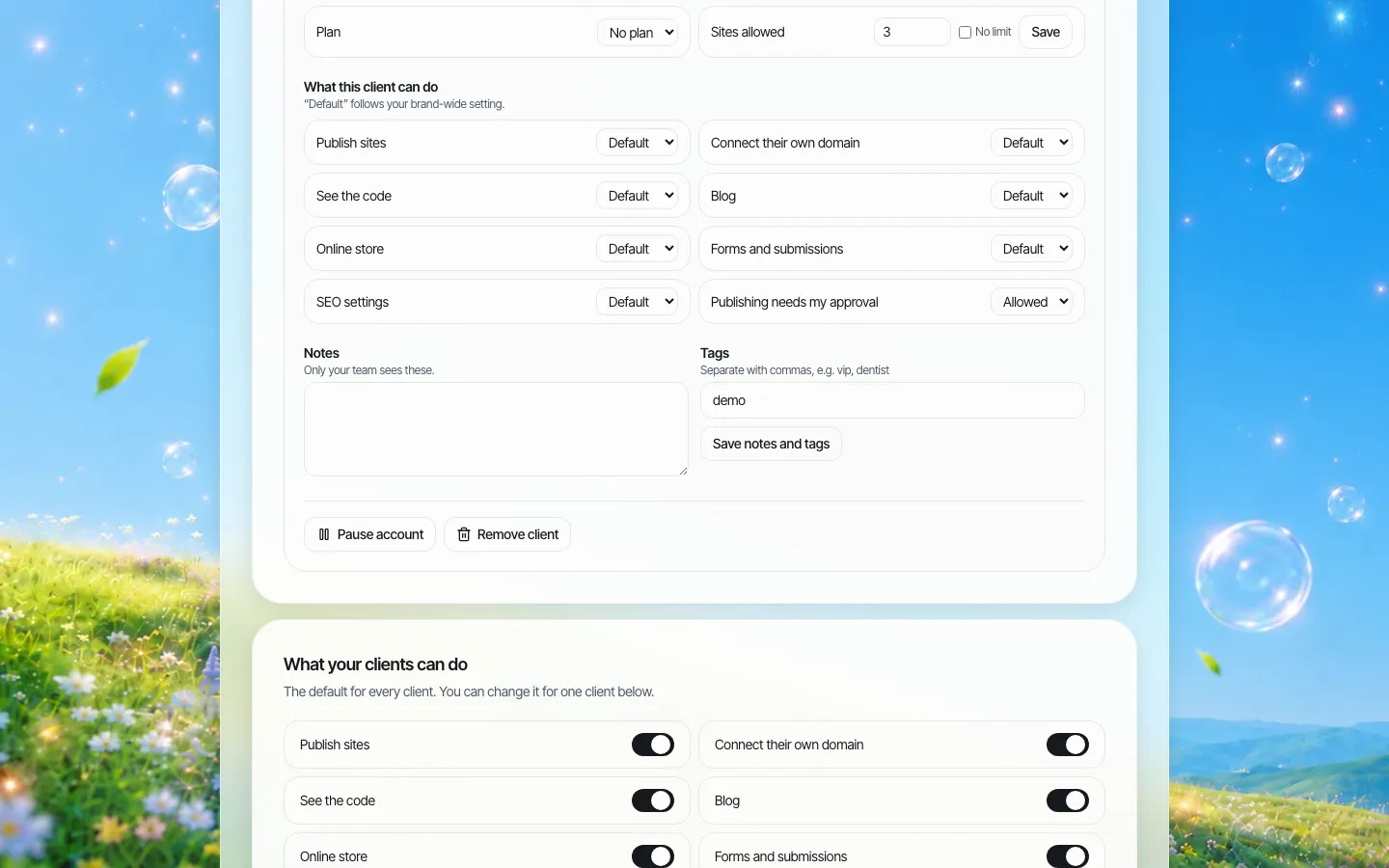
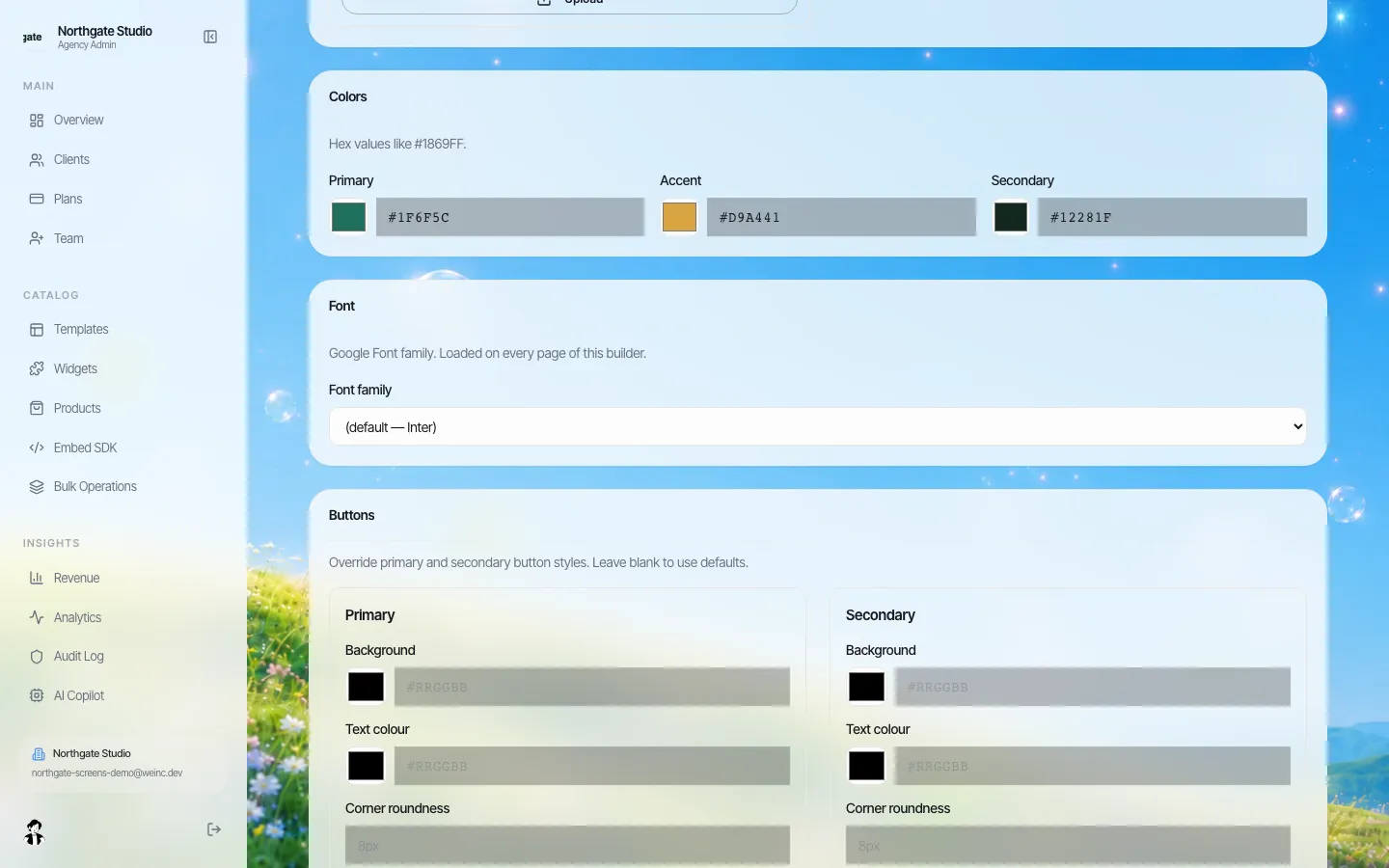
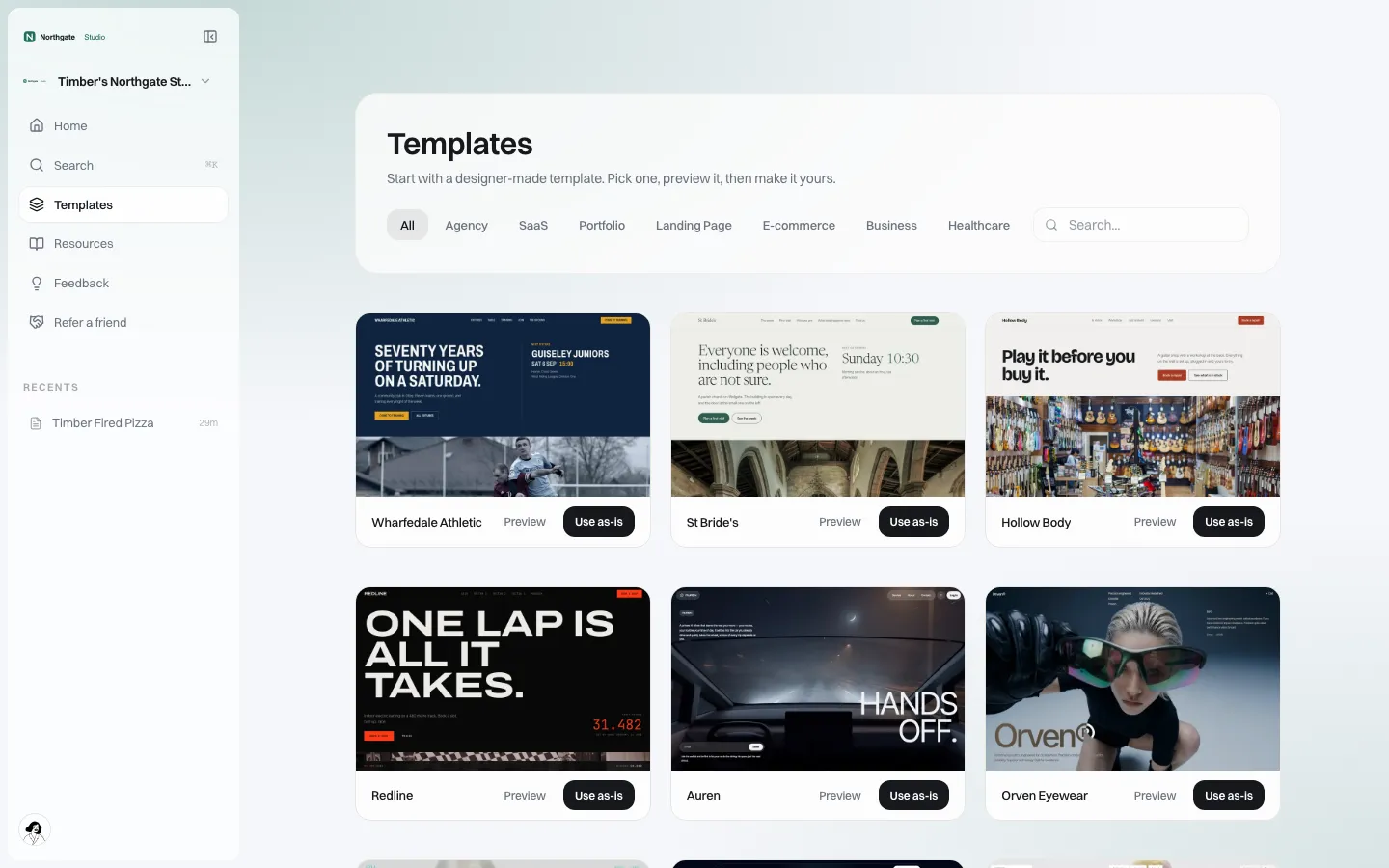
The platform does not make a site accessible or keep its content current; owners and reviewers still do that. If you want to see whether this fits your institution's model, book a demo.
A 90-day rollout
- Days 1 to 30: build the site register (crawl the domain, ask units), assign tiers, approve the decision rights table.
- Days 31 to 60: publish the minimum standards, launch the request form and starter sites, train the first group of unit editors.
- Days 61 to 90: run the first review cycle, retire the clearly abandoned sites (with redirects), and report to leadership.
For the inventory step in more detail, see our content inventory method; it was written for cities, but the spreadsheet works the same for a campus.
Sources
Last checked 2026-10-25.
- ADA.gov, Fact Sheet: New Rule on the Accessibility of Web Content and Mobile Apps Provided by State and Local Governments (WCAG 2.1 AA; dates as amended April 20, 2026).
This guide is general information, not legal advice. Check your institution's obligations with your general counsel.
Frequently asked questions
What is federated web governance?
A model where a central team owns the platform, standards and top-level pages, while colleges, departments and labs own and publish their own content within agreed guard rails.
Does ADA Title II apply to public universities' websites?
Public universities are state entities, so the Department of Justice web rule under Title II applies, with WCAG 2.1 Level AA as the standard. ADA.gov lists compliance dates of April 26, 2027 and April 26, 2028 depending on size. This is not legal advice.
How should a university handle abandoned lab and project sites?
Tie offboarding to events: owner departure, grant end, missed yearly review. Move sites to read-only or archive, check the retention schedule, and redirect retired addresses rather than deleting them.
Who should sit on a university web governance group?
The central web lead, marketing, IT security, the accessibility office, privacy, and three or four rotating unit representatives, kept under ten people and meeting monthly.
Can We.Inc run many university unit sites under one brand?
Yes. We.Inc runs many sites under one brand with shared templates, per-site permissions, owner, admin and member roles, a single-step approval before a site goes live, and an audit log. Each site still needs its own accessibility testing.
More in Guides
- User Flow Diagrams and Website Wireframes, With Free SVG Downloads
- UUID v4 vs v7: Random IDs or Time-Ordered IDs
- How to View Page Source
- View Transitions API Examples
- Vite vs Next.js: Which One Fits Your Project?
- WCAG 2.2 Checklist: All Level A and AA Criteria
- Web Design Contract Template: Free Checklist + Example
- Web Design Principles, Shown Not Told
Related guides and tools
Start building
- how to make a website
- AI website builder
- free website builder
- website templates
- website builders by industry
Product
Who It's For
- For Agencies
- For Freelancers
- For Hosting Providers
- For SaaS Platforms
- For Startups
- For Financial Services
- For Healthcare
Features
Resources
- Blog
- Help Center
- Free Business Tools
- Free UI Components
- Website Templates
- Template Collections
- Website Examples
- Guides
- Comparisons
- Alternatives
- Best Lists
- Reviews
- Pricing Guides
- Use Cases
- Glossary & Guides
- Integrations
- Developers
- Benchmark
- Windows App