
Nonprofit Website Builders: A Fair Comparison
How to choose a nonprofit website builder: features that matter (donations, volunteers, events, accessibility), costs and discounts, what to avoid, and how to launch a nonprofit site quickly with a template or AI builder.
Related: How the We.Inc AI website builder works, with real sites it built
Browse the templates: Nonprofit website templates
Short answer (September 2026): the right nonprofit website builder is one your team can update without help, that connects cleanly to a secure donation tool, handles volunteer and event forms, produces accessible pages and fits a tight budget. Start from a design built for causes, put your mission and a Donate button on the first screen, and plan who keeps it current.
Launch your cause online this week. Publish up to 3 template sites free (no AI on the free plan), or describe your organisation in one prompt and let the AI builder draft every page on Starter at $20 a month. Create your account, or start from this design: Kindred, Anchor, or see the nonprofit website builder page.
Nonprofits have the same website needs as businesses, plus a few of their own: donations, volunteers, transparency and often a volunteer-run team. The builder you choose determines how easy all of that is. This guide covers what to compare and how to get a credible site live quickly.
What a nonprofit website must do
- Explain the mission in one sentence anyone can understand.
- Make giving easy. A Donate button in the header, one click from every page.
- Show impact. Stories, photos and honest numbers from your own records.
- Recruit volunteers with a clear signup.
- Promote events and campaigns.
- Build trust through transparency: who runs it, annual reports, registration details.
Features to compare in a nonprofit website builder
| Feature | Why it matters | What to check |
|---|---|---|
| Ease of editing | Volunteers and staff change often | Can a new person update a page in 10 minutes? |
| Donation integration | Giving is the main conversion | Works with your donation platform, supports recurring gifts |
| Forms | Volunteers, contact, event signups | Submissions reach a monitored inbox |
| Events | Campaigns and fundraisers | Simple event pages or calendar |
| Accessibility | Reach everyone, meet requirements | Contrast, alt text, keyboard navigation |
| Custom domain and SSL | Credibility and security | Included on your plan |
| Blog or news | Updates for supporters and search | Easy posting |
| Cost | Tight budgets | Total per year including domain and add-ons |
| Nonprofit discount | Stretch the budget | Ask; some providers offer them |
Must-have pages for a nonprofit site
| Page | Contents |
|---|---|
| Home | Mission, impact highlight, Donate and Volunteer buttons, latest news |
| About | History, team, board, registration details |
| Programmes or What We Do | Each programme with who it helps and how |
| Impact | Stories, photos, results from your own data |
| Donate | Donation form, recurring option, other ways to give, how funds are used |
| Get Involved | Volunteering, events, partnerships |
| News | Updates and campaign stories |
| Contact | Address, email, form, social links |
Donations: getting the details right
- Choose a reputable donation tool and compare processing fees, platform fees and payout timing on their current pricing pages.
- Offer recurring giving. Regular donors make budgets more predictable.
- Suggest amounts tied to what they fund, only if the figures are accurate.
- Let donors cover fees if your tool supports it.
- Send receipts automatically and keep records for tax purposes in your country.
- Test the whole flow with a small donation before launch.
Selection method: what a visitor needs to accomplish
We judge a nonprofit website builder by whether a visitor can finish the three tasks that matter most, on a phone, without help:
- Find a programme and understand who it serves.
- Give, and understand where the money goes.
- Sign up to volunteer or attend.
Workflow comparison: a labelled demonstration
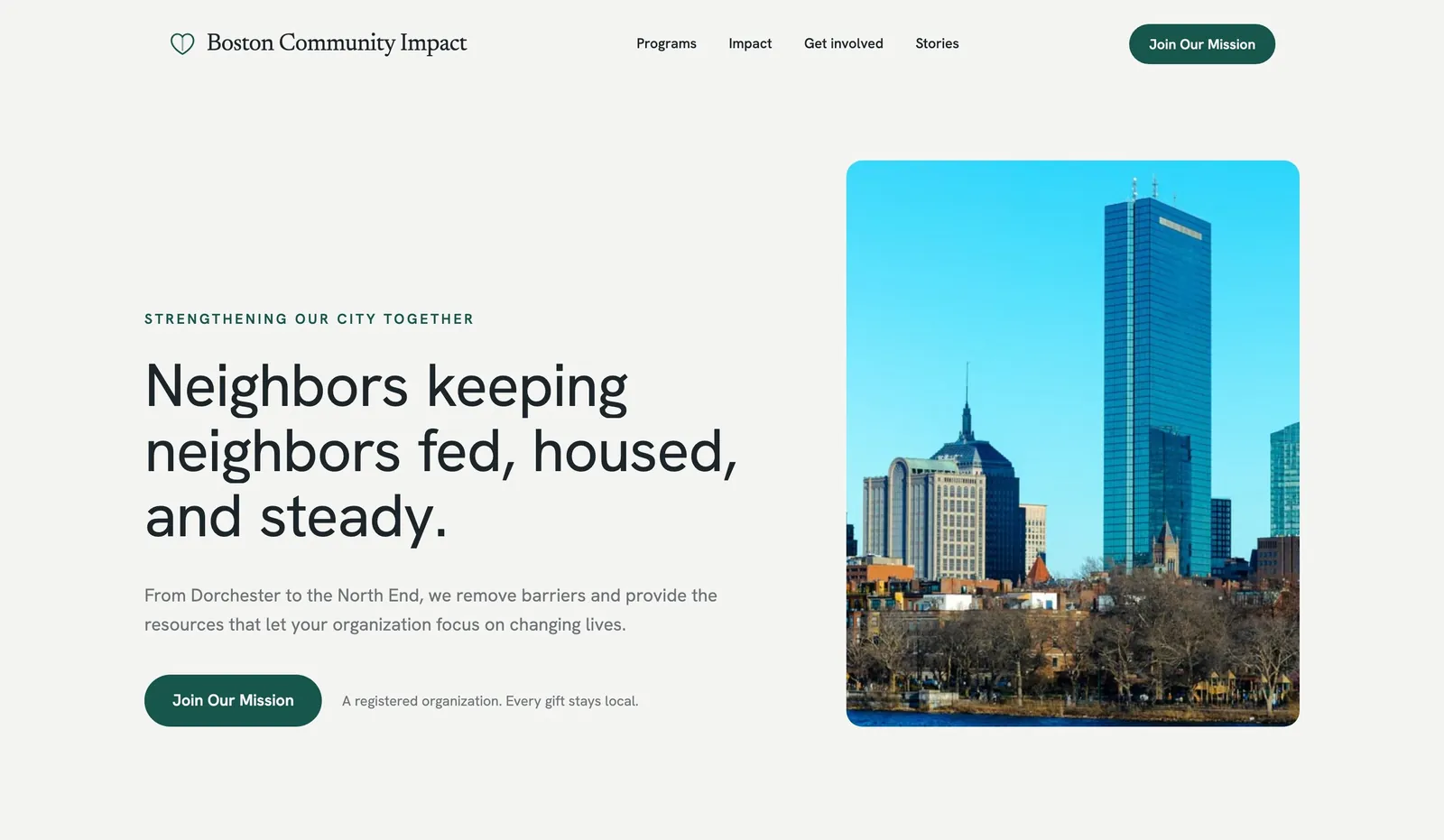
Riverbend Youth Alliance is fictional. It is a sample organisation used to show the workflow. Any prices, reviews or years in business in its sample pages are placeholders, not evidence.
| Programme page | What the visitor needs | What the page should show |
|---|---|---|
| After school tutoring | Who qualifies, days and times, how to enrol | Age range, schedule, enrol form, contact name |
| Daily hot meal | Where and when, whether sign-up is needed | Address, serving hours, map link, volunteer shifts |
| Summer learning program | Dates, cost or free, how to apply | Dates, eligibility, application form, deadline |
Copyable build brief
A website for [organisation], a nonprofit in [town] running [programme 1], [programme 2] and [programme 3]. Each programme gets its own page with who it serves, when and where, and how to join. A Donate button in the header links to [donation tool]. Include a volunteer sign-up form, a page explaining where donations go, and published reports. Use only real photos and figures.
Honest trade-off table
| What you need | Builder with templates | AI builder | Designer-built |
|---|---|---|---|
| Launch speed | Fast once content is ready | Fast first draft, then fact-check | Weeks to months |
| Cost | Low | Low monthly plan | Highest upfront |
| Updates by volunteers | Usually easy | Usually easy | Depends on the platform |
| Donations | Via a connected donation tool | Via a connected donation tool | Custom options |
We.Inc's position in this table: the free plan publishes up to 3 template sites on a we.inc address without AI credits or a custom domain; Starter at $20 a month adds AI building and your own domain. We did not run a scored, same-scenario test across other builders for this article, so check each builder's own nonprofit pricing and features.
Template walkthrough
- Describe the organisation or choose a template.
- Pick one of the suggested designs.
- Replace every sample text, photo and figure with your own.
- Connect your donation tool and domain, then publish.
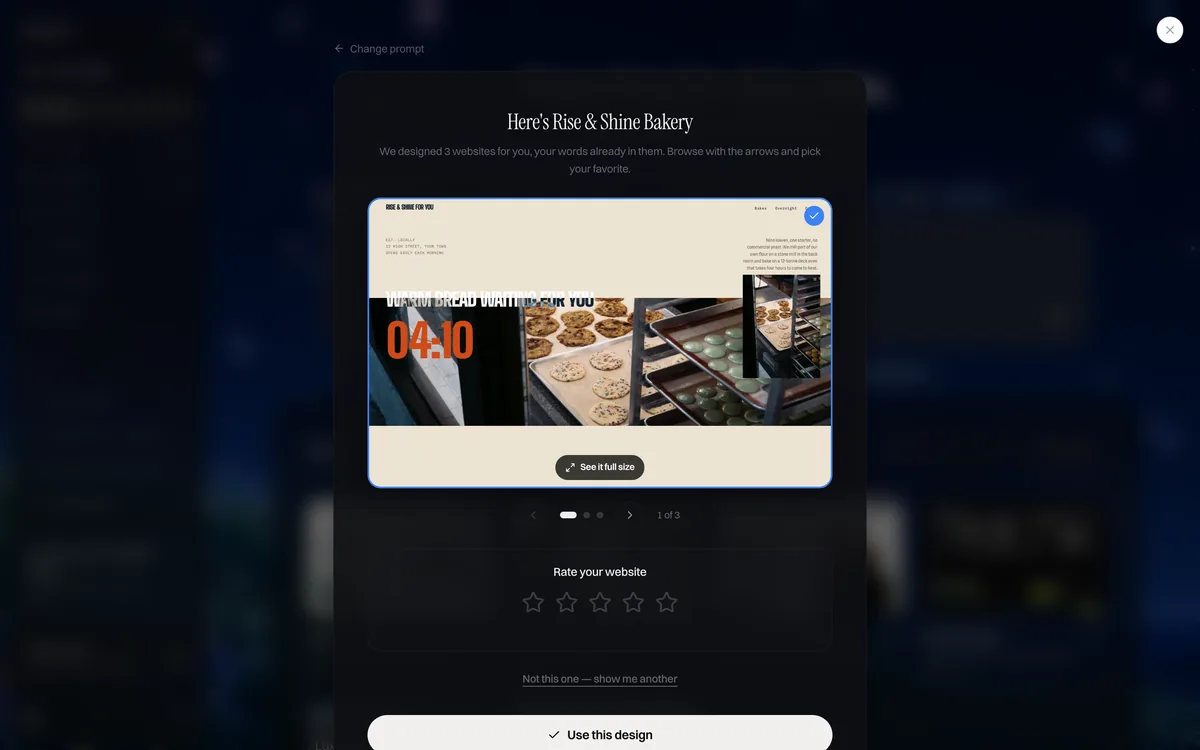
Start building this nonprofit website. Create your account. The free plan publishes up to 3 template sites on a we.inc address (no AI credits, no custom domain). AI building and your own domain start on Starter at $20 a month; see pricing.
Useful next steps: check an existing site with the free website grader, estimate a budget with the website cost calculator, browse business website templates or read how the We.Inc website builder works. You can also see finished website examples.
Nonprofit website costs
| Item | Typical cost |
|---|---|
| Website builder plan | $0 to about $40 a month; ask about nonprofit discounts |
| Domain | Roughly $10 to $20 a year (.org is common) |
| Donation platform | Usually a percentage per donation, sometimes a monthly fee |
| Designer-built site | Roughly $2,000 to $10,000+ |
*Typical 2026 ranges, not quotes. Check each provider for current pricing.*
Builder vs designer vs donated help
- Builder, done in-house: lowest cost, fastest, easy for staff to update. The right choice for most small and new organisations.
- Designer or agency: worth it for larger organisations, rebrands or complex integrations. Budget for ongoing updates too.
- Volunteer developer: generous, but plan for what happens when they move on. Prefer tools others can maintain.
Common nonprofit website mistakes
- A mission buried under a slideshow.
- A Donate button that leads to a confusing third-party page with no branding.
- Outdated events and news from years ago.
- Impact claims without evidence.
- Only one person knowing the login.
- Low-contrast text and images without alt text.
How to launch a nonprofit website quickly
From a template: pick a warm, community-focused design, write your mission line, add programme pages and real photos, connect your donation tool and domain, and publish. The We.Inc free plan lets you publish up to three template sites without AI.
With the AI builder: describe your organisation, for example "a website for a volunteer-run food bank in Cleveland that serves 3 neighbourhoods, needs a donate page with monthly giving, a volunteer signup for Saturday shifts and a news page." The builder drafts every page and you check facts, add photos and connect your donation tool. AI building starts on Starter at $20 a month (250 credits). For content ideas, our nonprofit website design tips guide goes deeper on page content.
Nonprofit website launch checklist
- Mission in one sentence on the first screen
- Donate button in the header, tested with a real gift
- Recurring giving available
- Volunteer form reaches a monitored inbox
- Impact shown with real stories and your own data
- Board, registration and reports published
- Accessibility basics covered
- At least two people with admin access
Questions to ask before choosing a builder
Take ten minutes with each shortlisted builder and answer:
- Could a volunteer with no training update the events page?
- Does it connect to the donation tool we already use, or one we would choose?
- What is the total yearly cost including domain, plan and any add-ons?
- Can more than one person have admin access with their own login?
- Can we export our content if we move later?
- Does it produce pages that meet basic accessibility standards?
- Is there help available if something breaks before a big campaign?
Showing impact honestly
Supporters give when they understand what their money does. Use numbers from your own records ("meals served last year," "volunteer hours"), explain how you count them and pair them with a real story and photo, with permission from the people involved. Avoid borrowing sector-wide statistics as if they were your results, and update figures each year so they stay accurate.
Planning for volunteers who come and go
Write a one-page guide for the website: where logins are kept, how to add news and events, who approves changes and who to call if the donation form stops working. It turns the website from one person's project into something the whole organisation can keep running.
Volunteer recruitment pages that work
Tell volunteers exactly what they would do, when, where and for how long, and whether training is provided. List any requirements such as minimum age or background checks. Keep the signup form short, send an automatic confirmation and make sure a named person follows up within a few days. A volunteer who hears nothing after signing up rarely tries again, so the follow-up matters as much as the page.
Give supporters a reason and a way to help
A clear, trustworthy website turns interest into donations and volunteers. Create your account and start from this design: Kindred or Anchor, or see what the food bank website builder and animal shelter website builder set up for specific causes.
Frequently asked questions
Where does my donation go?
Your site should answer this on its own page: which programmes the money funds, how much goes to running costs if you publish that, and where to read your annual report. Use your own records, never borrowed sector figures.
Is my gift tax deductible?
That depends on your organisation's registered status and the donor's country. State your registration clearly, send an automatic receipt, and point donors to official guidance rather than giving tax advice on the page.
What is the best website builder for a nonprofit?
The best one is the builder your volunteers and staff can actually update, that connects to your donation tool, looks credible and fits your budget. Compare ease of editing, donation integrations, form handling, accessibility and total yearly cost rather than feature lists.
Is there a free website builder for nonprofits?
Several builders have free plans, and some offer nonprofit discounts. On We.Inc the free plan lets you publish up to three template sites without AI. AI building, where the site is drafted from your description, starts on Starter at $20 a month with 250 credits.
What features does a nonprofit website need?
A clear mission statement, a prominent Donate button connected to a secure donation tool, programme or impact pages, volunteer signup, events, news, transparency information such as annual reports, and contact details.
Should a nonprofit use a builder or hire a designer?
Most small nonprofits start with a builder because it costs less and staff can update it. Larger organisations with complex needs, such as member databases or many integrations, may benefit from a designer or developer.
How do nonprofits accept donations on their website?
Usually through a donation platform or payment processor that provides a donation form or button you embed or link to. Compare processing fees, recurring giving support, receipts and whether donors can cover the fees.
Do nonprofit websites need to be accessible?
They should be. Accessible sites reach more supporters, and depending on your country and funding there may be legal or grant requirements. Use readable text, strong contrast, alt text, captions and keyboard-friendly forms.
More in Blog
- Nonprofit Website Design: Build a Site That Inspires Action
- On-Page SEO Checklist: On-Site & On Page Optimization
- Selling on Marketplaces vs Your Own Store: Pros and Cons
- Online Reputation Management for Small Businesses
- OpenAI Is Shutting Down Agent Builder. Here Is What That Means for Your Website.
- Personal Trainer Website: What to Include to Book More Clients
- Personal Trainer Website Design: Pages, Costs and a Template
- Personal Website: Why You Need One and How to Build It
Website builders for the businesses in this article
Related guides and tools
Start building
Related guides
How we research, test and update this page: our editorial policy. We.Inc is our own product.
Product
Who It's For
- For Agencies
- For Freelancers
- For Hosting Providers
- For SaaS Platforms
- For Startups
- For Financial Services
- For Healthcare
Features
Resources
- Blog
- Help Center
- Free Business Tools
- Free UI Components
- Website Templates
- Template Collections
- Website Examples
- Guides
- Comparisons
- Alternatives
- Best Lists
- Reviews
- Pricing Guides
- Use Cases
- Glossary & Guides
- Integrations
- Developers
- Benchmark
- Windows App