Samples of Personal Websites: 6 Annotated Examples by Goal | How-to Guide
Samples of personal websites sorted by the job they do: win freelance work, grow readers, or build professional credibility. Annotated contact and proof patterns, a comparison table and a copyable brief.
Most personal websites do one of three jobs: bring in freelance clients, grow an audience of readers, or back up a professional reputation when someone searches your name. The layout, the proof and the contact button change with the job. The six samples below are designs We.Inc produced from a one-sentence prompt, grouped by job. They are labelled example designs, not real people.
How we picked these samples
Two samples per job. For each one we note the contact pattern (how a visitor gets in touch) and the proof pattern (what makes the person credible), and what you would need to add before launching your own. We make no claims about traffic or leads for any of them.
Job 1: win freelance work
1. Freelancer (example design from the "freelancers" set)
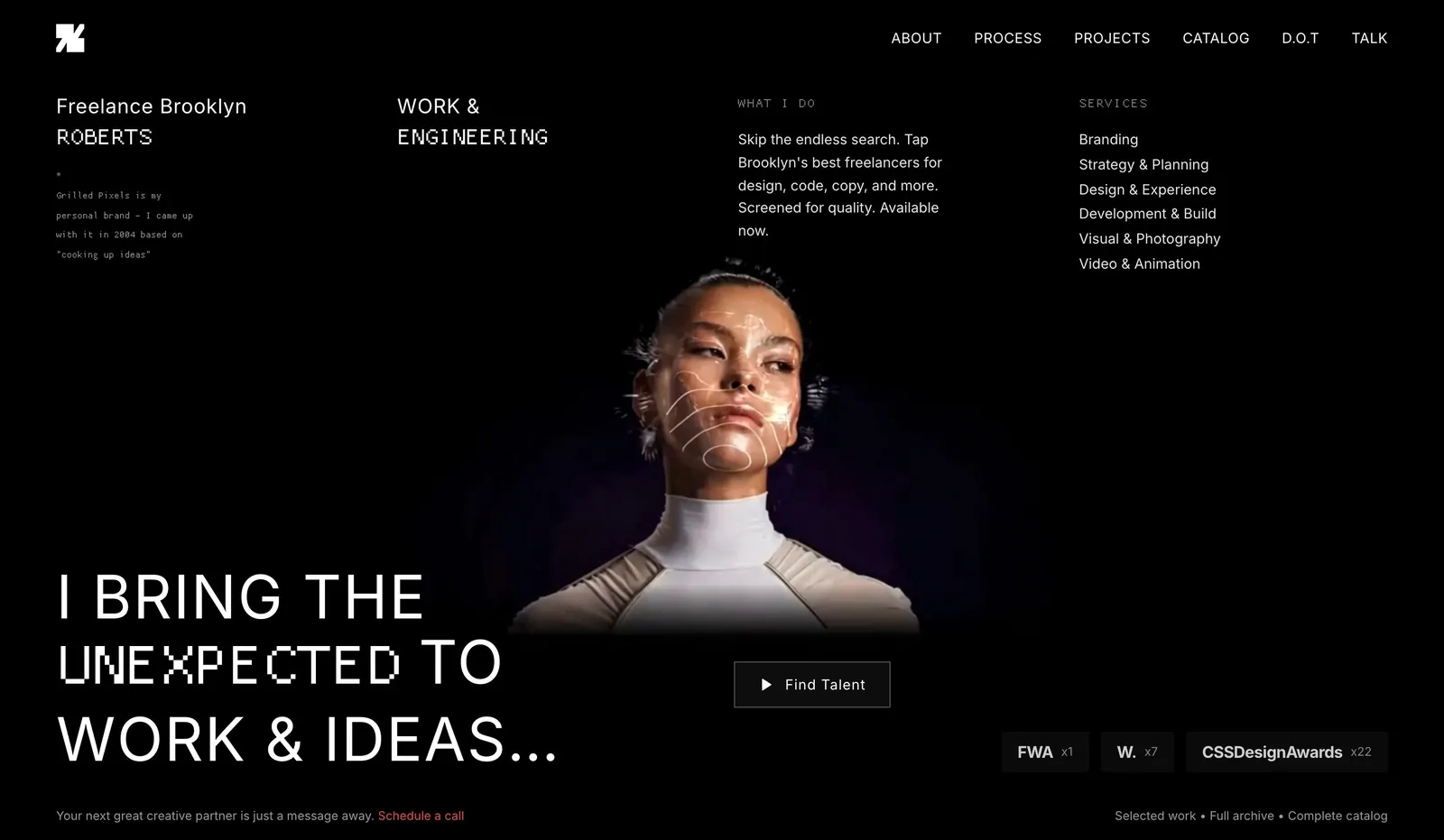
- Contact pattern: one "start a project" button repeated after each section, leading to a short form (what, when, budget range).
- Proof pattern: three short case studies with the problem, your role and the deliverable. Add client names only with permission.
2. Illustrator (example design: "Illustrated Ink")
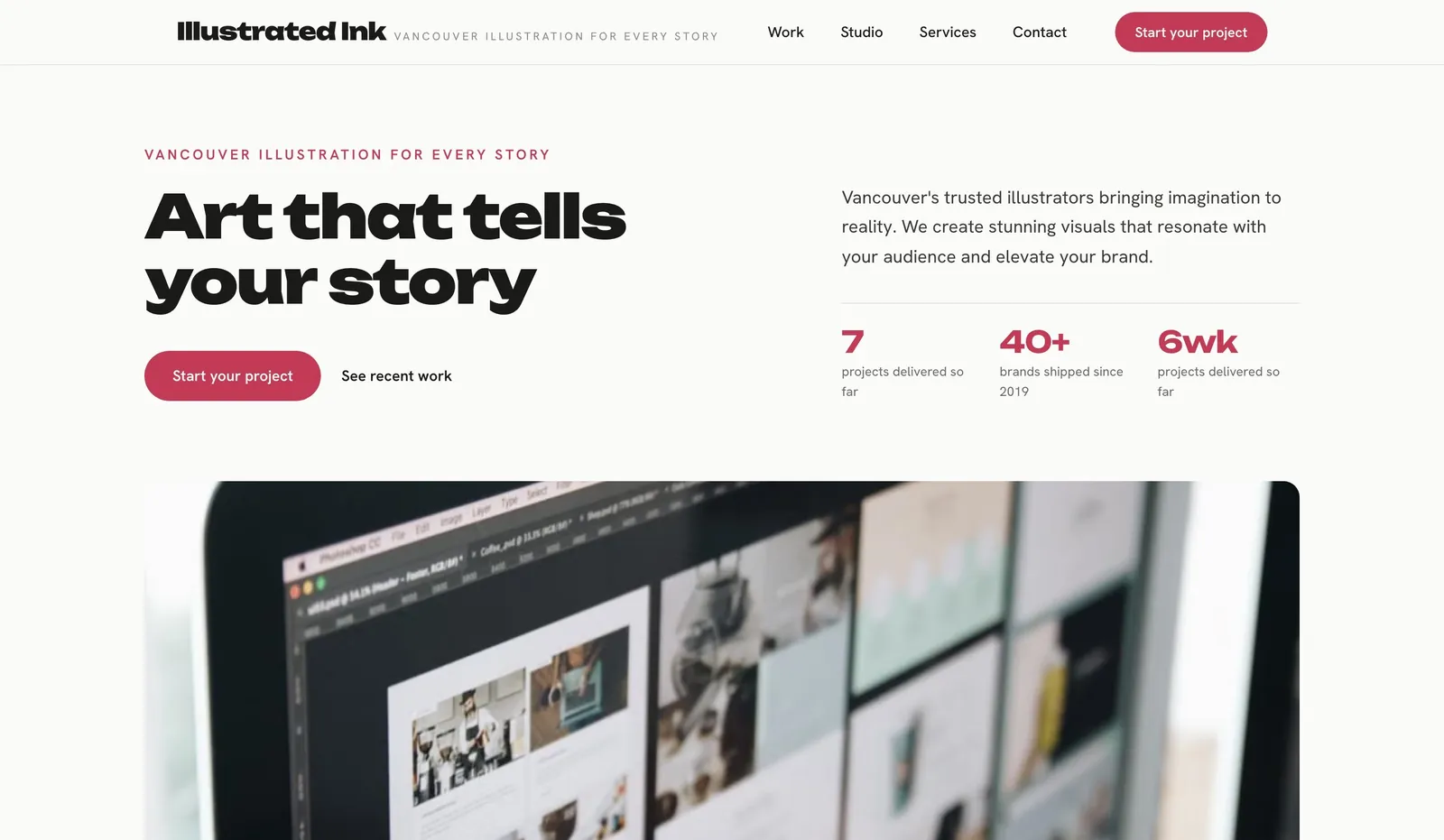
- Contact pattern: commissions page with availability ("booking from March") so people self-qualify.
- Proof pattern: the work itself, grouped by use (editorial, packaging, books).
Job 2: grow readers
3. Author (example design: "Vancouver Author Co.")
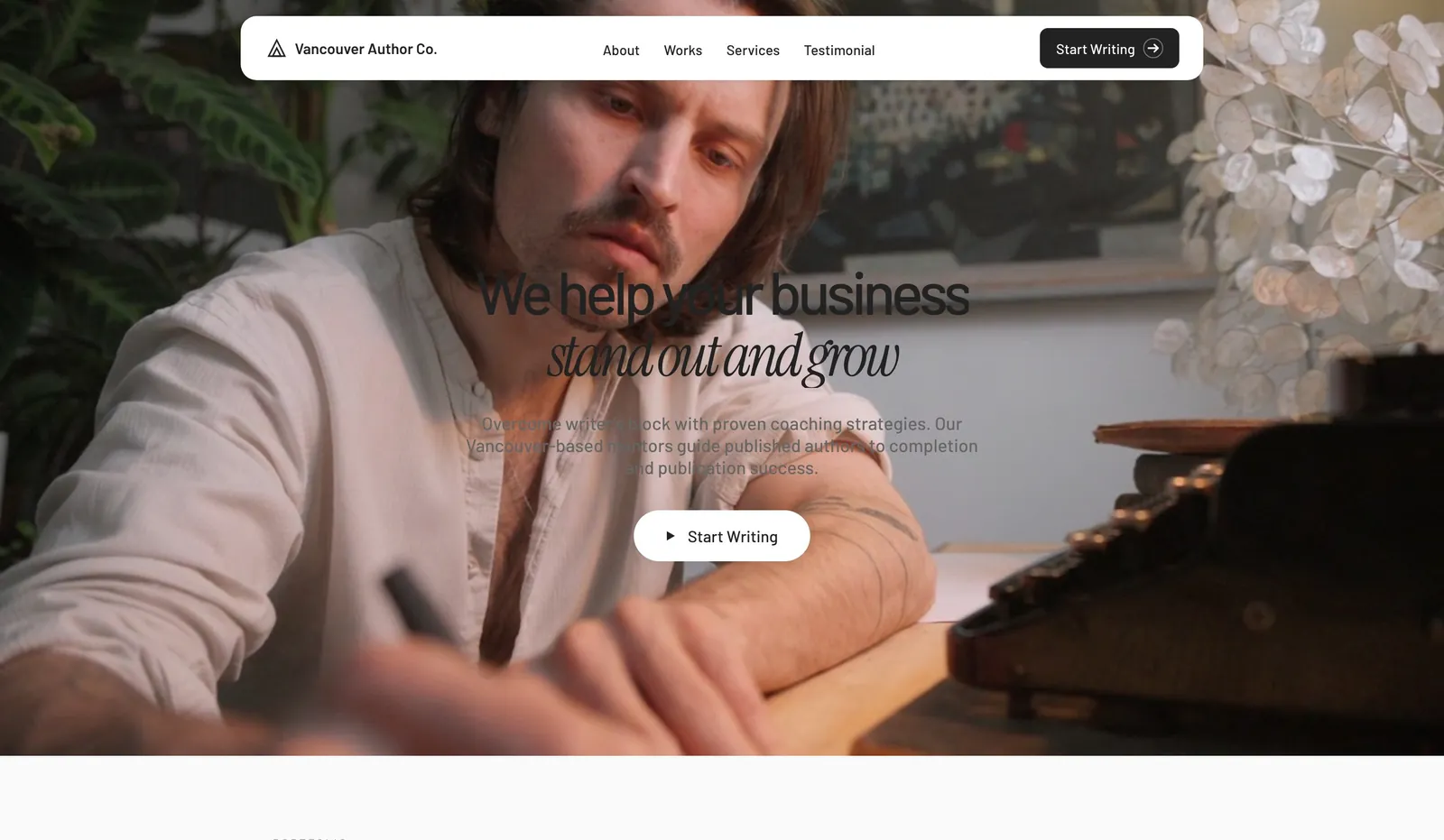
- Contact pattern: a newsletter sign-up is the main action; press and events enquiries go to a separate email.
- Proof pattern: book covers with retailer links, a sample chapter, and published pieces with links.
4. Health coach (example design: "Peak Health Coaching")
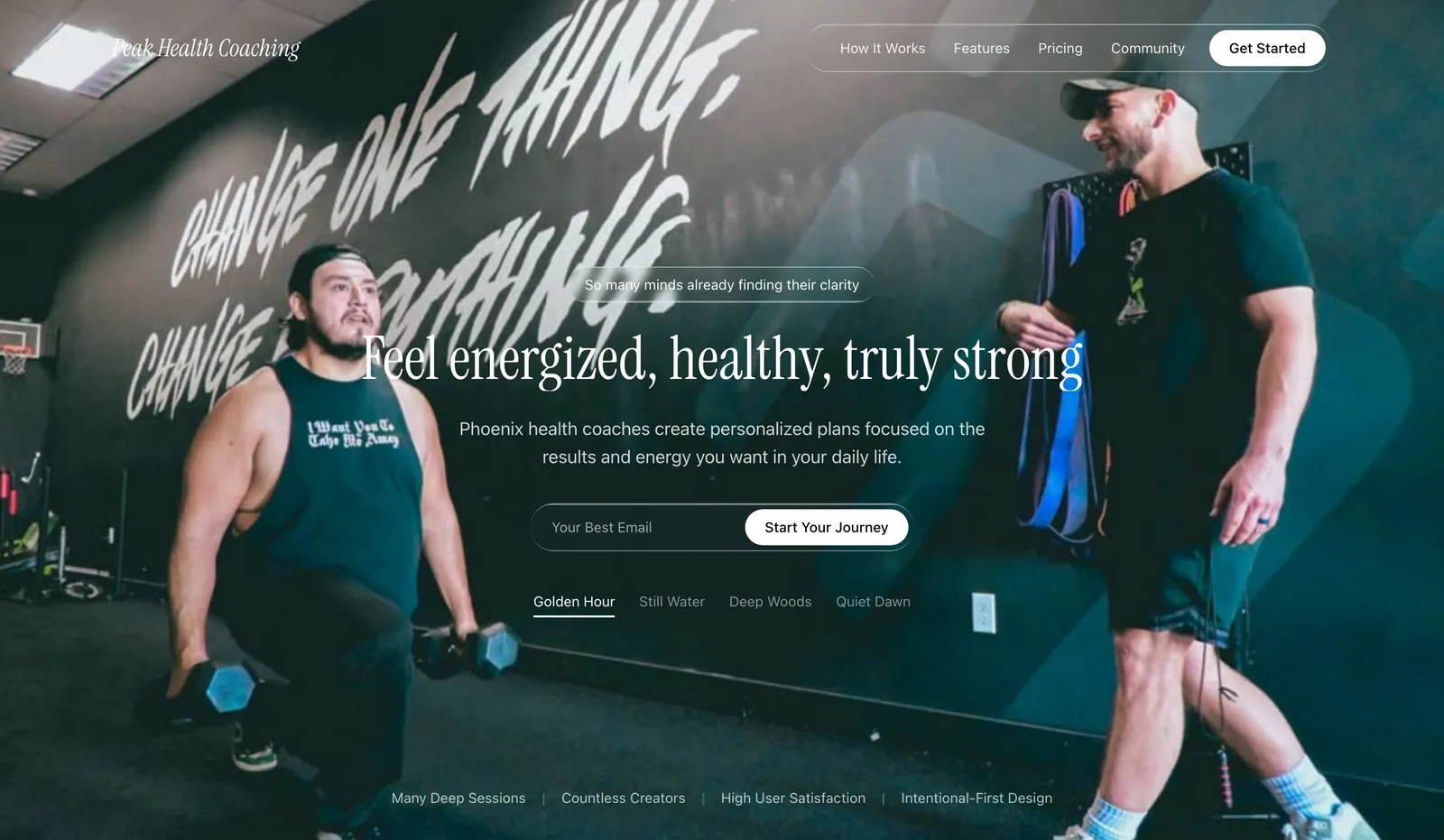
- Contact pattern: free articles lead to a newsletter, and the newsletter leads to a booking link.
- Proof pattern: certification with a link to the certifying body's directory. Avoid health outcome promises.
Job 3: professional credibility
5. Career coach (example design: "Ascent Career Coaching")
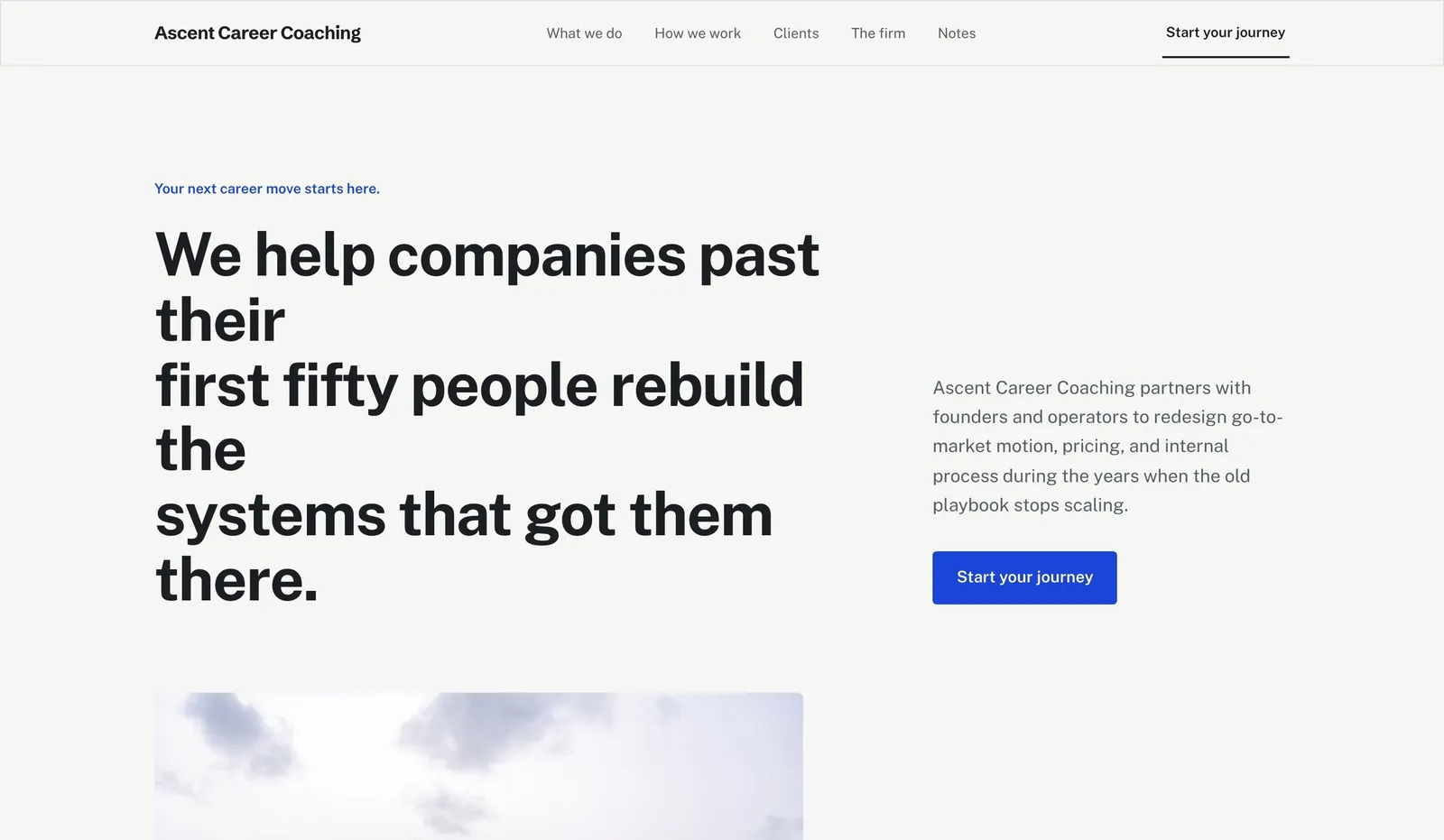
- Contact pattern: a single intro-call link, not a long form.
- Proof pattern: career history with named employers, and a link to your LinkedIn so people can cross-check.
6. Consultant (example design: "Catalyst Consulting")
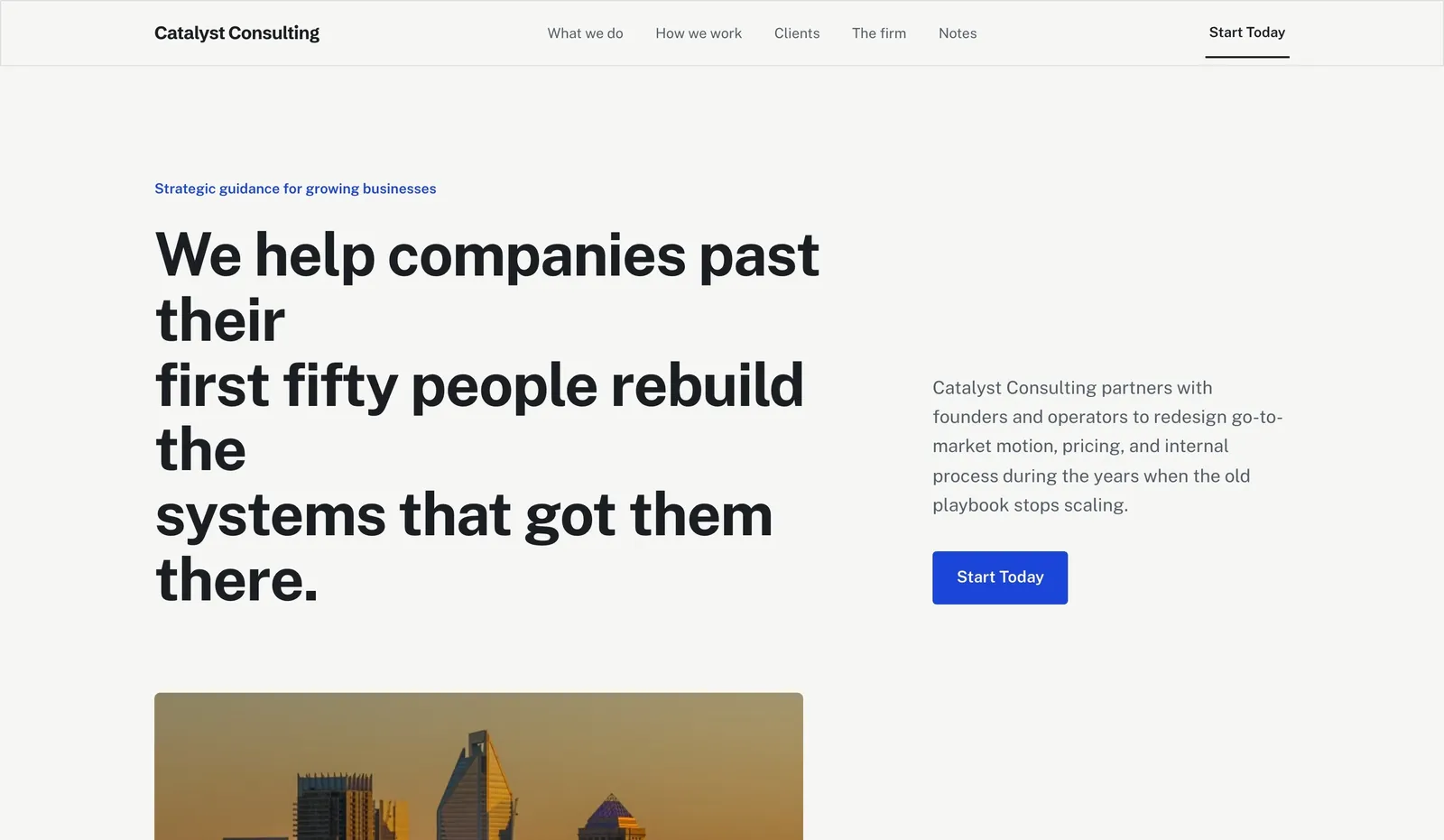
- Contact pattern: email address shown in plain text plus a form, because senior buyers often prefer to write directly.
- Proof pattern: talks, articles and a clear point of view on one problem you solve.
Start building your business website
Comparison by job
| Freelance work | Readers | Credibility | |
|---|---|---|---|
| Main action | Project enquiry | Newsletter sign-up | Intro call or email |
| Best proof | Case studies | Published work | Named history, talks |
| Homepage lead | What you do + for whom | Latest work | Your name + one-line role |
| Must-have page | Work / services | Writing or books | About |
| Update rhythm | Each new project | Every post | A few times a year |
A copyable personal website brief
Name and one-line description:
Main job of the site: freelance work / readers / credibility
Who should land here:
The one action I want them to take:
Proof I can link to (projects, articles, certifications, profiles):
Pages: Home, About, Work/Writing, Contact (+ any other)
Photo of me: yes/no
Tone: formal / friendly / plain
What to adapt and what not to copy
- Adapt: one main action per site, proof placed near that action, a real photo.
- Do not copy: placeholder testimonials, client logos or follower counts from any template. Replace them with things a visitor can check, or leave them out.
- Buy a domain with your name if you can. It is the address people will type after meeting you.
Once your draft is up, run the website grader. For portfolio-heavy sites see portfolio website examples.
Start from a suitable template
Choose a design from the templates and edit it in the We.Inc website builder. The Free plan gives you up to 3 template sites on a we.inc address, with no AI credits and no custom domain. A custom domain with your name, plus AI building, starts on Starter at $20/month (pricing). Compare costs with the website cost calculator.
Start building your business website
Frequently asked questions
What should a personal website include?
A clear line on who you are and what you do, proof people can check, an about page, and one main action such as an enquiry, a newsletter sign-up or a call booking.
Do I need my own domain for a personal website?
Not to start, but a domain with your name is easier to remember and share. On We.Inc, custom domains start on Starter at $20/month; the Free plan uses a we.inc address.
Are these personal website samples real people?
No. They are example designs We.Inc produced from a one-sentence prompt, labelled as examples.
More in Guides
- Plain Language for Government Websites: Rules, Before-and-After Rewrites and a Review Checklist | How-to Guide
- Playwright MCP Server: Let an Assistant Drive a Real Browser
- Plumber SEO: A Practical Local SEO Checklist
- pnpm vs npm: What Actually Differs
- Website Portfolio Examples: Photographers, Designers and Architects | How-to Guide
- Respecting prefers-reduced-motion
- How to Build a Print-on-Demand Website
- Ecommerce Product Page Design: Anatomy and Examples
Website builders for the businesses in this article
Related guides and tools
Start building
Product
Who It's For
- For Agencies
- For Freelancers
- For Hosting Providers
- For SaaS Platforms
- For Startups
- For Financial Services
- For Healthcare
Features
Resources
- Blog
- Help Center
- Free Business Tools
- Free UI Components
- Website Templates
- Template Collections
- Website Examples
- Guides
- Comparisons
- Alternatives
- Best Lists
- Reviews
- Pricing Guides
- Use Cases
- Glossary & Guides
- Integrations
- Developers
- Benchmark
- Windows App