Your instructors want a website. Make sure it is yours, not a competitor’s
Course platforms host the lessons, the checkout and the student records. What most do not give instructors is a proper home: a site with their story, their free content, their speaking page and their newsletter, under their own name. So instructors go and build one elsewhere, and the tool they choose often sells courses too. This page is about closing that gap with sites that carry your brand and point back to your platform.
TL;DR
- An instructor with a personal site elsewhere is one export button away from moving their courses too. A site under your brand keeps the relationship.
- Keep courses, payments for courses and student data on your platform. The website is for discovery and trust, and links into your checkout.
- Each instructor is a client account under your brand, with their own site, domain and the switches you choose.
- Testimonials and income claims on instructor sites carry FTC rules. Approval before publishing gives you a light check.
Why instructors leave for a separate site builder
Talk to the instructors who churned in the last year and a pattern usually shows up. They did not leave because your video player was worse. They left because they outgrew the profile page your platform gives them and went looking for a website, and the website tool they found also sold courses, memberships and email. Once their audience was on that tool, moving the courses there too was a small step.
Some all-in-one creator platforms are open about this. Kajabi, for example, markets a website builder as part of its product and lets a creator connect a custom domain to it. That is a good product for a solo creator who wants everything in one place, and if you are a solo instructor reading this page, it may well be the better fit for you. For a platform with hundreds of instructors, it is a leak.
The fix is not to forbid instructor websites. It is to offer one that is better integrated with your platform than anything they can get elsewhere, under your name, with their courses one click away.
The split: what lives on the site, what stays on the platform
Drawing this line first saves months of arguments with your own product team.
| On the instructor's website | On your course platform |
|---|---|
| Who they are, their story, real photos | Lessons, video, quizzes, certificates |
| Free articles, a podcast page, talks | Course checkout and course payments |
| A "start here" page for new visitors | Student accounts and progress |
| Links to each course's sales page on your platform | Refunds, coupons, affiliate tracking |
| A newsletter sign-up or contact form | Student messages and community |
| Speaking, consulting or workshop enquiries | Grades and any student records |
The website is a shop window. The till and the classroom stay on your platform. This also keeps the risky data where your security work already is: an instructor's marketing site should never collect student records.
What an instructor's journey looks like under your brand
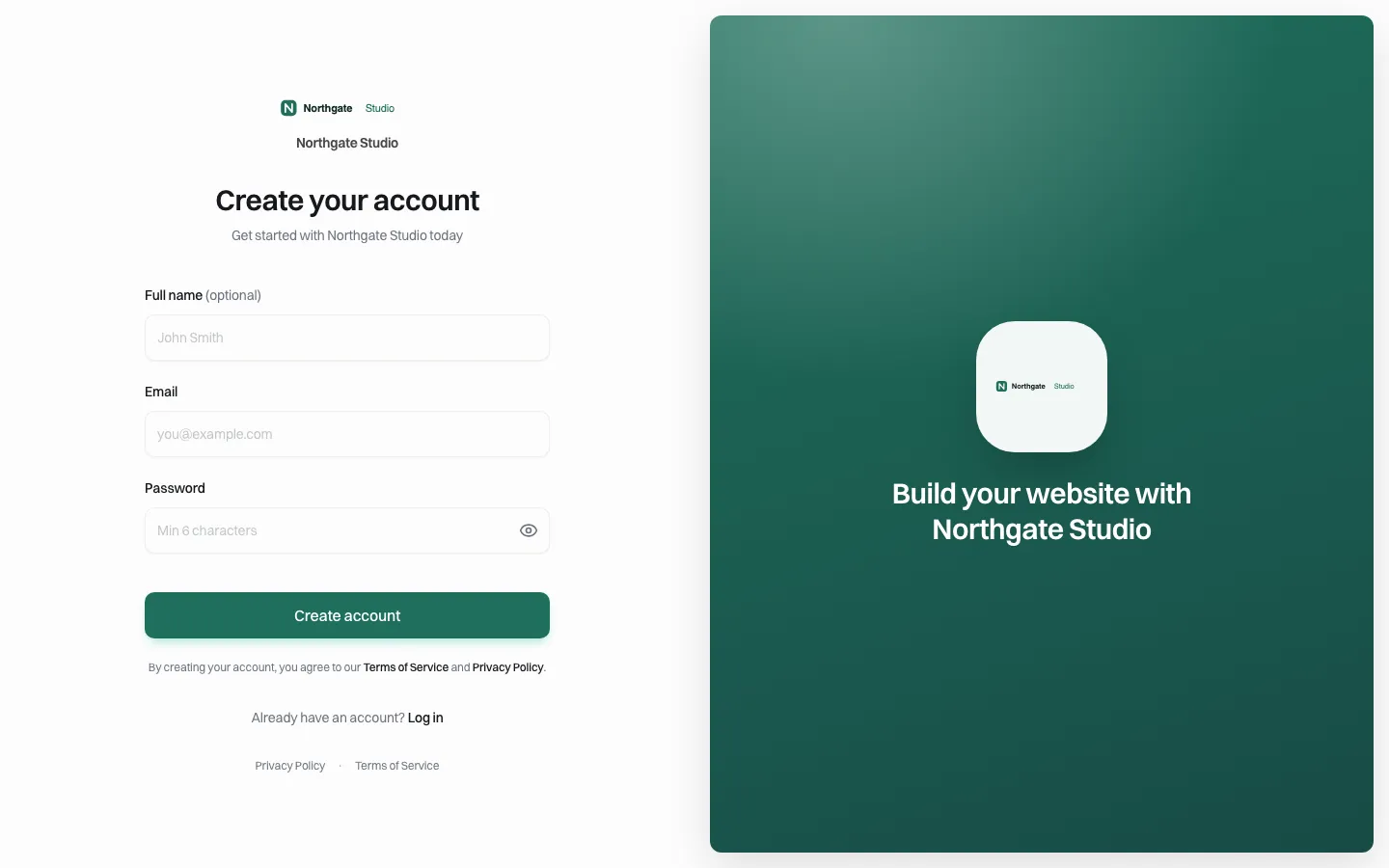
*The sign-up page instructors see carries your name, logo and colours. The demo brand here is Northgate Studio.*
- You invite the instructor, or let them sign up on your branded page. The invitation email comes in your name.
- They start from a template or describe their site in words. The AI builds a first version from their description; the visual editor lets them change headings, colours and buttons without code.
- They link their courses. Each course button points at your platform's sales page, with whatever tracking parameters your affiliate system needs.
- They publish, straight away or after your approval, depending on how you set their account.
- They connect their own domain if you allow it, so the site lives at their name.
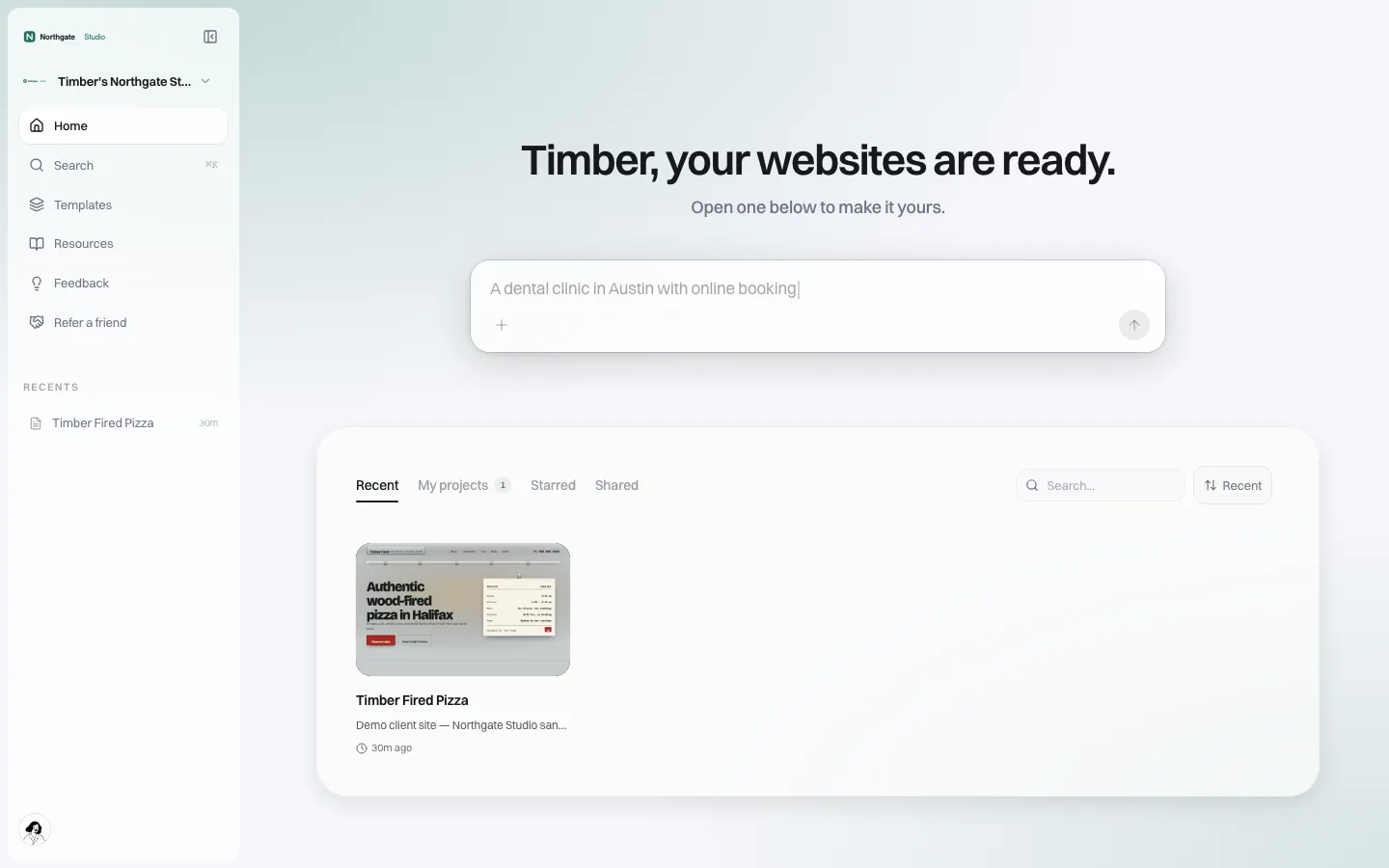
*What the instructor sees after signing in: their sites, a prompt box to describe changes, all under the brand.*
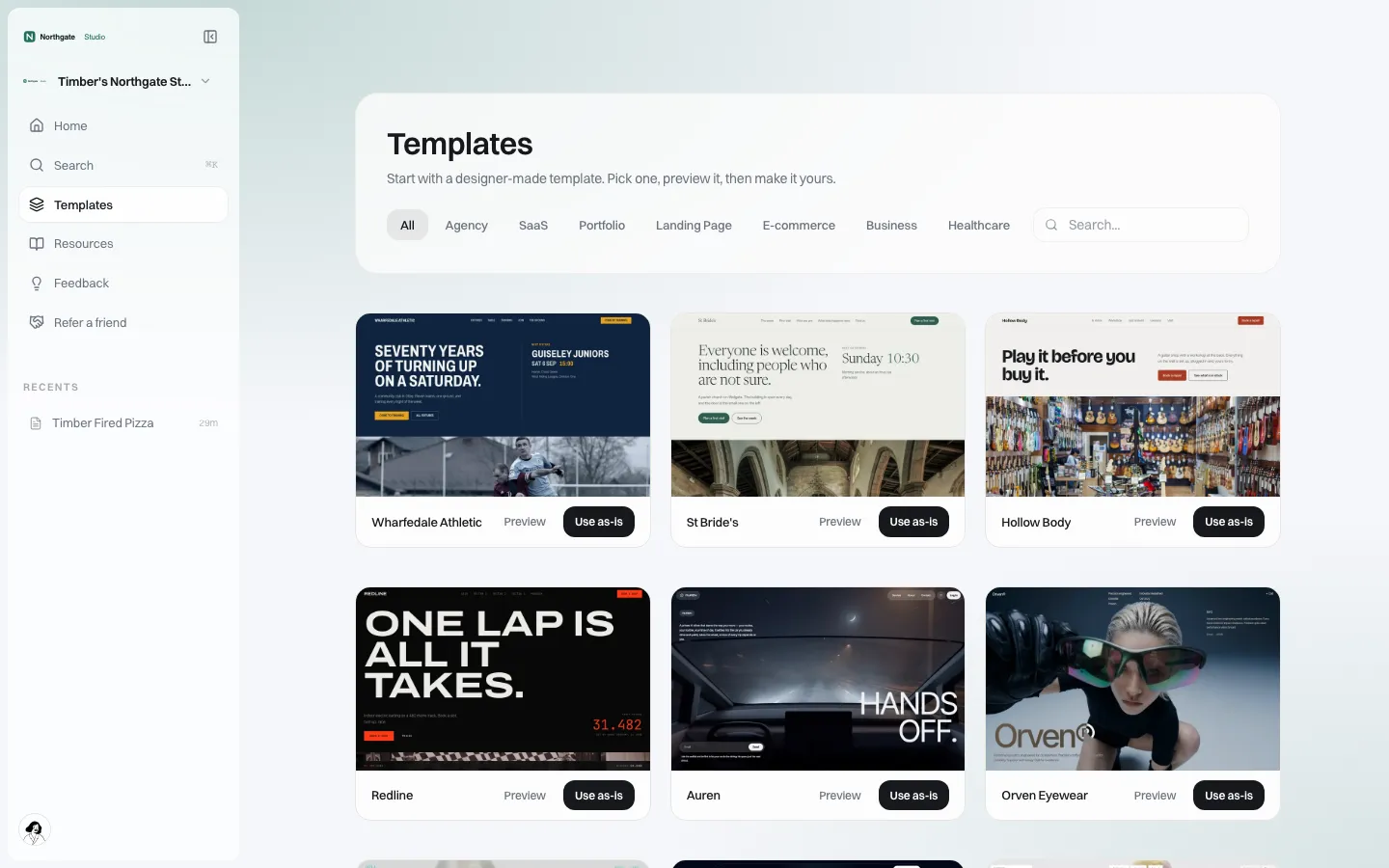
*Instructors can start from a template instead of a blank page.*
Three ways to offer it
As a perk of a higher instructor tier. The site is included when an instructor reaches a plan level or a revenue threshold. Simple, and it gives instructors a reason to move up. Watch the cost of instructors who never publish anything.
As a paid add-on. Instructors pay you monthly for the site, through your own Stripe account. You set the price and keep the margin; the instructor sees one bill from you.
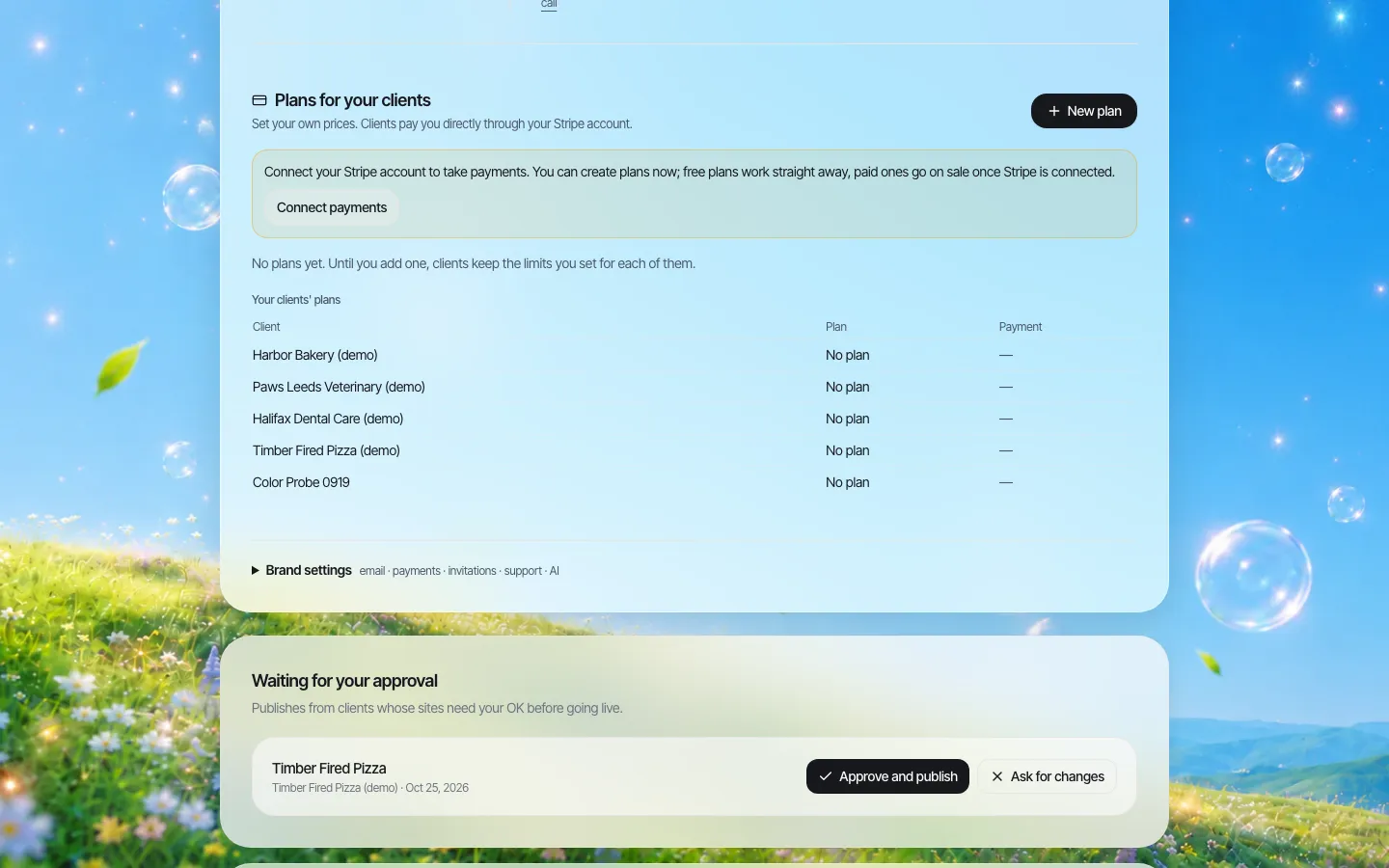
*Plans for your clients: you set your own prices and connect your own Stripe account. The demo brand has not connected Stripe yet.*
Inside your own product. If your engineering team wants the builder to appear inside your instructor dashboard rather than on a separate portal, there is an embed option: you register the web addresses allowed to load it, choose a theme, choose which features appear (AI chat, preview, deploy, export) and cap how many projects each user can create. This route needs engineering time on your side; book a demo with an engineer on the call if it interests you. More on the embedded builder page.
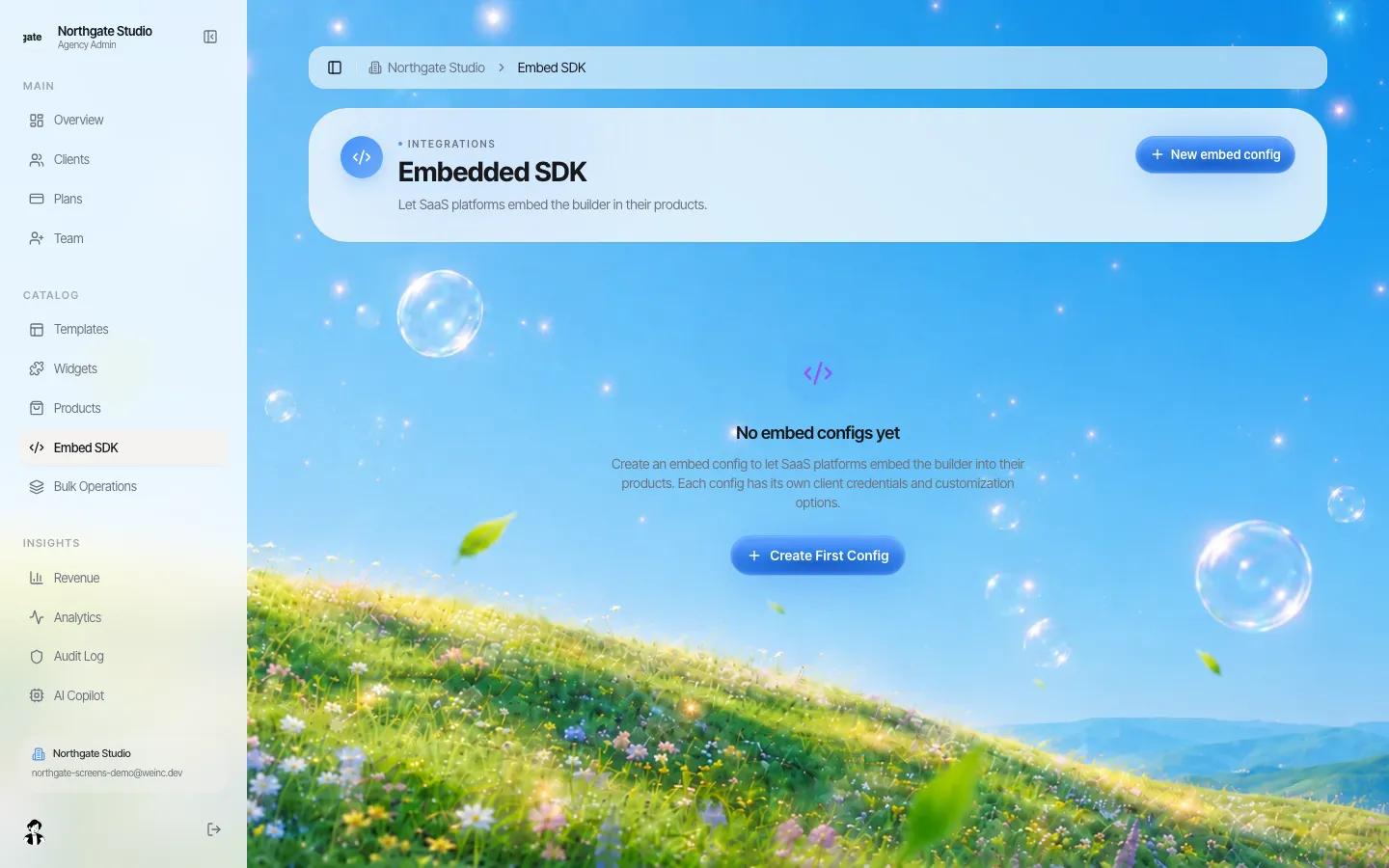
*The embed settings in the brand console. This demo brand has not created an embed yet, so the screen is empty.*
Decide what each instructor may change
Not every instructor should get every feature on day one. Per-instructor switches cover: publishing, connecting their own domain, seeing the code, blog, online store, forms and submissions, and SEO settings, plus whether publishing needs your approval first.
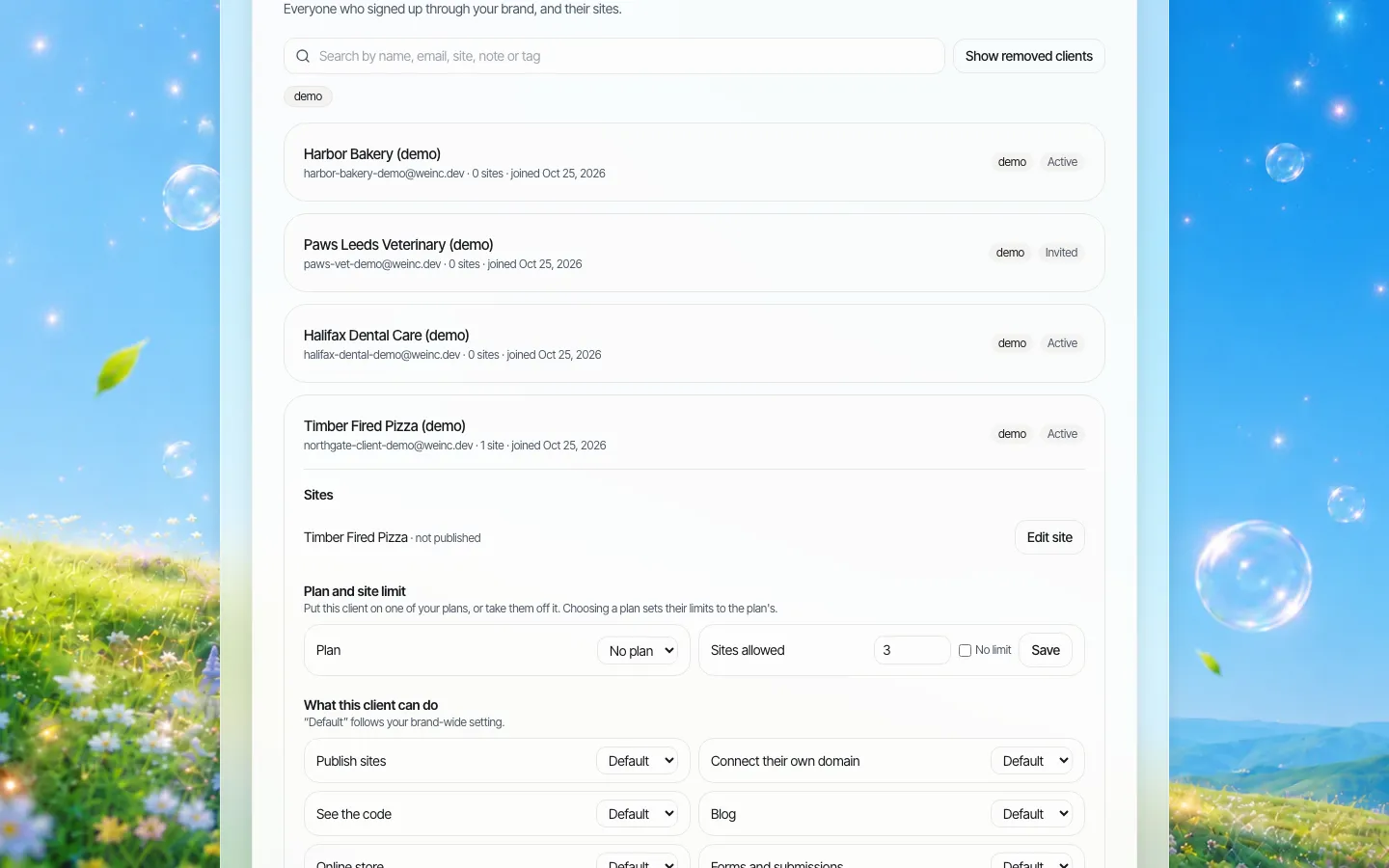
*One account's switches. Set brand-wide defaults once, then override for individuals.*
A sensible starting set for course platforms:
| Switch | New instructor | Established instructor | Why |
|---|---|---|---|
| Publish | On, with approval | On, no approval | Catch problems on first sites only |
| Own domain | Off | On | Domains are worth giving once they have an audience |
| Online store | Off | Off | Courses sell on your platform, not on a side store |
| Blog | On | On | Free content is the reason the site exists |
| Forms | On | On | Newsletter and enquiry forms |
| SEO settings | On | On | They need titles and descriptions to be found |
| See the code | Off | Off, unless asked | Few instructors need it |
Switching the store off is the single most important line here. It stops the website quietly becoming a second checkout that competes with yours.
Rules that touch instructor sites
Course marketing leans on testimonials and results, which is where regulators look.
- Typical results. The FTC's Endorsement Guides (16 CFR 255.2(b)) say that when an ad uses a consumer's experience to show a key benefit, people may take it as typical. If the advertiser cannot back that up, the ad should clearly disclose what people can generally expect. "I made my first $10k in a month after this course" on an instructor's homepage is exactly this.
- Material connections. Under 16 CFR 255.5, if someone endorsing a course was paid, given free access or has another connection that readers would not expect, that has to be disclosed clearly.
- Your own position. If the instructor's site is under your brand, a visitor may reasonably read the claims as yours too.
This is not legal advice; ask your own counsel how these rules apply to your platform and your instructors. A practical step: turn on approval before publishing for new instructors and check their homepage claims once. Approval in We.Inc is a single step: the instructor presses Publish, and the site goes live when you approve it, or you send it back with a note.
How a mobile visitor sees an instructor site
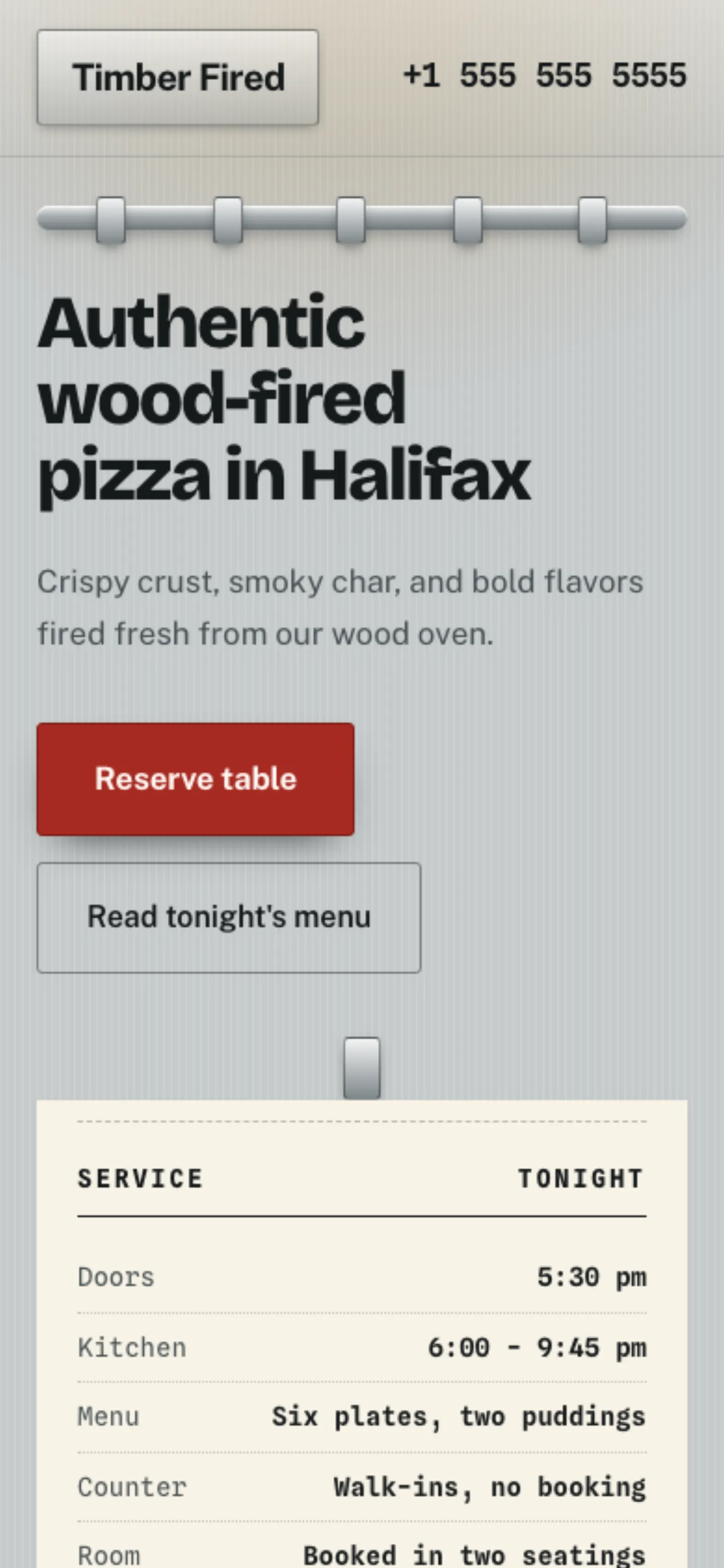
*A sample site from a template at phone width. This is a live preview of the demo site, not a published address.*
Most visitors arrive from social posts on a phone. Before launch, open each instructor's homepage on a phone and check three things: the course button is visible without scrolling far, the newsletter form works, and the page loads quickly on mobile data.
A 60-day rollout plan
| Days | Step |
|---|---|
| 1-10 | Decide the split (table above), the offer model and the default switches |
| 10-20 | Pilot with ten instructors of different sizes, approval on for all |
| 20-30 | Measure: how many published, how many linked every course, what they asked for |
| 30-45 | Adjust defaults, write a one-page guide for instructors, set your price if it is an add-on |
| 45-60 | Open it to every instructor tier you chose; keep approval on for new accounts |
Where this is the wrong tool
- You need a learning management system. We.Inc builds websites. It does not host lessons, track progress or issue certificates.
- You want one central marketing site for the platform itself. That is a single site; any good builder or CMS will do it.
- Your instructors are all solo creators who want everything in one product. An all-in-one creator platform may suit them better than a platform-plus-website setup.
We do not publish security certifications, uptime figures or hosting-region guarantees. Each site's code can be downloaded or exported to GitHub, which matters if an instructor leaves and you agree they keep their site; see code export.
Book a demo and bring a list of three real instructors; we will build the setup around them on the call.
Sources
Last checked 2026-10-25.
- FTC Guides Concerning the Use of Endorsements and Testimonials in Advertising, 16 CFR Part 255 (eCFR): ecfr.gov/current/title-16/chapter-I/subchapter-B/part-255
- Kajabi help centre, "Connect a custom domain": help.kajabi.com; Kajabi web builder feature page: kajabi.com/features/web-builder
Book a demo. Pricing is tailored to your volume and setup, and you get your exact price on the call. 0% transaction fee.
Frequently asked questions
Does We.Inc host courses or student accounts?
No. It builds and hosts websites. Courses, course payments and student records stay on your platform, and instructor sites link to your sales pages.
Can instructors sell from their website?
An online store is one of the per-account switches. Most course platforms switch it off so courses are only sold through the platform checkout.
Can we charge instructors for the website?
Yes. You set your own plans and prices and bill instructors through your own Stripe account. We quote our price to you on a demo call.
Can the builder appear inside our own instructor dashboard?
There is an embed option with allowed web addresses, theme and feature settings. It needs engineering work on your side; ask for an engineer on the demo call.
Keep reading
- White label website builder: the We.Inc platform
- Embedding a website builder inside your software
- Client permissions: what each site owner can do
- Billing clients for websites under your brand
- Publishing approvals
- Code export: leaving without losing the site
More in White Label
- Should a payments company give its merchants a website?
- Candidate websites for every customer on your campaign platform
- White-label website builder pricing
- You already made their logo, cards and sign. The website is the next thing they ask about.
- A website for every building, run by the company that manages them
- Agents want their own site. The brokerage needs it to stay on-brand. Both can be true.
- How to resell websites under your own brand
- Website Builder Reseller Program & Billing
We.Inc is an AI-powered website builder you can resell under your own brand. Launch a branded client dashboard, bill on Stripe Connect, and deliver AI-generated websites in minutes. White-label pricing is tailored to your volume and setup: book a 30-minute demo for a quote.
Product
- AI Website Builder: Describe a site in plain English; it's live in minutes
- White Label Platform: Your brand, your domain, your margin
- Enterprise: SSO, custom SLAs, and dedicated support
- Developer API: Embed site generation into your SaaS
Who It's For
- For Agencies: Resell under your brand
- For Freelancers: Your own branded builder
- For Hosting Providers: Add a builder to your stack
- For SaaS Platforms: Embed site creation via API
- For Startups
- For Financial Services
- For Healthcare
Features
- Drag & Drop Editor
- Built-in SEO Tools
- Custom Branding
- Client Dashboard
- Reseller Billing (Stripe Connect)
Resources
- Blog
- Help Center
- Free Business Tools
- Free UI Components
- Website Templates
- Template Collections
- Website Examples
- Guides
- Comparisons
- Alternatives
- Best Lists
- Reviews
- Pricing Guides
- Use Cases
- Glossary & Guides
- Integrations
- Developers
- Benchmark
- Windows App