A listing gets a wedding vendor found. A website gets them booked.
Marketplaces, booking tools and studio software for the wedding trade all hear the same request from vendors: "can you do my website too?" Photographers, venues, planners, florists and bands want a site that looks as good as their work and does not take a weekend each season to update. This page is for the platform considering offering that site under its own brand.
TL;DR
- Wedding vendors sell on looks and trust. A tired website loses enquiries that a marketplace listing earned.
- With We.Inc each vendor gets a site under your brand, started from a template and edited visually.
- Your listing, enquiry inbox and booking flow stay yours; the site links into them.
- Keep reviews real: the FTC rule on fake reviews applies to what vendors put on their sites.
What a wedding vendor actually needs from a site
Couples look at a vendor two or three times before they enquire. The listing on your platform gets them the first look. The second and third usually happen on the vendor's own site, often on a phone, often late at night. What they look for is predictable:
| Vendor | What couples check first | What usually lets them down |
|---|---|---|
| Photographer | Full galleries, not just highlights; style consistency | Gallery pages that load slowly on a phone |
| Venue | Capacity, spaces, dates, what is included | Prices or packages hidden in an old PDF |
| Planner | Real weddings, process, how to start | No clear first step |
| Florist | Seasonal work, style, delivery area | Last season's photos only |
| Band or DJ | Video, set lists, availability | Dead video links |
Few vendors keep all of that current. Their busy season is exactly when they have no time to touch their site.
Listing and website do different jobs
Your platform probably owns discovery, enquiries or bookings. A website does not replace that; it closes the sale you started. Think of it as a split:
- Your platform: search, comparison, enquiry form or inbox, contracts, booking, payments.
- The vendor's website: the full portfolio, the story, the detail, and a clear button back to your enquiry or booking flow.
When the site lives on your platform, under your brand, that button points to you instead of to a competitor's contact form.
What the vendor sees
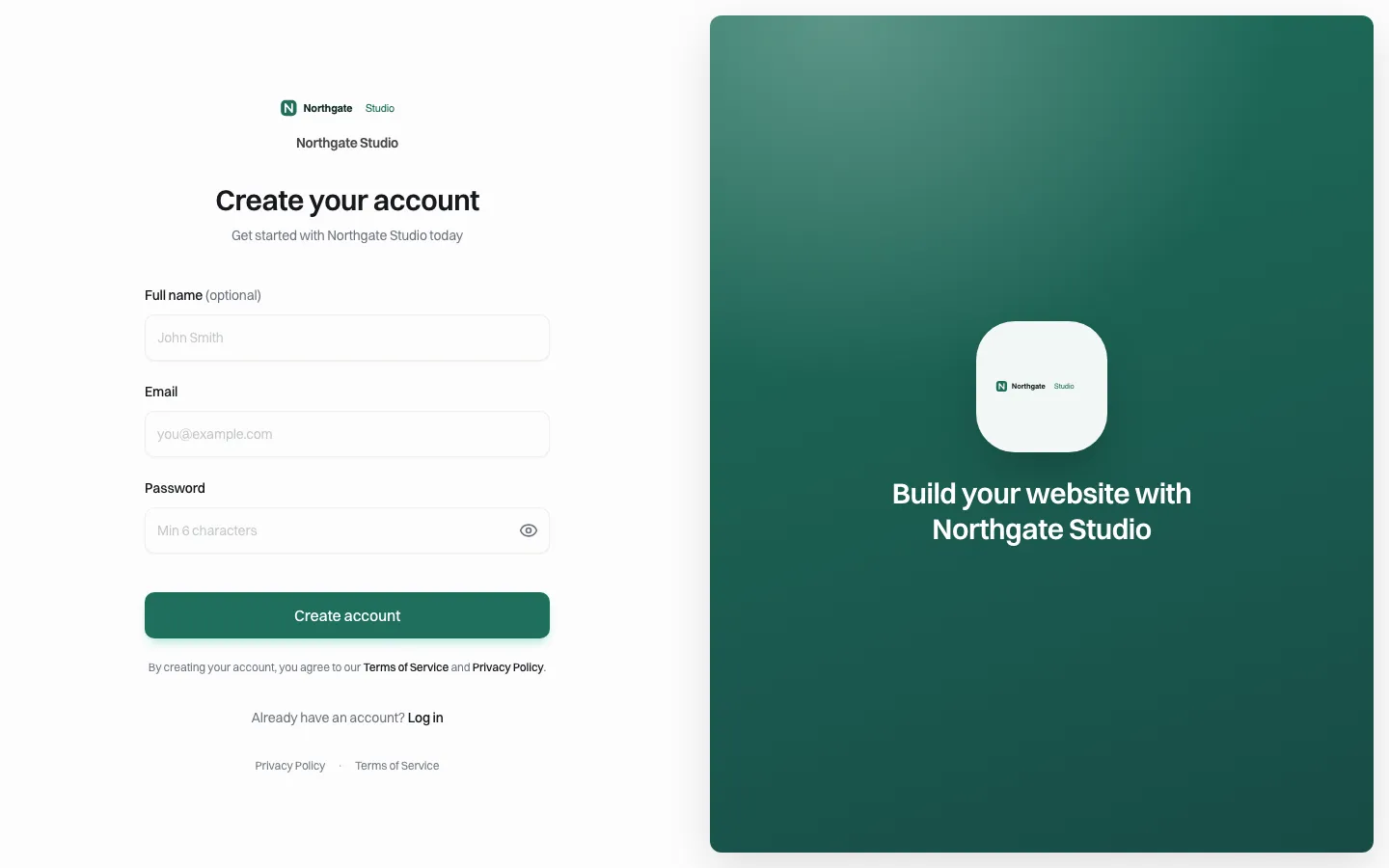
*The sign-up page under a demo brand. Your vendors would see your name.*
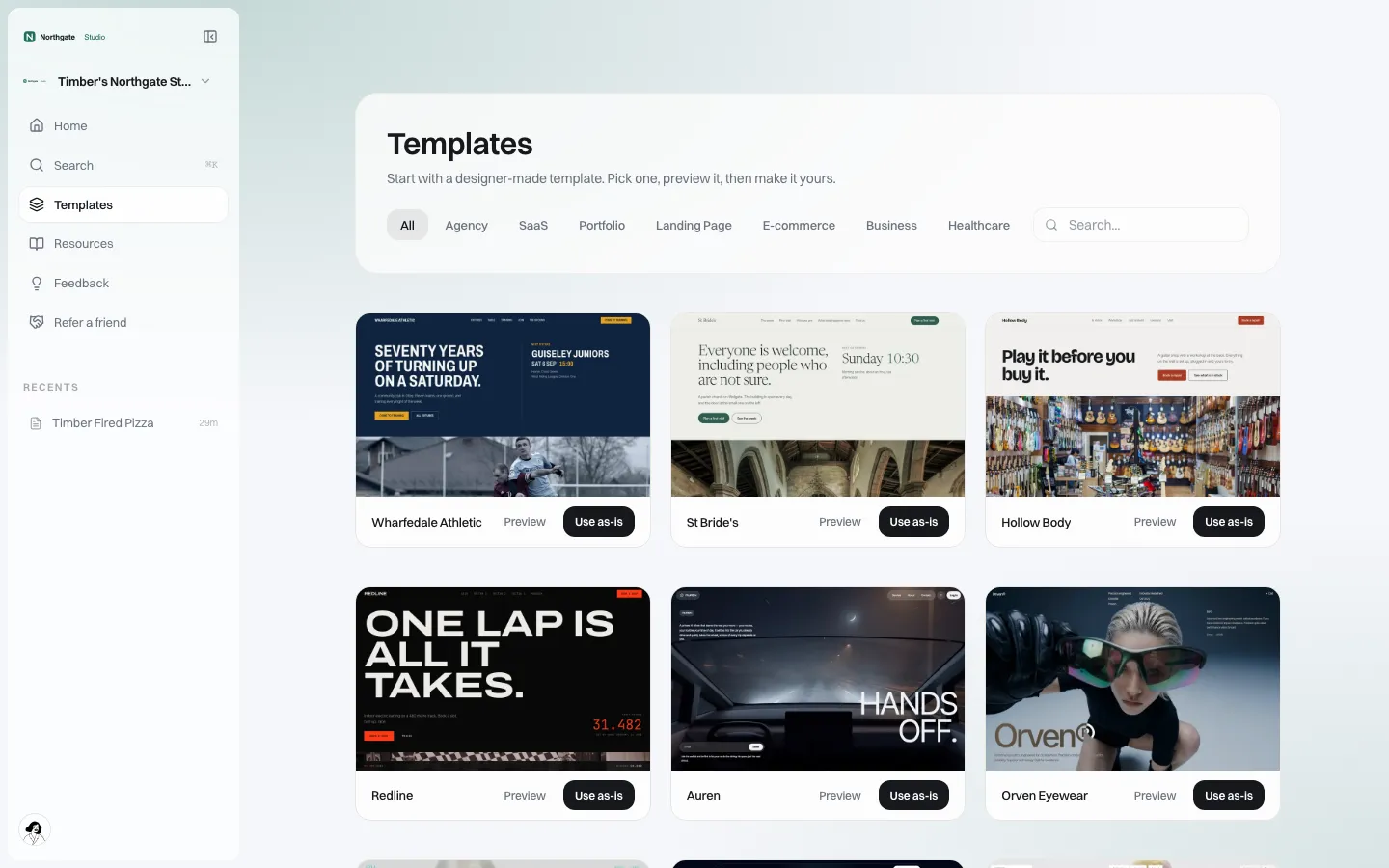
*The template gallery. You choose which designs your vendors start from.*
A vendor signs up or accepts your invitation on your portal, picks a design from the templates you have chosen, or describes the site in plain words to the AI builder, and then edits in a visual editor.
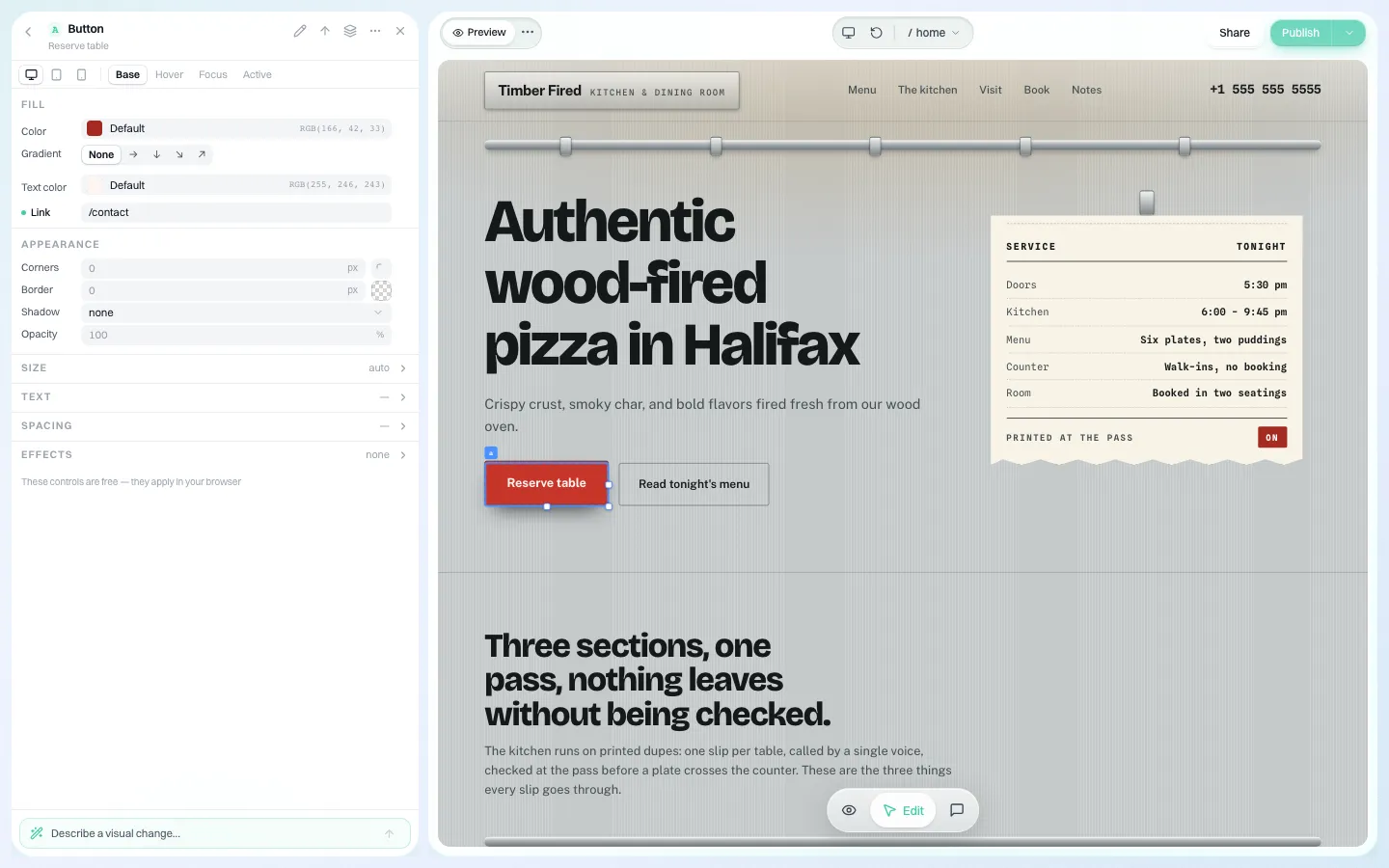
*The visual editor. Button styles, colours and sizes can be adjusted per screen size.*
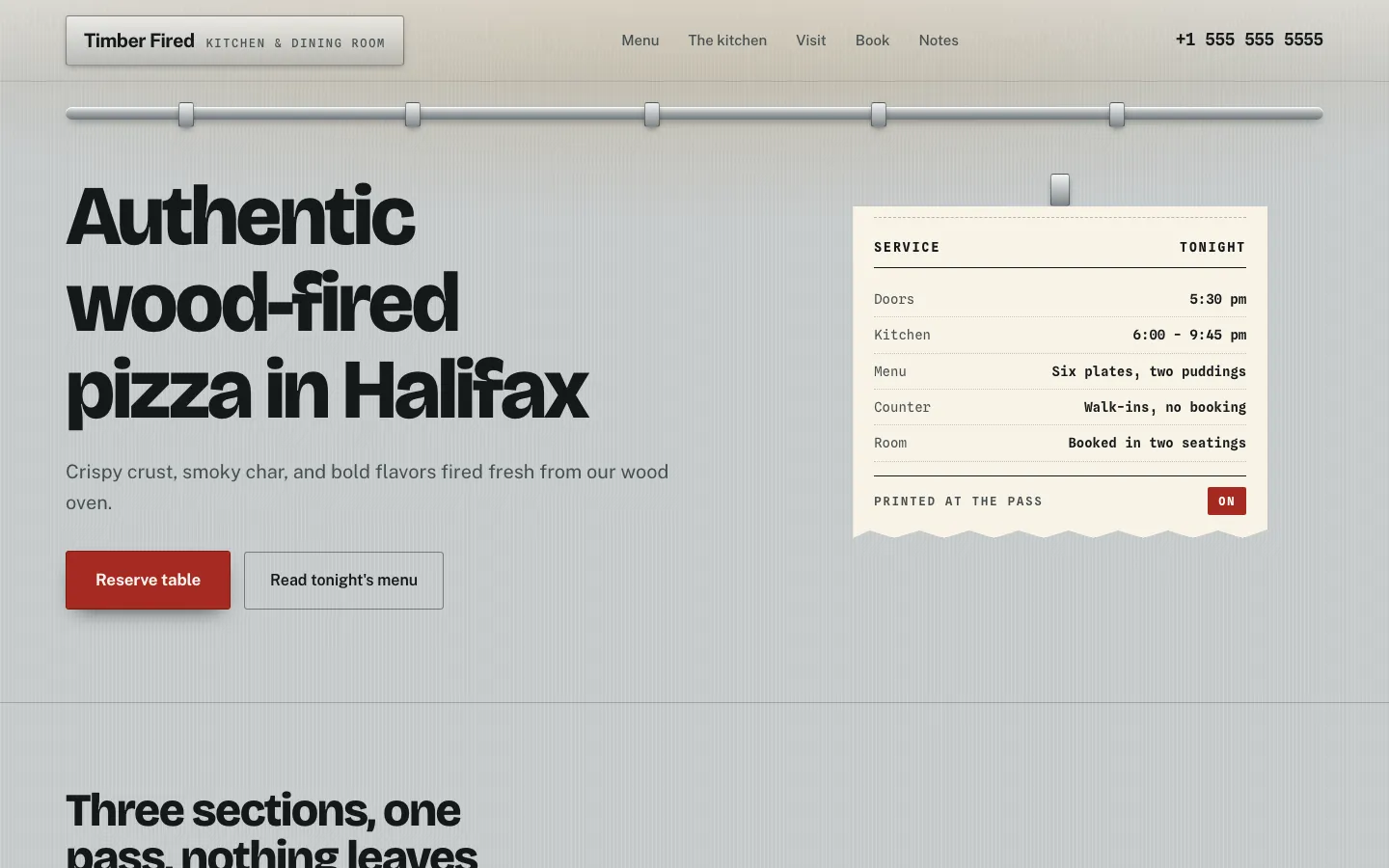
*A sample client site in the live preview (a restaurant template in our demo; your templates would suit wedding vendors).*
The site can also carry a blog, an online store and forms if you allow them, and the vendor's own domain.
Seasonal routines you can build into onboarding
Help vendors more than any template can by giving them a calendar. A version you can adapt:
| Month (northern hemisphere) | Task | Time |
|---|---|---|
| January | Update dates and packages for the season; replace the hero image | 1 hour |
| March | Add three recent real weddings with vendor credits | 2 hours |
| June | Check every link to your enquiry and booking pages still works | 20 minutes |
| September | Publish a styled shoot or seasonal post on the blog | 1 hour |
| November | Remove anything sold out; refresh the about page | 30 minutes |
You can send reminders in your own product. On our side, branded emails go out under your name for invitations and "your website is ready".
Controls for a platform with thousands of vendors
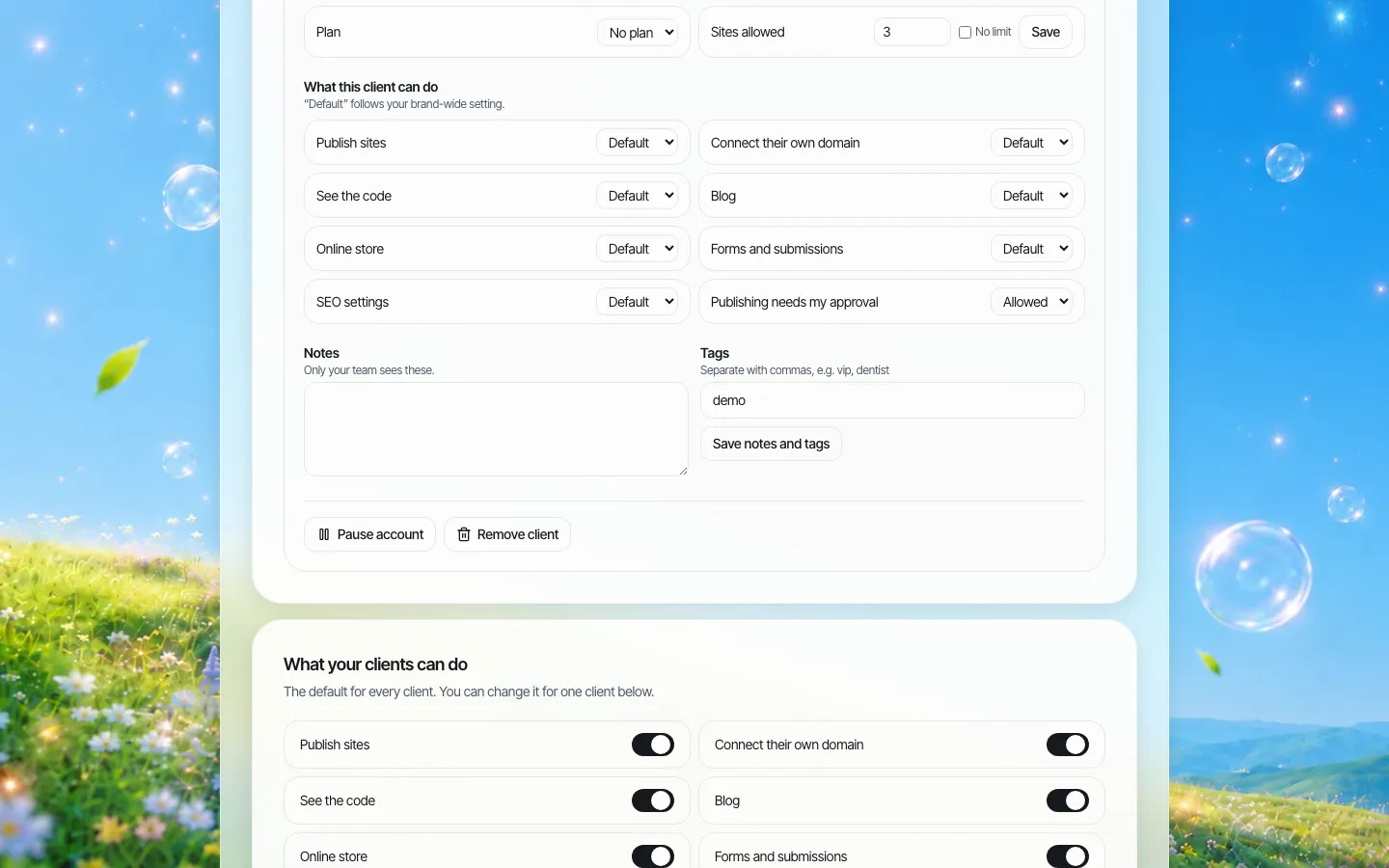
*One vendor's account. Switches can follow your defaults or be changed for this vendor.*
- Site limits. One site per vendor is common; let venue groups have more.
- Feature switches. Turn the store or blog on only for plans that include them.
- Own domain. Many vendors already have a domain; let them keep it.
- Approval. A single-step approval before a client's site goes live is useful for brand-new vendors on a marketplace that vets members.
- Plans you set. If you charge for sites, set your own plans and take payment through your own Stripe account.
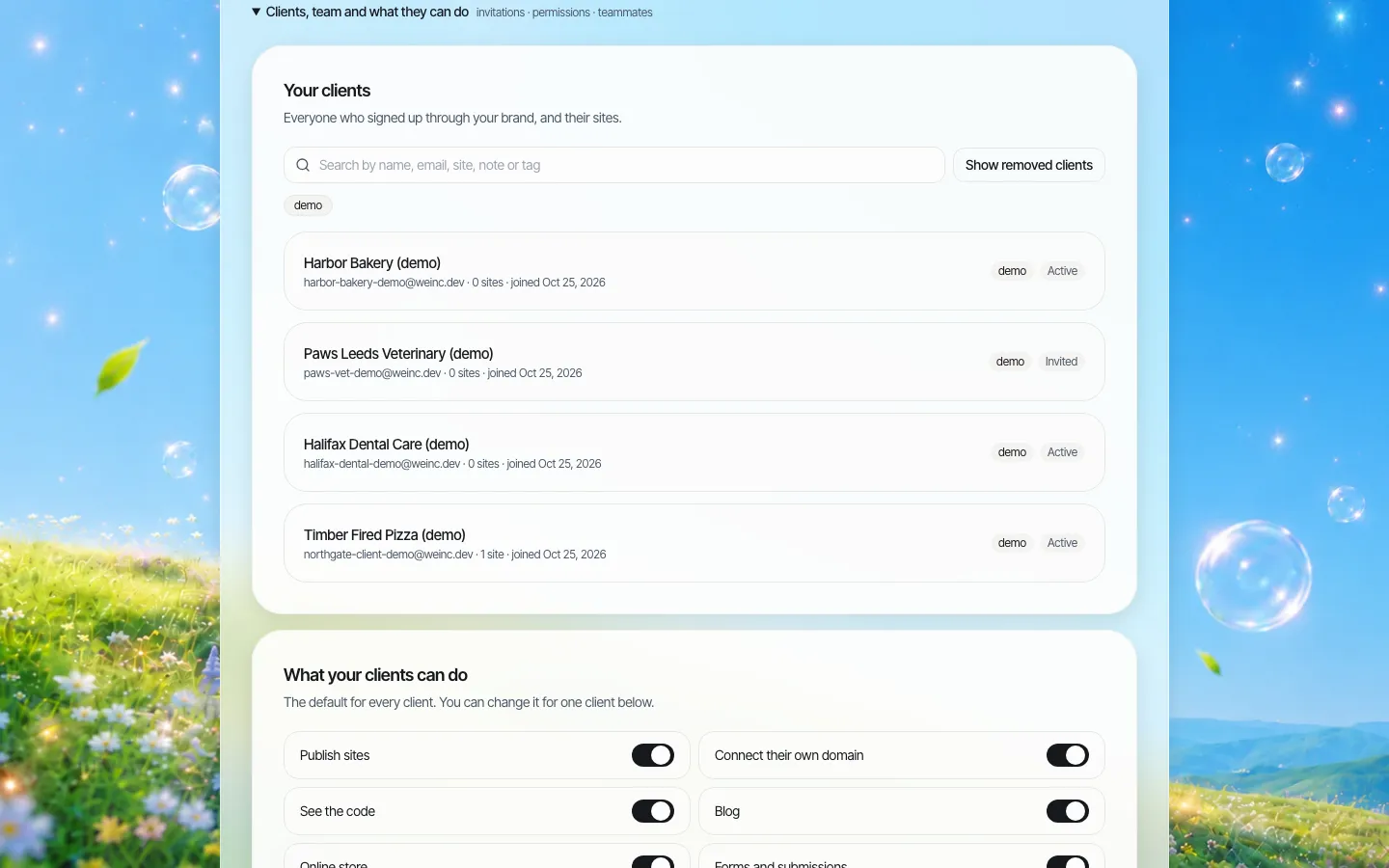
*The client register. Tag vendors by category or region and search by tag.*
Keep reviews honest
Testimonials sell weddings, and that makes them a target. In the US, the FTC's rule on the use of consumer reviews and testimonials (16 CFR Part 465) has been in effect since 21 October 2024 and bans fake reviews and testimonials, among other practices. If your marketplace collects verified reviews, encourage vendors to show those rather than writing their own. A short line in your onboarding saves a vendor real trouble.
Avoid a thousand look-alike pages
A vendor who serves twenty towns is tempted to make twenty near-identical pages. Google's spam policies call that doorway abuse: pages "created to rank for specific, similar search queries". One strong page about the area they cover, plus real weddings named by venue, does more and risks nothing.
Questions to settle before launch
Your answers shape the offer more than any feature does. Agree these internally first:
- Who builds the first version? Self-serve suits confident vendors; a 30-minute setup call from your team suits everyone else and gets far more sites live.
- Which categories get which templates? A venue needs spaces and capacity sections; a band needs video. Curate a small set per category rather than one long gallery.
- What happens when a vendor leaves your platform? Decide whether they can take the site with them. With the code switch on, they can download it or push it to GitHub, which is a fair answer to vendors who worry about lock-in.
- Who answers website questions? The help pages and emails carry your support contact, so your team will get them. Plan for that before the first busy season.
- How will you know it worked? Track enquiries arriving from vendor sites into your platform, not the number of sites created.
Where something else fits better
The largest venues and luxury planners often hire a designer for a one-off site, and they should. Vendors who only need a contact page may be happy with your listing alone. The fit is the large middle: busy small vendors who want a proper site but will never learn a full website tool.
Sources
- US Federal Trade Commission, Trade Regulation Rule on the Use of Consumer Reviews and Testimonials, 16 CFR Part 465; effective 21 October 2024. ftc.gov
- Google Search Central, "Spam policies for Google web search": doorway abuse. developers.google.com/search/docs/essentials/spam-policies
Last checked 2026-10-25. Not legal advice.
Book a demo to see a vendor site on your brand.
Book a demo. Pricing is tailored to your volume and setup, and you get your exact price on the call. 0% transaction fee.
Frequently asked questions
Does the website replace our marketplace listing?
No. The listing does discovery and enquiries; the website shows the full portfolio and sends couples back to your enquiry or booking flow.
Can vendors use their own domain?
Yes, if you switch on the own-domain permission for them or for your whole brand.
Can we choose which designs vendors start from?
Yes. You decide which templates appear in your vendors' gallery.
Can we charge vendors for their website?
Yes. You set your own plans and prices for clients and can take payment through your own Stripe account.
Keep reading
- White label website builder: the We.Inc platform
- White-label websites for marketplaces and directories
- Client permissions: what each site owner can do
- Custom domains for every client site
- Branded client emails
More in White Label
- A white-label website builder you can drive from your own systems
- A website program for the retailers you supply
- Can you white label Wix Studio? No. Here is the alternative.
- WordPress Multisite alternative: when one shared install becomes everyone’s problem
- 10Web white label: what it costs, and the alternative without WordPress
- Member firms need a website that looks like a firm, not a tax season leaflet
- Your users run their practice in your software. Their website is the one part that isn’t
- Your clients describe the business. The first draft builds itself, under your name
Product
Who It's For
- For Agencies
- For Freelancers
- For Hosting Providers
- For SaaS Platforms
- For Startups
- For Financial Services
- For Healthcare
Features
Resources
- Blog
- Help Center
- Free Business Tools
- Free UI Components
- Website Templates
- Template Collections
- Website Examples
- Guides
- Comparisons
- Alternatives
- Best Lists
- Reviews
- Pricing Guides
- Use Cases
- Glossary & Guides
- Integrations
- Developers
- Benchmark
- Windows App