Your users run their practice in your software. Their website is the one part that isn’t
Accountants and bookkeepers log into your product every working day. Their client portal, their workflow and often their billing already live there. Their website, the first thing a prospective client sees, usually sits on a template from years ago that nobody owns. This page is for the software company that wants to close that gap without building a website builder from scratch.
TL;DR
- A practice website is the front door to the client portal your product already provides. Selling both makes the portal more valuable.
- Build-versus-partner: building a site builder in-house is a multi-year product. Embedding or white-labelling one is a quarter.
- Keep client financial data in your product. The website collects only enquiries, and Safeguards-style obligations stay with the system that holds the data.
- Firm networks and associations have their own page; this one is about the software vendor.
Who this page is for
There is a separate page for accounting firm networks and associations that want member firms to look credible. This page is for the software vendor: practice management, bookkeeping, payroll, tax preparation or client portal software, whose users are firms. Your question is different: is a website a feature of your product, a paid add-on, or something you should leave alone?
Build, partner or ignore
| Option | What it takes | When it is right |
|---|---|---|
| Ignore | Nothing | Your users are mostly large firms with marketing teams |
| Referral to a builder | A partner link | You want no support load and accept losing the relationship |
| White-label portal | Your brand on a ready builder, branded emails, your billing | You want the feature under your name this year |
| Embed in your product | The above, plus engineering to place the builder in your UI | Websites are core to your plan and you have engineers to spare |
| Build your own | A product team for years: editor, hosting, domains, SSL, templates, support | Websites are your main product |
Most vendors who try "build your own" underestimate the long tail: domains that stop resolving, broken forms, email deliverability, and the support tickets that come with all of them.
The portal-and-website pattern
The strongest reason for an accounting software company to offer websites is the client portal. Your users already give their clients a secure portal in your product for documents, signatures and messages. A practice website with a clear "Client login" button that goes to that portal makes the portal feel like part of the firm, and makes your product harder to replace.
| On the practice website | In your software |
|---|---|
| Partners and staff, real photos | Client documents, returns, statements |
| Services, industries served, fees approach | Engagement letters, e-signature |
| Contact or enquiry form | Secure messages |
| "Client login" button linking to your portal | Client identity checks |
| Articles and deadline reminders | Payments and invoices from the firm |
Keep the right column out of the website completely. In the US, the FTC Safeguards Rule lists tax preparation firms among the financial institutions it covers, and since May 2024 covered businesses must notify the FTC within 30 days of a breach involving the unencrypted information of at least 500 consumers. A marketing website that collects nothing but enquiries keeps that exposure where your security work already is. This is not legal advice; your users and your own counsel decide how the rules apply.
How it looks in practice
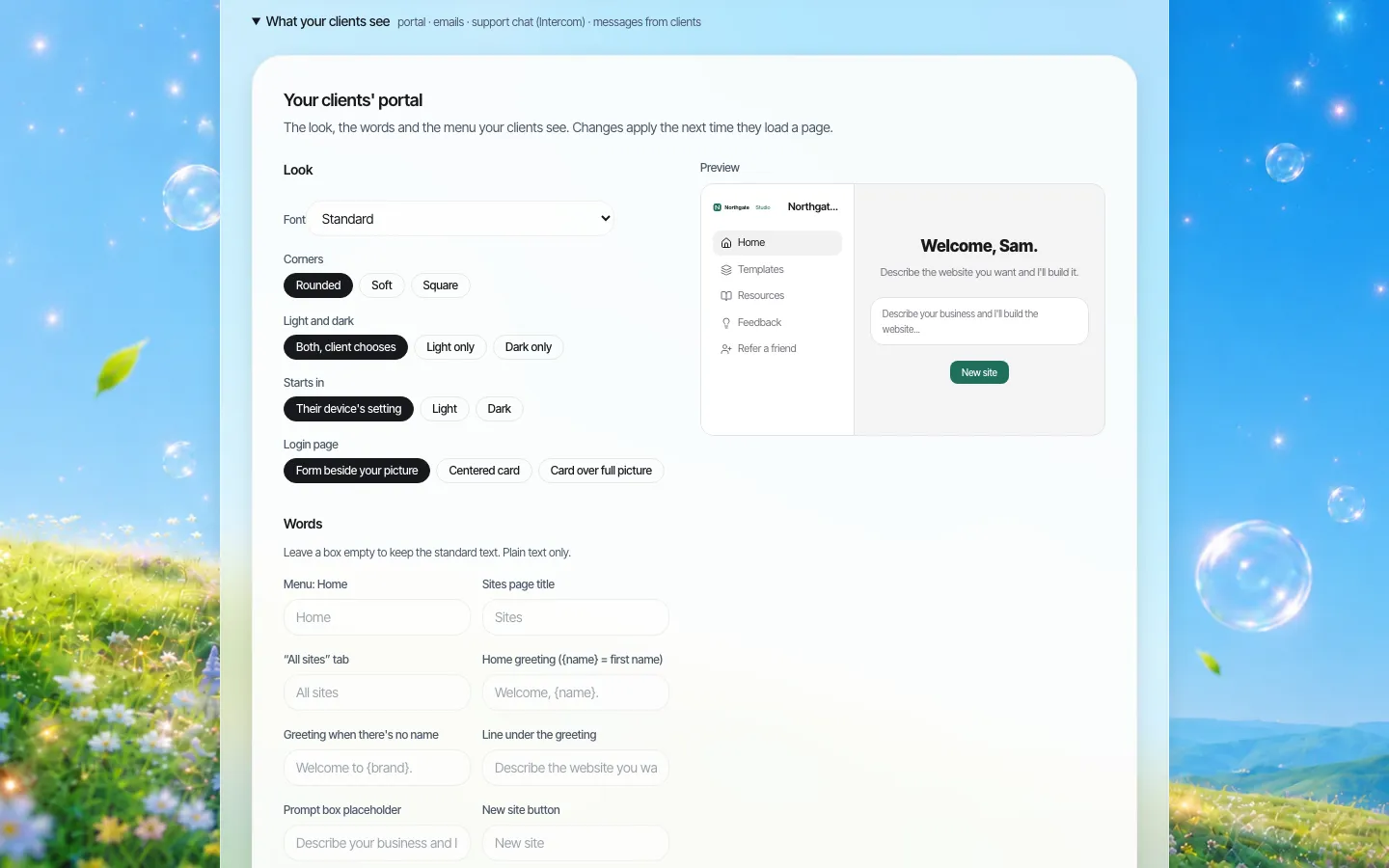
*The portal designer: corners, light or dark theme, login layout and menu order, with a live preview. This is where the portal starts to look like your product.*
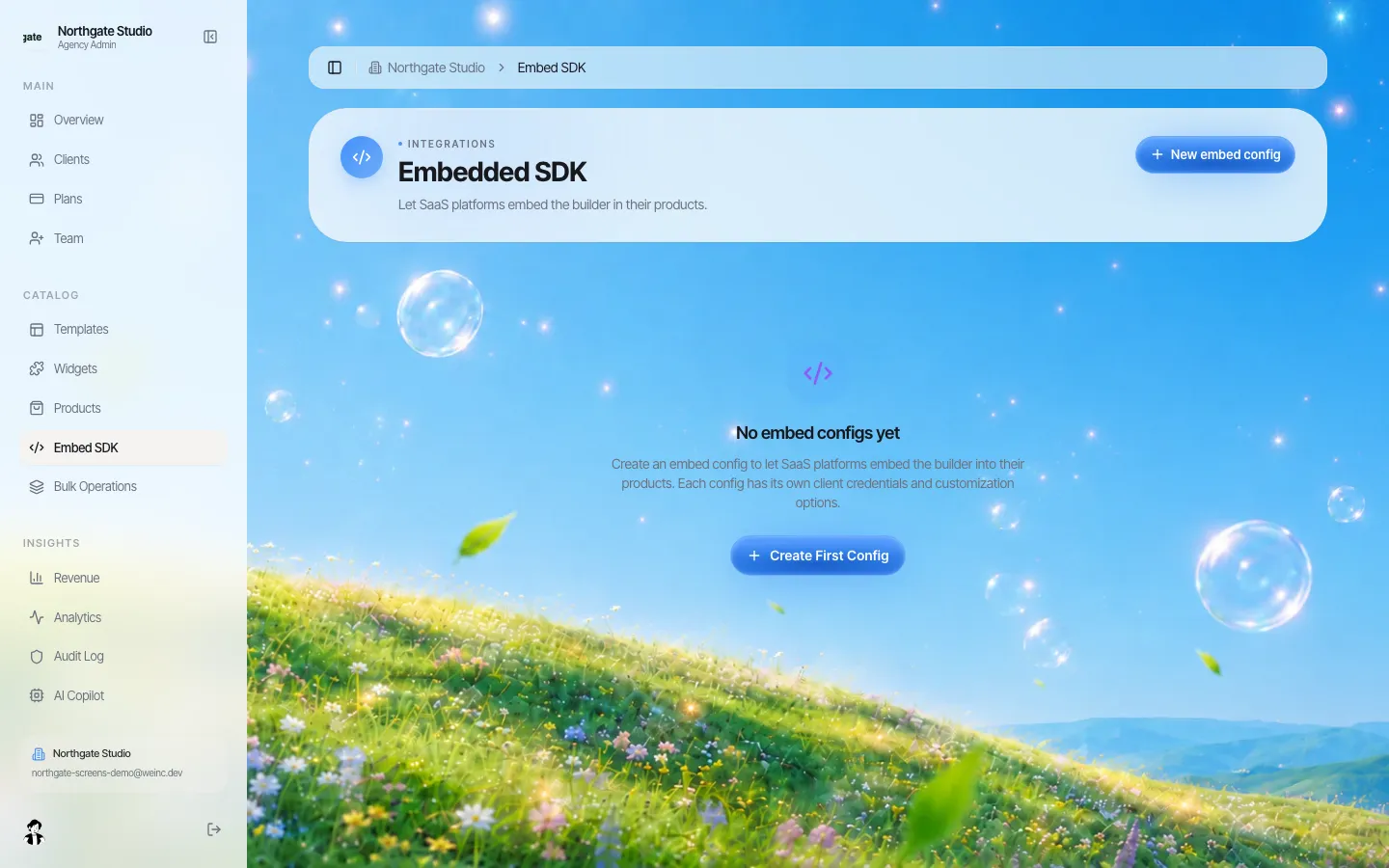
*If you want the builder inside your own app, embeds are configured here. Empty on the demo brand.*
The embed option lets you register the web addresses allowed to load the builder, set the primary colour, font and corner radius, choose which features appear (for example AI chat, preview, deploy and export), limit which templates users can start from, and cap projects per user. Firms then build without leaving your product.
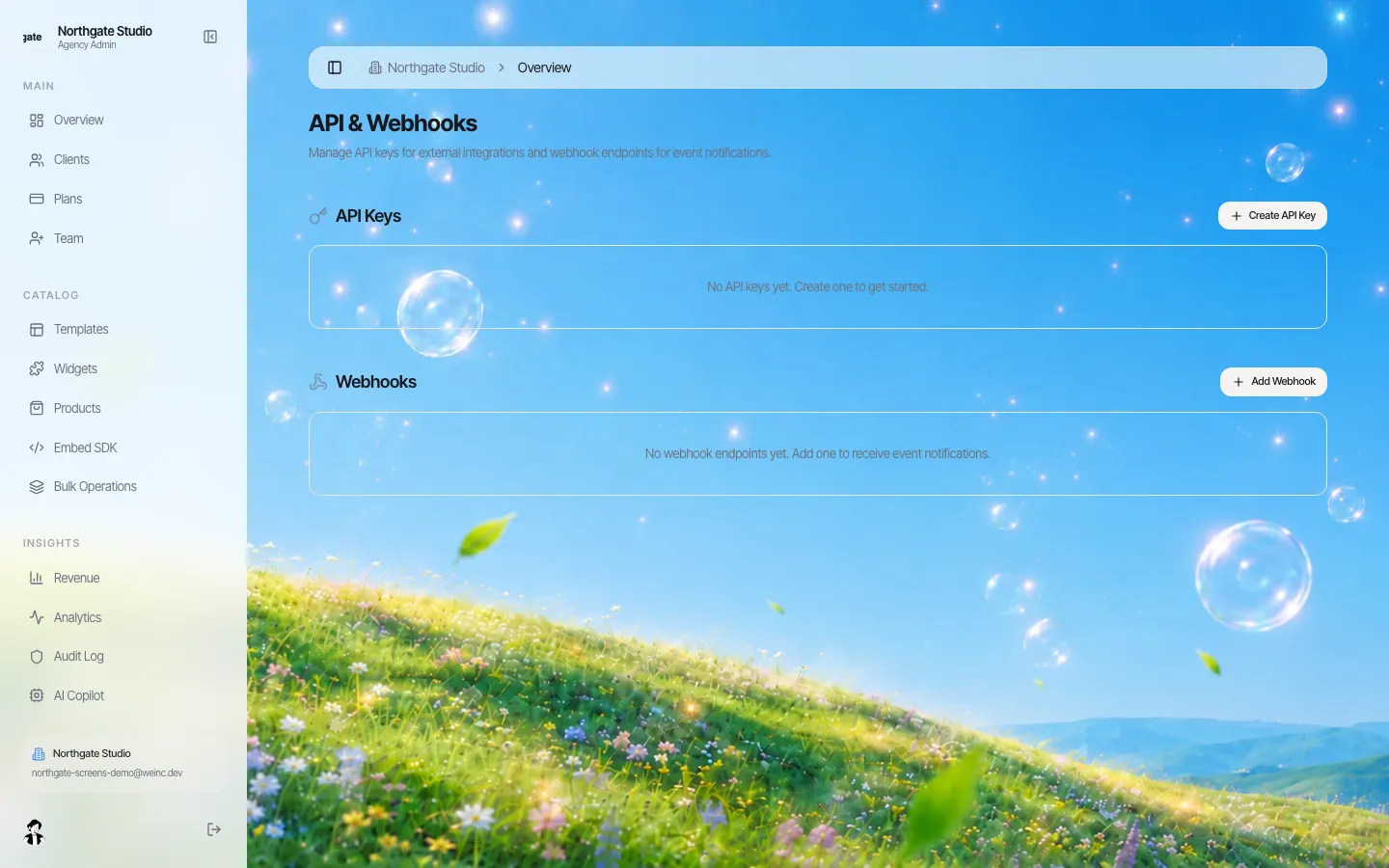
*API keys and webhooks. Create a firm's account when they switch on the feature, and get told when it changes.*
Defaults that suit accounting firms
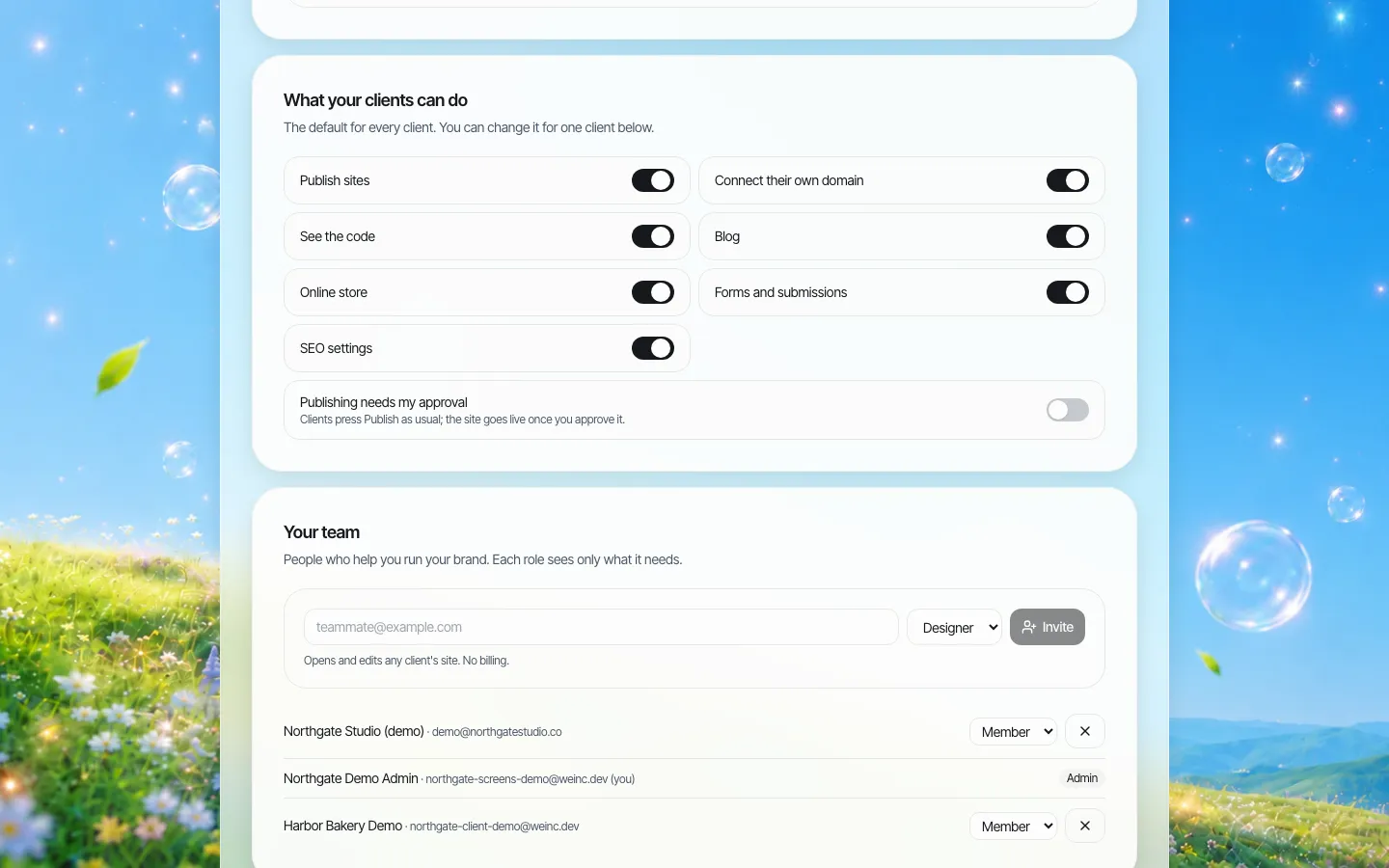
*Brand-wide defaults apply to every firm unless you override one account.*
Firms are cautious publishers. A setup that works for most vendors:
- Publishing: on. Firms do not want to wait for you.
- Approval before publishing: off by default, on for firms in a trial or for a partner programme with marketing rules. It is a single step: the firm presses Publish and the site goes live once you approve it.
- Own domain: on. Almost every firm already owns one.
- Online store: off. Fees are invoiced through your product, not sold in a cart.
- Forms: on, for enquiries only. Tell firms in your guide not to ask for tax IDs or financial details in website forms.
- Blog: on. Deadline reminders and short explainers are the content firms actually write.
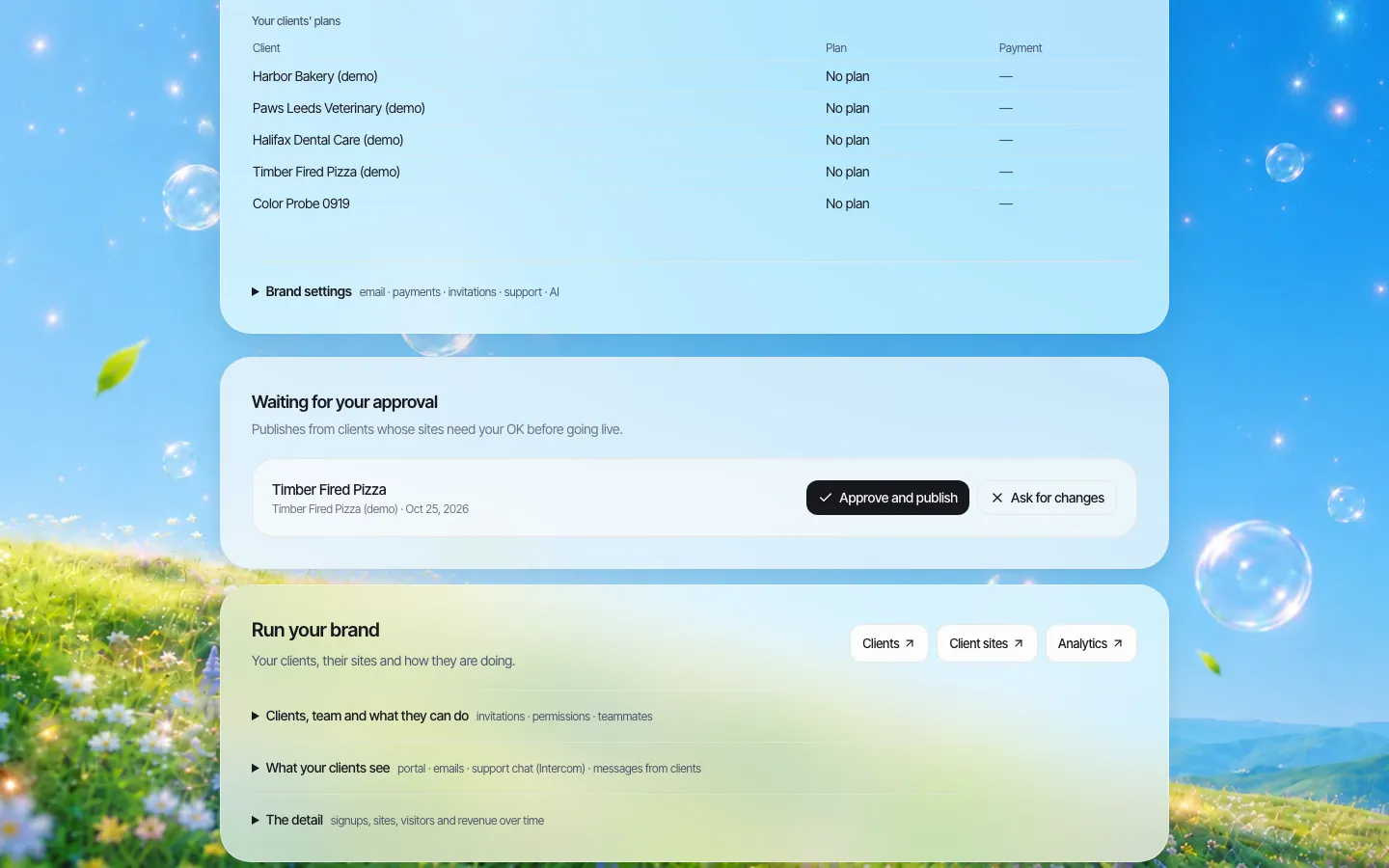
*The approval queue, for the accounts where you switch approval on.*
Making firms actually use it
Accountants are busy exactly when they could fix their site. Two things lift usage:
- A first site that is already 80 percent right. The firm describes the practice in a few sentences and the AI builds a draft; your templates can carry the "Client login" button pre-wired.
- Emails in your voice. Invitations, "website ready" and payment receipts go out with your logo and colours.
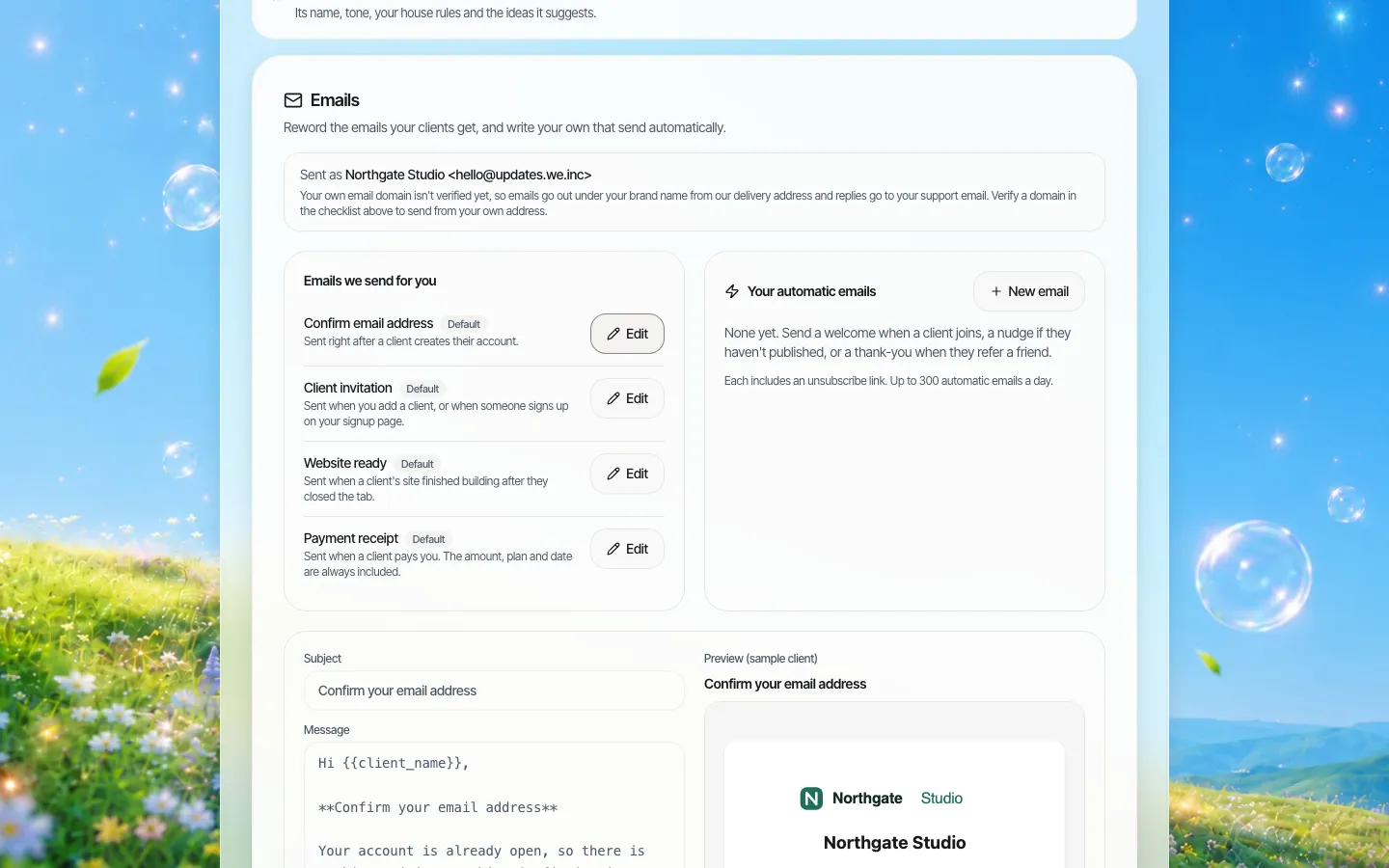
*Branded system emails with a live preview.*
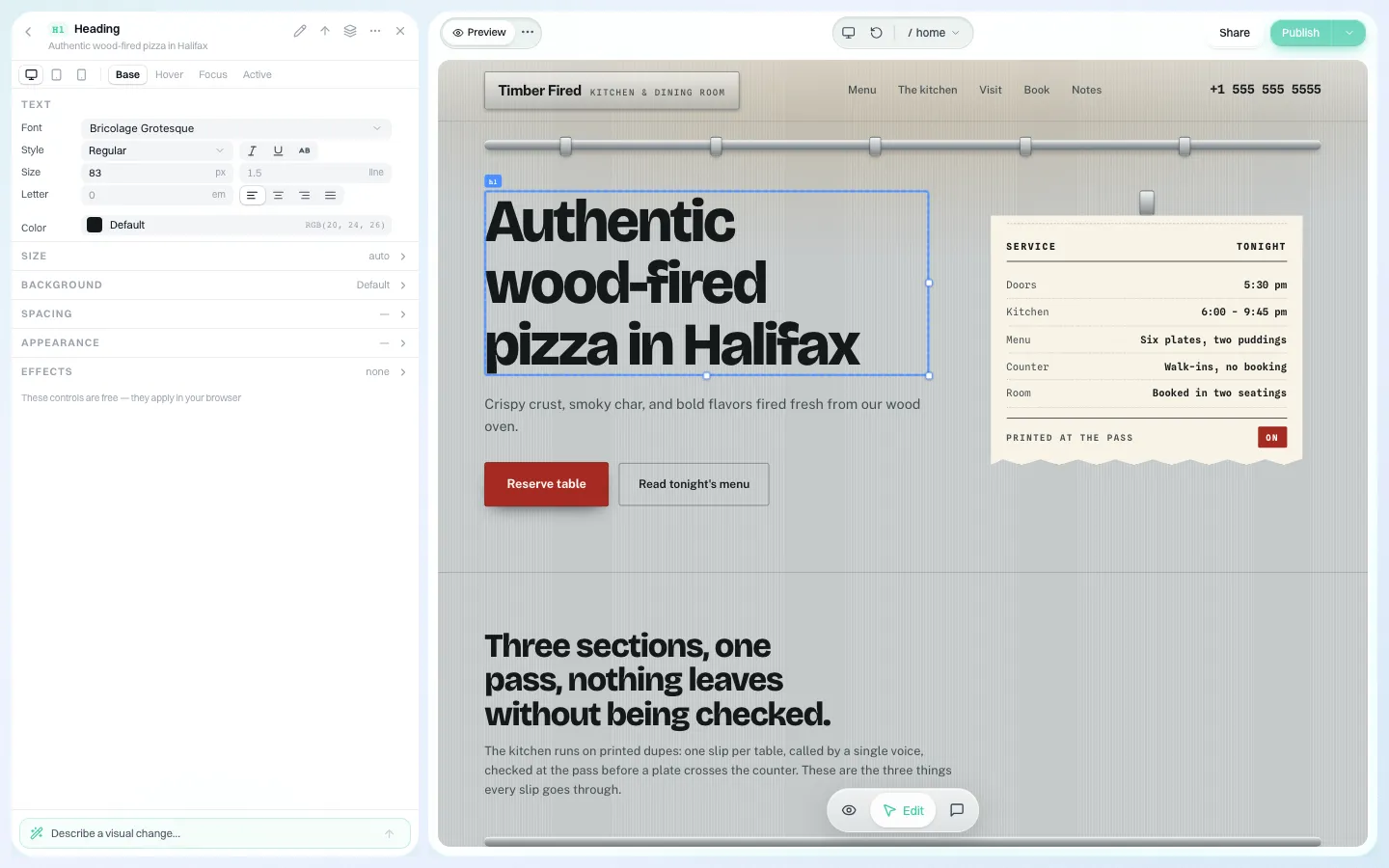
*Firms change text and colours in the visual editor; no code needed.*
A launch checklist for your product team:
- [ ] Decide included, add-on or tier perk
- [ ] Build or choose two or three templates with your portal link in the header
- [ ] Write the one-page "what not to collect on your website" note for firms
- [ ] Wire account creation to the moment a firm switches the feature on
- [ ] Set brand defaults (above)
- [ ] Pilot with 20 firms of different sizes; measure how many publish in 14 days
- [ ] Add a "website" status to the firm record your support team sees
Where We.Inc is not a fit
- You need SOC 2 reports, uptime guarantees or a fixed hosting region from your website partner. We do not publish those.
- You want a website builder that stores client financial data. We would argue against that design anyway; keep that data in your product.
- Your users are large firms with agencies. They will keep their own sites; offer them nothing, or just the portal link.
Every firm's site can be downloaded as code or exported to GitHub, so a firm that leaves your software is not stranded and your contract can say so. See code export.
Book a demo with someone from product and someone from engineering; we will go through the embed and the API on the call.
Sources
Last checked 2026-10-25.
- Federal Trade Commission, "FTC Safeguards Rule: What Your Business Needs to Know": ftc.gov/business-guidance/resources/ftc-safeguards-rule-what-your-business-needs-know
Book a demo. Pricing is tailored to your volume and setup, and you get your exact price on the call. 0% transaction fee.
Frequently asked questions
Can the website builder live inside our software?
Yes, through the embed option: you set allowed web addresses, theme and which features appear. It needs engineering work on your side.
Does the website store client financial data?
It should not. Practice websites collect enquiries only; documents, returns and payments stay in your software. A "Client login" button links to your portal.
Can firms use their own domain?
Yes, if you switch on the own-domain setting for them, which most accounting software vendors do.
How is this different from your accounting firm networks page?
That page is for associations and alliances offering sites to member firms. This one is for software companies adding websites to their product.
Keep reading
- White label website builder: the We.Inc platform
- Websites for accounting firm networks
- Embedding a website builder inside your software
- White label for SaaS platforms
- Client permissions: what each site owner can do
More in White Label
- Your clients describe the business. The first draft builds itself, under your name
- Choosing a white-label AI website builder: the questions that matter after the demo wow
- Chapter websites that outlast the volunteers who build them
- Who changed it, and when: the audit log, line by line
- One brand, hundreds of dealers, and a website for each
- Give business customers and members a website, under your institution's name
- Keep every site on-brand without approving every comma
- Every email your clients get, in your name
Product
Who It's For
- For Agencies
- For Freelancers
- For Hosting Providers
- For SaaS Platforms
- For Startups
- For Financial Services
- For Healthcare
Features
Resources
- Blog
- Help Center
- Free Business Tools
- Free UI Components
- Website Templates
- Template Collections
- Website Examples
- Guides
- Comparisons
- Alternatives
- Best Lists
- Reviews
- Pricing Guides
- Use Cases
- Glossary & Guides
- Integrations
- Developers
- Benchmark
- Windows App