
Website Planning: How to Plan a Website in 8 Steps (With Template)
How to plan a website step by step: goals, audience, page list and sitemap, content, features, design direction, budget and timeline, plus a one-page website planning template you can fill in today.
Short answer (September 2026): to plan a website, write down the one main goal, describe who the site is for, list every page in a simple sitemap, outline the content each page needs, choose the features (forms, booking, payments), pick a design direction, and set a budget and launch date. A one-page plan like the template below is enough for most small businesses and saves days of rework.
Turn your plan into a site the same day. Publish up to 3 template sites free (no AI on the free plan), or paste your plan into one prompt and let the AI builder draft every page on Starter at $20 a month. Create your account, or start from this design: Atlas Builders, Lucia Trattoria, or see the plumber website builder.
Most website projects that drag on were not planned. Without a clear goal and page list, every design review turns into a debate about what the site is for. A short plan fixes that. Here are the eight steps and a template you can copy.
Step 1: Define the goal
What should the website make happen? Pick one primary goal and at most two secondary ones.
| Business type | Typical primary goal | Main action |
|---|---|---|
| Local service (plumber, cleaner) | Get enquiries | Call or request a quote |
| Restaurant or cafe | Get bookings and visits | Reserve a table, view menu |
| Consultant or coach | Book discovery calls | Book a call |
| Online shop | Sell products | Add to cart, checkout |
| Nonprofit | Donations and volunteers | Donate, sign up |
| Portfolio | Get hired or commissioned | Contact |
Step 2: Describe your audience
Write two or three sentences about your main visitor: who they are, what problem brings them to you, what they need to know before acting and what device they probably use. If you have two very different audiences (for example homeowners and property managers), note both.
Step 3: List the pages (your sitemap)
Start small. A typical small business sitemap:
- Home
- Services (one page per main service if you want to rank for each)
- About
- Reviews or Work
- Pricing (if you publish it)
- Contact
- Privacy policy
Add a Blog, FAQ, Gallery or Locations later if they serve the goal. For more on what to include, see business website must-have pages.
Step 4: Plan the content for each page
For each page, note its purpose, the key message, the details needed and the call to action.
| Page | Purpose | Key content | Call to action |
|---|---|---|---|
| Home | Show what you do and for whom | Headline, services summary, reviews, area | Get a quote |
| Services | Explain each offer | What is included, process, price guide, FAQs | Get a quote |
| About | Build trust | Story, team photos, credentials | Contact us |
| Reviews | Prove quality | Real customer reviews, before and after photos | Get a quote |
| Contact | Make contact easy | Phone, email, form, hours, map or area | Send message |
Content is the slowest part of most projects, so start writing now. Our guide on writing website copy that sells will help.
Step 5: Decide the features
List only what the goal needs:
- Contact form
- Online booking or appointment requests
- Payments or online store
- Newsletter signup
- Live chat
- Blog
- Multi-language pages
- Client login or members area
Each feature adds cost and setup time. Launch with essentials and add the rest later.
Step 6: Choose a design direction
Collect three to five websites you like and note why: layout, colours, photography, tone. Decide on your colours and fonts (or use your brand's) and the style of photos. Starting from a template close to your direction removes most design decisions.
Step 7: Set budget and timeline
| Route | Typical budget | Typical timeline |
|---|---|---|
| DIY with a template | $0 to about $40 a month plus a domain | A few hours to a few days |
| AI website builder | A monthly plan plus a domain | A few hours to a few days |
| Freelancer | Roughly $1,500 to $6,000 | 3 to 8 weeks |
| Agency | Roughly $5,000 to $25,000+ | 6 to 16 weeks |
*Typical 2026 ranges, not quotes. See our website cost guide.*
Pick a launch date and work back from it.
Step 8: Plan measurement and upkeep
- Set up analytics and Google Search Console at launch.
- Decide what success looks like (enquiries per month, bookings, sales).
- Assign someone to update prices, hours and news.
- Schedule a quarterly review.
One-page website planning template
Copy this and fill it in:
| Section | Your answer |
|---|---|
| Business in one sentence | |
| Primary goal | |
| Main call to action | |
| Main audience | |
| Pages (sitemap) | |
| Must-have features | |
| Nice-to-have features (later) | |
| Websites I like and why | |
| Colours and fonts | |
| Content owner | |
| Budget | |
| Launch date | |
| How we measure success |
From plan to website
Once the plan is written, building goes quickly. From a template: choose one that matches your page list and style, then fill each page using your content plan. The We.Inc free plan lets you publish up to three template sites without AI.
With the AI builder: paste your one-sentence description, page list and key details into a prompt, for example "a website for a family plumbing company in Sacramento, pages: Home, Drain Cleaning, Water Heaters, Emergency Repairs, About, Reviews, Contact; main action: call or request a quote; tone: friendly and direct." The builder drafts every page and you refine from there. AI building starts on Starter at $20 a month with 250 credits.
Common website planning mistakes
- Planning pages before goals. Pages should exist because they help the goal, not because other sites have them.
- Writing for yourself. Plan content around the questions customers ask, not internal jargon.
- Too many decision makers. Name one person who approves the plan.
- Forgetting content ownership. Every page needs someone to write it and someone to keep it current.
- Leaving the domain and logins to the end. Find them during planning; lost logins delay launches.
- Designing without real content. Placeholder text hides problems that appear when real words go in.
Planning for search from the start
A little SEO planning saves rework:
- Give each main service its own page so it can rank for that service.
- Note the words customers actually use ("boiler repair" or "furnace repair") and use them in headings.
- Plan unique page titles and short descriptions for each page.
- If you serve several towns, decide whether each deserves its own page with genuinely different content.
Reviewing your plan
Before building, share the plan with one trusted customer or friend in your target audience. Ask whether the page list covers what they would look for and whether the main action is clear. Adjust, then build.
Define one business outcome and one visitor task
Before any page list, write two sentences: "The site succeeds if [one measurable outcome]." and "A visitor comes to [one task]." Everything else in the plan should serve those two lines.
Content, images, evidence and ownership checklist
| Item | Needed for | Owner | Ready? |
|---|---|---|---|
| Headline and one-line offer | Home | ||
| Service descriptions | Services | ||
| Real photos (not stock where it matters) | Home, About, Gallery | ||
| Evidence: licences, real reviews, named staff | Home, About | ||
| Contact details, hours, service area | Contact, footer | ||
| Domain registered in the business's name | Launch |
Worked plumbing versus bakery plan
Both are labelled demonstrations, not real clients. The same steps give different plans because the visitor task is different.
| Plan item | Plumbing firm | Bakery |
|---|---|---|
| Business outcome | More quote requests from nearby postcodes | More celebration cake pre-orders |
| Visitor task | Get a callout quickly, often on a phone | Browse cakes and request a date |
| Pages | Home, Services, Areas covered, About, Contact | Home, Cakes, Everyday menu, About, Order, Contact |
| Key feature | Click-to-call and quote form | Order request form with date |
| Evidence | Licence, job photos, service area | Cake gallery, price guide |
A worked example
A small bakery plans its site in one hour. Goal: more pre-orders for celebration cakes. Audience: local parents and event planners on phones. Pages: Home, Cakes (with price guide), Everyday Menu, About, Order, Contact. Features: order request form with date picker, no online payment yet. Design: warm, photo-led, brand colours. Content owner: the co-owner. Launch in two weeks, success measured by weekly order requests. That short plan is enough to build from.
Download a filled and blank project brief
Copy this into a document. The filled column uses the bakery demonstration above.
| Field | Filled (bakery) | Blank |
|---|---|---|
| Business outcome | More celebration cake pre-orders | |
| Visitor task | Request a cake for a date | |
| Audience | Local parents and event planners, mostly on phones | |
| Pages | Home, Cakes, Everyday menu, About, Order, Contact | |
| Features | Order request form with date | |
| Evidence | Own cake photos, price guide | |
| Content owner | Co-owner | |
| Budget and launch date | Starter plan, two weeks | |
| How success is measured | Order requests per week |
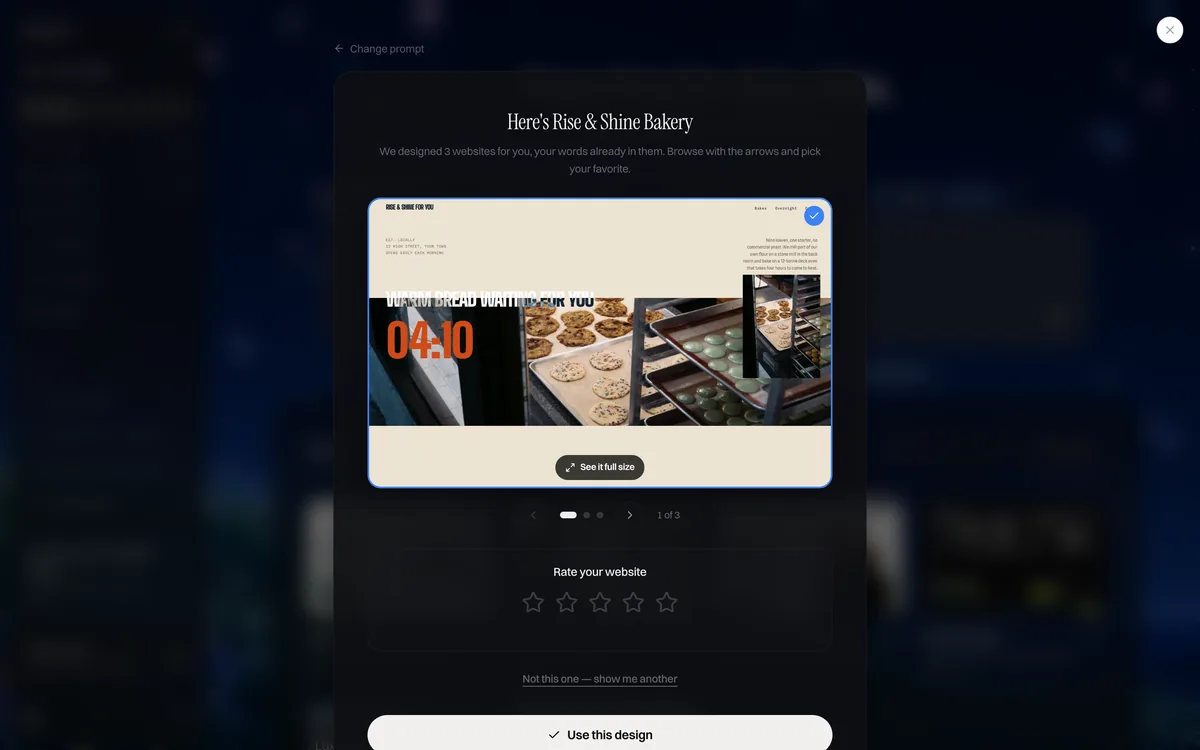
Start building your business website. Create your account. The free plan publishes up to 3 template sites on a we.inc address (no AI credits, no custom domain). AI building and your own domain start on Starter at $20 a month; see pricing.
Useful next steps: check an existing site with the free website grader, estimate a budget with the website cost calculator, browse business website templates or read how the We.Inc website builder works.
Build from your plan
A plan on one page and a site by the weekend is a realistic goal. Create your account and start from this design: Atlas Builders or Lucia Trattoria, or see what the restaurant website builder sets up.
Frequently asked questions
What is the first step in website planning?
Write one business outcome and one visitor task. For example: more quote requests from nearby postcodes, and a visitor who wants a callout quickly. The page list, content and features follow from those two lines.
What are the steps to plan a website?
Define the goal, describe your audience, list the pages (a simple sitemap), plan the content for each page, decide the features you need, choose a design direction, set a budget and timeline, and plan how you will measure results and keep the site updated.
How long should website planning take?
For a small business site, a few focused hours to a week is typical. Larger sites with many stakeholders can take several weeks. Good planning shortens the build because fewer decisions change later.
What is a sitemap in website planning?
In planning, a sitemap is a simple list or diagram of every page and how they are grouped, such as Home, Services (with one page per service), About, Contact. It is different from the XML sitemap file you submit to search engines.
What should I prepare before building a website?
Your goal, a page list, text for each page, logo, real photos, service and pricing details, testimonials, contact details and your domain login. Having these ready is the biggest time saver.
Do I need a designer to plan a website?
No. The template in this guide covers what most small businesses need. Designers and agencies add value on complex projects, but the core decisions about goals, audience and content come from you.
Can AI help plan a website?
Yes. An AI website builder can turn a short brief into a full draft site, which is a fast way to see a plan in practice and adjust it. On We.Inc AI building starts at $20 a month (Starter); the free plan publishes up to three template sites without AI.
More in Blog
- Website Redesign Checklist: Before, During and After Launch
- Wegic AI Website Builder Review (2026): Pricing, Pros, Cons
- We.Inc vs Lovable: Which AI Website Builder Should You Use in 2026?
- We.Inc vs Wix: An Honest Comparison for 2026
- What Is a White Label Website? Meaning, Types and Examples
- What Makes a Good Website? 12-Point Checklist (2026)
- Product Update: What's New in We.Inc 2.0
- White Label vs API Website Builder: Which to Choose
Website builders for the businesses in this article
- bakery website builder
- restaurant website builder
- plumber website builder
- small business website design
Related guides and tools
Start building
Related guides
How we research, test and update this page: our editorial policy. We.Inc is our own product.
Product
Who It's For
- For Agencies
- For Freelancers
- For Hosting Providers
- For SaaS Platforms
- For Startups
- For Financial Services
- For Healthcare
Features
Resources
- Blog
- Help Center
- Free Business Tools
- Free UI Components
- Website Templates
- Template Collections
- Website Examples
- Guides
- Comparisons
- Alternatives
- Best Lists
- Reviews
- Pricing Guides
- Use Cases
- Glossary & Guides
- Integrations
- Developers
- Benchmark
- Windows App