The website builder made for IT service providers.
Tell us what you do and our AI writes and builds your IT services site around it.
Build My IT Services Site - Free
15,000+businesses trust us
4.7
from 1,200+ reviews
No credit card required
Free plan: 3 template sites · AI building from $20/mo · Cancel anytime
ironvaletechnologyservices.com
The website builder made for IT service providers.
An IT services website has to make a non-technical owner feel safe: what you manage, how fast you respond, what a month of support costs and how to get help right now. We.Inc builds the site from a description of your services and service area, with a free assessment request form that emails you. Ticketing and client portals stay in your existing helpdesk tool, linked from the site.
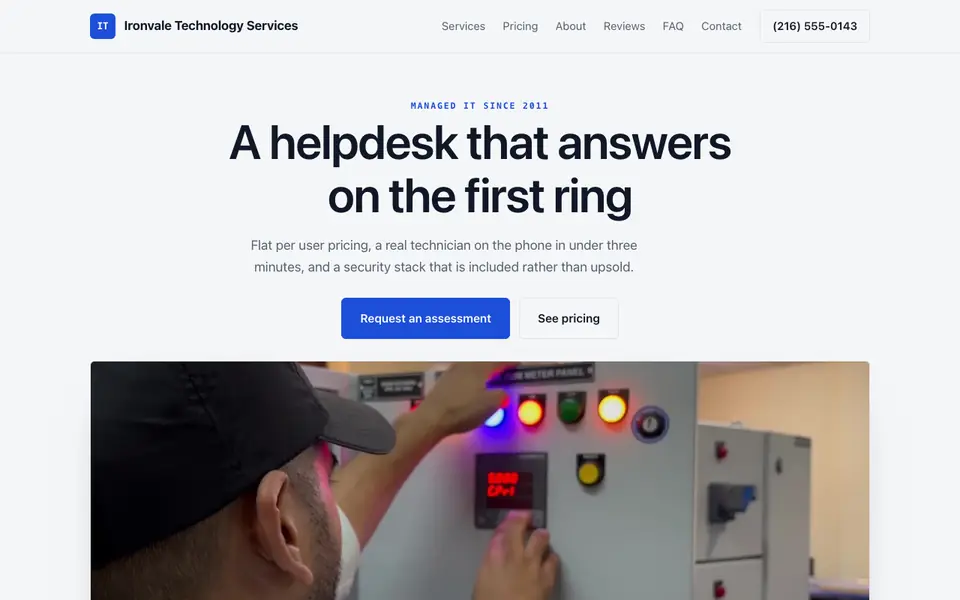
Ironvale Technology Services: an example site for it service providers, made with We.Inc.
Pages every IT services website needs
Managed IT: Explain what a monthly plan covers: monitoring, patching, help desk hours, onboarding and offboarding staff.
Cybersecurity: Backups, endpoint protection, email security and staff training are what worried owners search for.
Cloud and Microsoft 365 or Google Workspace: Migrations and licence management are common one-off projects that lead to ongoing contracts.
Industries served: Dental offices, law firms and accountants have specific software and compliance needs; show you know them.
Pricing approach: Per-user or per-device monthly pricing, or at least how quotes are built, removes the fear of an open-ended bill.
Get support: A clear link to your ticketing system and emergency phone line for current clients, separate from the sales form.
Try this prompt
A website for Harborline IT, a managed service provider in Portland, Maine supporting small offices of 5 to 50 staff. Services: managed help desk, backup and disaster recovery, Microsoft 365 administration, network setup and security awareness training. Include industry pages for dental practices and accounting firms, a per-user pricing explainer, a Get Support button linking to our helpdesk, and a free network assessment request form.
How should an IT company explain its managed services plans?
By what is covered and how fast you respond. List what each plan includes, such as monitoring, patching, backups, help desk hours and on-site visits, and state your response times for urgent and routine issues. Business owners compare providers on those points. Say what counts as out of scope too, so a client knows ahead of time which jobs will be quoted separately.
What should our site say about security and compliance work?
Describe the work you actually do and the standards you help clients prepare for. Many small firms need help with things like multi-factor setup, backups, staff training or a cyber insurance questionnaire. Explain your process in plain steps. Avoid claiming certifications or audits you do not hold, and name any partner who performs formal audits if you work with one.
An IT services website designed around your actual services and prices, not a stock layout. Describe the business and the AI writes and builds every page.
Who this IT services website design suits
Managed IT
IT support
Cybersecurity firms
What makes an IT services website work
Split sales from support
Prospects want a consultation; clients want help this minute. Put a Get Support button in the header that links to your helpdesk or ticket portal, and keep the assessment request form for new business. We.Inc does not include a ticketing system or client login.
Response times beat jargon
Owners do not buy RMM or EDR, they buy someone who answers. State your support hours and your target response and resolution approach in plain language, but only commit to what your contracts actually say.
Vertical pages show fit
A page for law firms that mentions document management and client confidentiality, or for clinics that mentions practice software, tells a buyer you have done this before. Keep them honest to clients you actually serve.
Security claims need care
Avoid promising that clients will never be breached or that you make them compliant with a given regulation. Describe the controls you put in place and let the contract define responsibility.
What it costs
A template site on a we.inc subdomain is free (three maximum, without AI or custom domains). Starter at $20 a month adds the AI for building service and industry pages by chat, and serving the site from your company domain, which costs about $10 to $20 a year to register, is a paid-plan feature.
Free for 3 template sites, without AI; AI building from $20 a month. Compare plans
Frequently asked questions
Can clients log in to see tickets or invoices?
No, there is no client portal. Link your helpdesk or PSA portal from the header and footer.
Can I take payment for one-off projects?
Yes, through your own Stripe account, for example a fixed-price setup fee. Recurring contracts are usually billed from your PSA or accounting software.
Can visitors request a quote?
The AI builds an assessment or quote request form that asks for company size, current setup and pain points, and emails it to you.
Can I publish a status page for outages?
You can add a simple notices page and update it by chat. For automatic uptime monitoring, link a dedicated status service.
Can I write technical blog posts?
Yes, a blog is supported, and the AI can help you draft posts that you review before publishing.