The moment someone forms a company, they need a website. You are already there
A formation company meets its customers at the exact moment they become a business: the LLC is filed, the EIN is on its way, and the next question is "how do people find us?". Most formation services hand that customer off to someone else’s website builder. This page is about keeping that next step under your own brand, and doing it in a way new owners actually use.
TL;DR
- The website is the natural next purchase after formation. Under your brand, it keeps the customer relationship and the revenue with you.
- New owners do not want a design project. They want a credible one-page site with their business name in a few minutes.
- You bill them through your own Stripe account; each owner is a client under your brand with their own domain if you allow it.
- Most website add-ons fail on activation, not on sales. Plan the first-week emails and the "site ready" moment.
The handoff you are making today
Look at your post-formation flow. After the filing, most formation services offer a list: registered agent, operating agreement, EIN, business bank account, maybe a business address. Then "website" is either missing or a referral link to a third-party builder. When the customer clicks that link, the relationship moves: their next bill, their next support question and their brand all now belong to someone else.
Some formation companies already sell a website themselves. ZenBusiness, for example, says on its website builder page that its AI website builder comes as a 30-day free trial in its LLC formation packages. That tells you the step is worth owning; it is also proof that customers expect it at this point. If you are a single founder forming one LLC and comparing services, a formation company that bundles a site may simply be the convenient choice. If you run a formation service, the question is whether yours is in the bundle or someone else’s is.
What a brand-new business actually needs on day one
New owners consistently over-ask and under-use. They imagine a ten-page site and then never write the copy. Design the offer for what they will finish:
| Day one | Month one | Later, if they grow |
|---|---|---|
| Business name and one-sentence description | Services or products page | Blog |
| Contact form that reaches their email | Their own domain connected | Online store |
| Location or service area, if relevant | Real photos replacing template images | Booking or quote forms |
| Phone or email shown clearly | About page with the owner's story | More pages, more languages |
Everything in the first column can be done in one sitting. That is the bar.
The flow under your brand
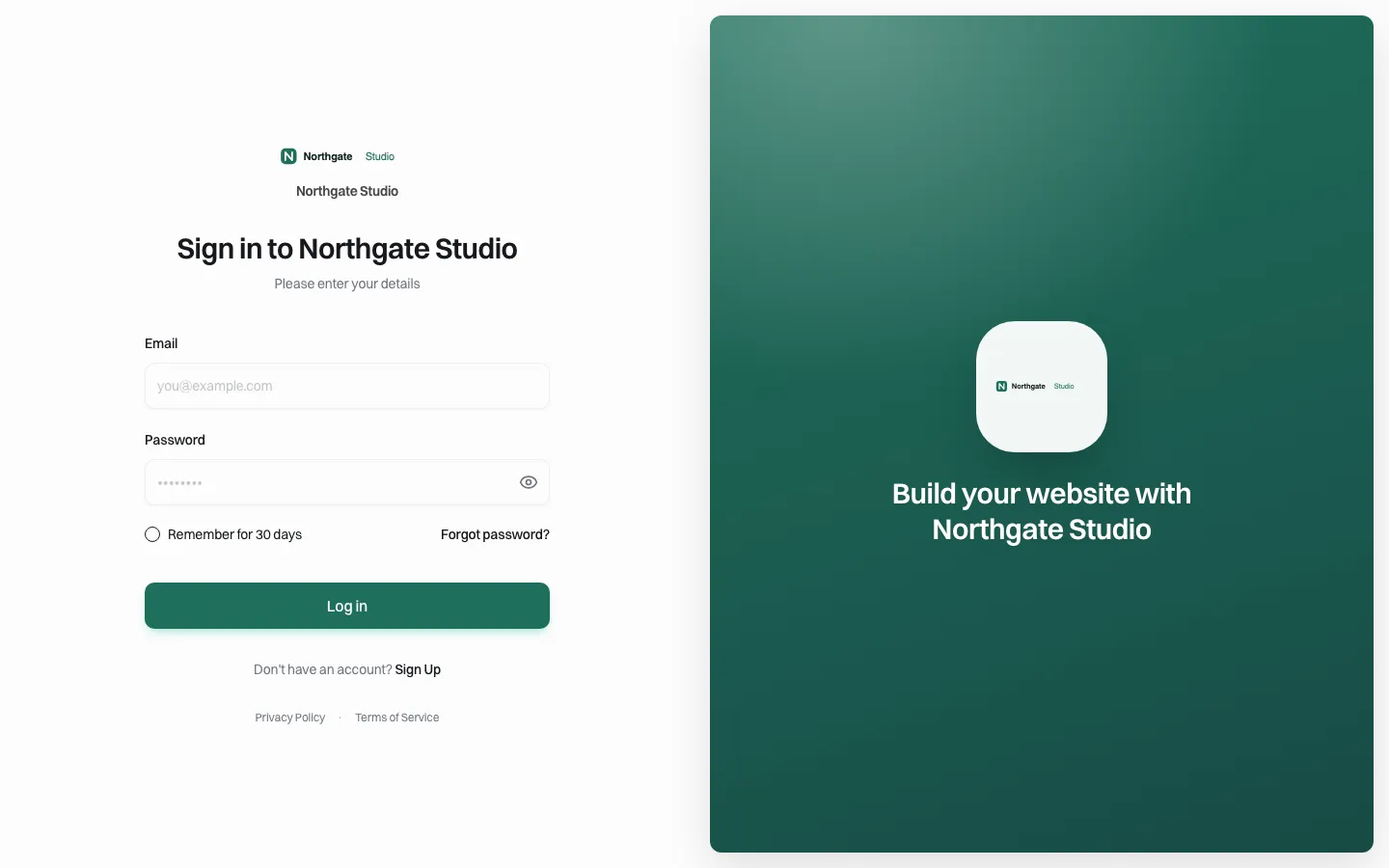
*Owners sign in on your branded page. The demo brand shown is Northgate Studio; nothing on the page names We.Inc.*
- Formation confirmed. Your system creates the client account through the API, or your team invites them; a webhook tells your systems when the account is created or updated.
- Branded email. The owner gets an invitation in your name.
- Describe the business. The owner types a few sentences about the business, or picks a template; the AI builds a first site from that.
- Edit in place. They change text, colours and buttons in a visual editor without touching code.
- Publish. Straight away, or after your approval if you switch it on.
- Connect a domain they own, if you allow it.
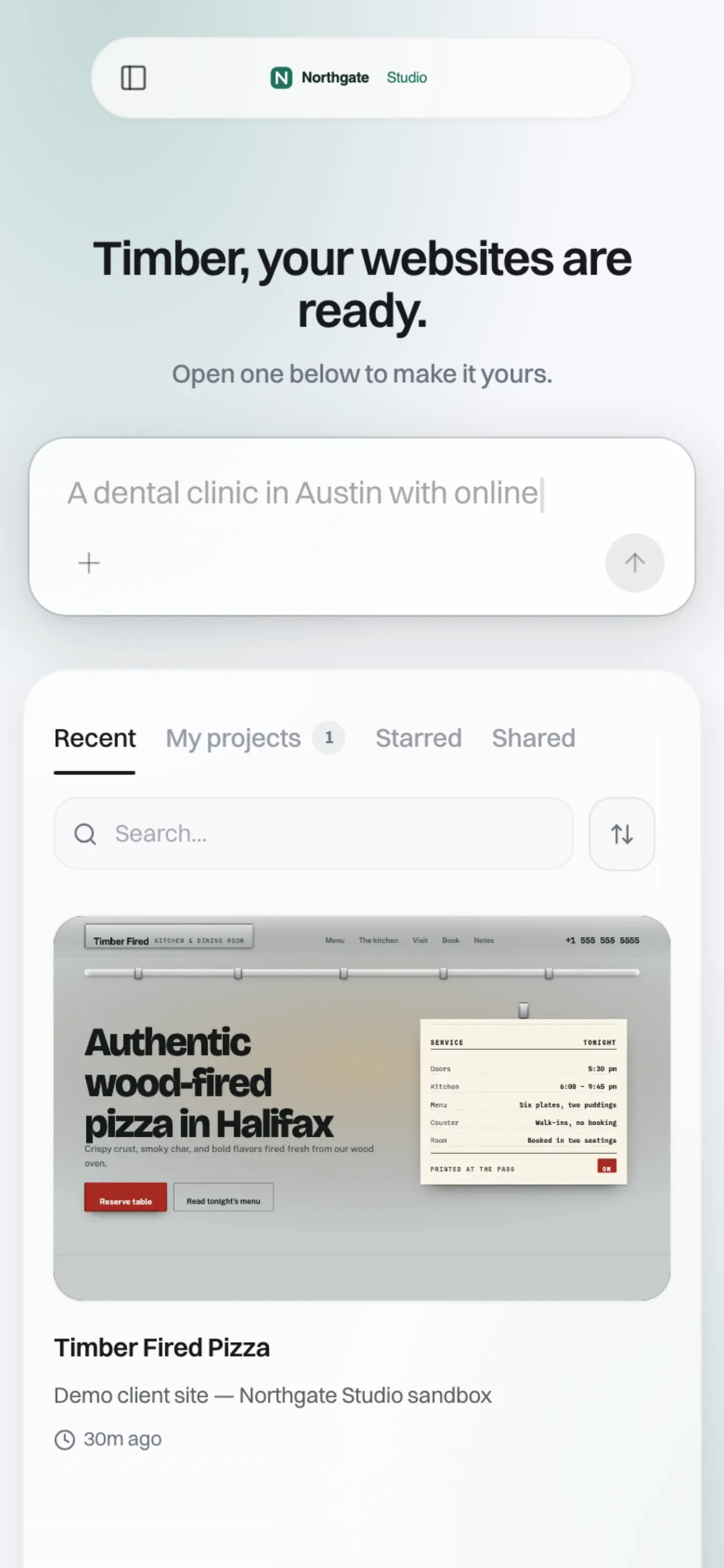
*Many new owners do this on a phone between other tasks. The client dashboard works at phone width.*
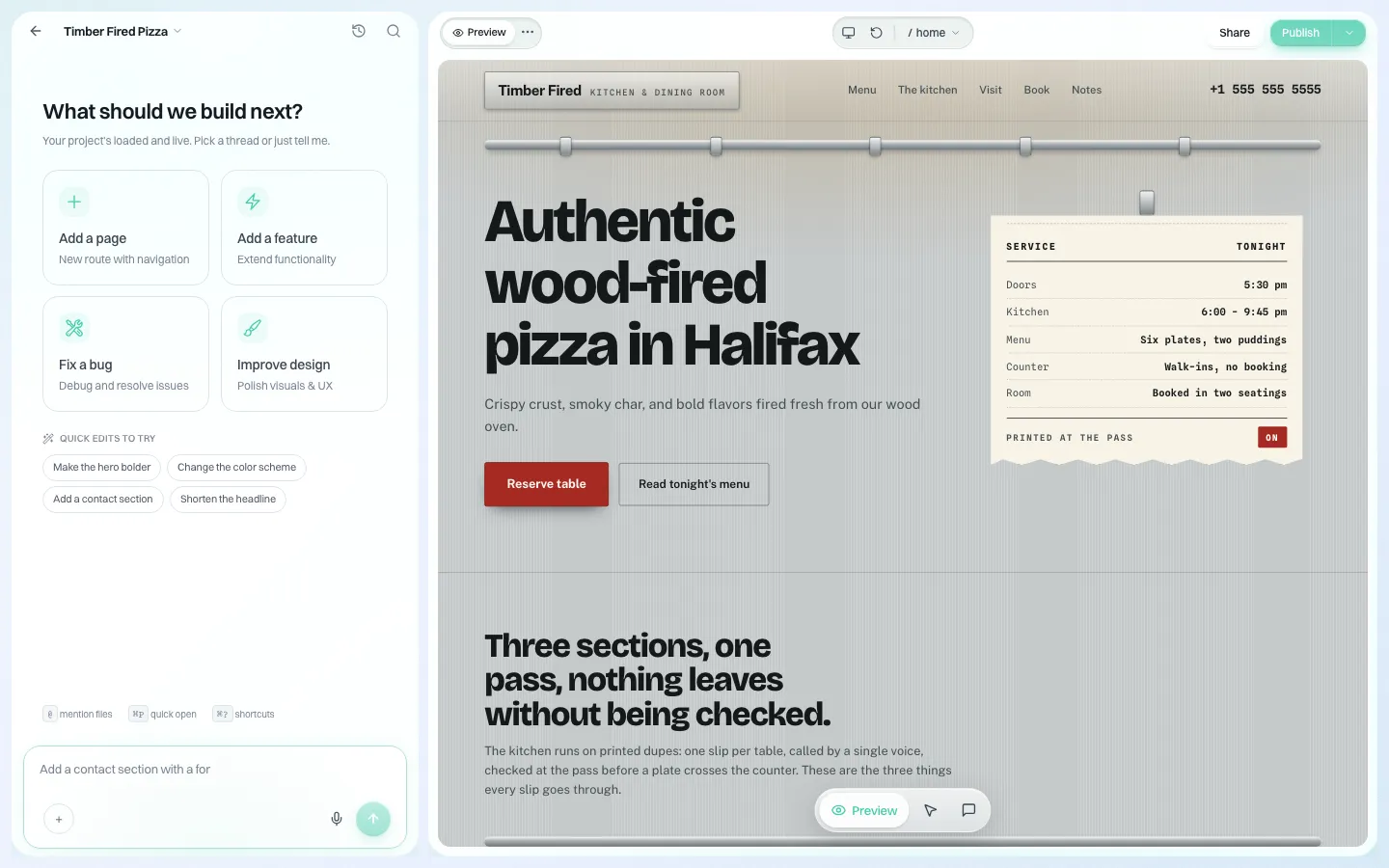
*The editor the owner works in, on your brand's host.*
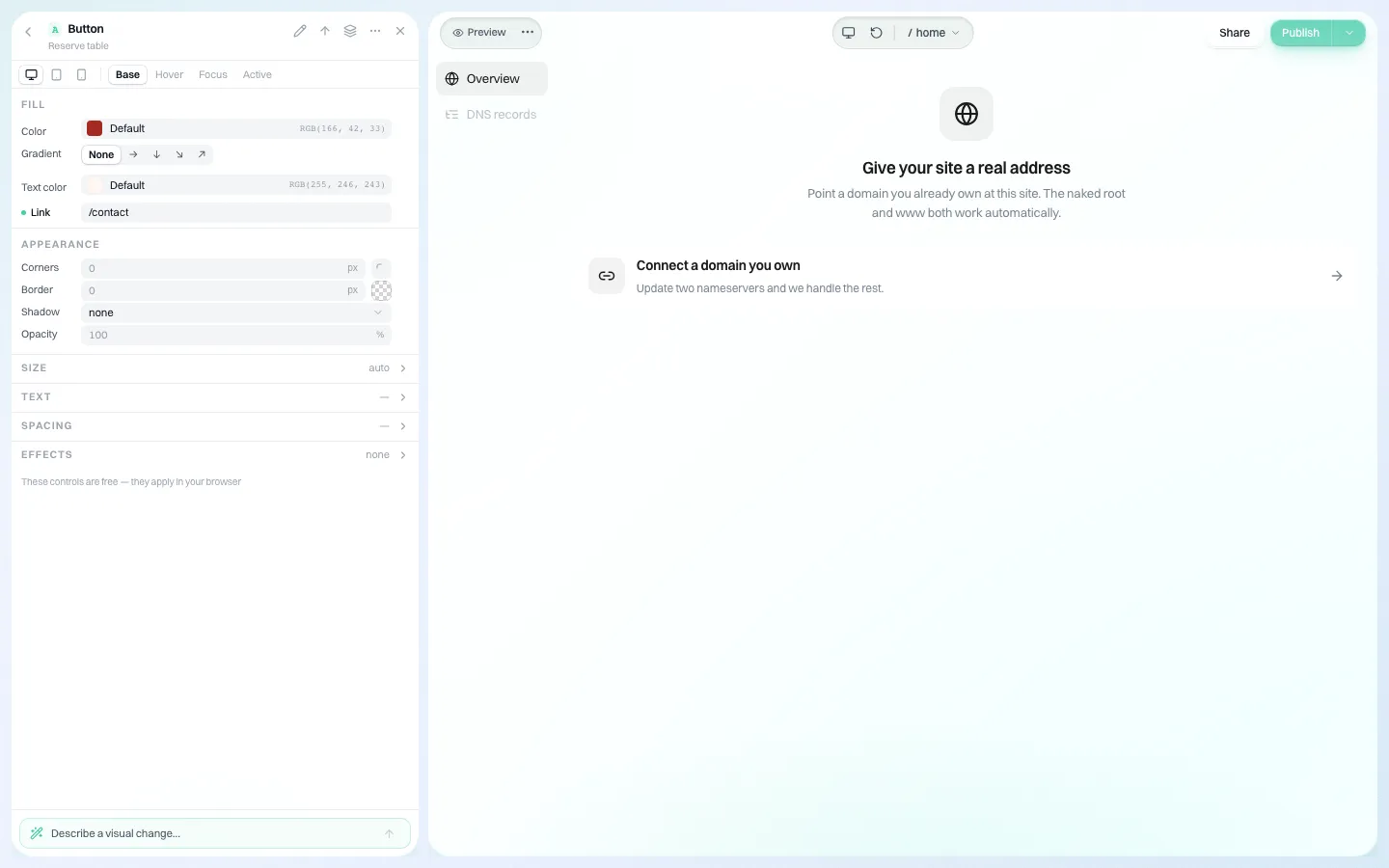
*Connecting a domain the owner already has. This is the start screen; no domain was entered for the screenshot.*
Pricing it as a formation company
You set the plans and prices your customers pay, and they pay you through your own Stripe account; we quote our own price to you in a demo. Formation companies tend to use one of three shapes:
- Included for a limited period in a higher package, then a monthly fee. Works when the package already has an upgrade path.
- A flat add-on at checkout. Simple, but uptake depends on how good the moment of the offer is.
- Free basic site, paid domain and extras. Most owners never upgrade, so price the free tier with that in mind.
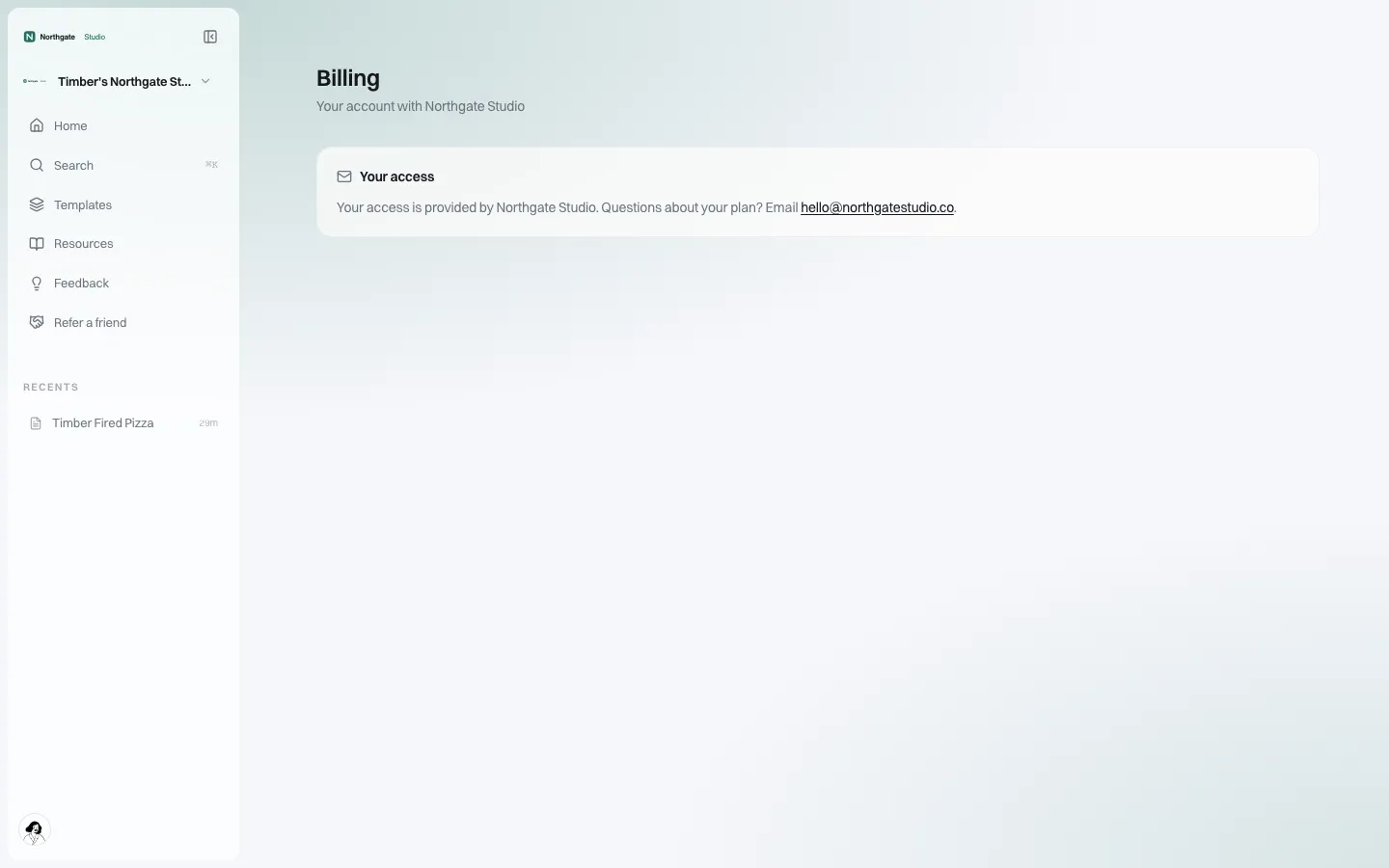
*What the owner sees on their billing page: access is provided by your brand. No client plan is set on the demo, so no prices appear.*
Activation: where website add-ons really fail
The sale is the easy part. Most owners who buy a website add-on and never publish do not churn noisily; they simply stop paying months later and leave a bad review. Plan the first week as carefully as the checkout:
| When | What the owner receives | Goal |
|---|---|---|
| Minute 0 | Invitation email in your name | Sign in today |
| Minute 5 | First site generated from their description | See something real |
| Day 1 | "Your website is ready" email if they have not published | Publish |
| Day 3 | A short note: how to connect a domain | Own address |
| Day 7 | A check-in from your support team for anyone not yet published | Rescue |
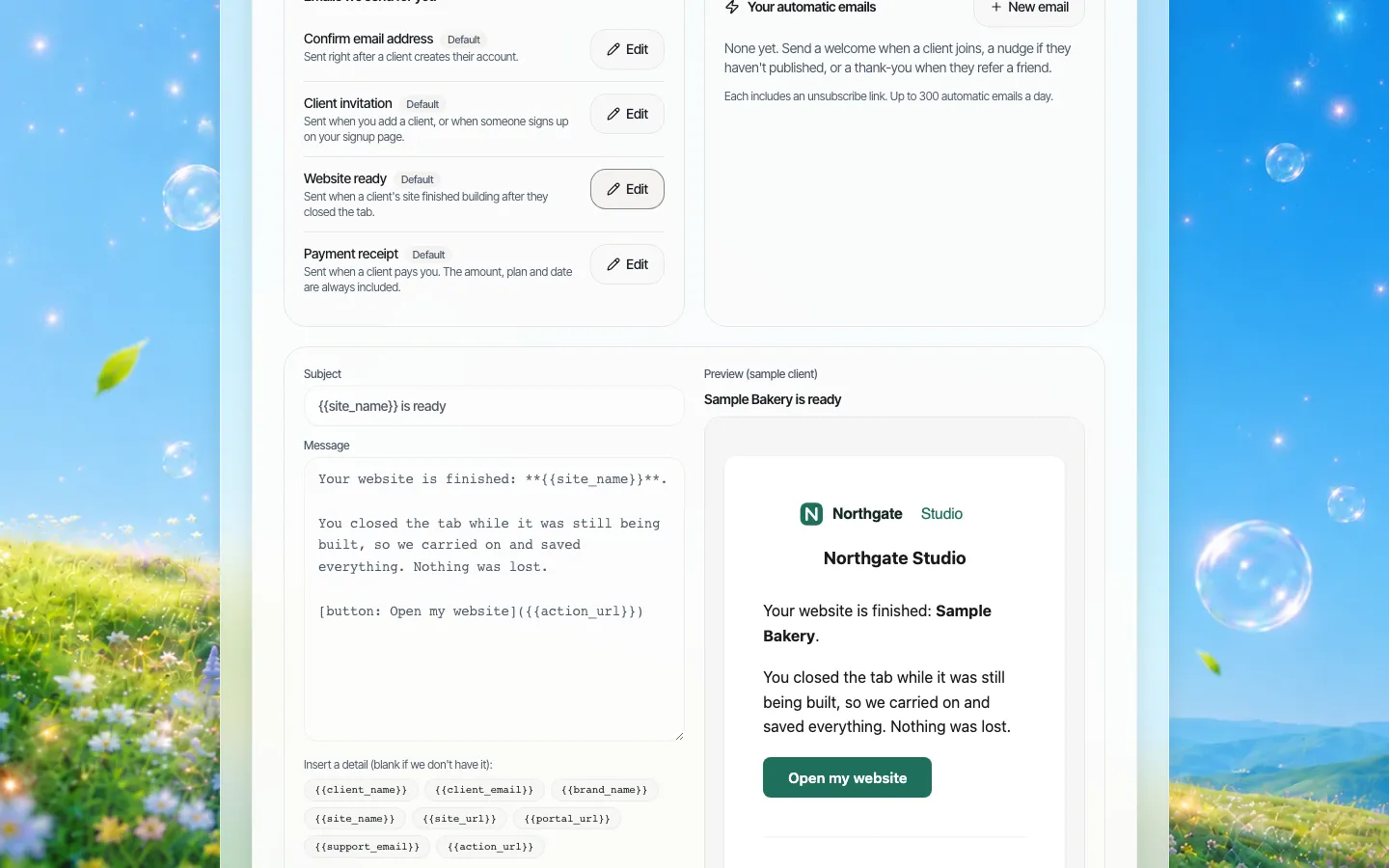
*The "website ready" system email, branded with your logo and colours, previewed in the email editor.*
There is also a monthly client report you can switch on, which emails each owner a summary of their site. Useful for reminding owners the site exists and is being visited.
Wiring it into your systems
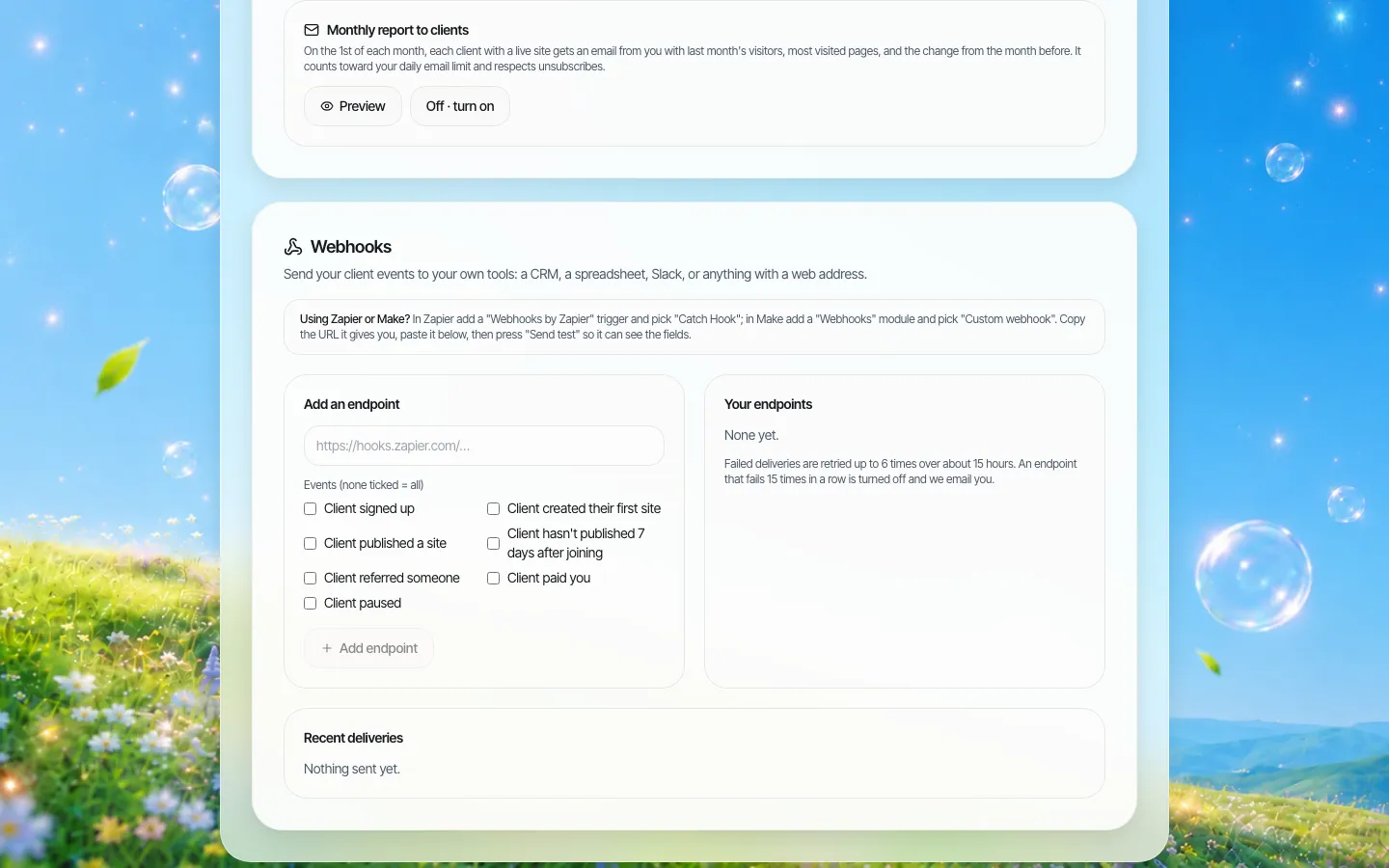
*Webhooks for Zapier, Make or your own endpoint. Empty on the demo brand.*
The parts formation teams usually connect:
- Account creation when a filing completes (API keys are created in the brand console).
- Webhooks back to your CRM when a client is created or updated, so your support team sees website status beside the filing.
- Your own support address in the branded help pages, so questions come to you.
Ask an engineer to join the demo if you plan to create accounts automatically.
What to keep off the website
Your formation records, the owner's ID documents and anything about their beneficial owners belong in your secure systems, not on a marketing site. On that topic: FinCEN's beneficial ownership page states that US companies are exempt from BOI reporting under its interim final rule of March 2025, which FinCEN says it finalised in August 2026. If your old onboarding emails still tell US owners they must file a BOI report, fix them before you add a website step to the same sequence. This is not legal advice.
When We.Inc is not the right fit
- You want a free referral fee and no product to support. A referral partnership with an existing builder is simpler.
- Your customers mostly need e-commerce from day one. A dedicated commerce platform may serve them better; our store is one of several features, not a full commerce suite.
- You need a published uptime figure, a certification or a guaranteed hosting region in the contract. We do not publish those.
Every owner's site can be downloaded as code or exported to GitHub, so a customer who leaves you can take their site. See code export.
Book a demo and walk us through your post-filing flow; we will show where the website step fits.
Sources
Last checked 2026-10-25.
- ZenBusiness, website builder page: zenbusiness.com/website-builder
- FinCEN, Beneficial Ownership Information: fincen.gov/boi
Book a demo. Pricing is tailored to your volume and setup, and you get your exact price on the call. 0% transaction fee.
Frequently asked questions
Can we create website accounts automatically when a filing completes?
Yes, through the API with keys from your brand console, and webhooks tell your systems when a client account is created or updated. Your engineers will need to connect it.
Do our customers see the We.Inc name?
The sign-in page, dashboard, emails and billing page carry your brand. Billing says access is provided by your company.
Who do customers pay?
You. You set plans and prices and connect your own Stripe account. We quote our price to you on a demo call.
Can a customer take their site if they leave us?
Yes. Every site’s code can be downloaded as a ZIP or exported to GitHub.
Keep reading
- White label website builder: the We.Inc platform
- Client onboarding under your brand
- Billing clients for websites under your brand
- Custom domains for every client
- AI site generation for your clients
- Code export: leaving without losing the site
More in White Label
- A member website programme your chamber can actually run
- The cheapest white-label website builder, by cost per site
- A website for every congregation, under a shared identity
- A CivicPlus alternative for the sites a civic suite was never meant to run
- Showing clients their numbers without exporting a single spreadsheet
- Client Dashboard | White Label
- Answer the same ten client questions once, in your own words
- The first email a client gets from your platform should look like it came from you
We.Inc is an AI-powered website builder you can resell under your own brand. Launch a branded client dashboard, bill on Stripe Connect, and deliver AI-generated websites in minutes. White-label pricing is tailored to your volume and setup: book a 30-minute demo for a quote.
Product
- AI Website Builder: Describe a site in plain English; it's live in minutes
- White Label Platform: Your brand, your domain, your margin
- Enterprise: SSO, custom SLAs, and dedicated support
- Developer API: Embed site generation into your SaaS
Who It's For
- For Agencies: Resell under your brand
- For Freelancers: Your own branded builder
- For Hosting Providers: Add a builder to your stack
- For SaaS Platforms: Embed site creation via API
- For Startups
- For Financial Services
- For Healthcare
Features
- Drag & Drop Editor
- Built-in SEO Tools
- Custom Branding
- Client Dashboard
- Reseller Billing (Stripe Connect)
Resources
- Blog
- Help Center
- Free Business Tools
- Free UI Components
- Website Templates
- Template Collections
- Website Examples
- Guides
- Comparisons
- Alternatives
- Best Lists
- Reviews
- Pricing Guides
- Use Cases
- Glossary & Guides
- Integrations
- Developers
- Benchmark
- Windows App