Contact Us Page Examples: 6 Small-Business Designs Annotated | How-to Guide
Six annotated contact us page examples for small businesses: the customer task, the design choice and its limitation for each. Includes a comparison table, a copyable contact page brief and a test checklist.
A contact page is where a customer who has already decided tries to act. It fails when the phone number is not tappable, the form asks too much, or nobody can tell whether you cover their area. The six examples below are designs We.Inc produced from a one-sentence prompt; they are labelled example designs, not real businesses. For each we note the customer's task, the design choice that serves it, and its limitation.
How we picked these examples
Six small businesses whose customers contact them differently: urgent calls (plumber), appointments (hair salon, dentist), considered enquiries (law firm, consultant) and quotes for outdoor work (lawn care). We do not claim conversion rates for any design; the notes are about fit, not results.
Annotated examples
1. Plumber: urgent call (example design: "Reliable Plumbing Vancouver")
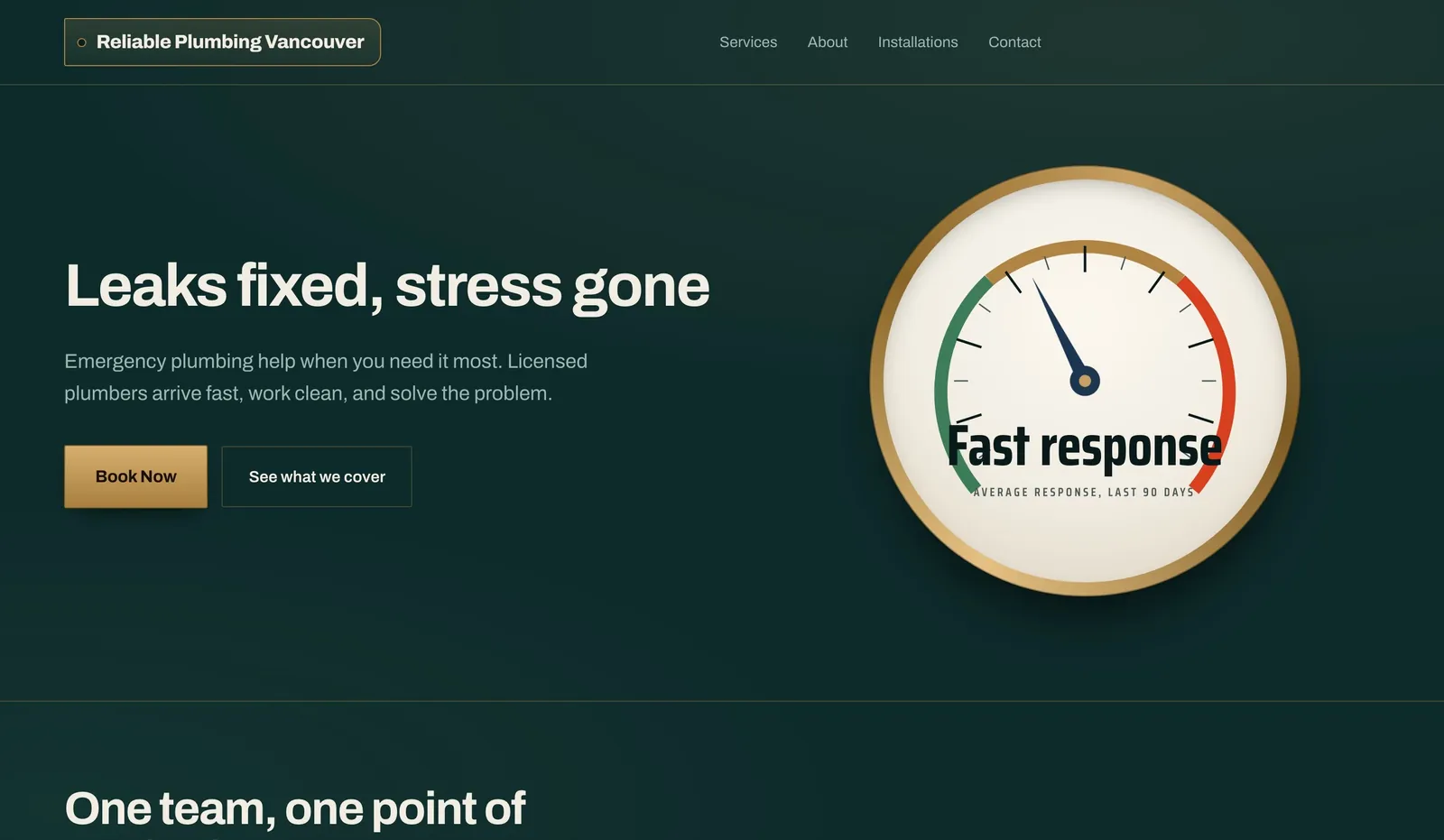
- Customer task: reach someone now.
- Design choice: phone number large at the top, tappable on mobile, form second.
- Limitation: a phone-first page needs someone to answer. Show hours and what happens out of hours.
2. Hair salon: book a slot (example design: "Salon Minneapolis")
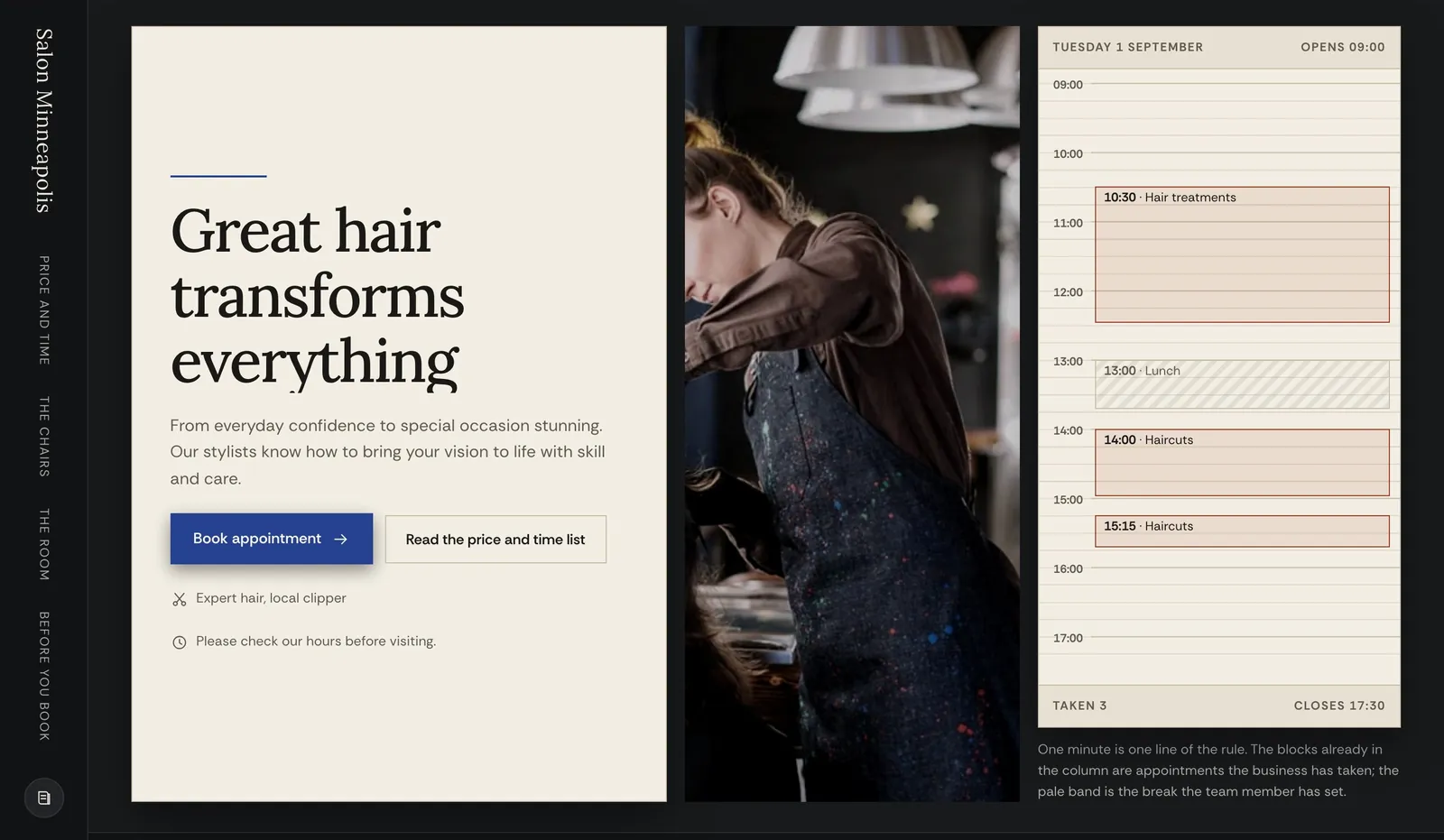
- Customer task: pick a time.
- Design choice: a "Book now" button that goes to your booking system, with address, map and parking notes beside it.
- Limitation: the booking itself runs in a separate booking tool; the page only links to it.
3. Dentist: new patient (example design: "Smile Austin Dental")
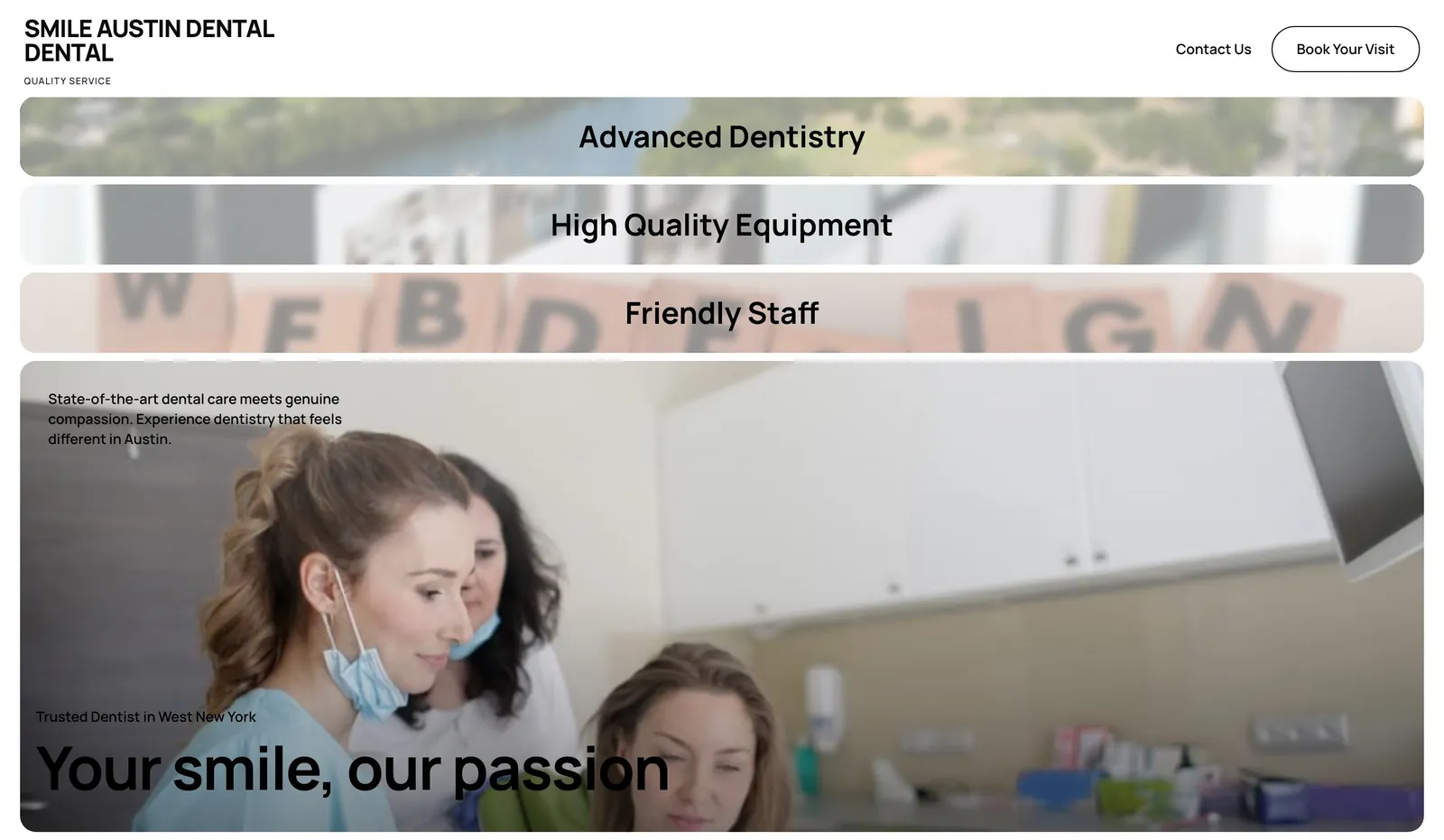
- Customer task: check hours, insurance and whether they take new patients.
- Design choice: hours table, insurance list and an emergency number grouped together.
- Limitation: a general form should not collect medical details. Keep it to name, contact and preferred time.
4. Law firm: confidential enquiry (example design: "Atlanta Legal Partners")
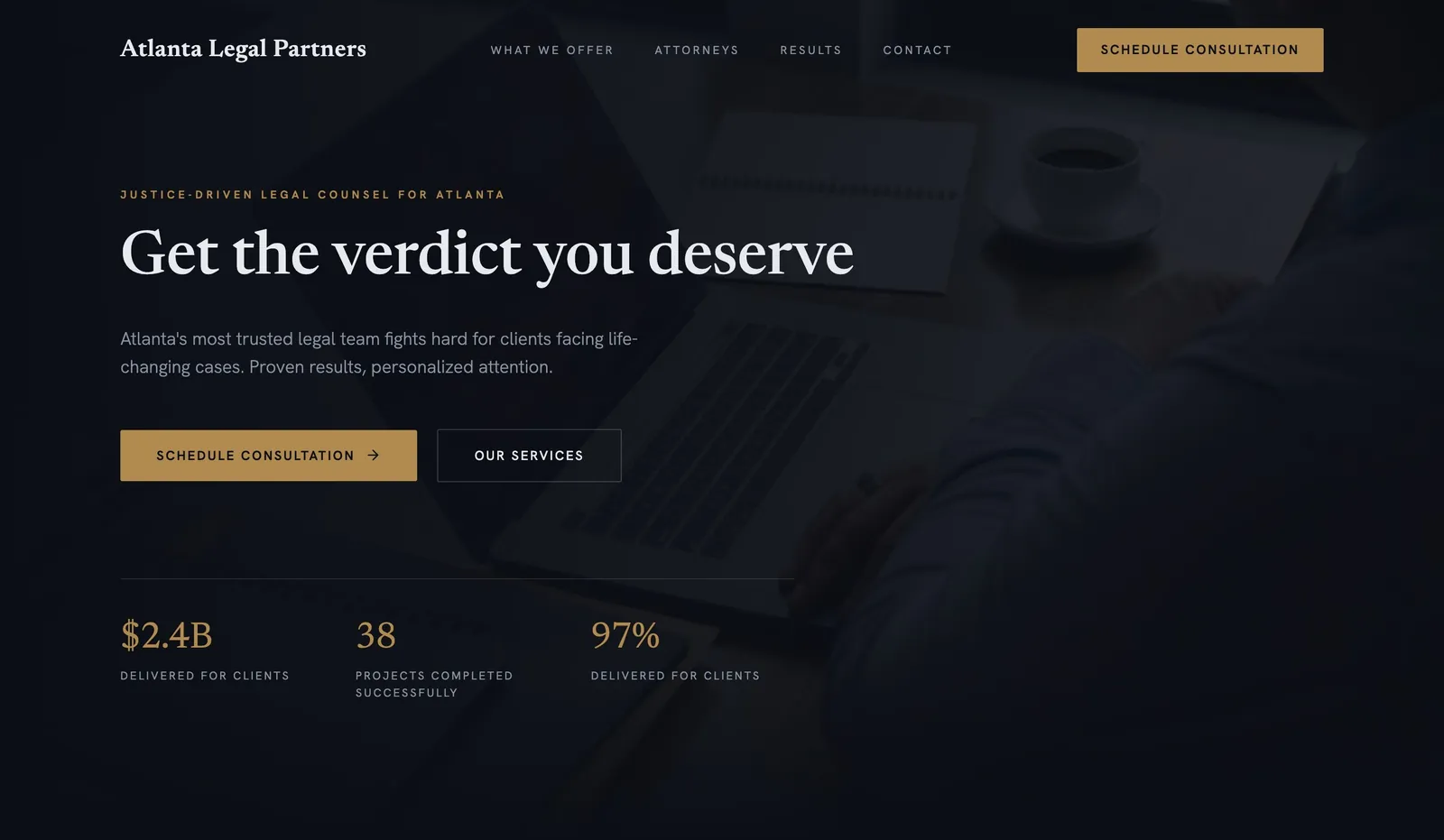
- Customer task: explain a problem and find out if you can help.
- Design choice: a short form with practice area, plus a note that submitting it does not create a lawyer-client relationship.
- Limitation: tell people not to send confidential details until you have replied.
5. Consultant: discovery call (example design: "Catalyst Consulting")
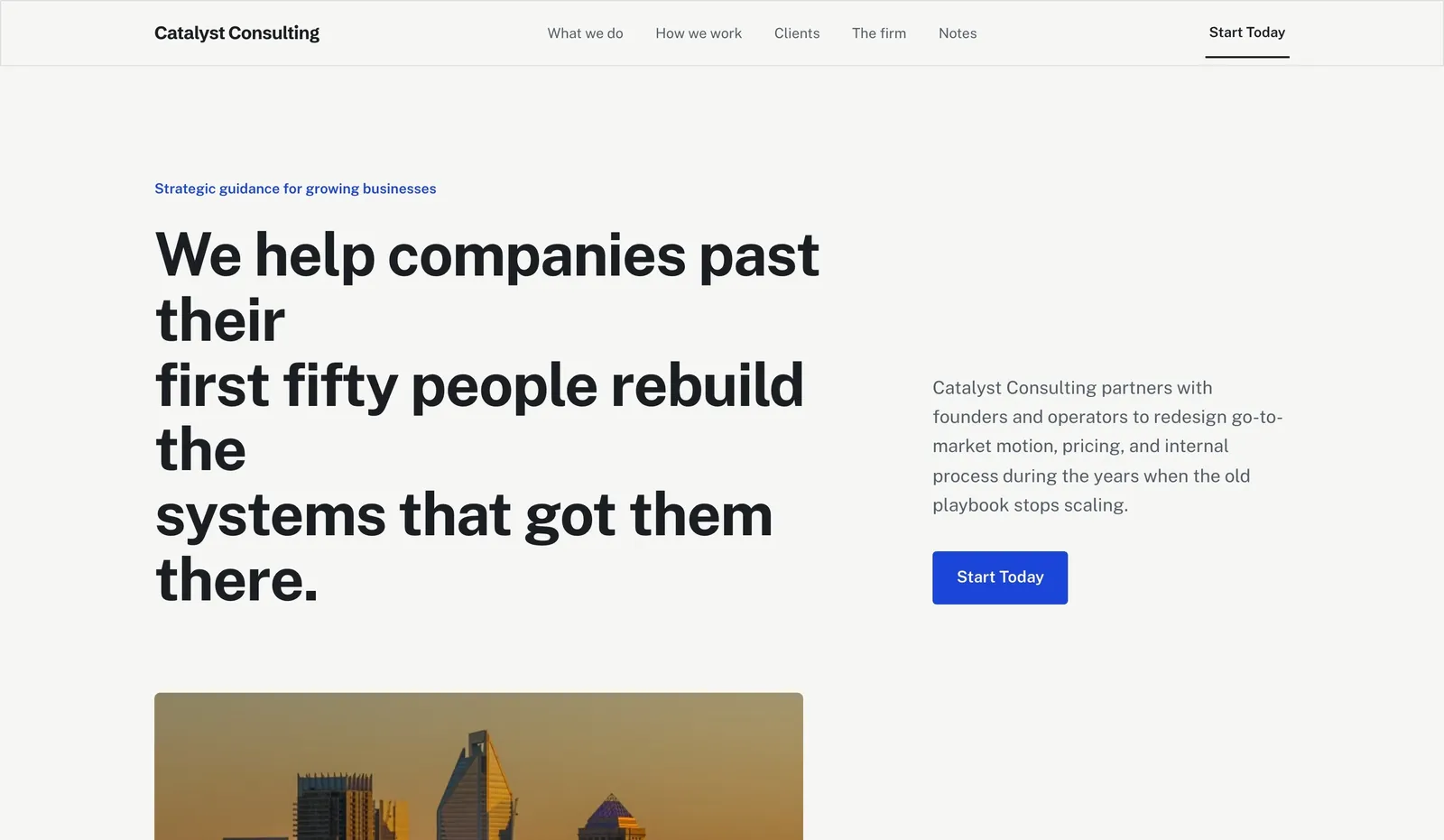
- Customer task: judge fit before committing time.
- Design choice: a plain email address, a calendar link, and one line on who you work with.
- Limitation: a bare calendar link invites poor-fit calls; add one or two qualifying questions.
6. Lawn care: request a quote (example design: "GreenScape Chicago")
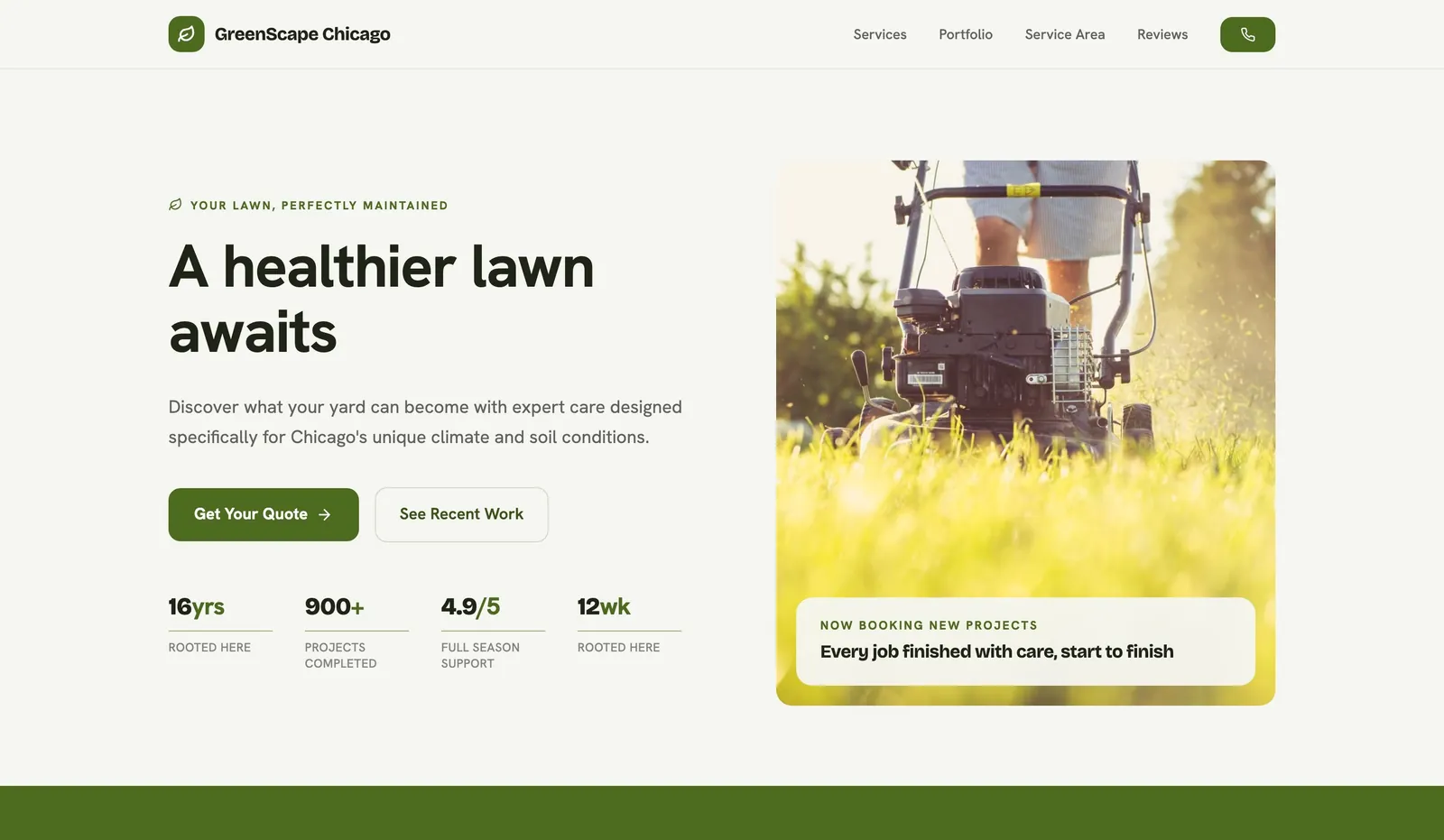
- Customer task: get a price.
- Design choice: quote form asking for address, service and rough yard size, with the service-area list above it.
- Limitation: say when they will hear back, and whether you need to visit before quoting.
Start building your business website
Comparison table
| Business | Main action | Must show beside it | Form fields |
|---|---|---|---|
| Plumber | Tap to call | Hours, emergency cover, area | Name, phone, suburb, problem |
| Hair salon | Book online | Address, map, parking | Usually none (booking tool) |
| Dentist | Book / call | Hours, insurance, emergencies | Name, contact, preferred time |
| Law firm | Enquiry form | No-relationship note | Name, contact, practice area |
| Consultant | Email / calendar | Who you work with | Company, need, timing |
| Lawn care | Quote form | Areas served, reply time | Address, service, yard size |
A copyable contact page brief
Main action (call / book / form / email):
Phone (tappable) + hours + out-of-hours note:
Email shown in plain text? yes/no
Address + map, or areas served:
Form fields (max 5):
What happens after they submit + reply time:
Where submissions go (inbox):
Anything they should NOT send us:
Test it before launch
- Tap the phone number on a real phone; it should open the dialler.
- Submit the form and confirm the email arrives (check spam). See how to add a contact form.
- Check the map pin and address match your Google Business Profile.
- Run the website grader for missing labels and headings.
What to adapt and what not to copy
- Adapt: one main action matched to how your customers buy, with reassurance right next to it.
- Do not copy: placeholder addresses, phone numbers or "we reply within 1 hour" promises from a template unless they are true for you.
Start from a suitable template
Choose a design from the business templates and edit it in the We.Inc website builder. New We.Inc accounts can build a site free, with no card needed to start. Starter at $20/month adds custom domains (pricing). Compare costs with the website cost calculator.
Start building your business website
Frequently asked questions
What should a contact us page include?
One main action that matches how customers buy (call, book, form or email), a tappable phone number, hours, your address or service area, a short form, and what happens after someone gets in touch.
How many fields should a contact form have?
As few as you need to reply well, usually three to five. Ask for more only when it changes your answer, such as a yard size for a quote.
Are these contact page examples real businesses?
No. They are example designs We.Inc produced from a one-sentence prompt, labelled as examples.
More in Guides
- Content Approval Workflow for Websites: Who Signs Off, When, and How to Stop It Becoming a Bottleneck | How-to Guide
- Cookie Consent Banner Examples You Can Copy
- Copy to Clipboard Button (JavaScript and React)
- Core Web Vitals: LCP, INP and CLS, with 25 Fixes
- CORS Explained: Preflight, Headers and Fixing CORS Errors
- Crawled - Currently Not Indexed: Why Google Skipped Your Page
- "Crawled - Currently Not Indexed" on a Small Site: What to Do | How-to Guide
- CSS aspect-ratio and object-fit, With a Focal Point Picker
Website builders for the businesses in this article
Related guides and tools
Start building
- best website builders for small business
- how to make a website
- AI website builder
- free website builder
- website templates
Product
Who It's For
- For Agencies
- For Freelancers
- For Hosting Providers
- For SaaS Platforms
- For Startups
- For Financial Services
- For Healthcare
Features
Resources
- Blog
- Help Center
- Free Business Tools
- Free UI Components
- Website Templates
- Template Collections
- Website Examples
- Guides
- Comparisons
- Alternatives
- Best Lists
- Reviews
- Pricing Guides
- Use Cases
- Glossary & Guides
- Integrations
- Developers
- Benchmark
- Windows App