White-Label Platform Contract Checklist for Agencies: What to Agree Before You Resell | How-to Guide
A clause-by-clause checklist for agencies signing with a white-label website platform: branding and confidentiality, who owns client sites and data, data protection and sub-processors, pricing changes, support and liability, and what happens to your clients if either side leaves. Plus the terms to flow down into client contracts.
When an agency resells a white-label platform, it signs one contract and then makes promises to every client on top of it. If the platform contract is vague, every client contract inherits the gap: you promise a client their site is theirs, but your supplier's terms say otherwise; you promise to keep their data in a certain way, but you cannot say who your supplier shares it with. This checklist goes through the platform agreement section by section, then shows which terms need to flow down into your client contracts so the two match.
It is written for agencies, but platform buyers in larger organisations (a franchisor, an association, a bank offering sites to customers) face the same questions.
How the contracts stack up
There are usually three layers:
- Platform to agency: the platform's terms, any order form, and often a data processing agreement.
- Agency to client: your service agreement or terms, which usually covers design work, the subscription and support.
- Client to their visitors: the client's privacy policy and site terms, which must describe what the site really does.
Each layer can only give what the layer above it gives. Read the platform terms with your client contract open next to it.
1. Branding and confidentiality
| Check | Why it matters |
|---|---|
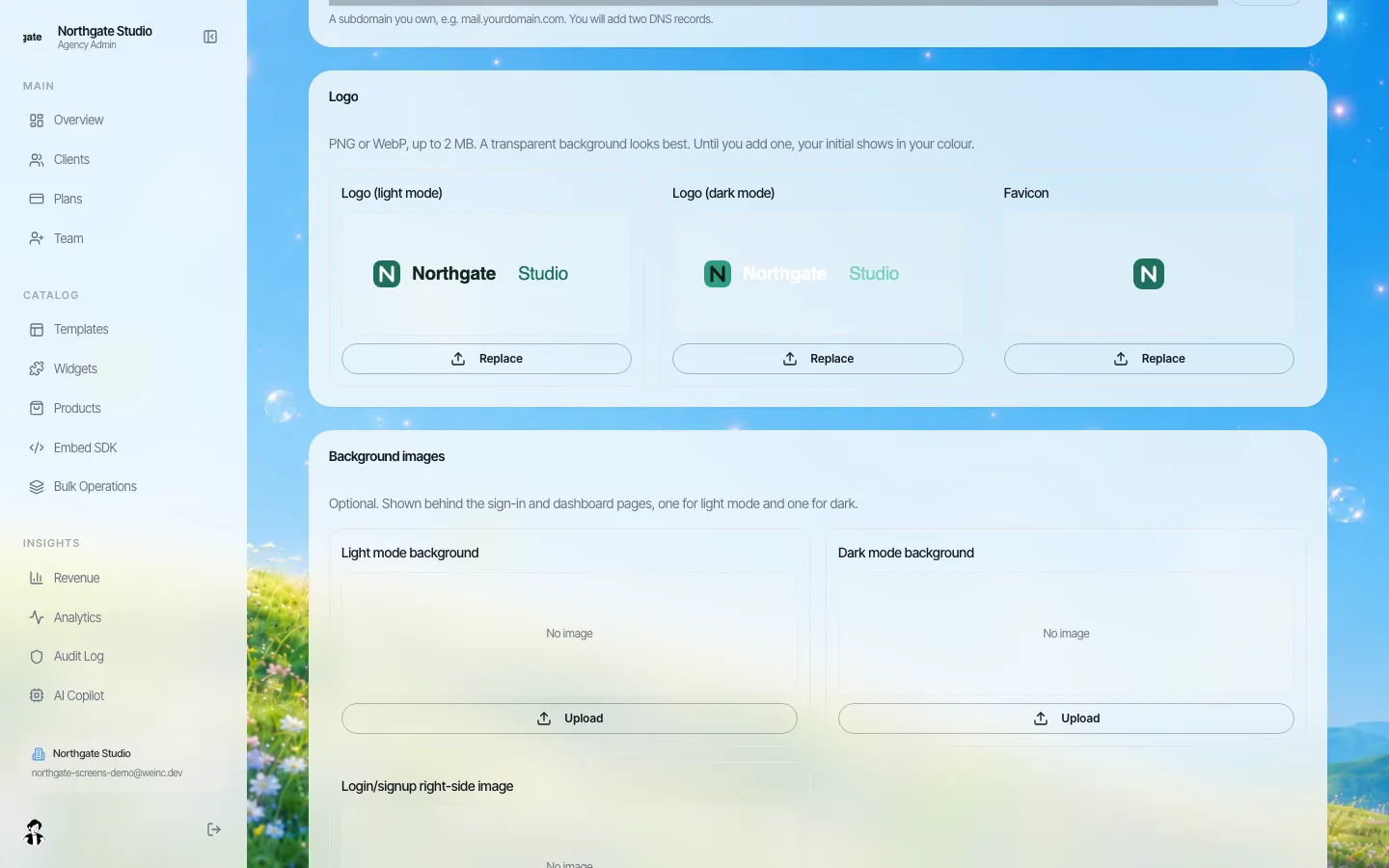
| You may present the platform entirely under your brand, with no platform name, logo or link visible to clients | That is the point of white label; some platforms keep a badge on lower tiers |
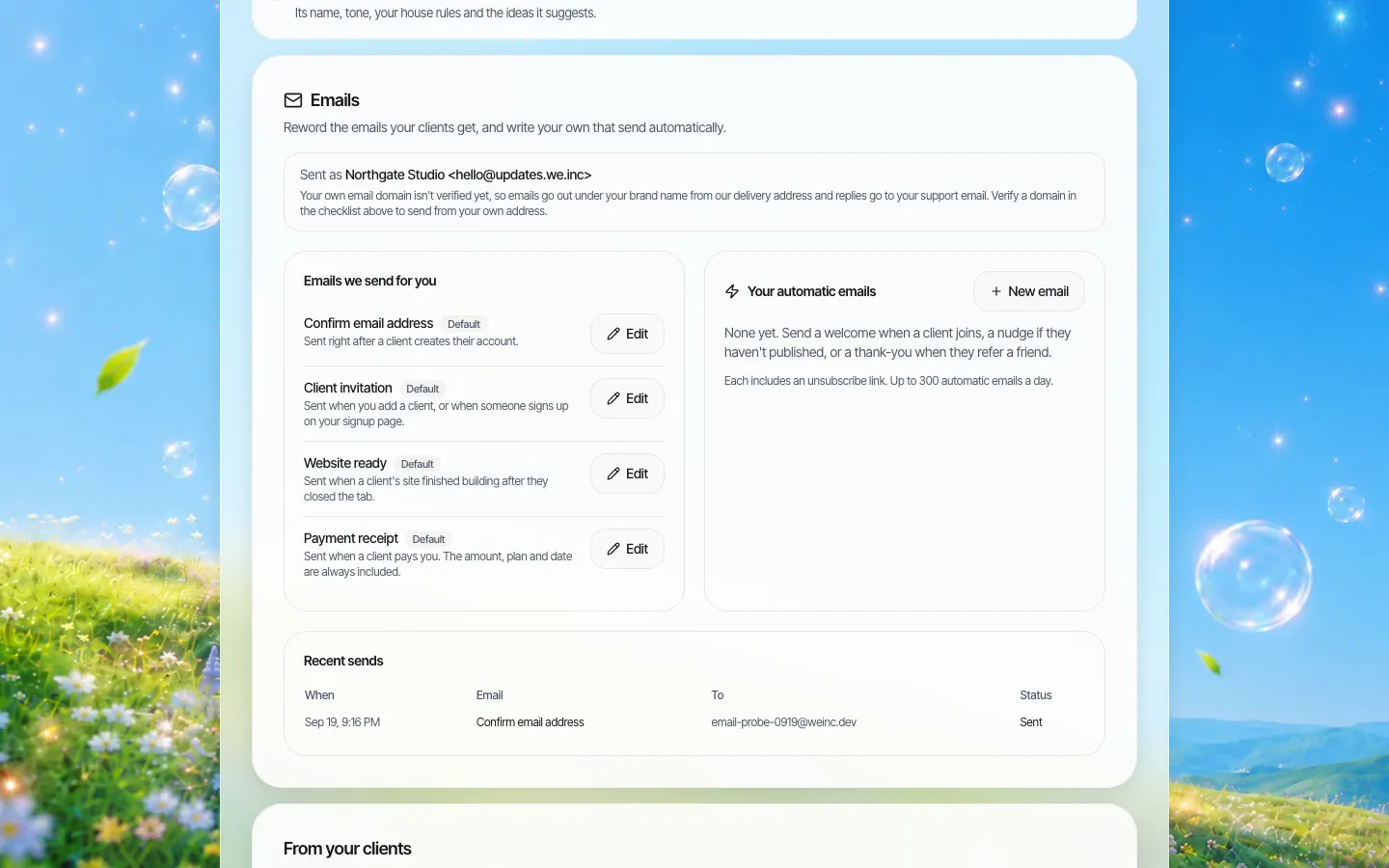
| System emails to clients (invitations, receipts, notices) come from your brand | A platform-branded email is how clients discover the supplier and go direct |
| You may use your own domain for the login and dashboard | Clients bookmark and trust the address |
| The platform will not contact or market to your clients directly | Protects your relationship; ask for it in writing |
| Whether you must disclose the platform to clients who ask, or in your privacy notice | Data protection law may require you to name sub-processors anyway (section 3) |
2. Ownership: sites, content, code and accounts
This is the section to read twice. Separate four things the platform terms may treat differently:
- The platform software. Always the platform's. Fine.
- Client content (text, images, logos the client supplies). Should remain the client's, with the platform holding only the licence it needs to host and display it.
- The site's design and code generated or built on the platform. Who owns it, and can it be exported in a usable form? Templates may carry their own licence.
- The client's account. Is it the agency's account with the client as a sub-user, or the client's own account under your brand? This decides what happens if you part ways.
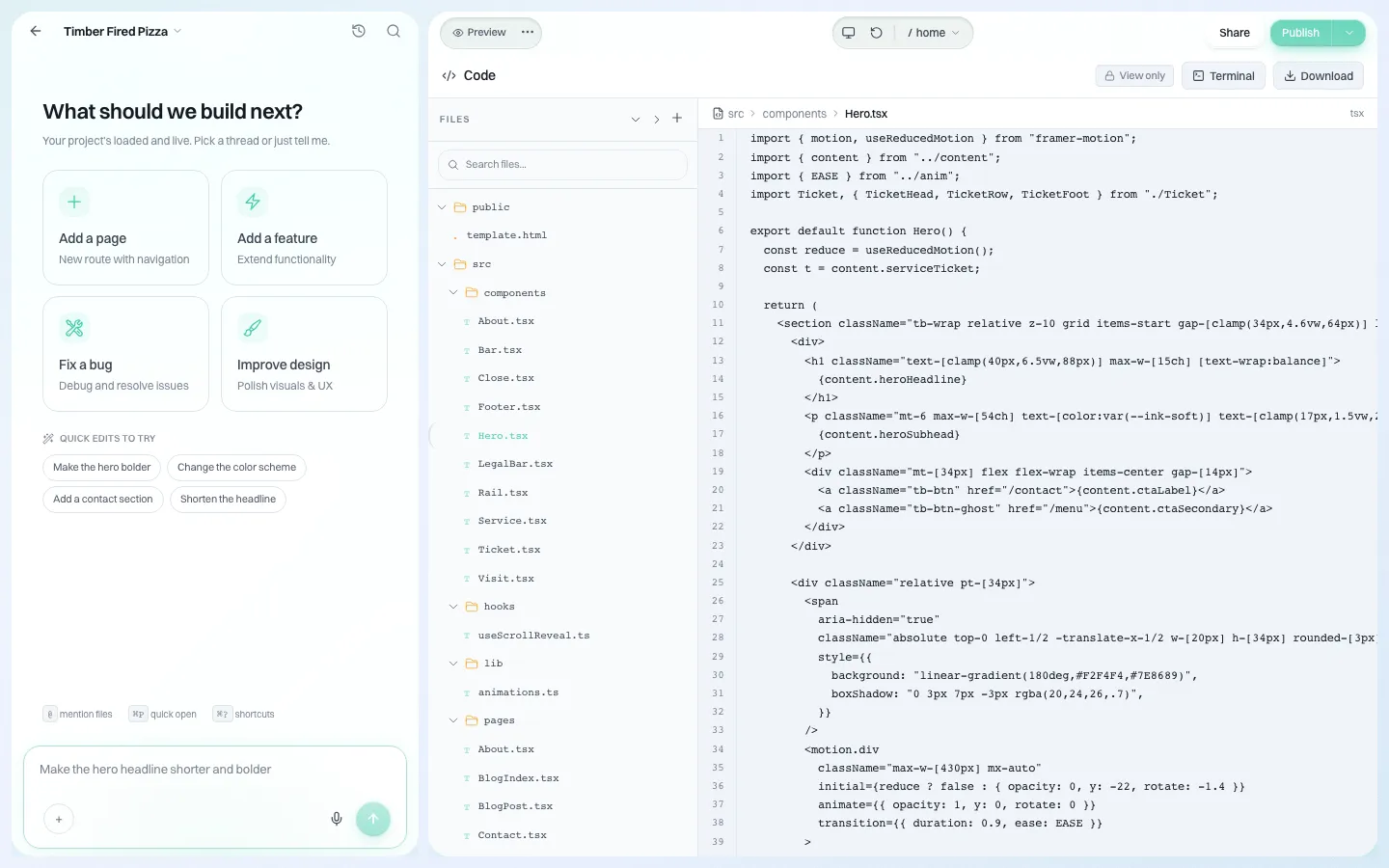
Ask the platform to show, not describe, the export: a downloadable copy of a site's code or content, in a format another host could use.
3. Data protection and sub-processors
If you or your clients are subject to the GDPR or similar laws, the platform is usually processing personal data on your behalf (visitor form submissions, client account details). Under Article 28 of the GDPR, a processor may not engage another processor without the controller's prior specific or general written authorisation, and under a general authorisation must tell the controller about intended changes so the controller can object. Article 28(3) lists what the processing contract must cover. As a checklist:
| Article 28(3) | What to look for in the platform's terms |
|---|---|
| (a) Documented instructions | Processes data only to provide the service you bought |
| (b) Confidentiality | Staff with access are bound by confidentiality |
| (c) Security | A description of security measures, not just "industry standard" |
| (d) Sub-processors | A published list, and notice of changes you can object to |
| (e) Data subject requests | How they help you answer access and deletion requests |
| (f) Breaches and assessments | How and how quickly they tell you about a breach |
| (g) End of service | Deletion or return of data at your choice when the contract ends |
| (h) Audits | Information to show compliance, and audit rights |
Also ask where data is stored and which countries it is transferred to. If a platform cannot answer in writing, do not promise your clients a location.
4. Money: pricing, changes and client billing
- Price changes: how much notice before your costs rise, and whether you can leave without penalty if they do. You need at least as much notice as your client contracts require you to give clients.
- Minimums: any minimum number of sites, seats or spend, and what happens if you fall below it.
- Usage-based charges: anything metered (AI usage, storage, bandwidth, emails) and how you see it before the invoice. Your client prices must cover it.
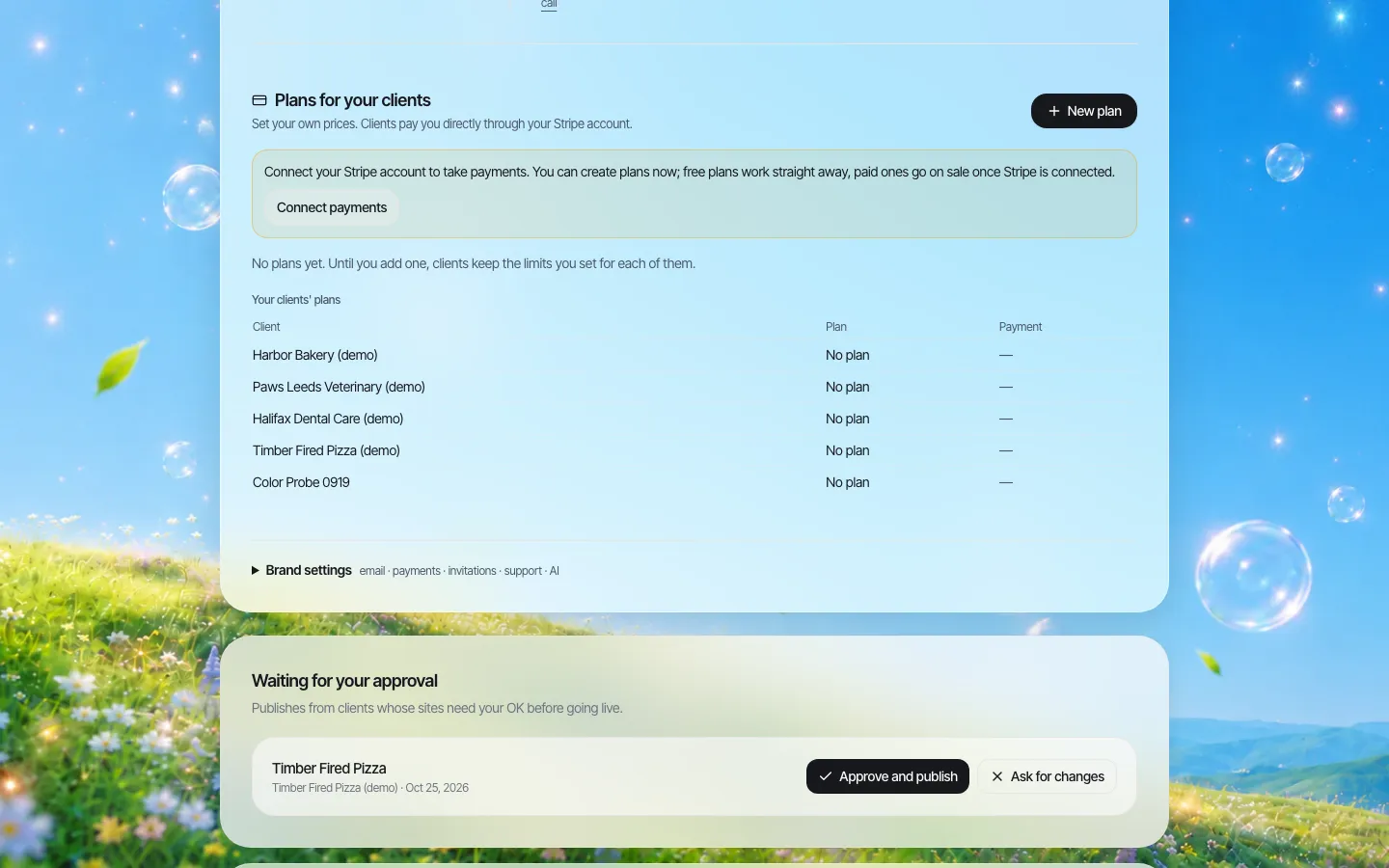
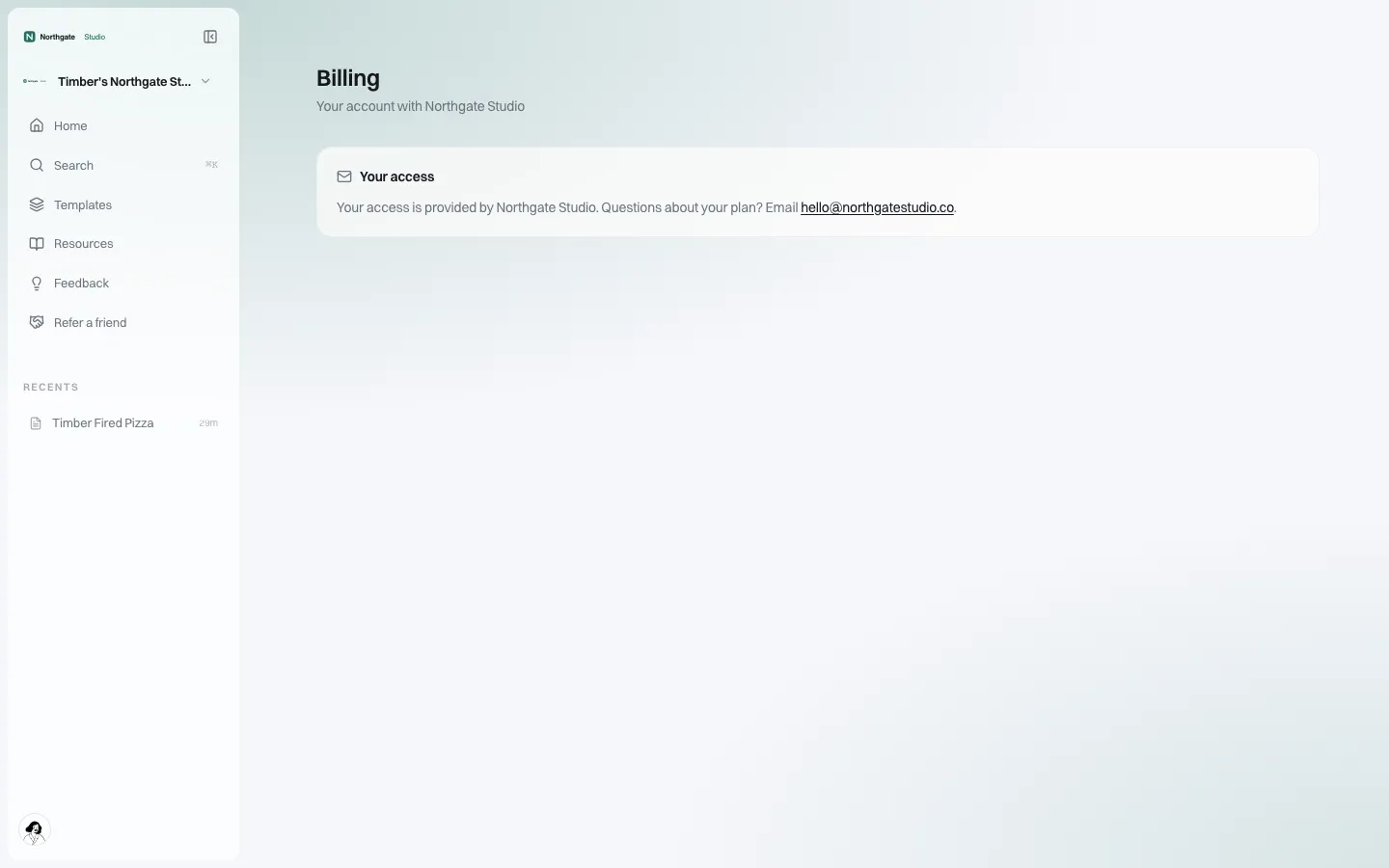
- Who bills the client: you, the platform on your behalf, or the client paying the platform directly. If the platform collects money from your clients, check fees, payout timing and who handles refunds and chargebacks.
- Non-payment: if you miss a payment, does the platform take your clients' sites offline? Ask for a notice period long enough to fix it.
5. Service, support and liability
- Availability and support commitments: any written figures, how they are measured, and the remedies. If there are none, do not promise clients any; see our website SLA checklist.
- Who supports whom: usually the agency supports clients and the platform supports the agency. Check support hours and channels.
- Liability cap: platform caps are often tied to fees paid over a period. Your cap towards clients should not be wildly higher than your supplier's towards you, unless you have insurance to cover the difference.
- Indemnities: for intellectual property claims against the platform software, and what you indemnify the platform for (usually your clients' content).
- Acceptable use: the platform's content rules, which you must pass on to clients because a client's breach can become yours.
6. Control: what you can restrict for clients
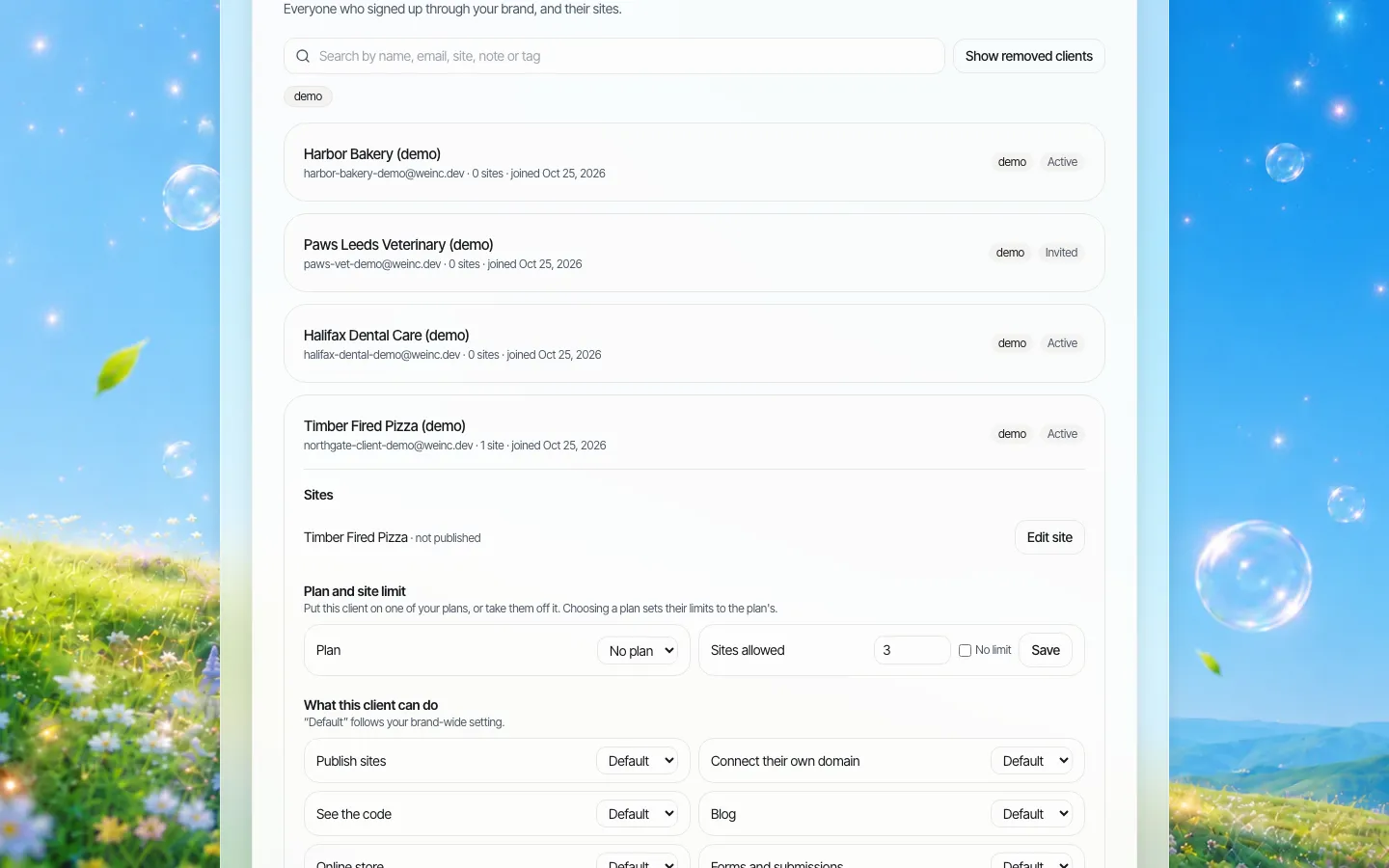
Your client contract will say what each client can do (edit their own site, publish, connect a domain, add a store). Check the platform can actually enforce that per client, and that your staff can be given limited roles.
7. Exit: when you leave, when they leave, when the platform leaves
| Scenario | Questions to settle in the contract |
|---|---|
| You end the platform contract | How long clients' sites stay online after notice; how you export every site; whether clients can continue directly with the platform |
| A client leaves you | Can the client take their site, and how? Does the platform let you release a client cleanly? |
| The platform ends your contract | Notice period; grounds; export window |
| The platform shuts down or is sold | Notice, export, and whether the terms survive a change of owner |
On We.Inc, removing a client from an agency's brand keeps that client's sites online and their account intact; they simply stop receiving the agency's controls and emails. That makes a client leaving you a clean event rather than an outage. For the wider contract clauses, see our website vendor exit plan.
8. Terms to flow down into your client contracts
| Platform term | Matching client term |
|---|---|
| Acceptable use policy | Client agrees to the same content rules |
| Sub-processor list | Your privacy terms name your sub-processors, including the platform, where law requires |
| Price-change notice | Your notice to clients is shorter than the platform's notice to you |
| Liability cap | Your cap is consistent with your supplier's and your insurance |
| Export format and process | What the client receives when they leave, and any fee for preparing it |
| Support model | Support hours and channels you can actually staff |
| Usage-based charges | Usage allowances in the client plan, and what happens above them |
For the design-project side of client agreements (scope, revisions, payment stages), use our web design contract template.
Questions to ask in a platform demo
- Show me a client's login, dashboard and emails. Is your name anywhere?
- Show me exporting one site. What do I get?
- If I remove a client, what happens to their live site?
- If I stop paying, what happens to my clients, and after how long?
- Who are your sub-processors, and how do you tell me about changes?
- What is metered, and where do I see it before the invoice?
- Can I restrict what each client does, and require approval before a client's site goes live?
- Can my staff have limited roles?
We are happy to be asked all of them. White-label on We.Inc is set up through a conversation rather than a self-serve sign-up, so the contract questions come up early: book a demo and bring this list. We do not claim certifications or availability figures we have not published; ask us in writing for anything your clients need. For the product overview, see reseller billing and branded client emails.
Sources
Last checked 2026-10-25.
- Regulation (EU) 2016/679 (GDPR), Article 28: Processor.
This checklist is general information, not legal advice. Have a lawyer review the platform agreement and your client contracts.
Frequently asked questions
What should a white-label platform agreement cover?
Branding and confidentiality, ownership of client content, site code and accounts, data protection and sub-processors, pricing changes and client billing, support and liability, per-client controls, and what happens to clients' sites when the agency, a client or the platform leaves.
Who owns a website built on a white-label platform?
It depends on the contract. The platform software stays the platform's; client content should stay the client's; ownership and export of the site's design and code, and whose account the site sits in, must be checked in the terms and demonstrated in practice.
Does the GDPR apply to white-label platforms?
Often, yes. Where the platform processes personal data for you, Article 28 requires a contract covering instructions, confidentiality, security, sub-processors, data subject requests, breaches, deletion or return at the end, and audits, and sub-processors need your written authorisation.
Which platform terms should flow down to client contracts?
Acceptable use rules, sub-processor disclosures, price-change notice, liability caps, export format and process, the support model and any usage-based limits, so you never promise clients more than your supplier promises you.
What happens to a client's site if an agency removes them on We.Inc?
The client's sites stay online and their account stays intact; they stop receiving the agency's controls and branded emails, and the agency can restore them later.
More in Guides
- White-Label AI App Builder for Agencies: Resell Apps
- White-Label Website Builder vs Enterprise CMS: An Honest Fit Guide | How-to Guide
- White-Label Website Builder Pricing: 5 Models, 50 Sites Cost
- Who Owns a Client Website on a White-Label Platform?
- Why Does My Website Say "Not Secure"?
- Why Is My Website Not Showing on Google? A Step-by-Step Diagnosis | How-to Guide
- WooCommerce vs Shopify: What You Actually Pay and Manage
- The Default WordPress .htaccess File, and Safe Things to Add
Related guides and tools
Start building
- how to make a website
- AI website builder
- free website builder
- website templates
- website builders by industry
Product
Who It's For
- For Agencies
- For Freelancers
- For Hosting Providers
- For SaaS Platforms
- For Startups
- For Financial Services
- For Healthcare
Features
- Drag & Drop Editor
- Built-in SEO Tools
- Custom Branding
- Client Dashboard
- Reseller Billing (Stripe Connect)
Resources
- Blog
- Help Center
- Free Business Tools
- Free UI Components
- Website Templates
- Template Collections
- Website Examples
- Guides
- Comparisons
- Alternatives
- Best Lists
- Reviews
- Pricing Guides
- Use Cases
- Glossary & Guides
- Integrations
- Developers
- Benchmark
- Windows App