

7 Essential Types of Business Websites Every Entrepreneur Should Know
The seven website types a business can build, what each one is actually for, how long each takes, and how to tell which one your business needs right now.
Looking for business.site? What happened to Google's free business websites
If you searched for "business site" because your old Google website stopped working, this is why. Google used to let owners make a simple free website from their Google Business Profile, on an address ending in business.site (or negocio.site). In late 2023 Google announced it was winding these sites down because few people used them.
From March 2024, visitors to a business.site address were redirected to the business's Google Business Profile instead. Those redirects ran until June 10, 2024. After that, the old links lead to a "page not found" error, and Google removed business.site addresses from the website field of Business Profiles.
Your Business Profile itself was not affected: your listing on Google Search and Maps, reviews, photos and hours all stayed. Only the free website went away, which is why many profiles now show no website at all.
What to do if you had a business.site website
- Check your Business Profile. If the website field is empty or still shows the old address, you have no working site linked from Google.
- Make a replacement site. It can be one page to start: what you do, where you are, your hours, photos and a way to call or send a message.
- Add the new address to the website field of your Business Profile, so people who find you on Google Search or Maps can reach it.
- Replace the old business.site link anywhere else it appears: social media bios, email signatures, printed cards and directory listings.
- If you want your own name as the address (yourbusiness.com), register a domain and connect it to the new site.
One way to replace it for free: start a We.Inc site from a template. The free plan publishes up to 3 template sites on a we.inc address; a custom domain and AI building start at $20 a month.
Sources: TechRadar: Google is shutting down websites made with Business Profiles; Android Central: Google to shut down Business Profile websites starting March.
Most advice about business websites skips the first decision and goes straight to the design. That is backwards. A beautiful brochure site will lose money for a business that needed a store, and an elaborate store will sit empty for a business whose customers want to book a call.
There are really only seven types of business website. Each one exists to do a different job. Here is what each one is for, who it fits, what it costs in time, and the signal that tells you you picked wrong.
What is a business website?
A business website is the site a company owns on its own address that tells customers what it sells, proves it is real, and gives them one clear next step: buy, book, call or ask for a quote. Most websites in business do one of seven jobs, and the type you need follows from that job, not from your industry.
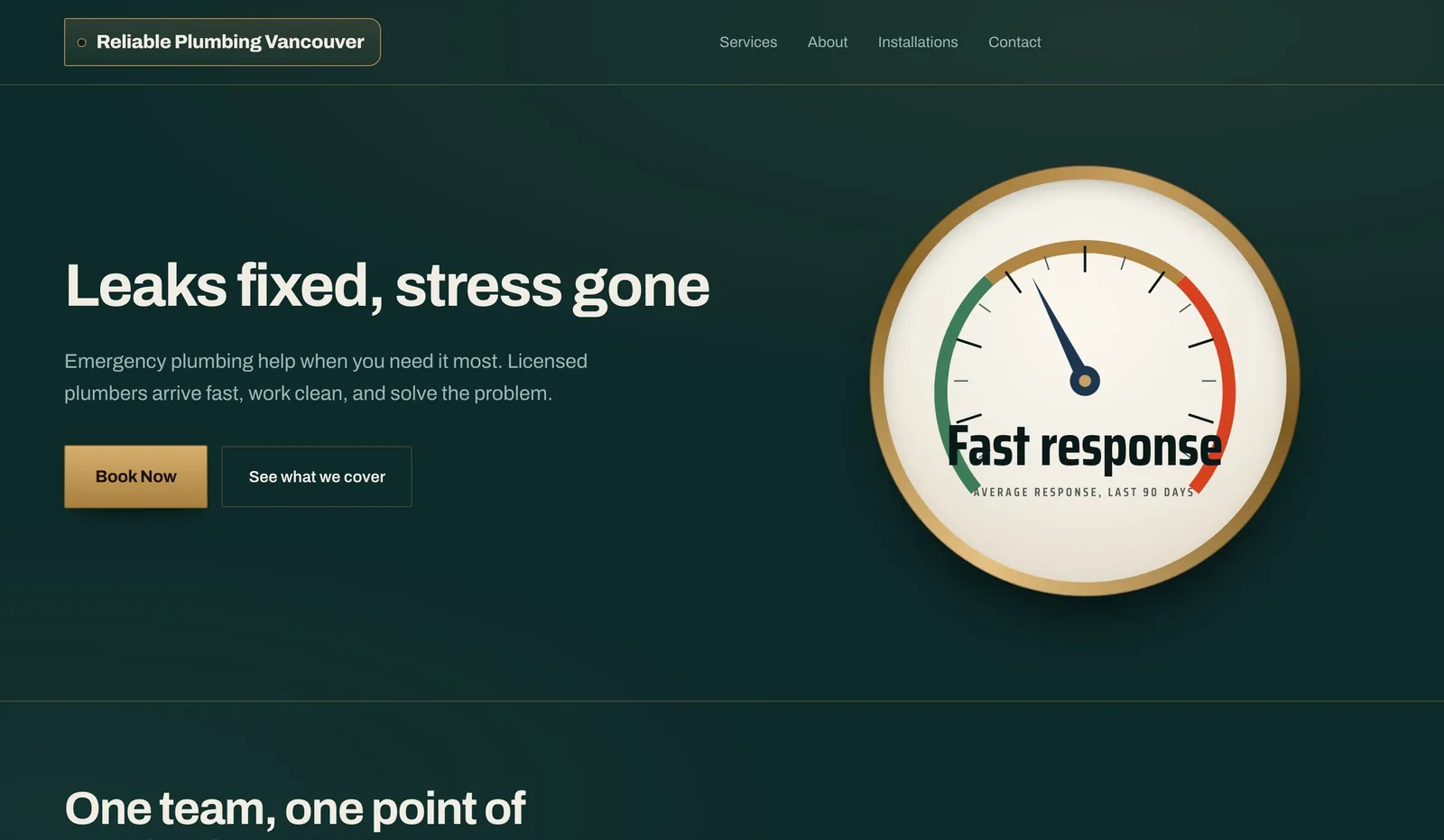
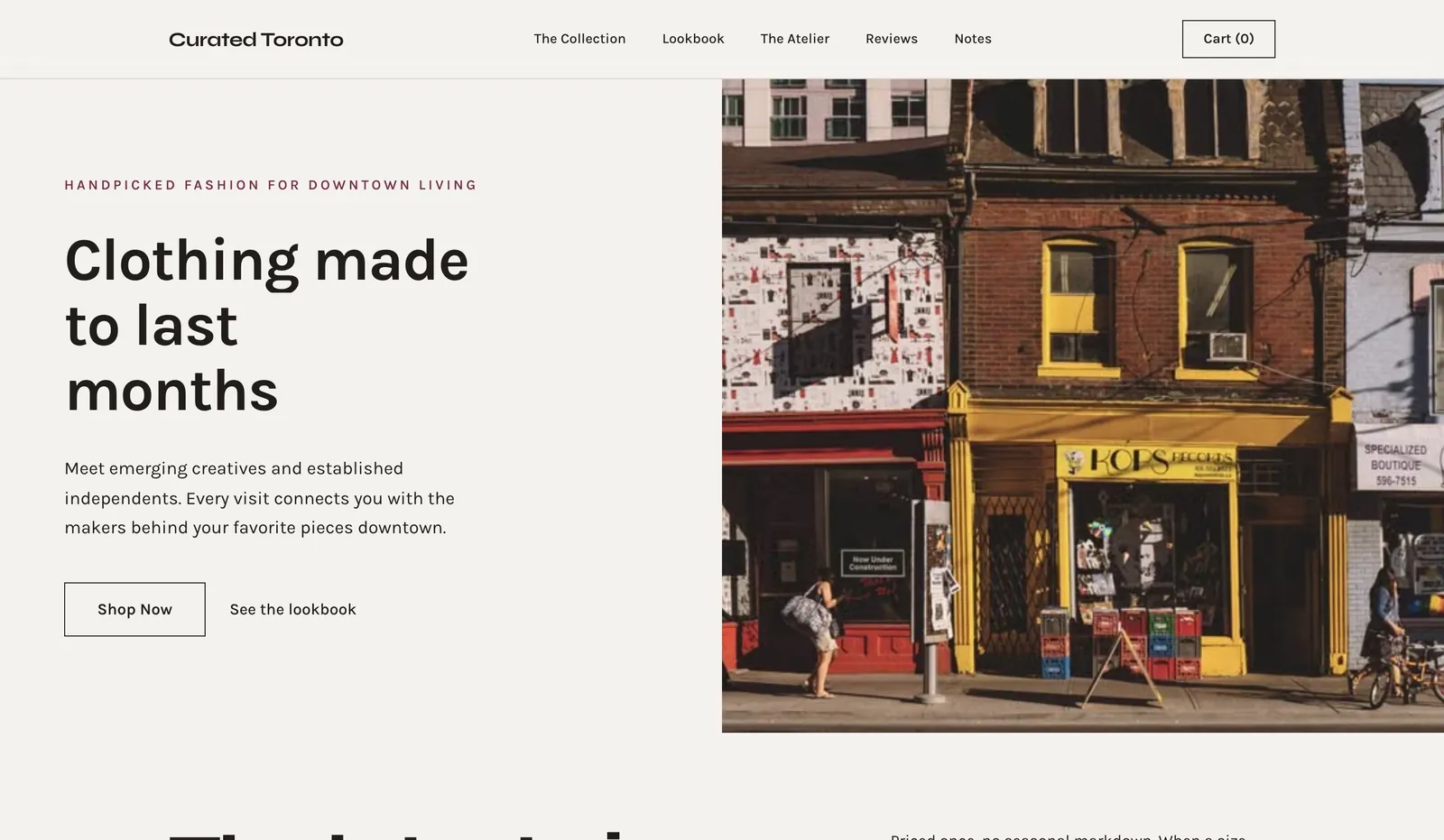
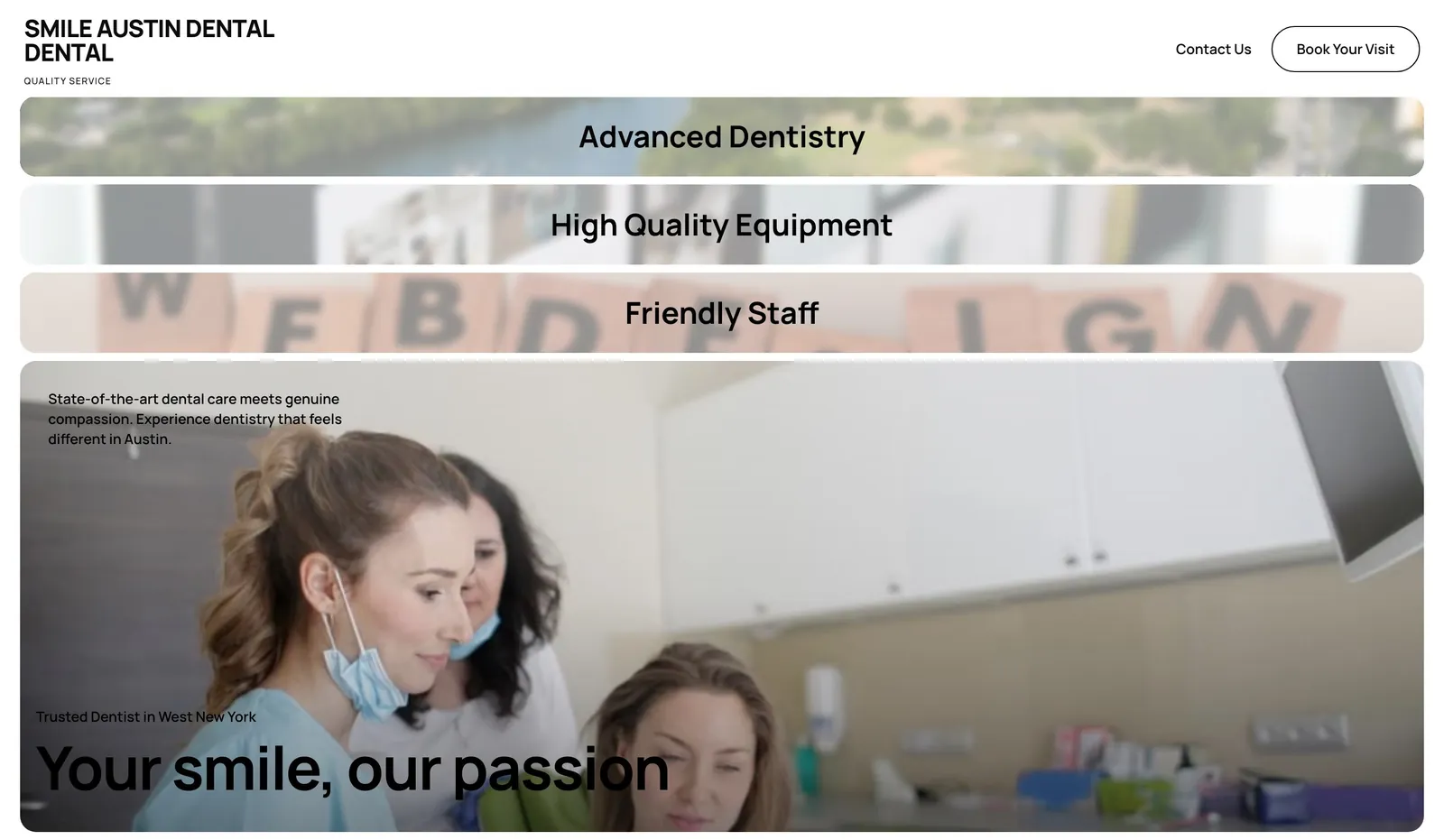
Here is what three of those types look like in practice. These are example designs from the We.Inc library, built for made-up businesses, not customer sites:
Every business website, whatever its type, needs the same basics: a clear headline that says what you do and where, a way to contact you on every page, real photos, your address or service area, and a page title and description Google can show. The type decides what goes on top of those basics.
1. The single-offer landing page
The job: get one specific action from one specific audience. Nothing else.
A landing page has no navigation to speak of, one offer, and one call to action. That constraint is the point. Every link you add is an exit, and a page with one exit converts several times better than a page with nine.
Fits: launches, paid ad traffic, a webinar, a waitlist, a single product, validating an idea before you build it.
Structure that works:
- A headline naming the outcome, not the feature
- One line of proof (a number, a name, a result)
- Three to five sections that each handle one objection
- The same call to action repeated three times
- No header nav, no footer sitemap, no blog link
Time to build: an afternoon.
You picked wrong if: visitors arrive with questions your page cannot answer because you stripped out too much context. High-consideration purchases usually need a real site behind the page.
Deeper dive: how to create a landing page and landing page examples that convert.
2. The company site (brochure site)
The job: establish that you exist, are real, and are competent. It answers "are these people legitimate" for someone who already heard your name.
This is the most common business website and the most commonly over-built. Its readers are people who already have a reason to check you out: a referral, someone who met you at an event, a buyer doing diligence, a candidate, a journalist. They want four things fast: what you do, who you have done it for, who you are, and how to reach you.
Fits: consultancies, agencies, B2B services, manufacturers, professional practices, anyone whose deals start off the website.
The pages that carry the weight:
- Home, which states the offer in one sentence
- Services or what we do
- About, with real names and real faces
- Proof: case studies, clients, credentials
- Contact, with a working form and a real response time
Time to build: one to two days.
You picked wrong if: you are running ads to it. Cold traffic hitting a brochure site bounces. Send cold traffic to a landing page and keep the company site for warm arrivals.
3. The lead-generation site
The job: turn anonymous traffic into a named contact you can follow up with.
The difference between this and a brochure site is intent. A lead-gen site is engineered around capture. It has something worth trading an email address for, it has forms in more than one place, and it has a follow-up sequence waiting behind the form. Without that last part it is just a brochure site with an unused form on it.
Fits: anything with a sales cycle longer than a single visit. High-ticket services, B2B software, real estate, insurance, financial services, education, construction.
What separates the ones that work:
- A specific, useful thing behind the form (a calculator, a template, a real assessment) rather than "subscribe to our newsletter"
- Forms that ask for the minimum now and more later
- An automated follow-up sequence that starts within minutes, because drip campaigns are where lead-gen sites actually earn their money
- Tracking that tells you which page produced which lead
Time to build: two to three days including the follow-up sequence.
You picked wrong if: you are collecting leads nobody contacts. A lead-gen site with no follow-up process is worse than no site, because it teaches prospects you are unresponsive.
4. The online store
The job: take money for a physical or digital product without a human involved.
A store is the type with the most moving parts: catalogue, variants, inventory, payment, tax, shipping, returns, and email receipts. That complexity is why store projects stall. The way through it is to launch narrow, with a handful of products and one shipping option, and expand once orders are real.
Fits: physical products, digital downloads, courses, subscriptions, anything with a defined price and no negotiation.
The parts that decide whether it converts:
- Product photography, which is genuinely the highest-leverage investment in e-commerce
- A checkout with as few steps as you can get away with
- Visible shipping cost and delivery time before checkout, because unexpected cost at the last step is the single largest cause of abandonment
- Reviews on the product page, not on a separate reviews page
Time to build: two to five days for a focused catalogue.
You picked wrong if: every sale still involves a conversation about price, spec, or fit. That is a quote business, and it wants a lead-gen site.
Deeper dive: how to build an e-commerce website.
5. The booking or service site
The job: fill a calendar. The conversion event is an appointment, not a purchase or a form.
This is the right type for any business that sells its own time or a location's capacity. It looks like a small brochure site with one critical difference: scheduling is the centre of the page, not buried under contact.
Fits: clinics, salons, trades, coaches, consultants, studios, restaurants, tutors, repair services, anyone with a diary.
What matters most:
- Real-time availability, not "call us to book"
- Service list with duration and price, because hidden pricing kills local conversion
- Mobile-first, since the overwhelming majority of local service searches happen on a phone
- Location, hours, and a tap-to-call number visible without scrolling
- Automated confirmations and reminders, which is the cheapest no-show reduction available
Time to build: one to two days.
You picked wrong if: you are getting bookings you cannot service or that are the wrong fit. Add qualifying questions to the booking flow rather than removing the booking flow.
6. The content and authority site
The job: earn attention from people who have never heard of you, then hand them to one of the other types.
This is a long game and it is frequently misunderstood as "we should have a blog". A content site is a deliberate library built around what your buyers search for, with a clear path from each article to an offer. Its return is compounding and slow: meaningful traffic typically takes six to twelve months, and it does not arrive at all if the content is thin.
Fits: businesses in competitive markets who cannot outbid rivals on ads, and anyone selling to people who research before buying.
What separates a content asset from a content graveyard:
- Topics chosen from real search demand, not from what you feel like writing
- Genuine depth on fewer pages, since fifty thin posts now actively suppress a domain
- Every article ends in a specific next step
- Internal links that connect related pieces, so a reader who finds one page finds three
Time to build: the site in a day, the asset over a year.
You picked wrong if: you are pre-product-market fit. Content is a distribution strategy for an offer that already converts. It cannot rescue an offer nobody wants.
7. The web app or product site
The job: the software *is* the business. The site both explains it and delivers it.
Here the website splits into two surfaces that often get conflated: the marketing site that sells the product, and the application itself behind a login. They have opposite goals. The marketing site is optimised for a stranger deciding in forty seconds. The app is optimised for a paying user doing the same task for the hundredth time.
Fits: SaaS, marketplaces, internal tools sold externally, platforms, anything with accounts and recurring billing.
What early product sites get wrong:
- Leading with features instead of the problem
- No pricing page, which filters out serious buyers rather than protecting you
- No live demo or free path to trying it, in a market where every competitor offers one
- Treating the app's design language as the marketing site's design language
Time to build: the marketing site in a day or two. The application is a real engineering project.
You picked wrong if: you are building software to serve a need a simpler site already handles. Plenty of "we need an app" conversations end at a booking page.
Deeper dive: how to build a web app without code.
Picking yours in one question
Ask: what is the single next action a good customer takes?
| Their next action | Build this |
|---|---|
| Buy right now, fixed price | Online store |
| Book a time | Booking site |
| Ask for a quote or a call | Lead-generation site |
| Check we are legitimate | Company site |
| Do one specific thing from an ad | Landing page |
| Learn about the problem first | Content site |
| Sign up and start using it | Web app and product site |
If two answers feel true, build the one that produces revenue soonest. The other one is version two.
The order most businesses should build in
- Company site or landing page. Get something real and credible live this week. Waiting six months for the perfect site costs more than shipping an imperfect one.
- Add the transaction layer. Booking or checkout, whichever matches how you get paid.
- Add capture and follow-up. Forms plus an automated sequence, so visits stop being disposable.
- Add content. Once the offer converts, feed it traffic.
- Add the product. Only when a simpler site has proven the demand.
Most businesses that struggle with their website skipped step one and are still iterating on it a year later.
Key takeaways
There is no best type of business website, only a match or a mismatch with how your customers buy. Pick the type that matches the next action a customer takes, build the smallest honest version of it, and let real traffic tell you what to add.
The practical advantage now is that picking wrong is cheap to fix. You can describe the site you need and have We.Inc build it live in your browser, publish it to your own domain, and change type entirely when the business does. See also the pages every business website needs.
Frequently asked questions
What are the main types of business websites?
The seven that cover almost every business are: the single-offer landing page, the company or brochure site, the lead-generation site, the online store, the booking or service site, the content and authority site, and the web app or product site. Most businesses need one of these now and a second one later, not all seven.
Which type of website is best for a small business?
If you sell services locally, a booking or service site. If you sell products, an online store. If you sell a considered purchase where people compare before buying, a lead-generation site. The deciding factor is how a customer actually buys from you, not the size of the business.
Can one website be more than one type?
Yes, and most mature sites are. A company site with a store attached and a blog is three types in one. The mistake is trying to be three types on day one. Build the type that matches how you get paid today, then bolt on the rest once that works.
How much does each type of business website cost to build?
With an AI builder, a landing page or brochure site is an afternoon and effectively free to start. Stores and booking sites add payment and scheduling setup, so budget a couple of days plus transaction fees. Marketplaces and web apps are genuine software projects and cost accordingly, whether you build them yourself or hire.
How do I know I picked the wrong website type?
The clearest signal is traffic that does not convert. If people arrive, read, and leave without a next step, your site is informing when it should be selling or capturing. If people try to buy and cannot finish, you built a brochure where you needed a store.
What should every business website include?
A headline that says what you do and where, contact details or a form on every page, your address or service area, real photos, and a page title and description for search results. Add the pages your type needs on top: products for a store, a booking form for a service business.
Can I build a business website for free?
Yes. On We.Inc the free plan lets you build up to 3 sites from templates and publish them on a we.inc address, with no AI credits and no custom domain. AI building and your own domain start on Starter at $20 a month.
More in Blog
- Veterinary Website Design: Pages, Costs and a Template
- Vibe Coding in 2026: 92% of Developers Use AI Tools, but Only 29% Trust the Output
- Web Design Agency Pricing: 4 Models and the Margin Math Behind Each
- Web Design Recurring Revenue: Retainers, Care Plans and Subscriptions Compared
- Web Design vs Web Development: What's the Difference?
- Website Accessibility: A Practical WCAG 2.2 Guide
- Website Analytics Setup: A Step-by-Step Guide
- Website as a Service (WaaS): Pricing and How It Works
Website builders for the businesses in this article
Related guides and tools
Start building
How we research, test and update this page: our editorial policy. We.Inc is our own product.
Product
Who It's For
- For Agencies
- For Freelancers
- For Hosting Providers
- For SaaS Platforms
- For Startups
- For Financial Services
- For Healthcare
Features
Resources
- Blog
- Help Center
- Free Business Tools
- Free UI Components
- Website Templates
- Template Collections
- Website Examples
- Guides
- Comparisons
- Alternatives
- Best Lists
- Reviews
- Pricing Guides
- Use Cases
- Glossary & Guides
- Integrations
- Developers
- Benchmark
- Windows App